
Before / After
Scene blockout to product render
Drag the slider to compare sketch inputs against AI-rendered outputs produced with Krea Realtime.
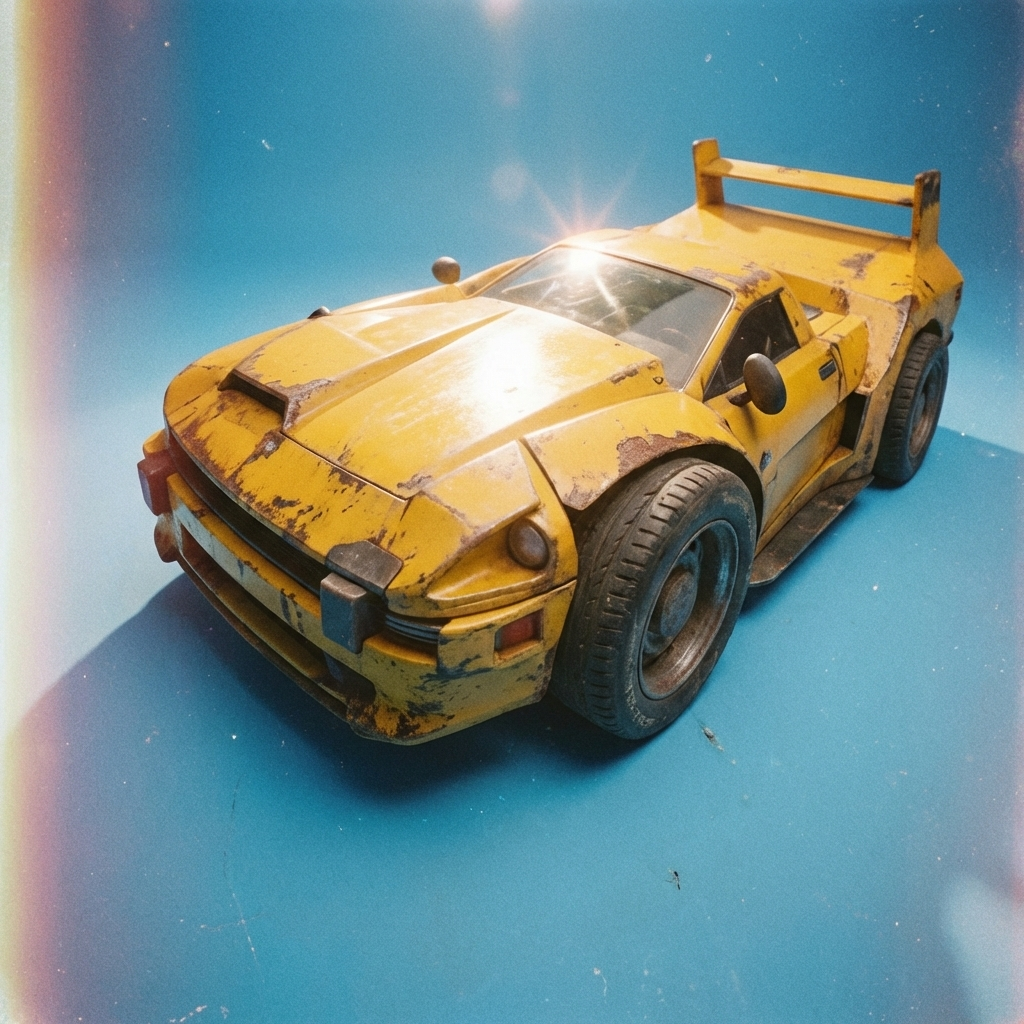
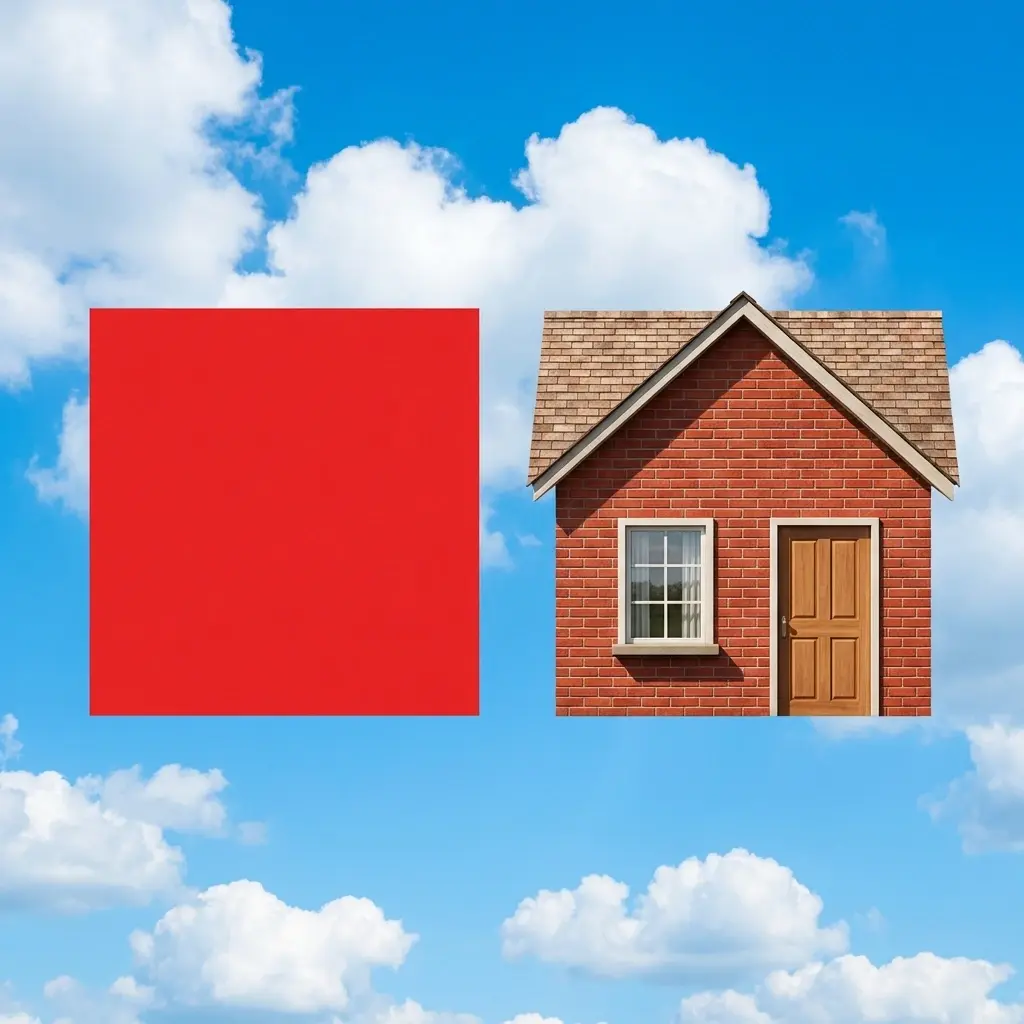
Before
After
Loose sketch on the Realtime canvas
Refined render generated from the sketch
Draw simple shapes, add a short prompt, and watch Krea render polished visuals instantly. This is the workflow Krea pioneered: sketch and direct the model at the speed of your hand.
Sketch first
Block composition with rough lines and shapes.
Prompt lightly
Add a short prompt for style and mood direction.
Iterate live
Paint over any area and watch it update instantly.
Live Realtime Demo
Paint, erase, and re-direct instantly. No generate button. No waiting loop.
How to use Krea Sketch to Image
Open the canvas and block out composition with simple brush strokes. You do not need clean linework or perfect perspective.
Describe the look you want in a sentence or two. Krea combines your text and sketch to guide style, lighting, and subject detail.
Paint over areas, move shapes, or tweak the prompt. The result updates immediately so you can refine direction without waiting on batch renders.
Use simple marks as visual intent, then guide the model to a final image with live edits.
Before / After
Drag the slider to compare sketch inputs against AI-rendered outputs produced with Krea Realtime.
Loose sketch on the Realtime canvas
Refined render generated from the sketch
Before / After
Drag the slider to compare sketch inputs against AI-rendered outputs produced with Krea Realtime.
Minimal input with prompt and basic shapes
Detailed concept frame generated in Realtime
Before / After
Drag the slider to compare sketch inputs against AI-rendered outputs produced with Krea Realtime.
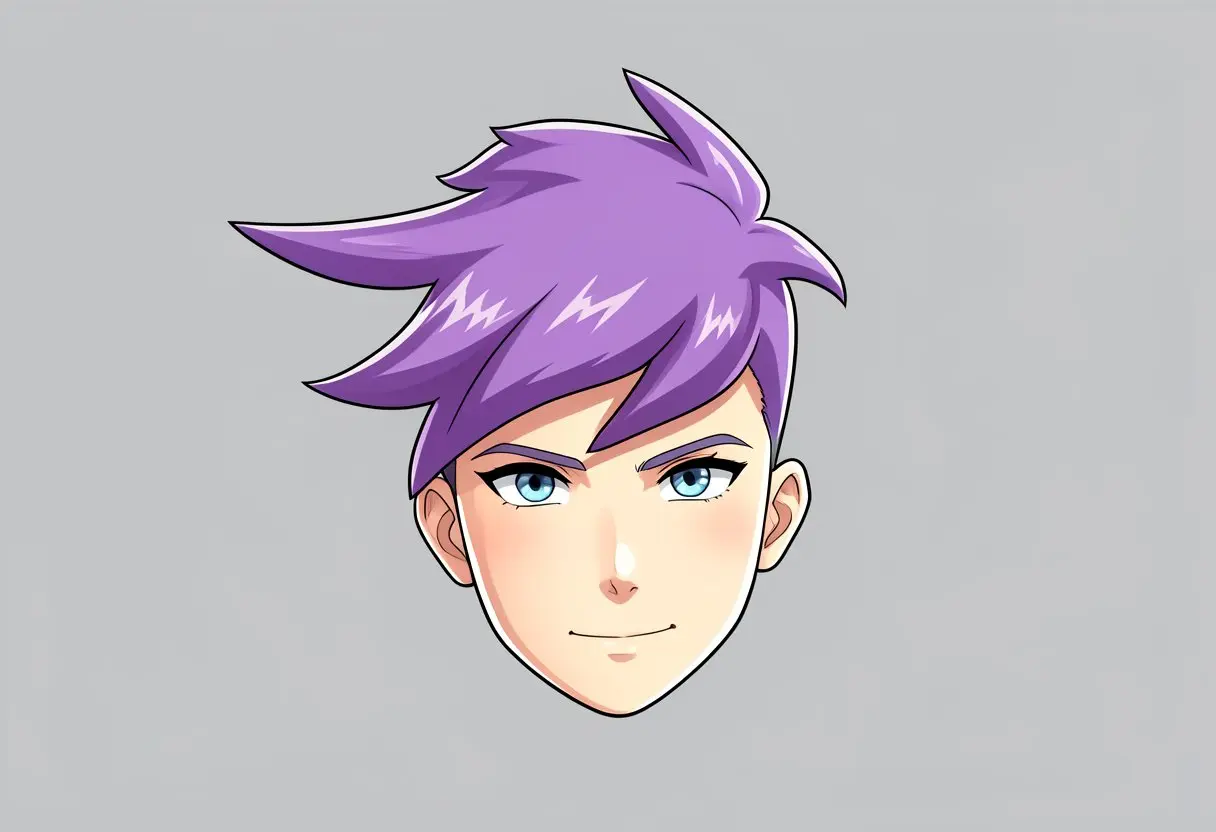
Reference content streamed into the canvas
Stylized output rendered in real time
Krea pioneered realtime sketch-to-image workflows. Instead of waiting for static generations, you draw, direct, and refine with immediate visual feedback.
Open Krea RealtimeGuide composition with rough shapes, gestures, and color blocks. Krea interprets your visual intent directly from the canvas.
Explore other Krea toolsEvery brush stroke can update the output instantly. Explore ideas faster and make composition decisions while you are still drawing.
Explore other Krea tools
Start messy, iterate quickly, and land on a finished visual in the same workspace without switching tools.
Explore other Krea toolsRead our testimonials
Real reviews on TrustpilotSo many AI tools out there but I always come back to Krea. It's really the one AI platform that 'just works'.

FYN
Krea's interfaces are still the best in the industry. Everything looks and feels so clean and easy to use! Imo the easiest to use gen AI website.

Lynn
Ultra fast generations. Extremely simple to use. All the latest AI models.

Daniel
KREA is the only AI subscription I have right now besides ChatGPT.

Sophia M.
Sketch to image means using rough drawings as visual guidance for AI generation. Krea reads your sketch and prompt together to render a refined image.
No. Loose shapes and quick strokes are enough. The model is designed to infer intent from minimal visual input and natural-language prompts.
Yes. Krea Realtime updates outputs continuously as you draw and edit, so you can iterate without the traditional prompt-generate-wait loop.
Yes. This is the core workflow: sketch for layout and structure, then use prompts to guide style, materials, lighting, and mood.
Yes. You can open Krea Realtime and begin testing sketch-to-image workflows with free usage before upgrading.
No setup. No complicated workflow. Start sketching in Krea Realtime now.
Explore more AI tools created by the Krea community.
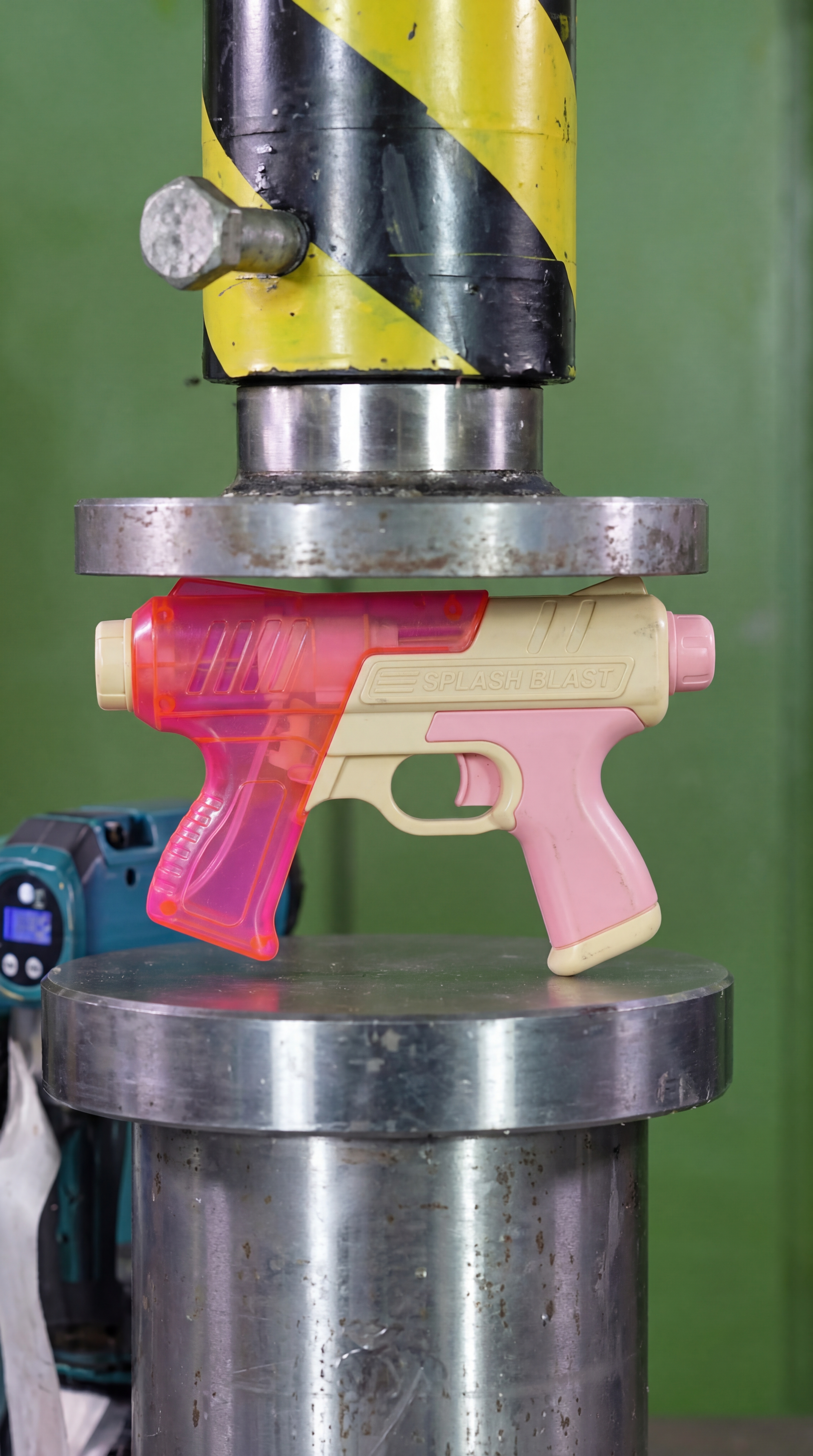
Hydraulic Press
Watch your favourite item get crushed!
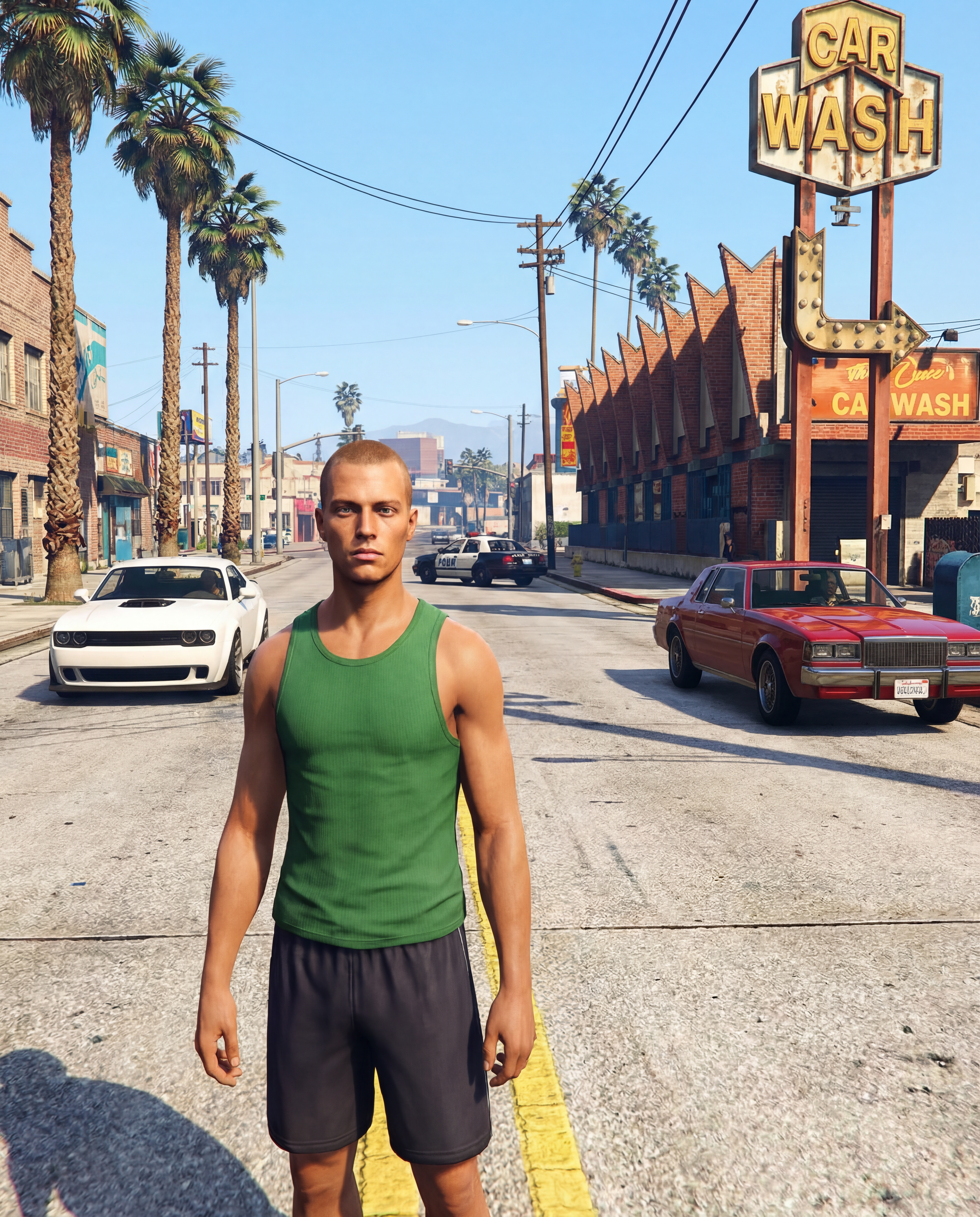
GTA Me!
Upload a photo of yourself and complete the mission.

CCTV Footage
Generate realistic multi-camera CCTV-style footage from a single image. Upload a photo and the app creates four different security-camera angles inside a convenience store.
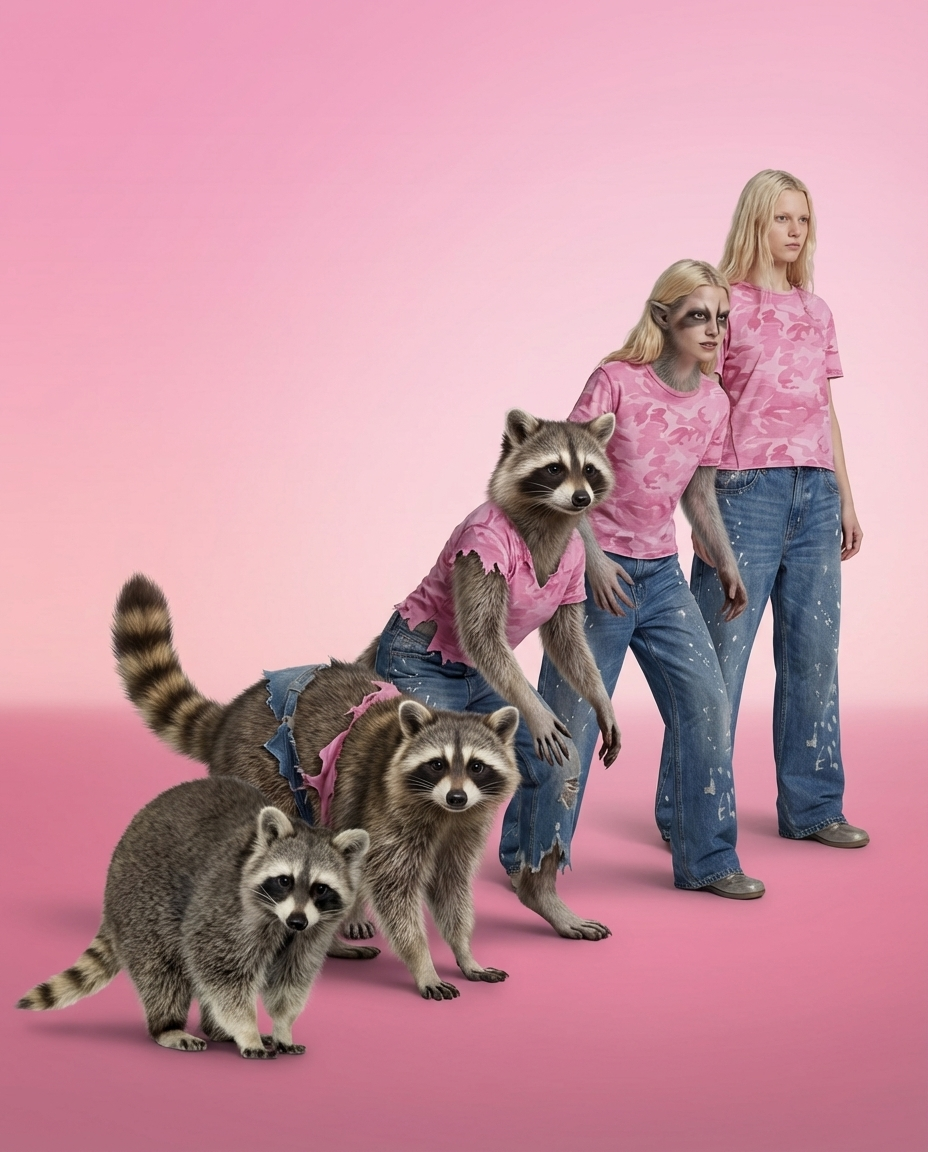
Animorph Yourself
Upload your photo and an animal image, and get your own Animorph-style transformation sequence.
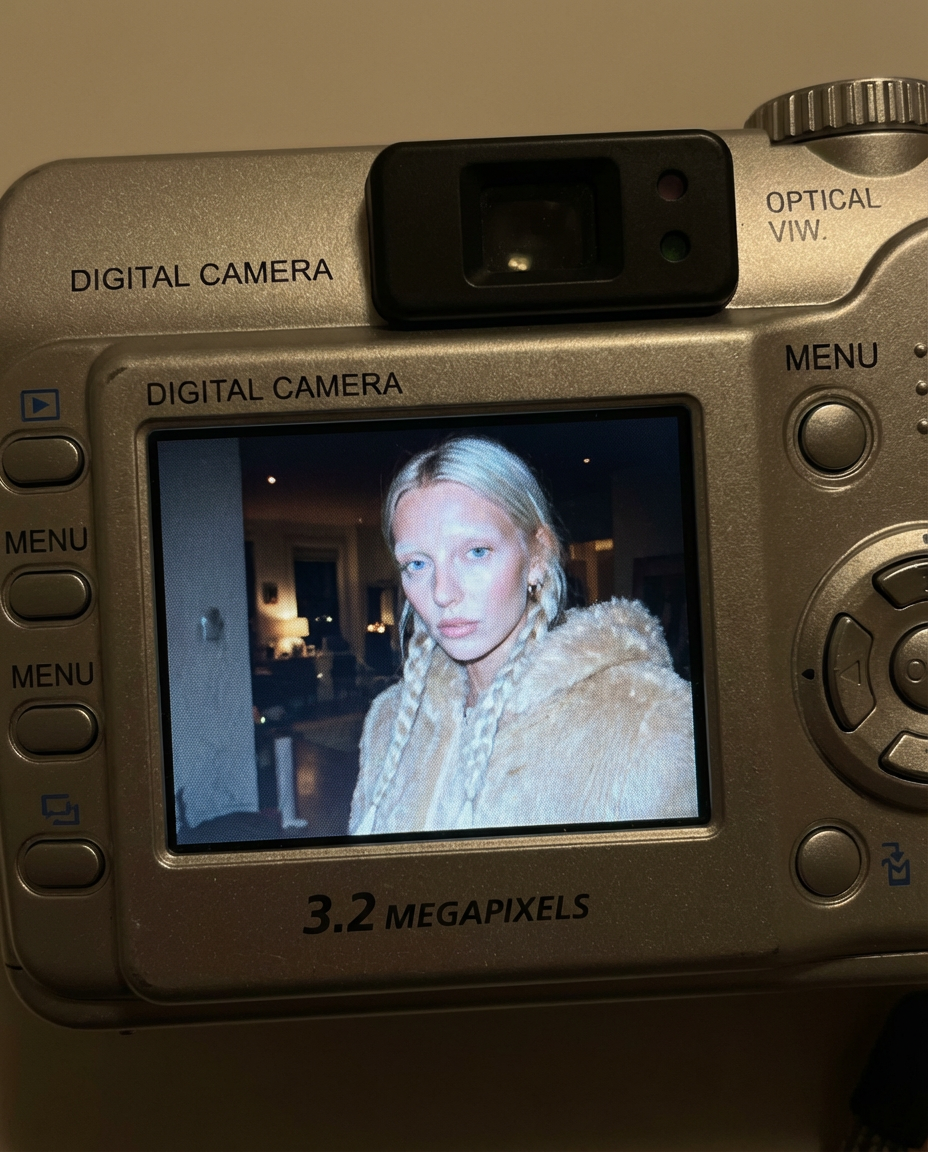
Digicam
Upload an image and the app places your face onto the screen of an early-2000s point-and-shoot camera.
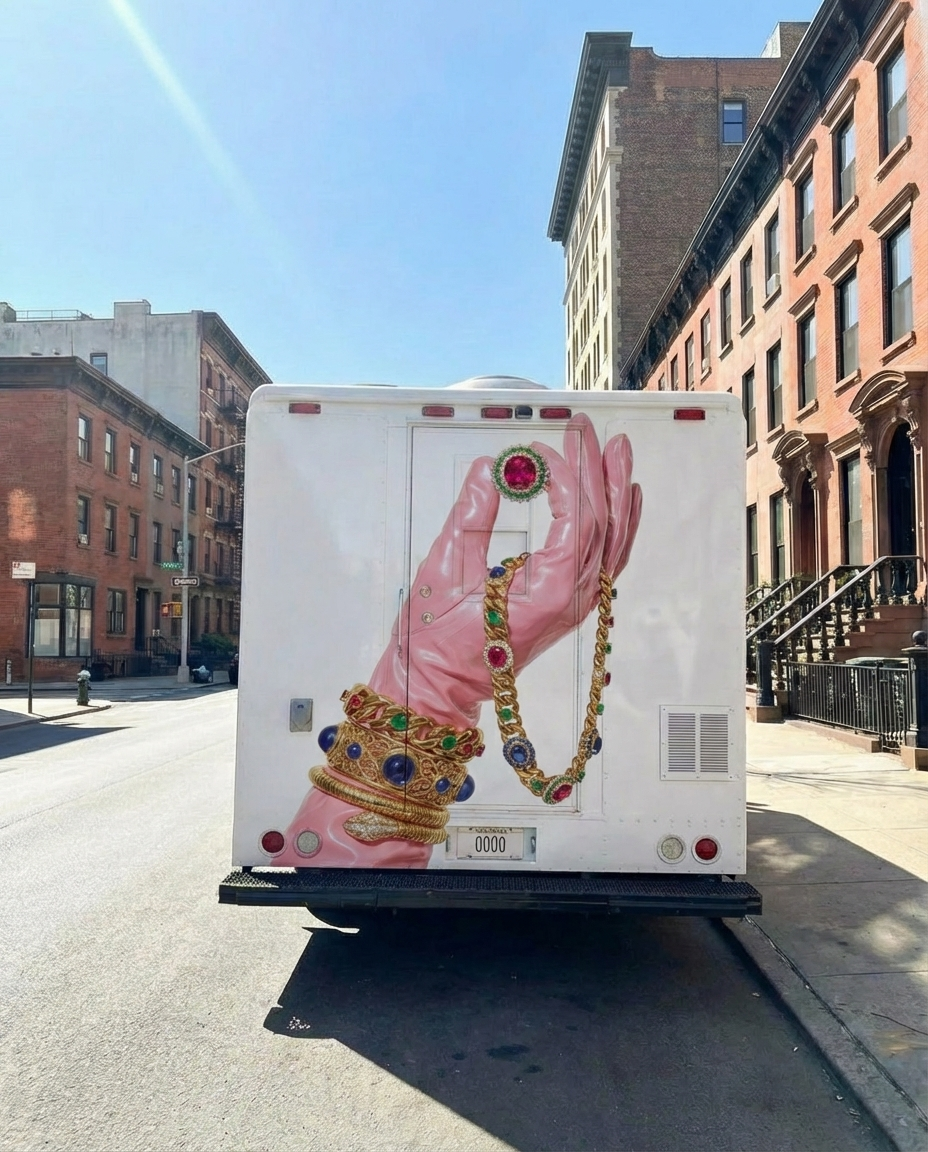
Moving Ad
Upload an image or a poster, and the app places your design on the back of the vehicle and generates a video of the van driving.
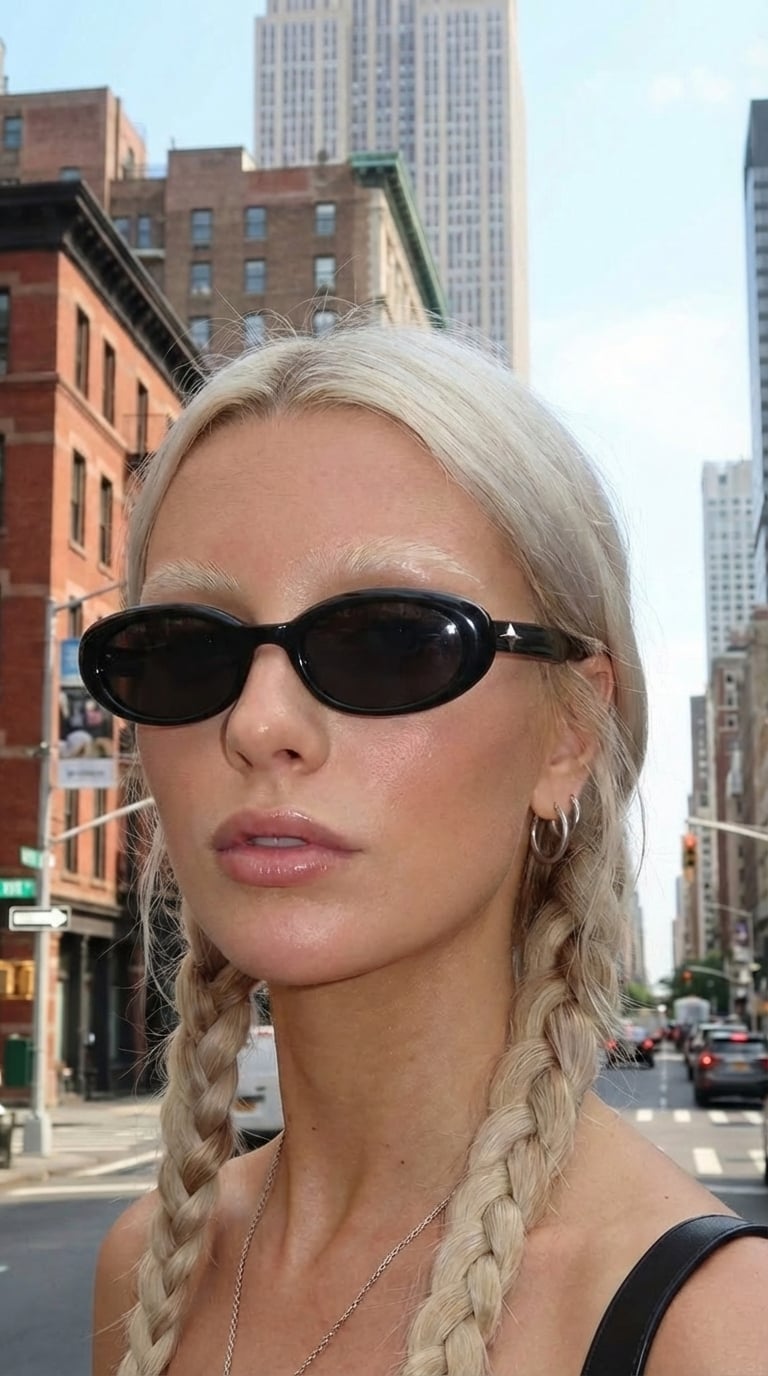
360 Sunglasses Product Video
Upload an image of your model and an image of the glasses, and get a 360° rotation video showing the model wearing the glasses.
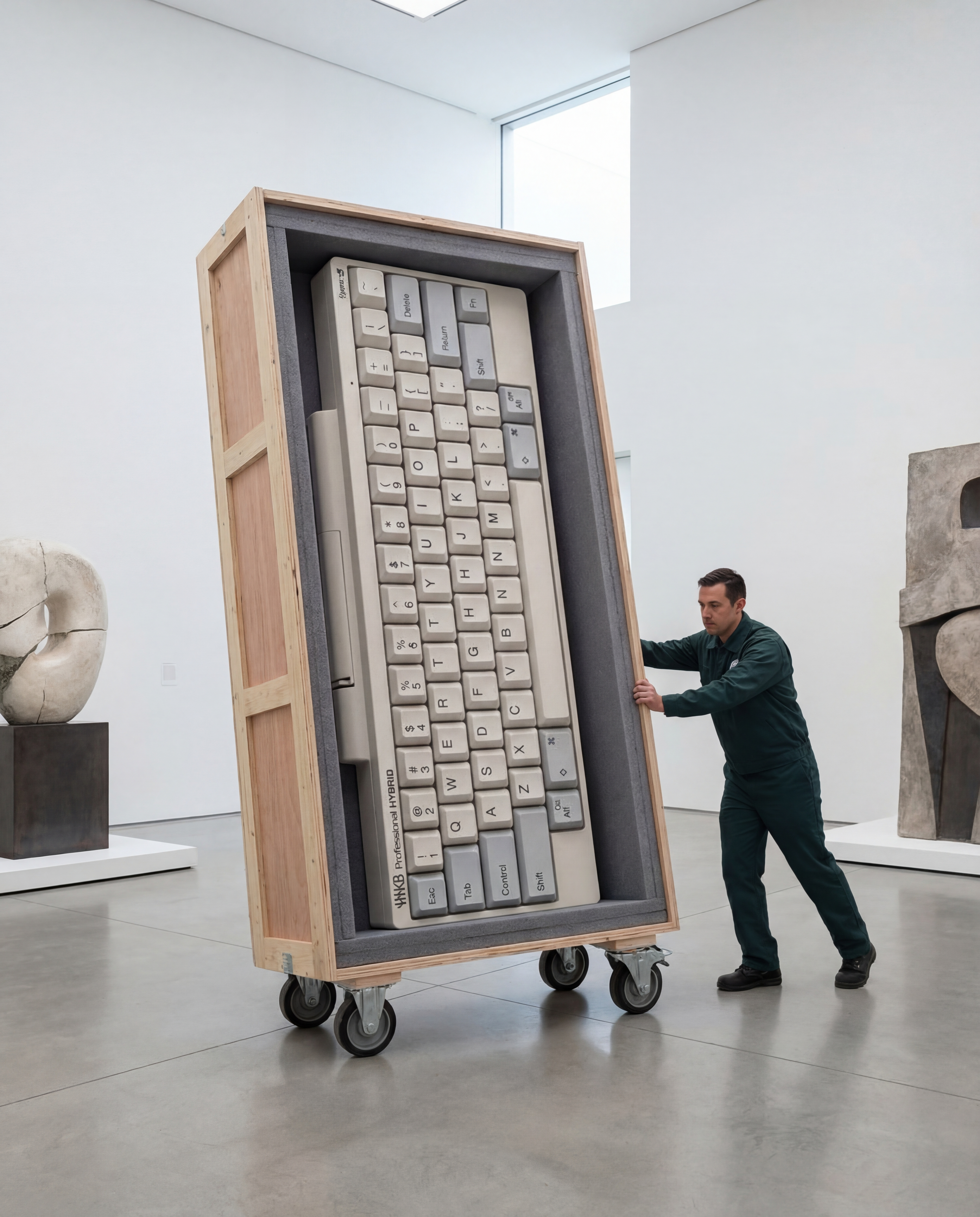
Rare Artifact
Upload a product image (a high quality image with a white background will work best)
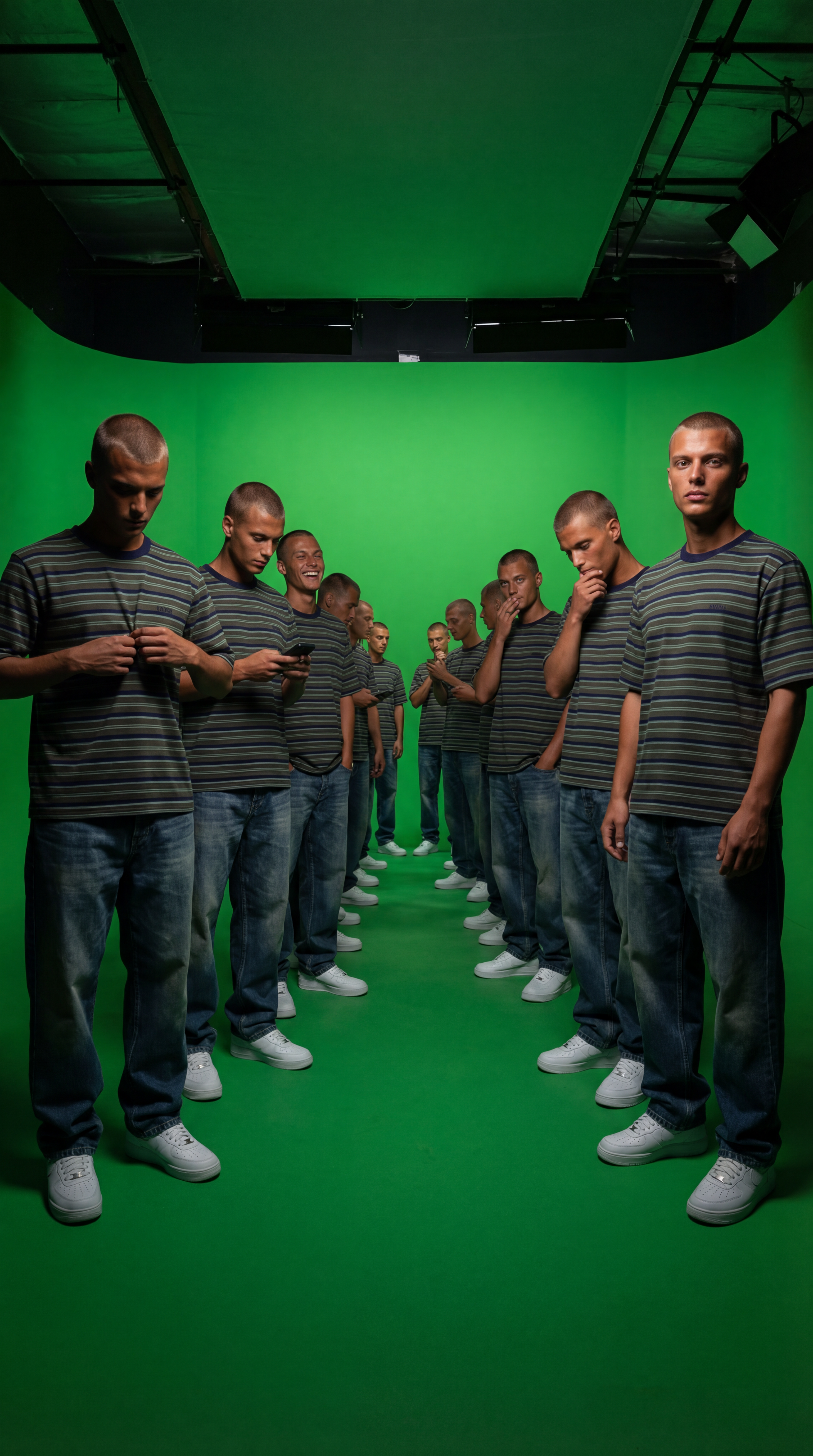
Duplicate Me
Insert a full length photo for best results!
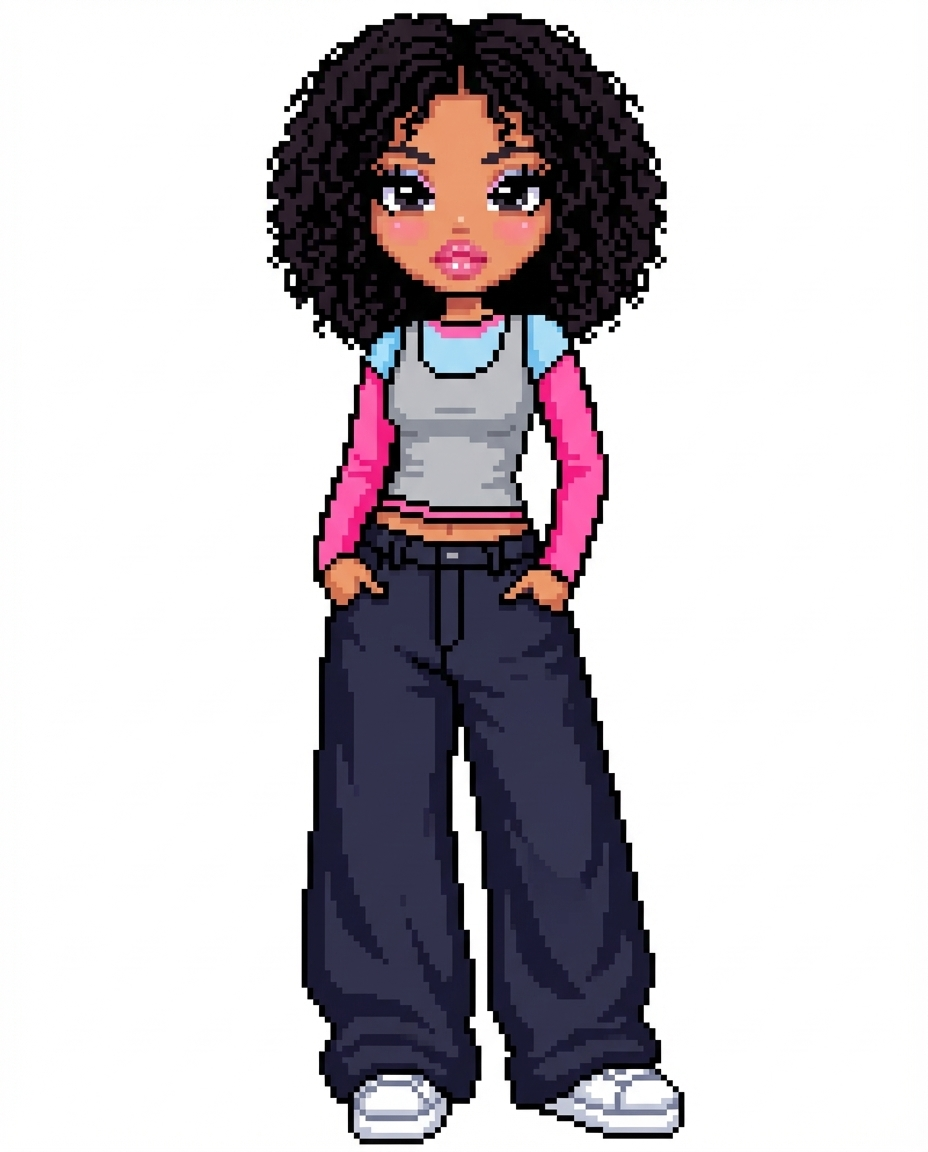
Dollz Maker
Upload your image and instantly get a cute pixel-art version of yourself inspired by early 2000s doll makers.
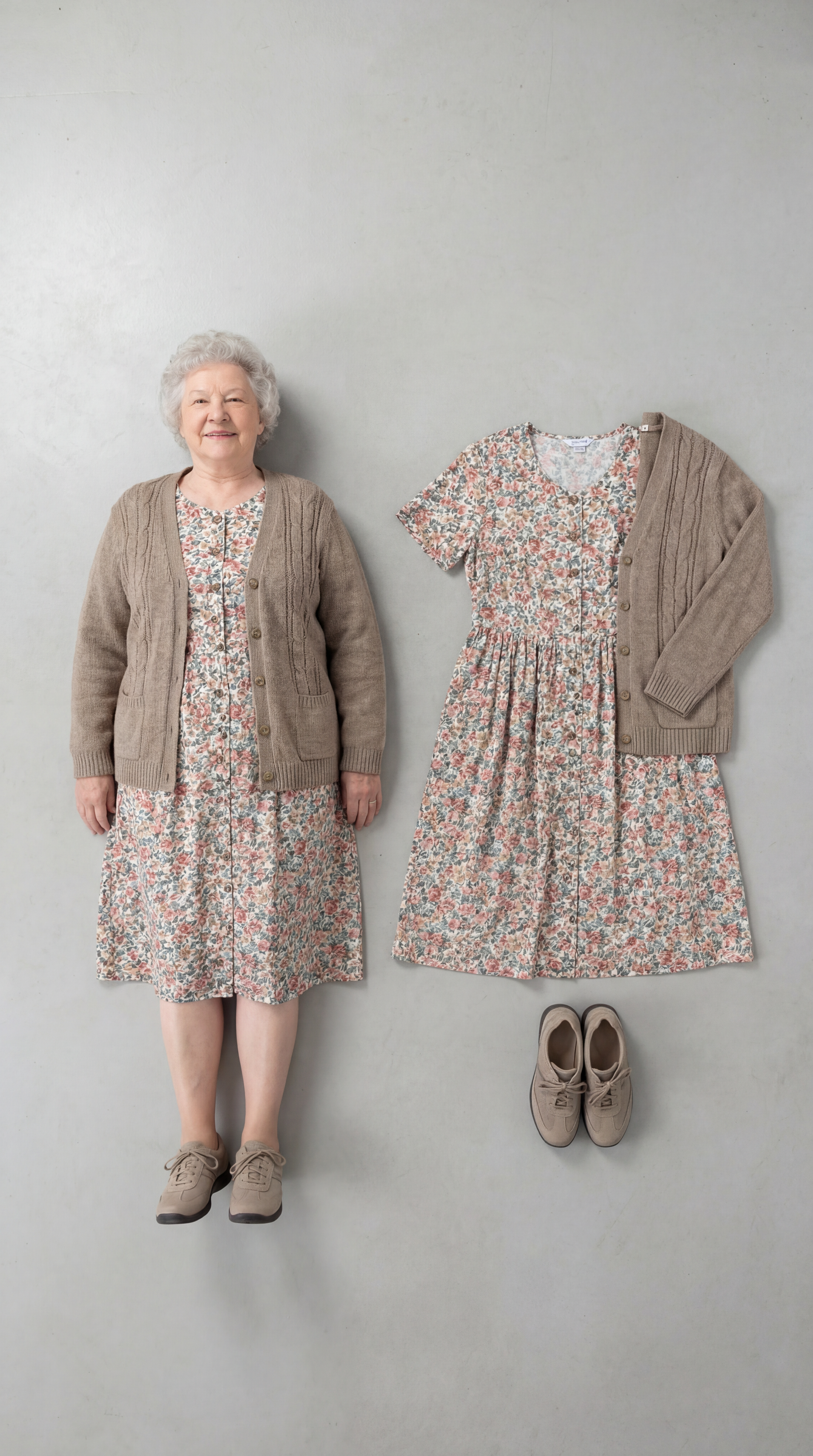
Outfit Check
Insert a full length photo for best results
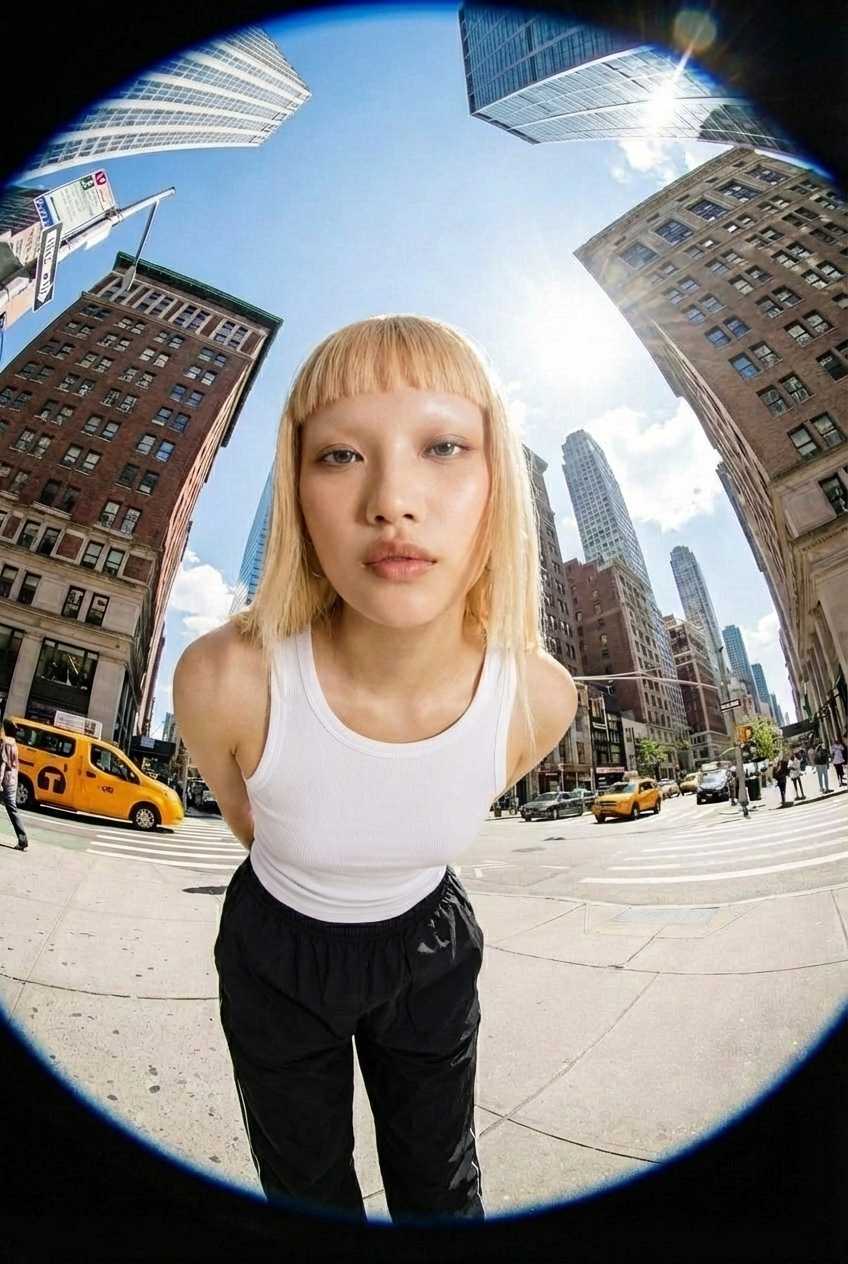
Fisheye
Upload your photo and we’ll turn you into a fisheye video shot on the streets of New York.
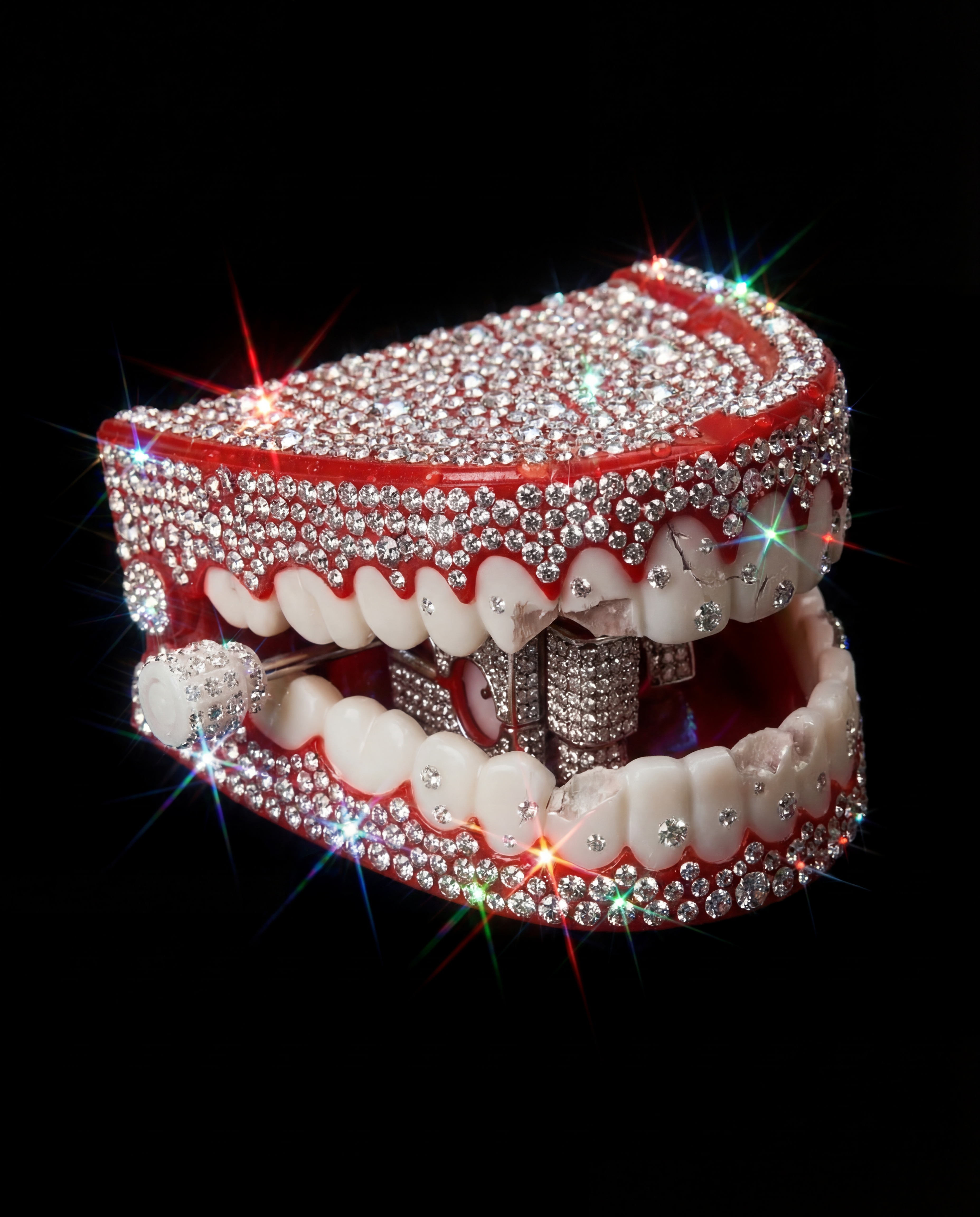
Crystallize This
Turn any object into a piece of art!
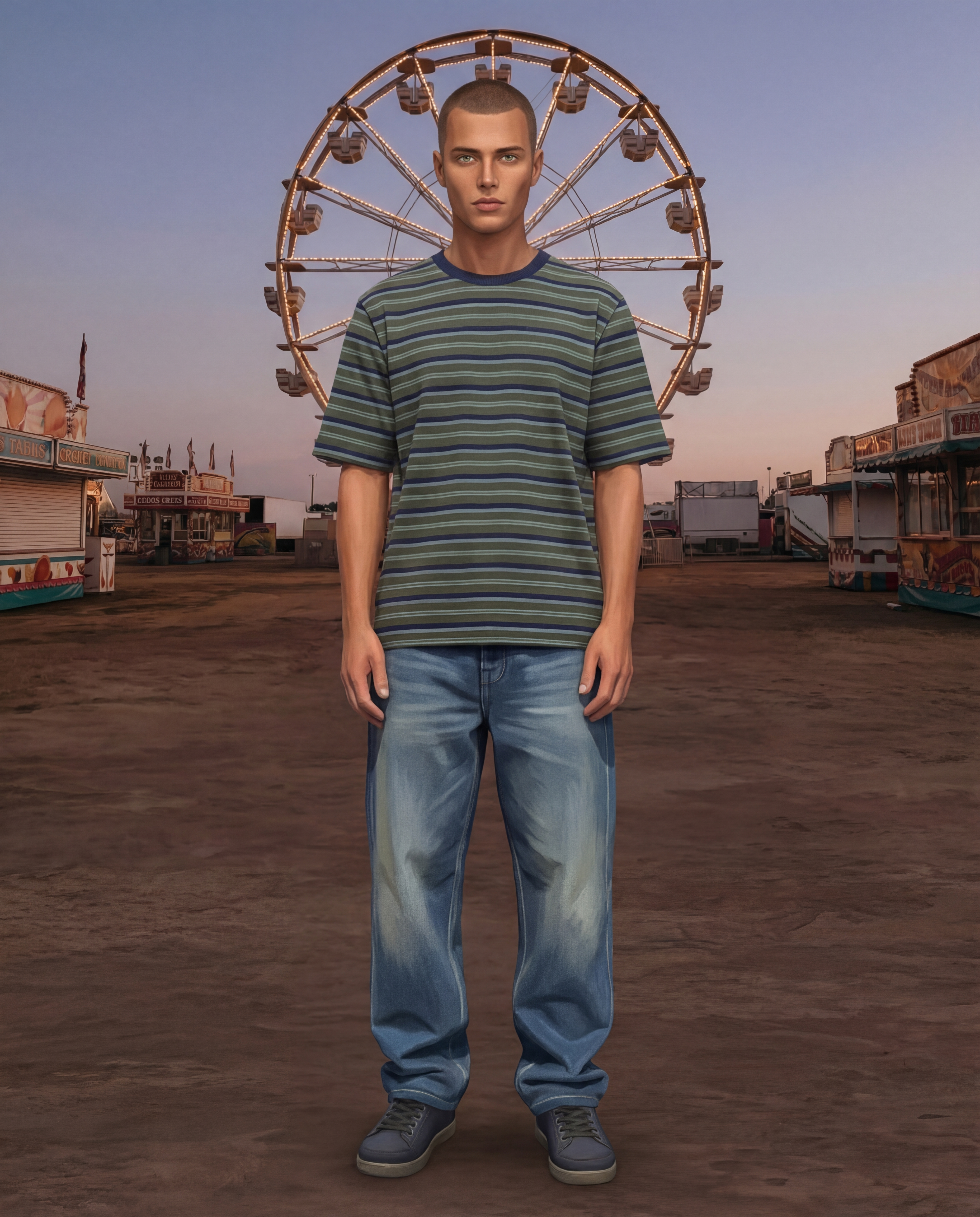
Sims Character
Upload an image of yourself and an environment!
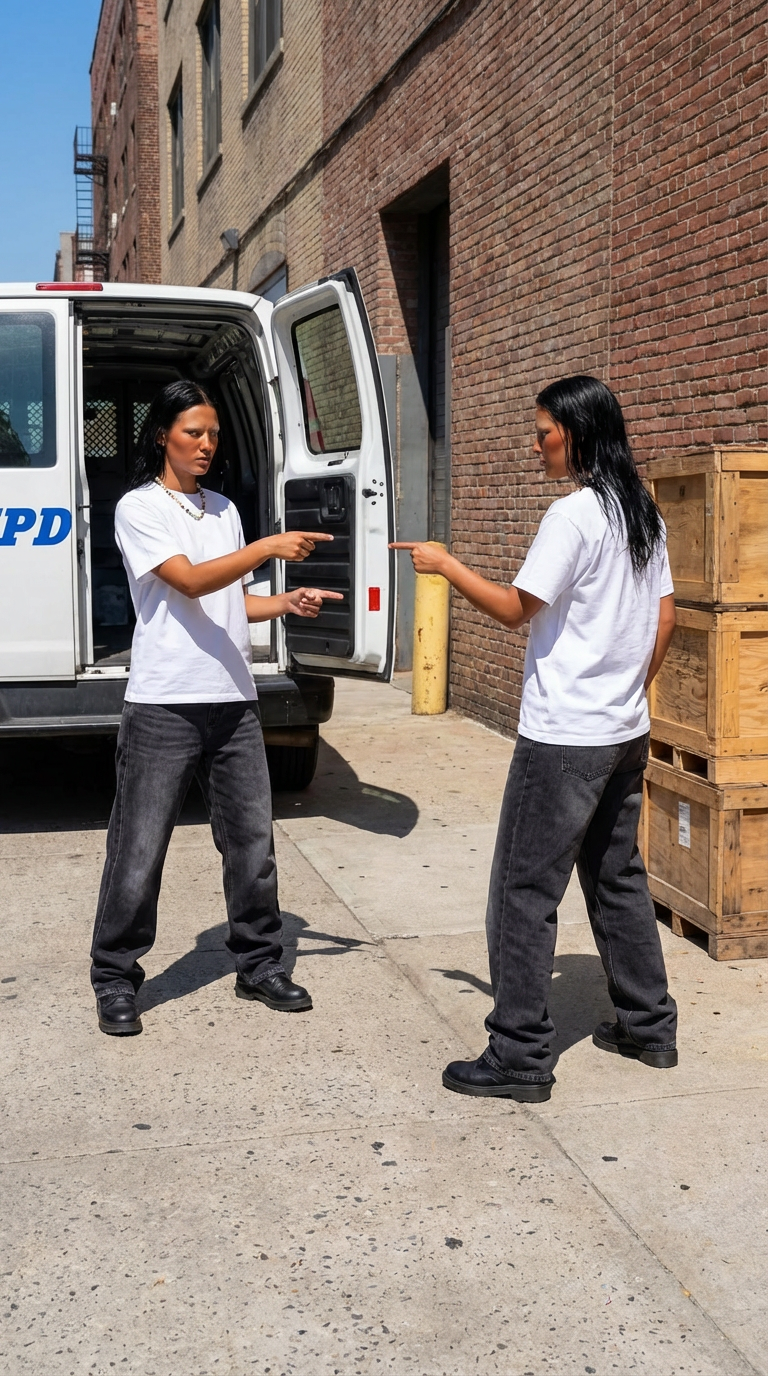
Who Me?
Insert one full length photo of yourself for the best result
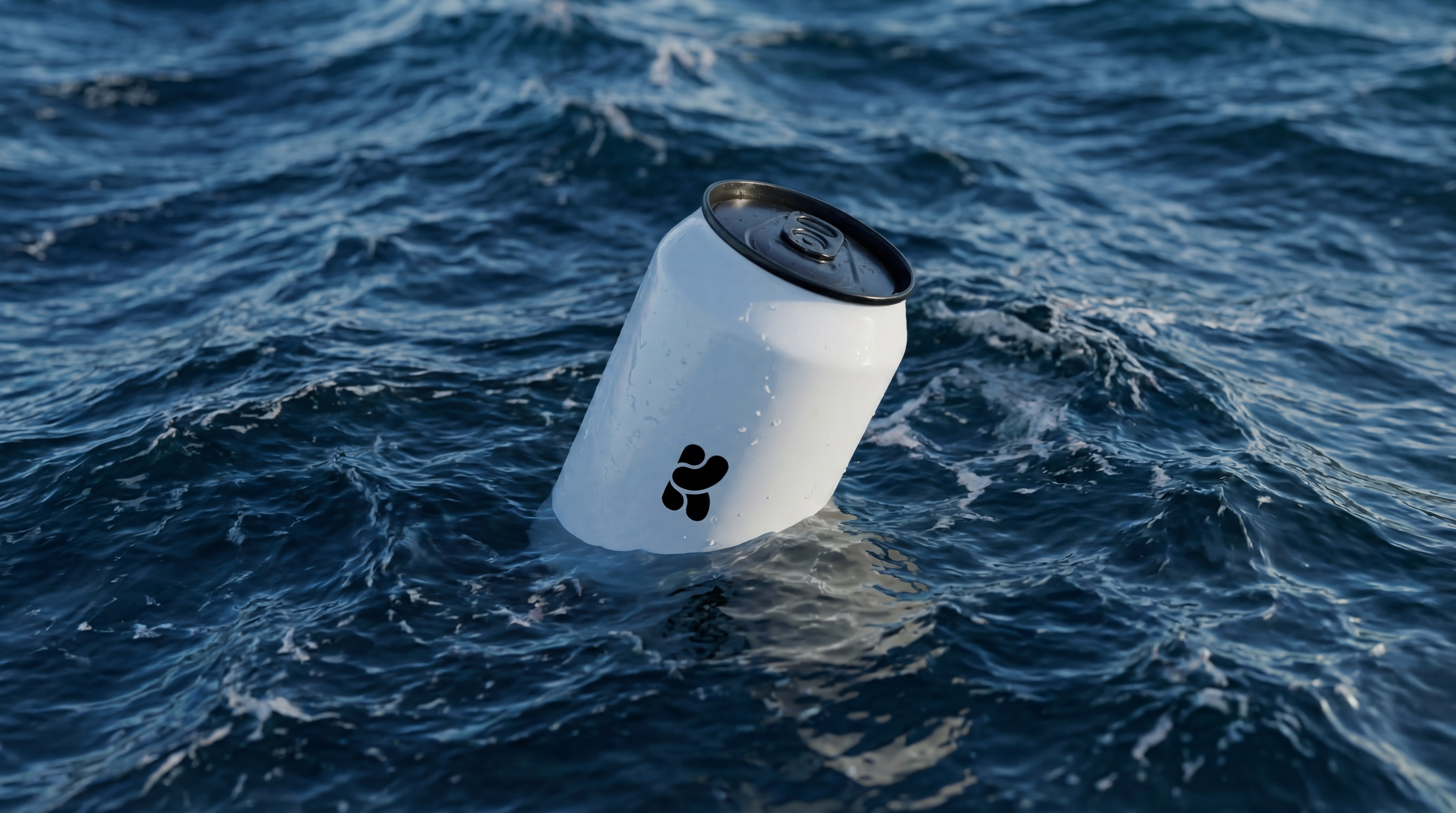
Floating On Water
Upload your product image and let Krea do the rest.
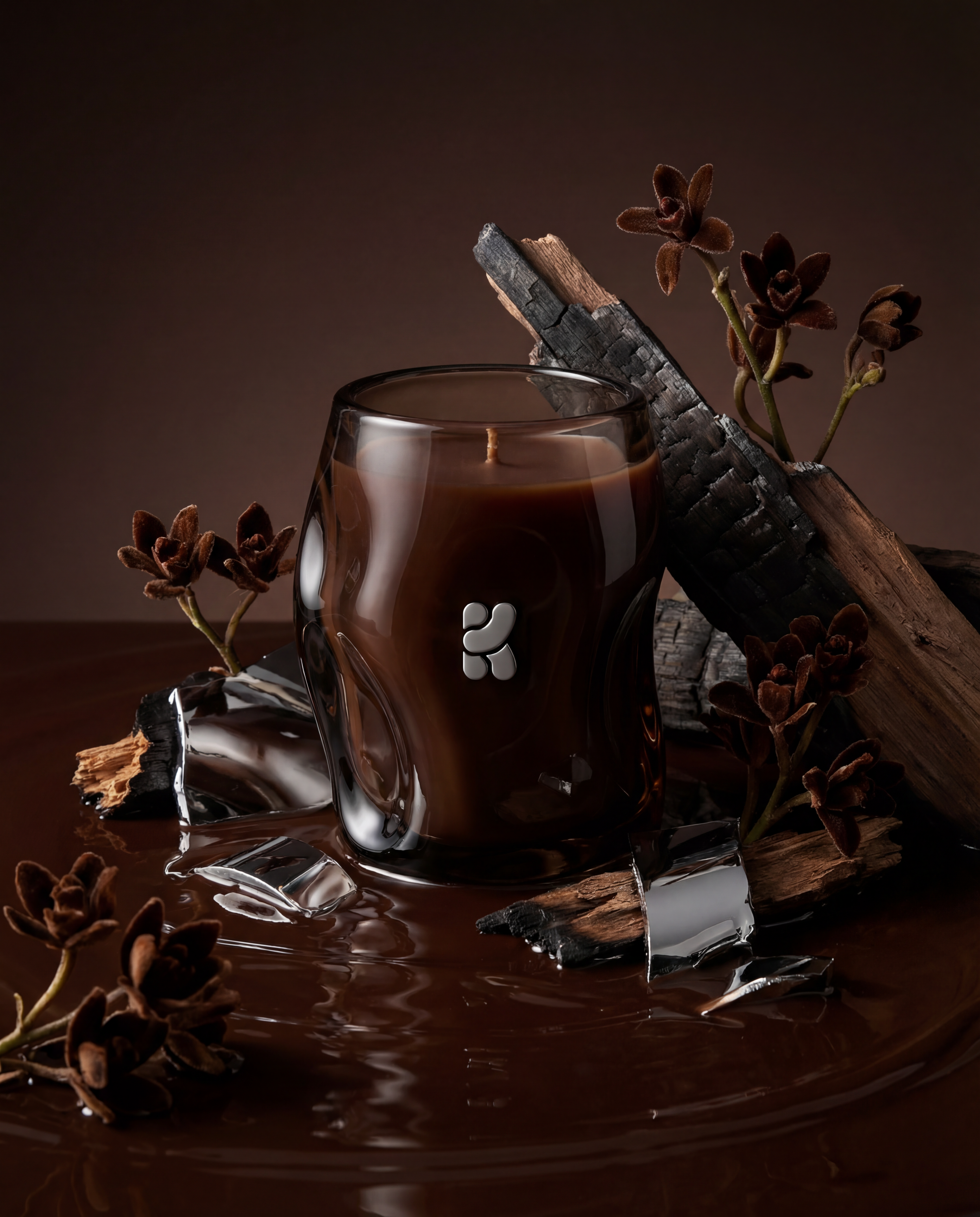
Product Editorial Shot
Just upload a single product image.
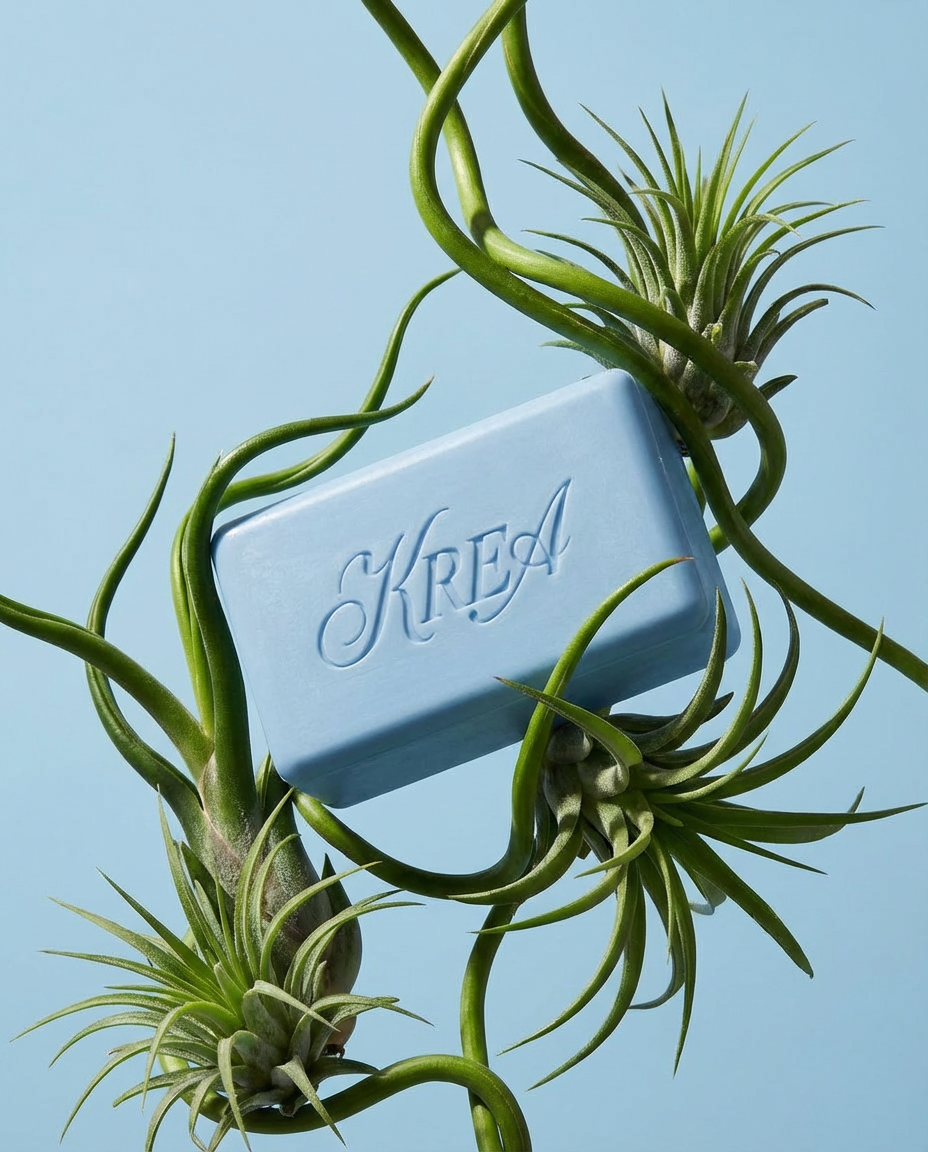
Botanical editorial
Upload your product and generate elegant botanical product editorials.
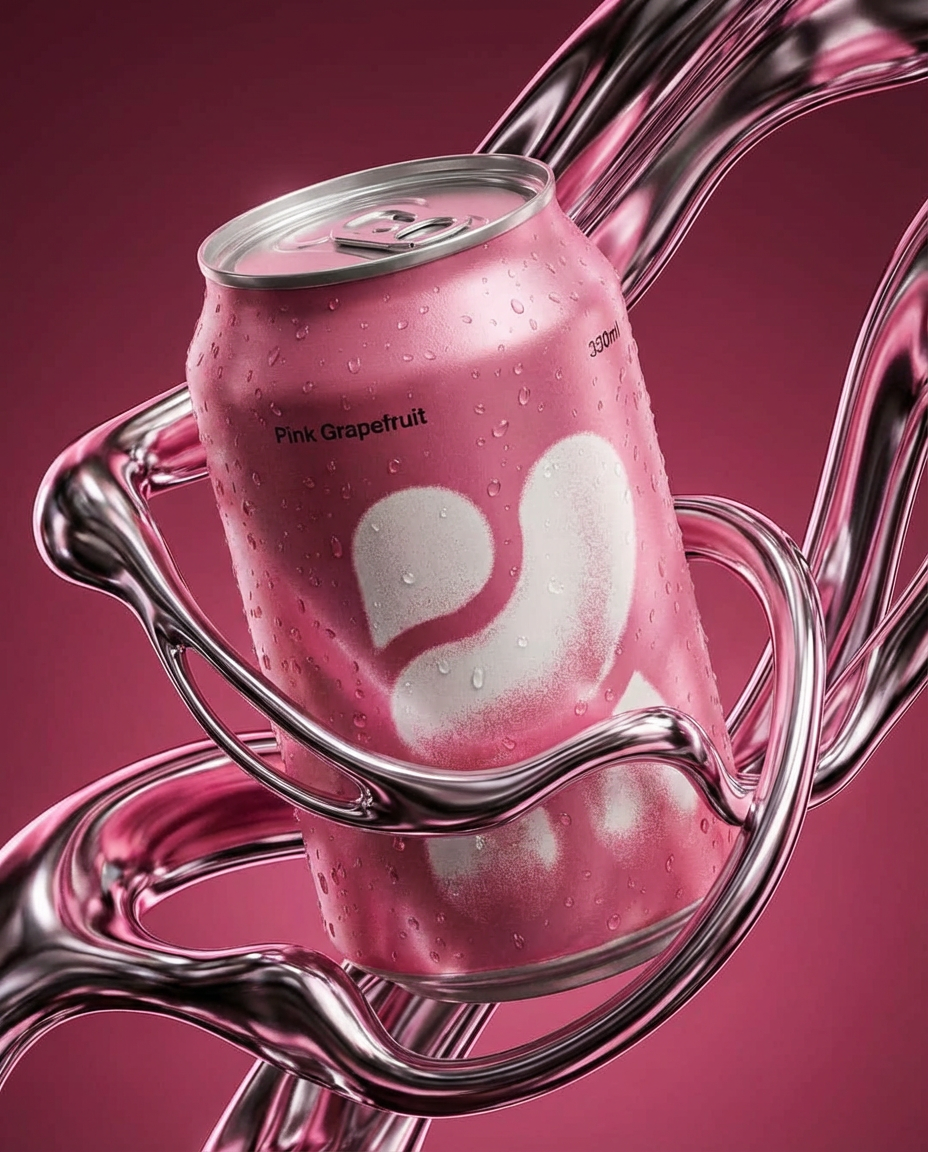
Liquid Chrome Editorial
Create a styled product editorial in one click. Upload a product image and generate a sculptural scene around it using liquid chrome.
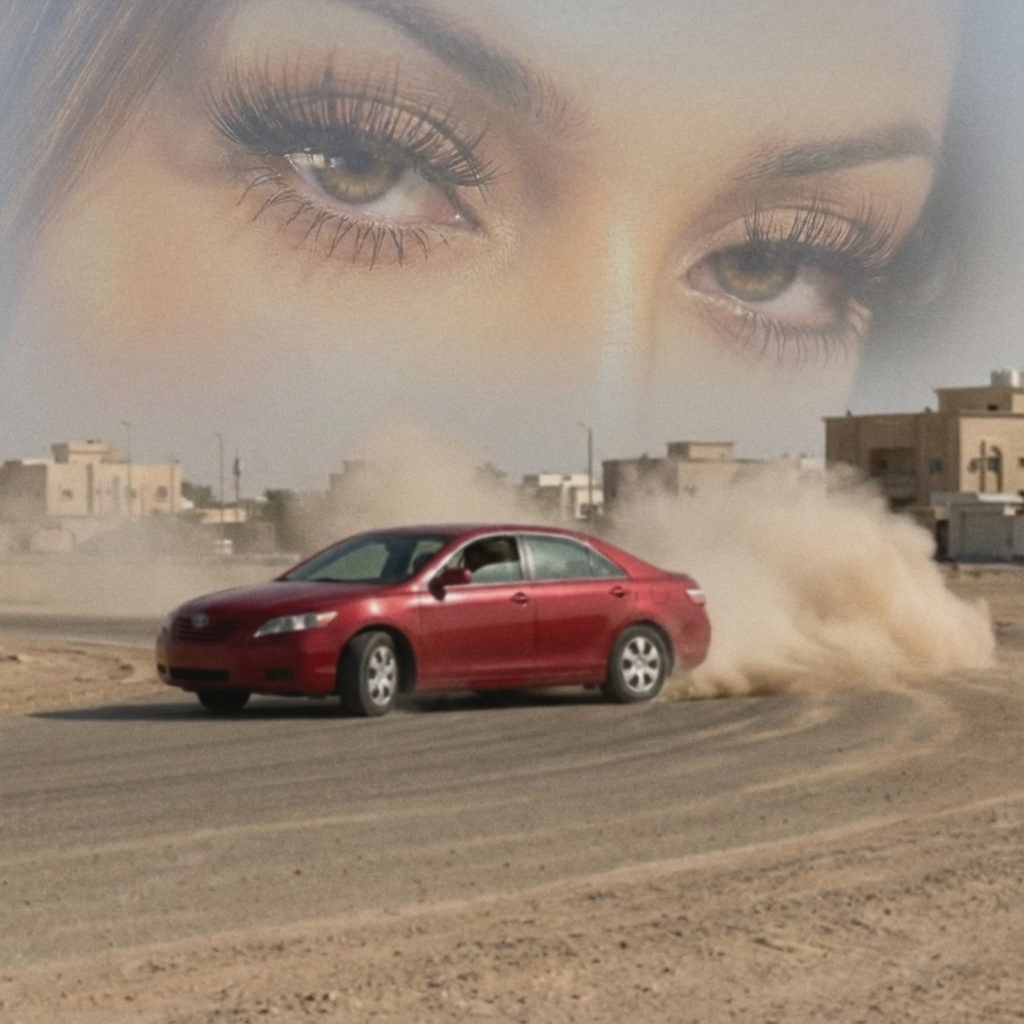
Arabian drift core
Upload your portrait and a car image, and we’ll turn them into a surreal desert-drift artwork like this.
Supersize Me
This mini app works best with a full length image.
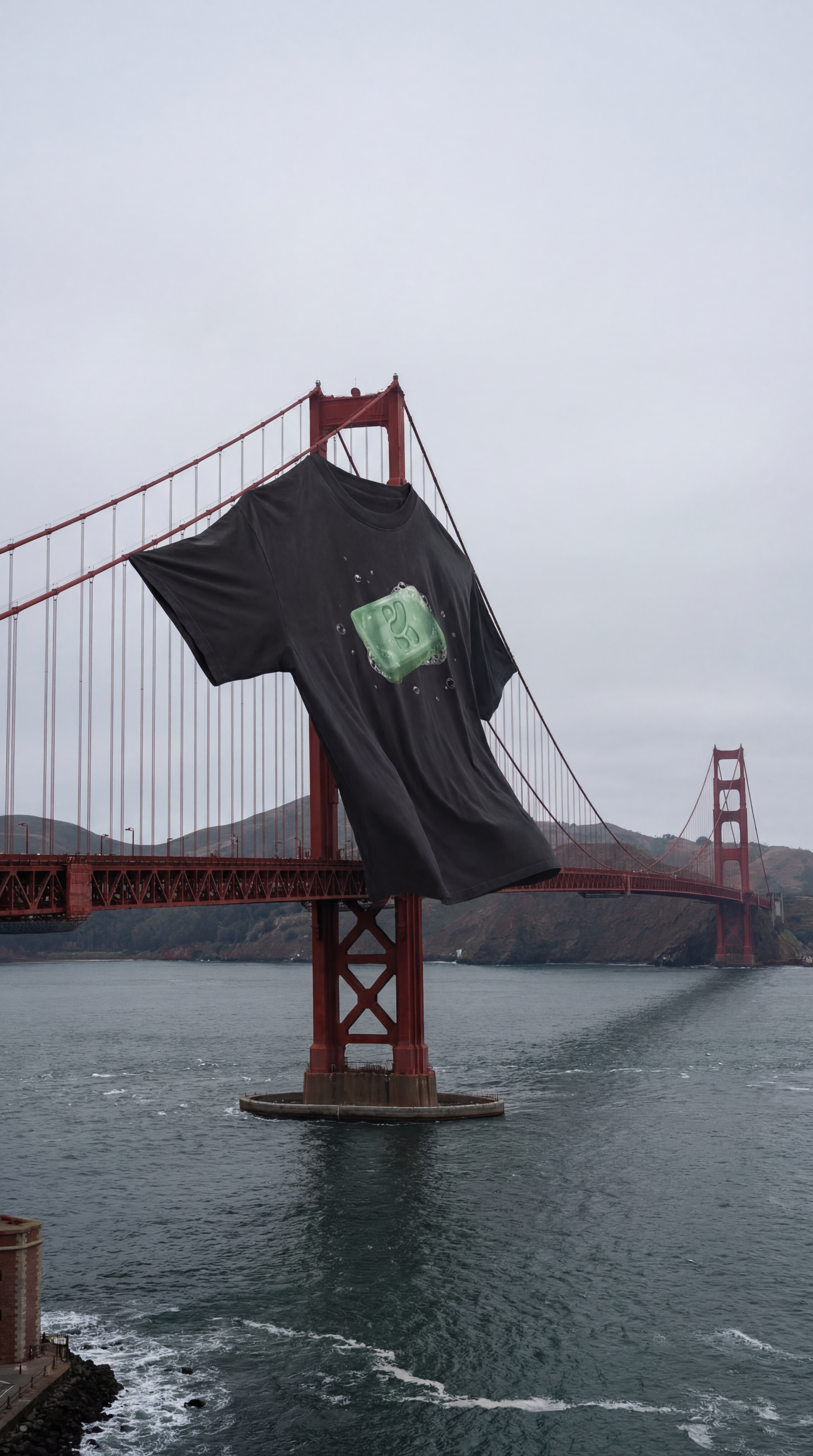
XXXL T Shirt
Upload a photo of your t shirt and let Krea do the rest!
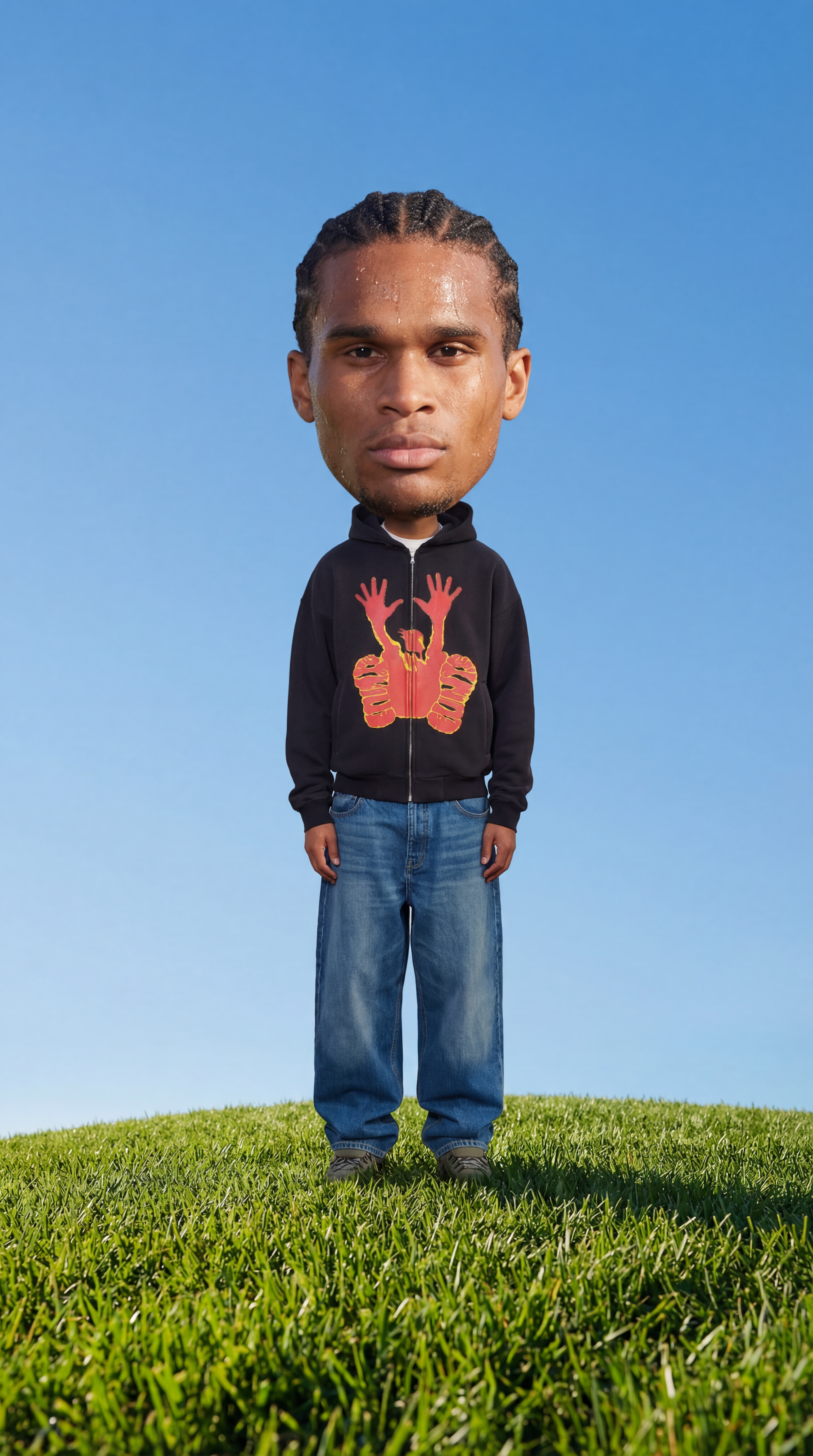
Big Head!
Insert a full length photo for best results
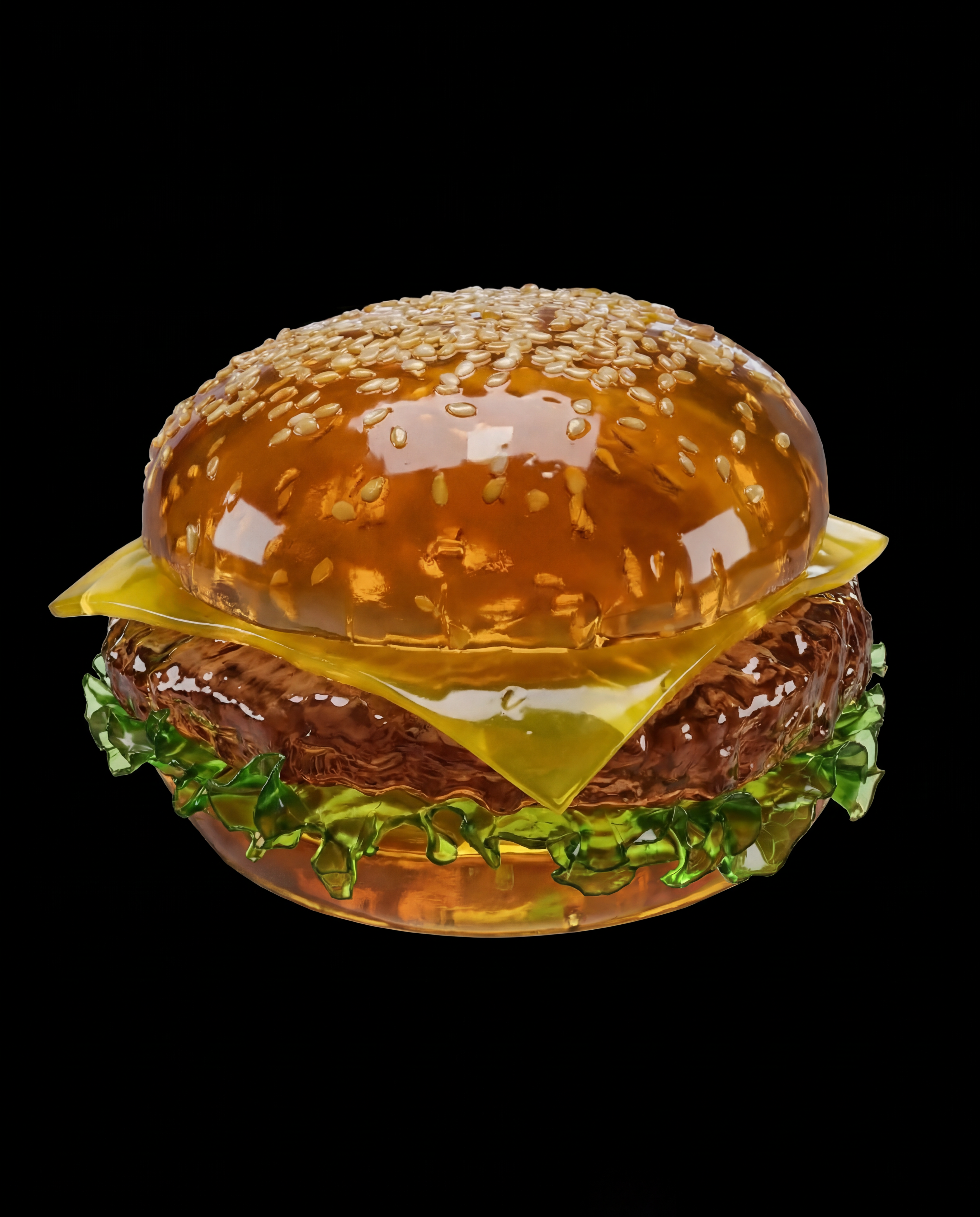
Jell-O This
Turn any object into soft Jell-O!
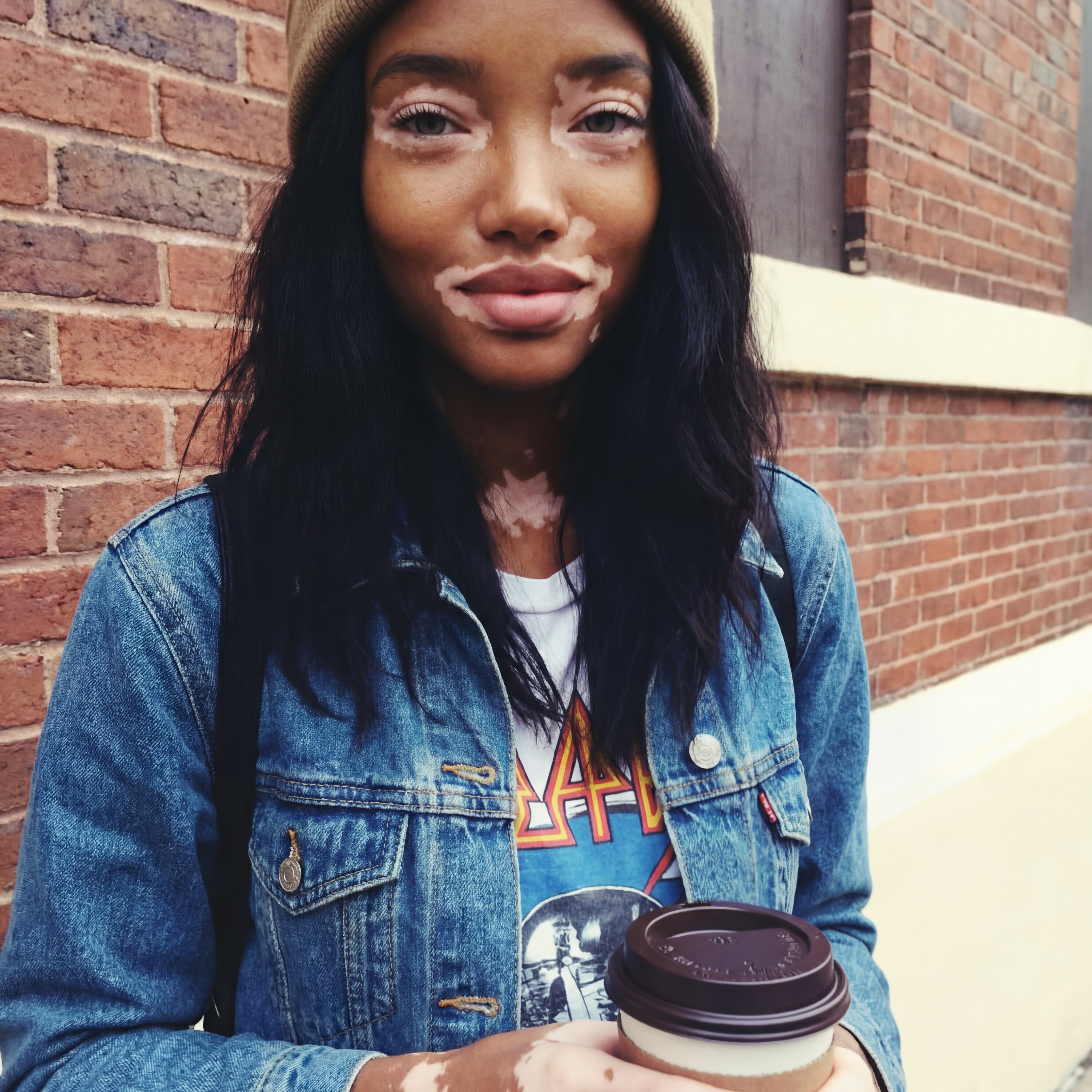
2016
Not got any throwbacks from 2016? No problem!
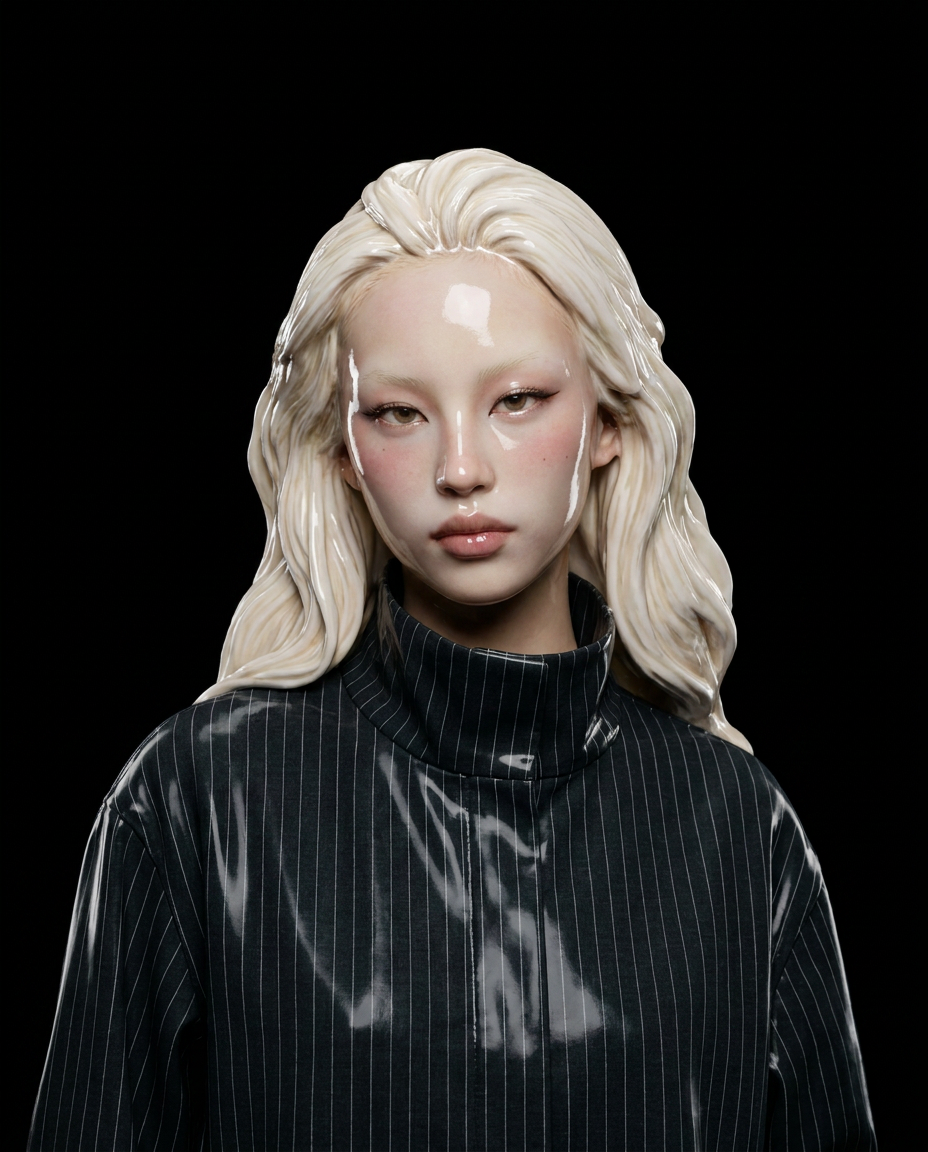
Ceramic Me
Upload a portrait and transform it into a realistic ceramic sculpture. Create beautiful ceramic versions of your photos in seconds. The app preserves facial features while reimagining the subject as ceramic artwork with glossy finishes.
Jungle Run
Jungle Run
Monday Blues
Monday Blues
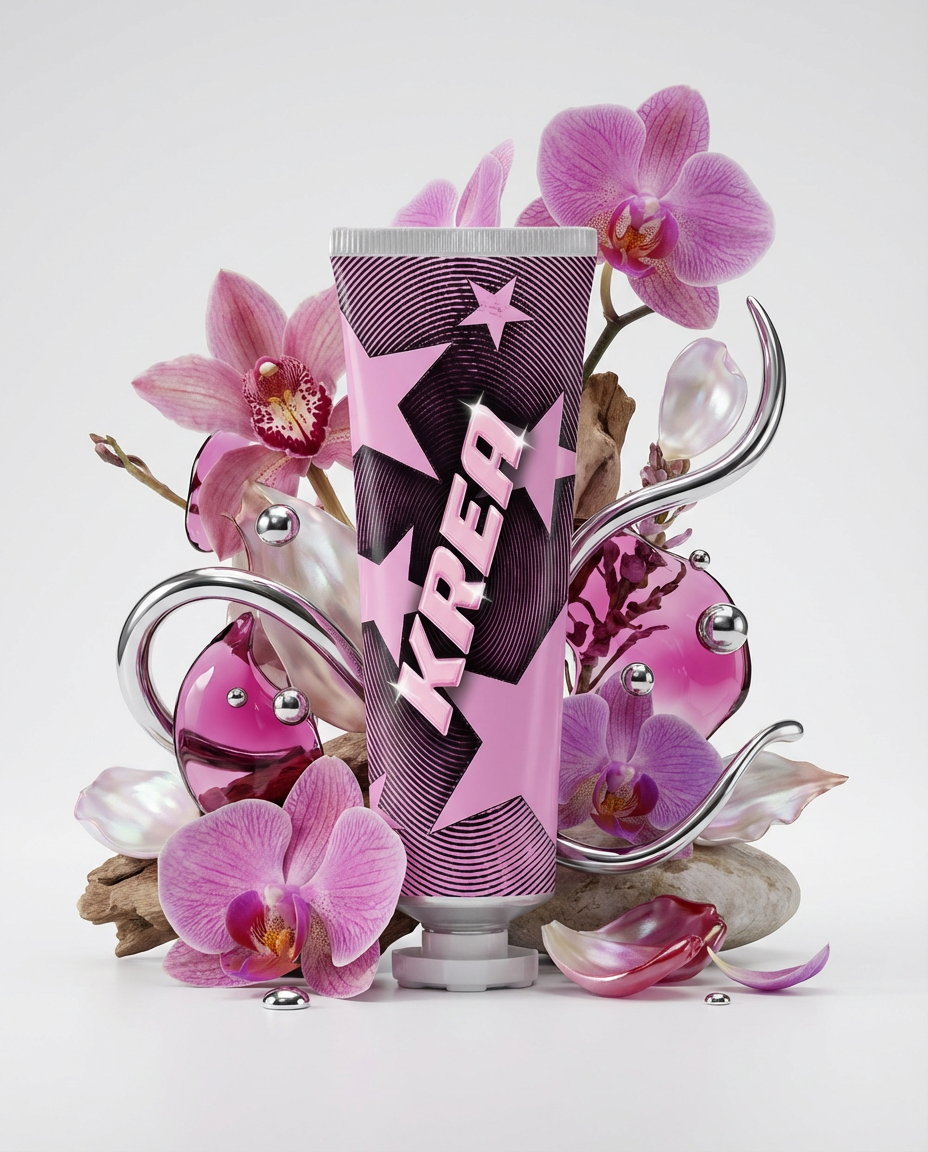
Floral Product Editorial
Create a floral product editorial in one click. Upload an image of your product and the template will generate a styled scene using florals, liquid splashes, and chrome elements inspired by the product’s colors.
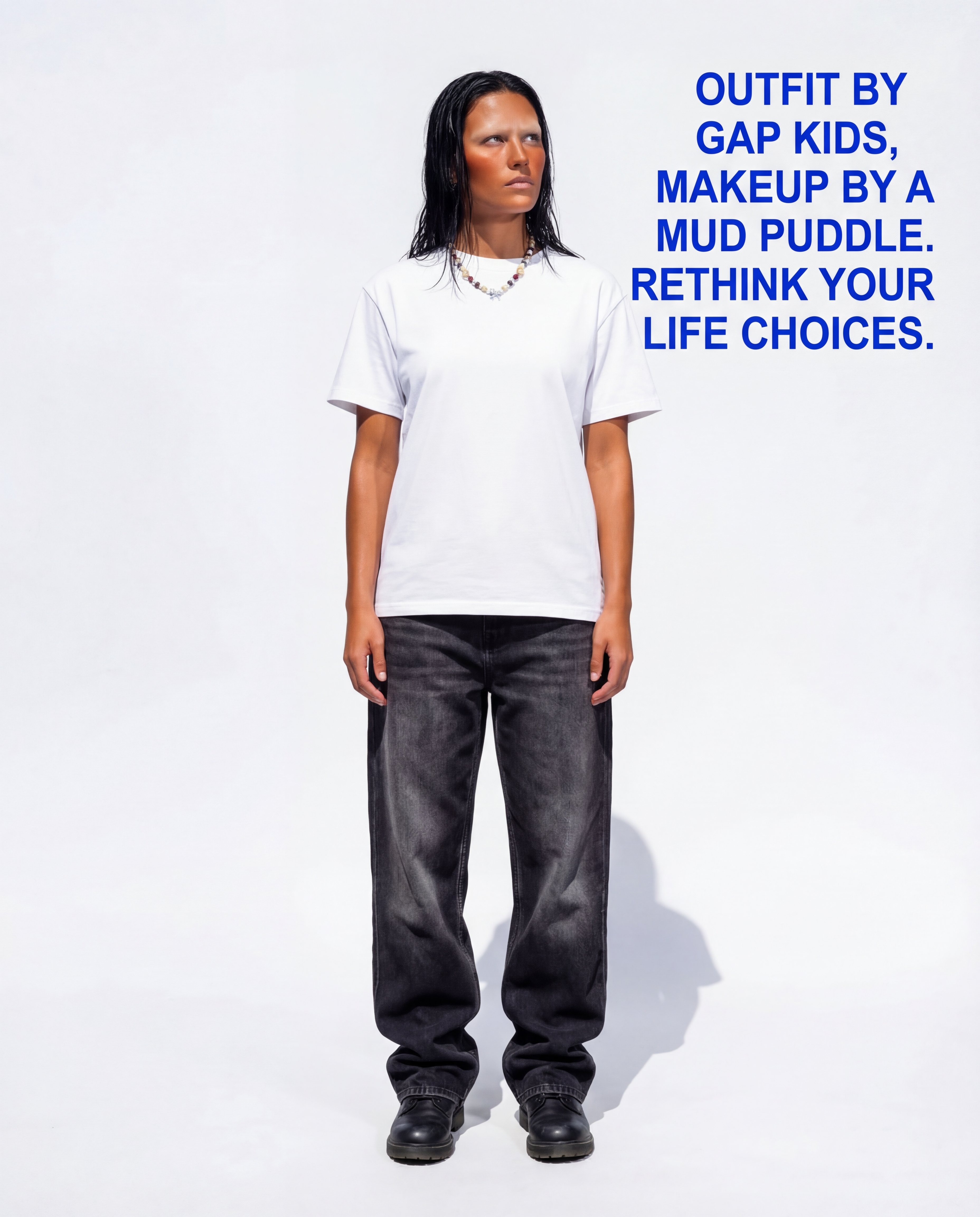
Roast Me
Upload a full outfit pic and let the Node roast you!

