Create






Edit & enhance





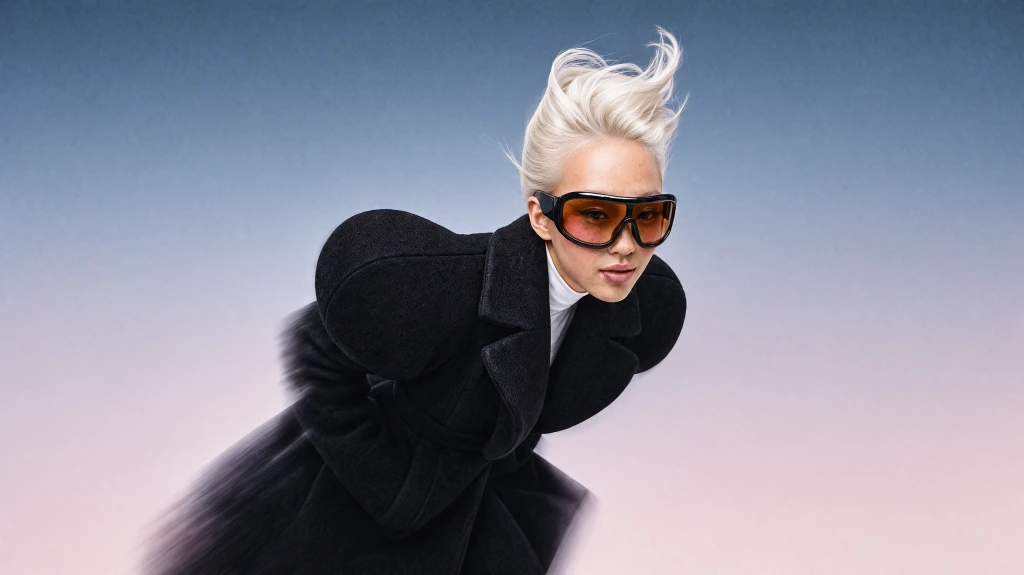
Krea 3
Our most advanced image model. Photoreal, editorial, on-brand.
Try Krea 320+ AI tools for images, video, 3D and audio in one app.
Open KreaCreate
Edit & enhance

Free AI Image Generator—
Create AI Photos and Images from Text or References
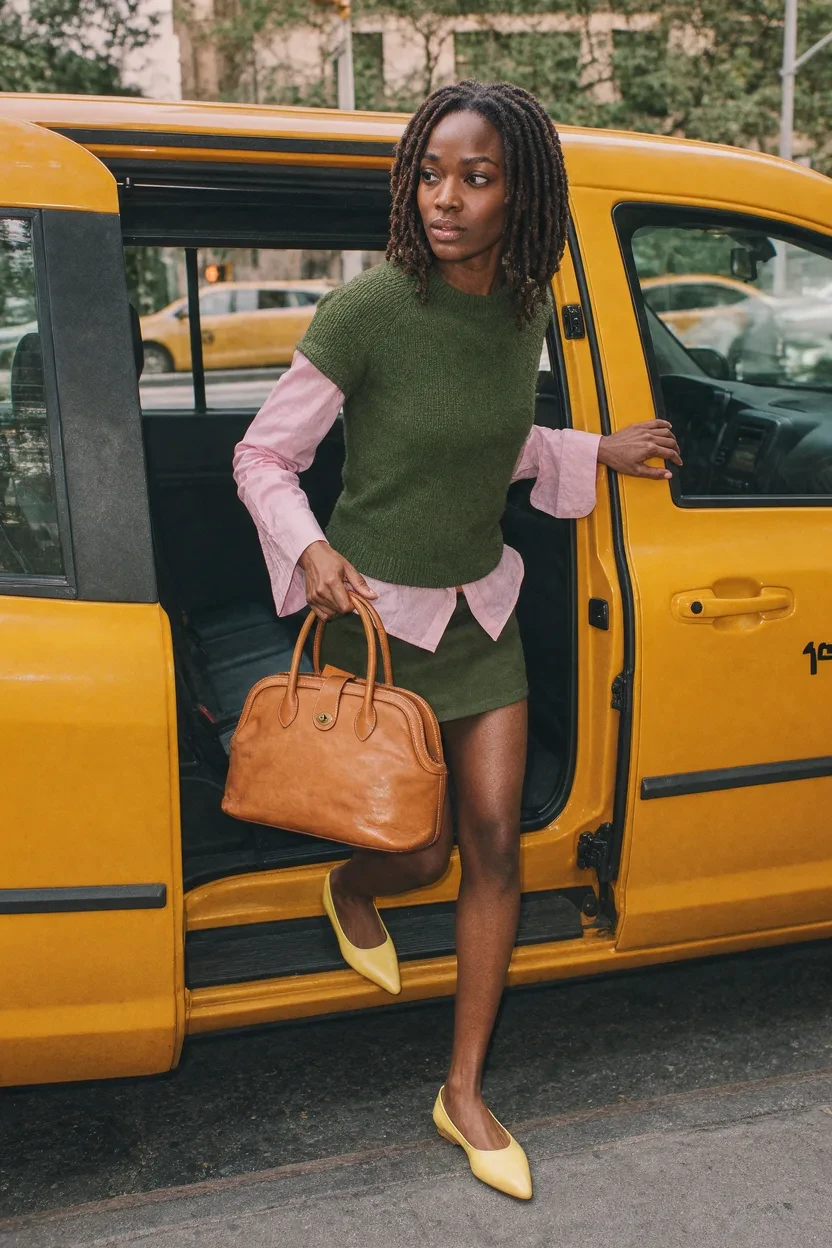
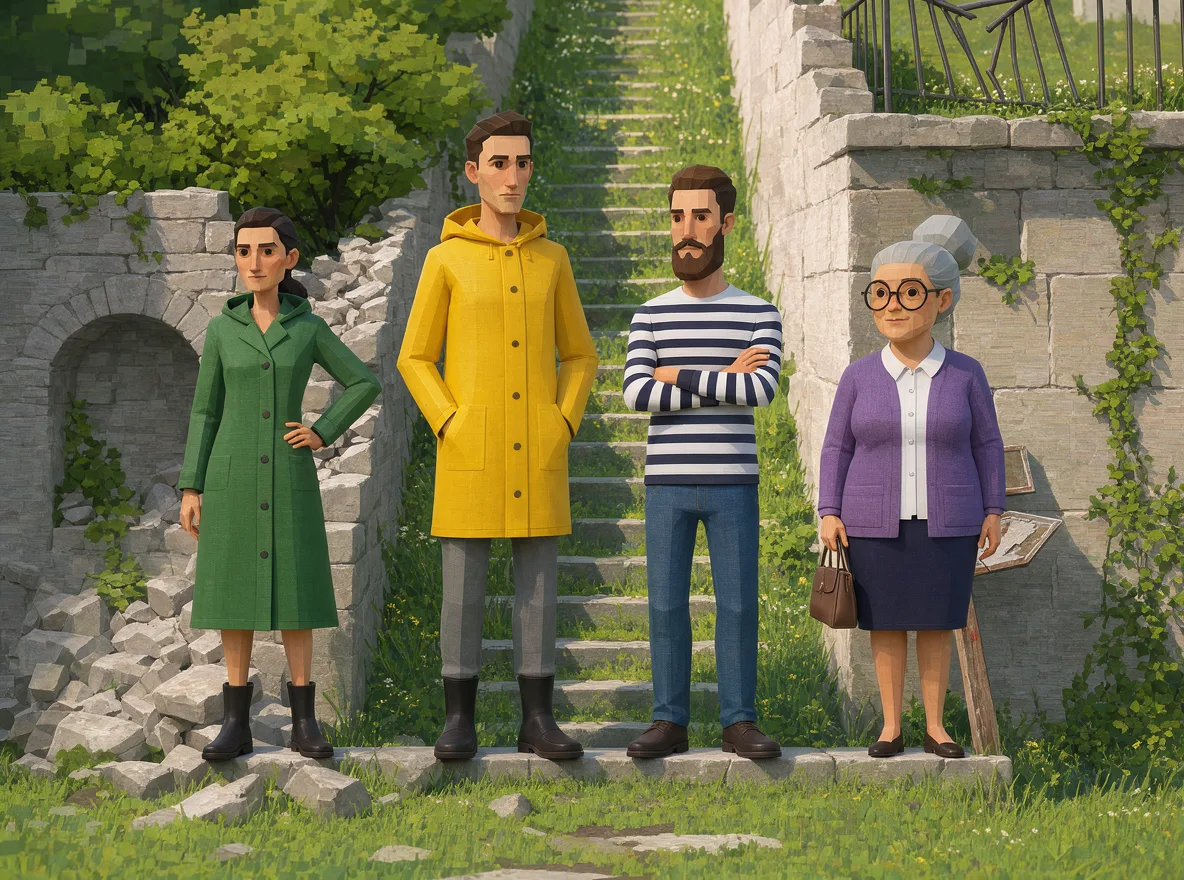
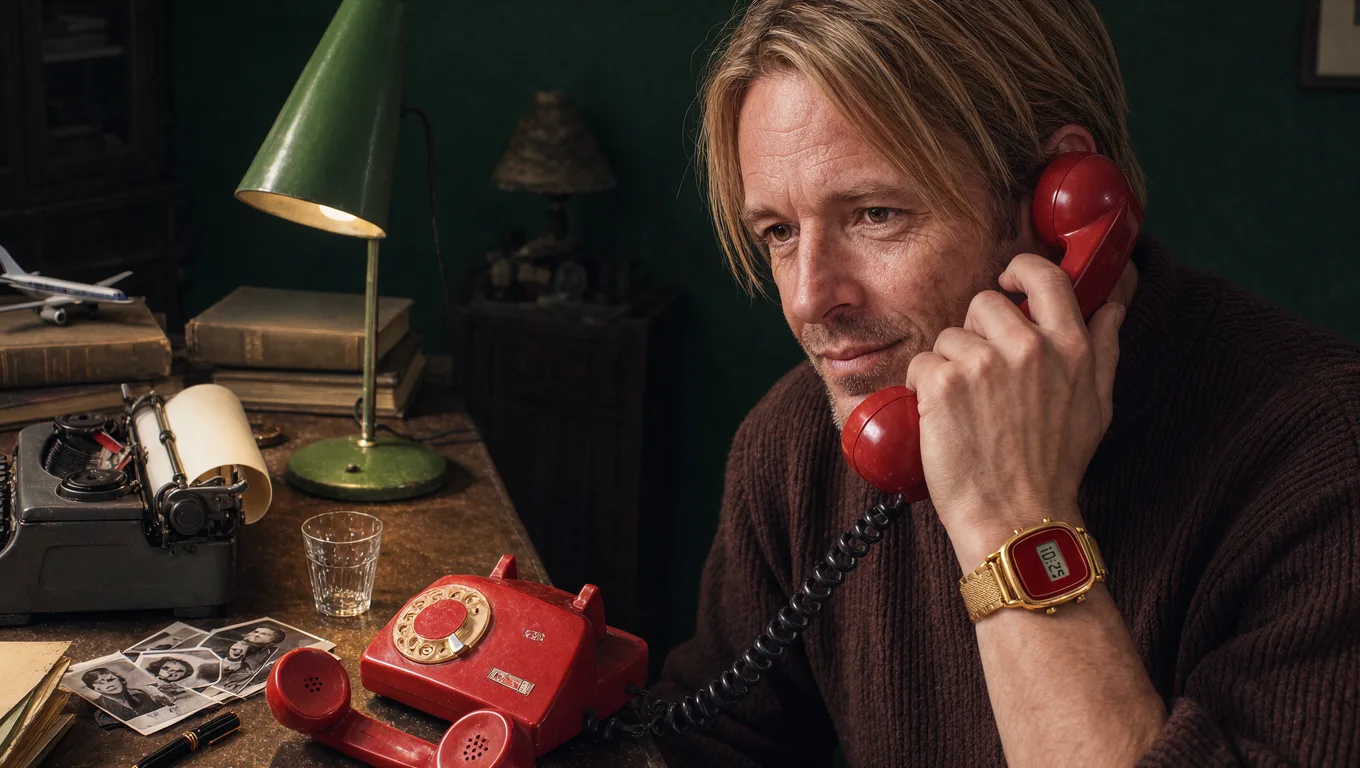
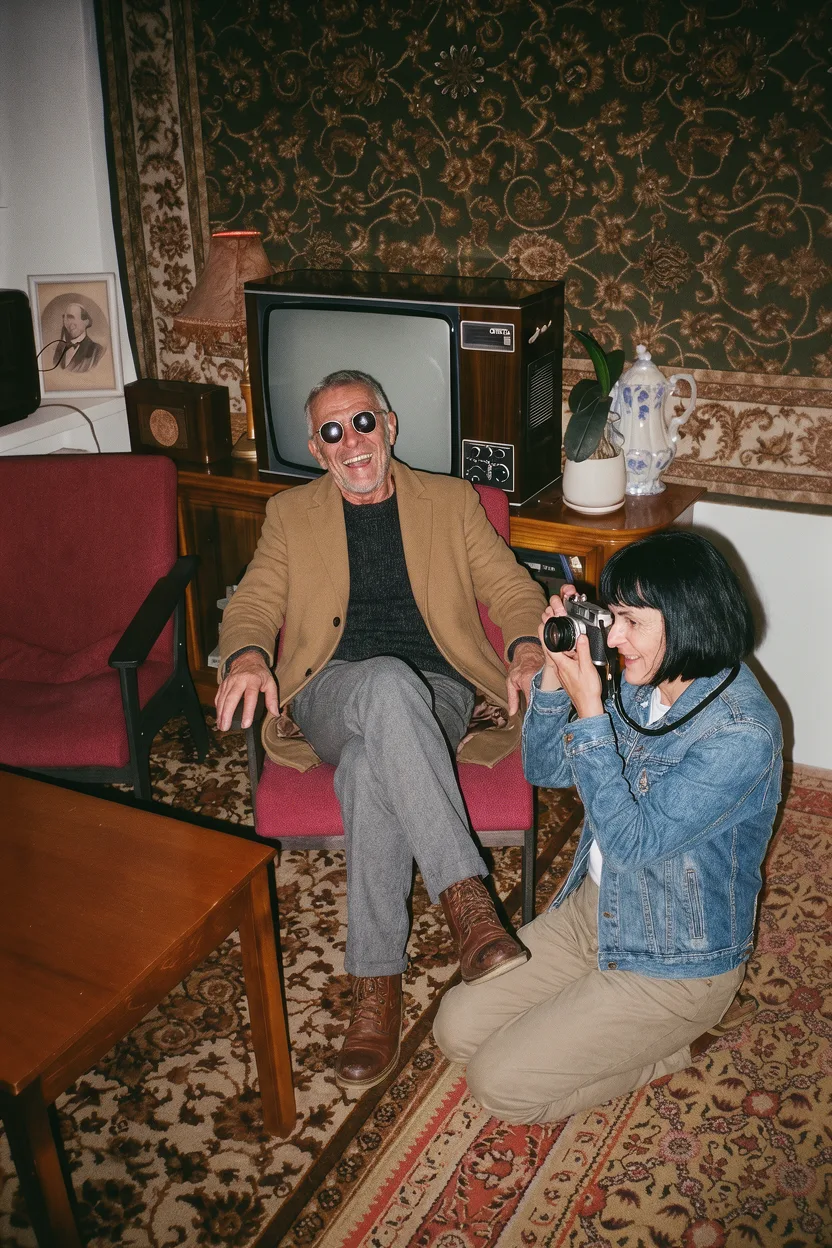
Generate AI photos, art, graphics, and design concepts from a text prompt or reference image. Compare leading models like Krea 3, create variations, and refine or upscale the result in one workspace.
Explore AI Image Generation Possibilities
Explore AI-generated photos, illustrations, 3D renders, and digital art created in Krea. Browse different styles, view the prompt behind each image, and use it as a starting point for your own creation.


Every Top AI Image Model
in One Workspace
Choose the model that fits your project, then test prompts and reference images across multiple models without leaving Krea.

Krea 3
Generate and edit production-ready images with precise regional edits, up to eight references, and native 2K output.
Explore Krea 3
GPT Image 2.5
Follow detailed instructions and render clean, readable text in posters and layouts.
Explore GPT Image 2.5
Nano Banana Pro
Create and transform images using text prompts and visual references.
Explore Nano Banana Pro
Seedream 5 Pro
Create photorealistic portraits and scenes with fine detail and precise editing control.
Explore Seedream 5 Pro
Get access to new models on the day they're released · All paid plan generations are licensed for commercial use.
Start generatingGenerate AI Images from Text or an Image
Start with a written prompt, upload a reference image, or combine both to guide the subject, style, composition, colors, and visual details.
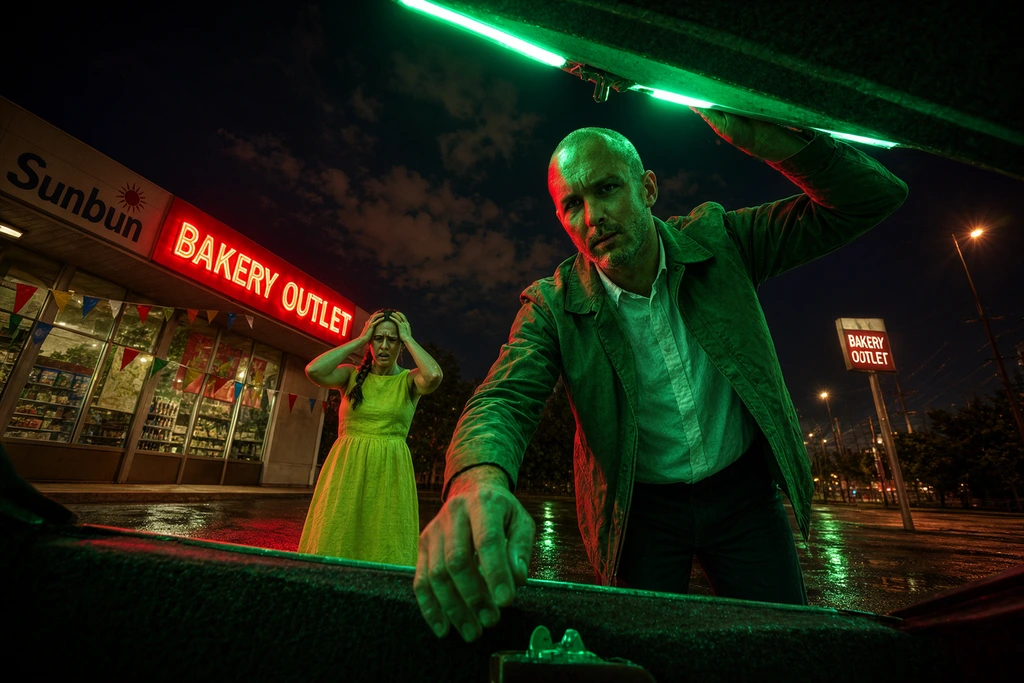
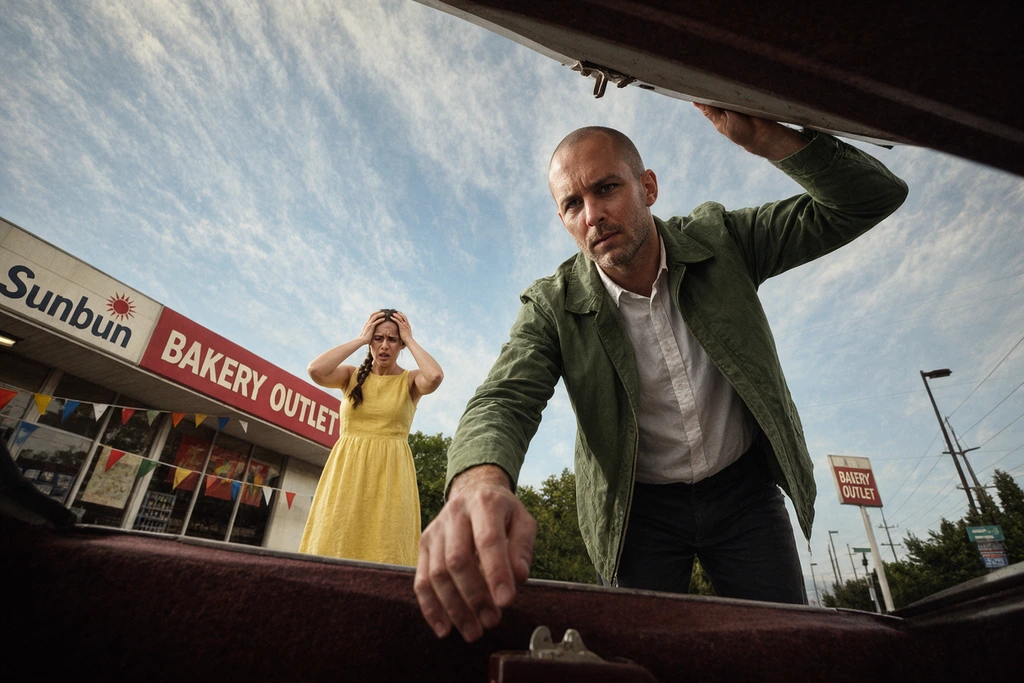 Input Krea 3
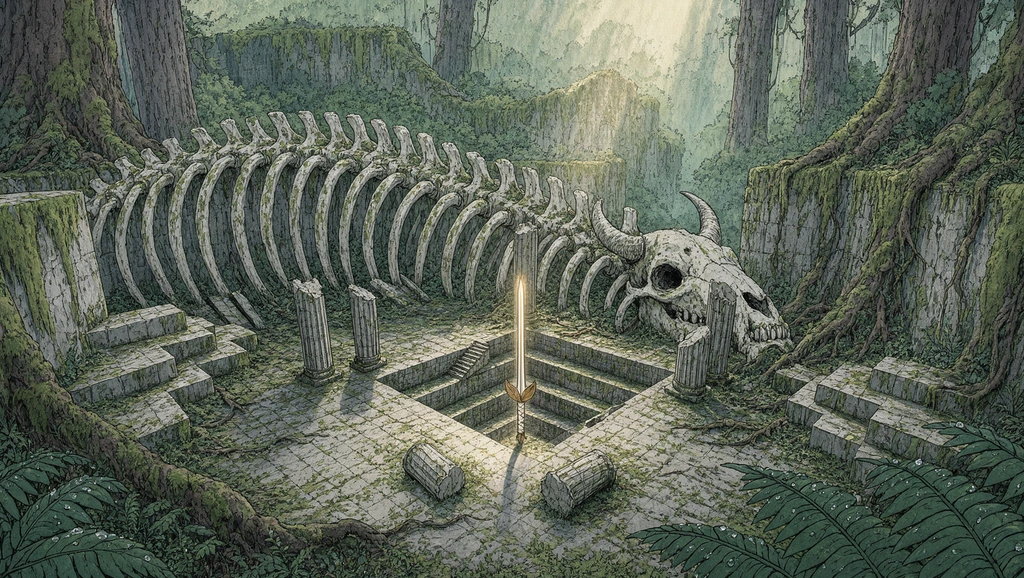 Krea 3
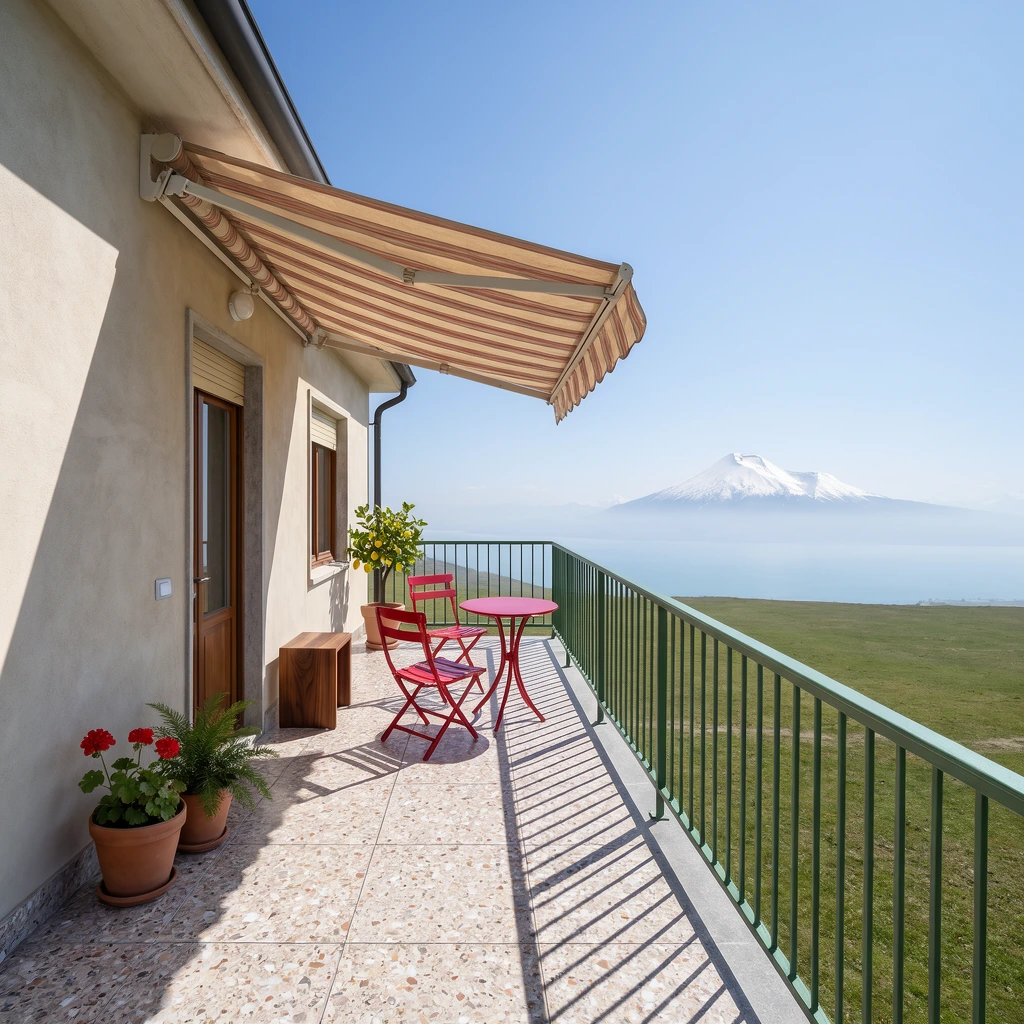 Krea 3
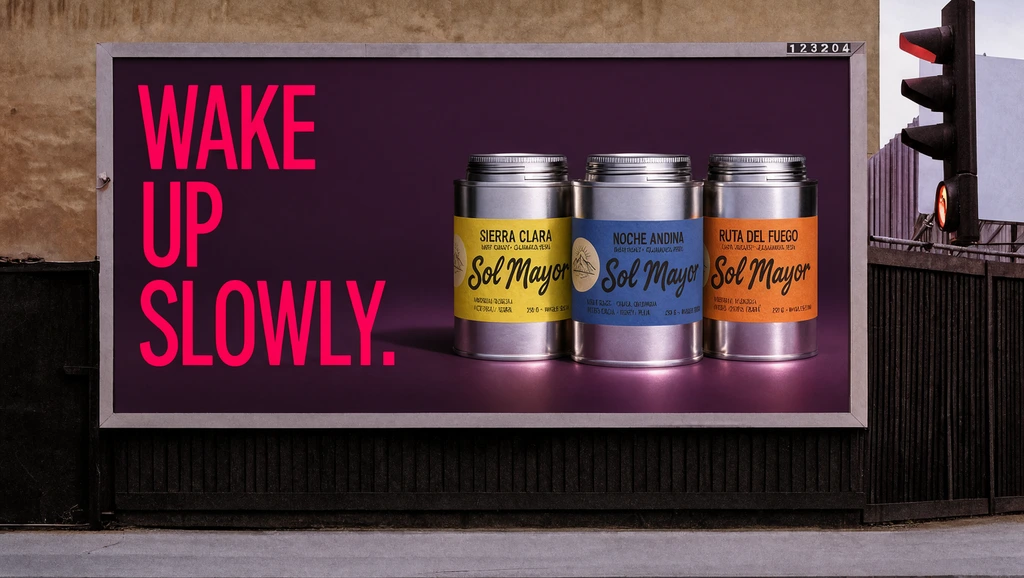 Krea 3
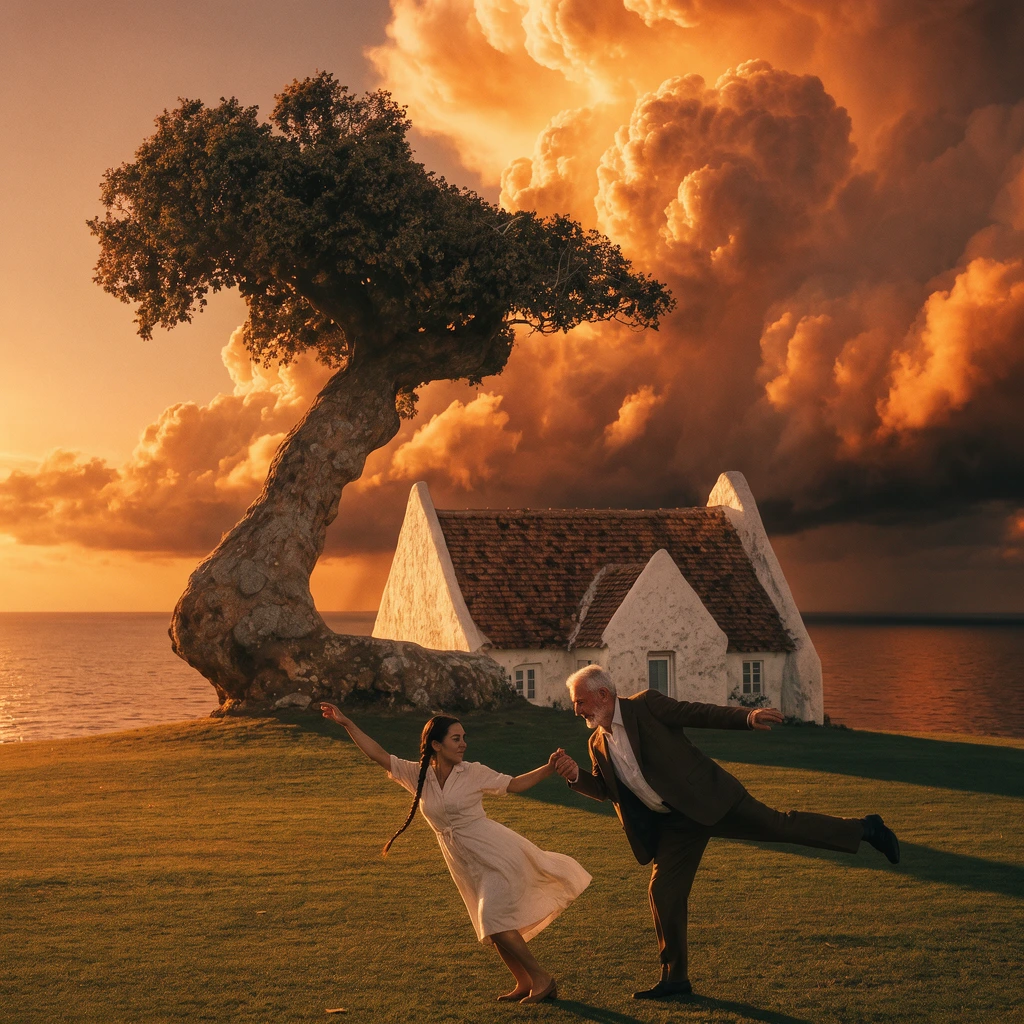 Krea 3
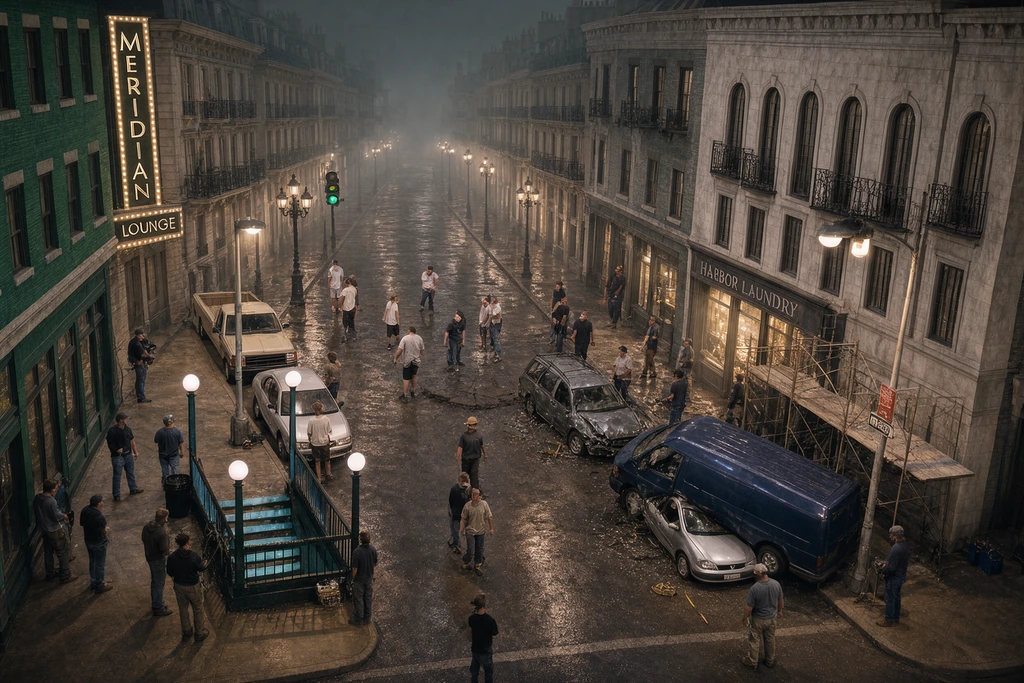 Krea 3
Relight the low-angle gas-station plate in image 1 for night, keeping the camera, the action and both people.
Turn the white arena blockout in image 1 into boss-arena key art from the same camera, keeping the central pit, the broken columns and the stepped platforms.
Turn the coloured-pencil terrace in image 1 into a photograph from the same viewpoint, keeping the railing, chairs, awning and plants where they are drawn.
Re-skin the roadside billboard in image 1 for the coffee range in image 2.
Replace the clear sky behind the dancing couple, the white house and the wind-bent tree in image 1 with the fiery orange-gold storm clouds of image 2.
Composite the backlot plate in image 1, replacing the green-screen wall with a continuation of the street built from the boulevard in image 2.
AI Image Generation Features for Creative Control
Generate variations, choose the right format, edit specific details, enhance image quality, and turn finished images into video without leaving Krea.

Generate Image Variations
Create multiple compositions, poses, styles, and visual treatments from the same idea, then refine the option that works best.

Create Images in Any Aspect Ratio
Generate square posts, vertical stories, widescreen visuals, banners, presentations, and other common formats without awkward cropping.

Generate Images in Real Time
Watch your image update as you adjust the prompt, composition, colors, and style with Krea Realtime.

Edit Any Part of an Image
Add, remove, replace, or restyle specific areas without regenerating the entire image.

Edit Images with Krea 3
Krea 3 is Krea’s newest image model, built for production edits. It keeps your product intact, finishes an edit in under 8 seconds, and outputs native 2K images. Guide it with up to 8 image references or edit a specific region.

Enhance and Upscale Your Results
Improve detail, clarity, and resolution before downloading or using the image in larger formats.

Turn Images into Videos
Animate a generated or uploaded image with motion, camera movement, and leading AI video models.
Every tool works together to give you complete creative control
Try Krea for freeOne model
Every brief
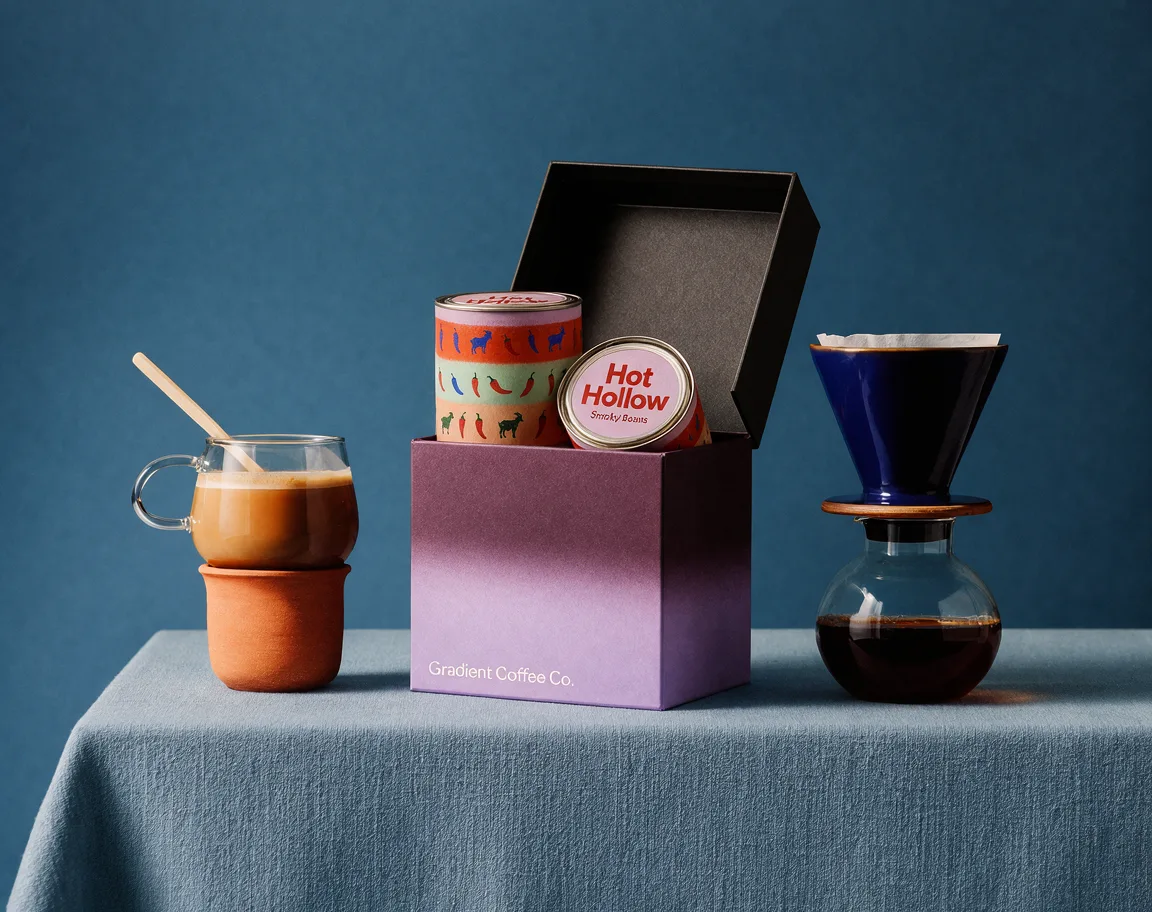
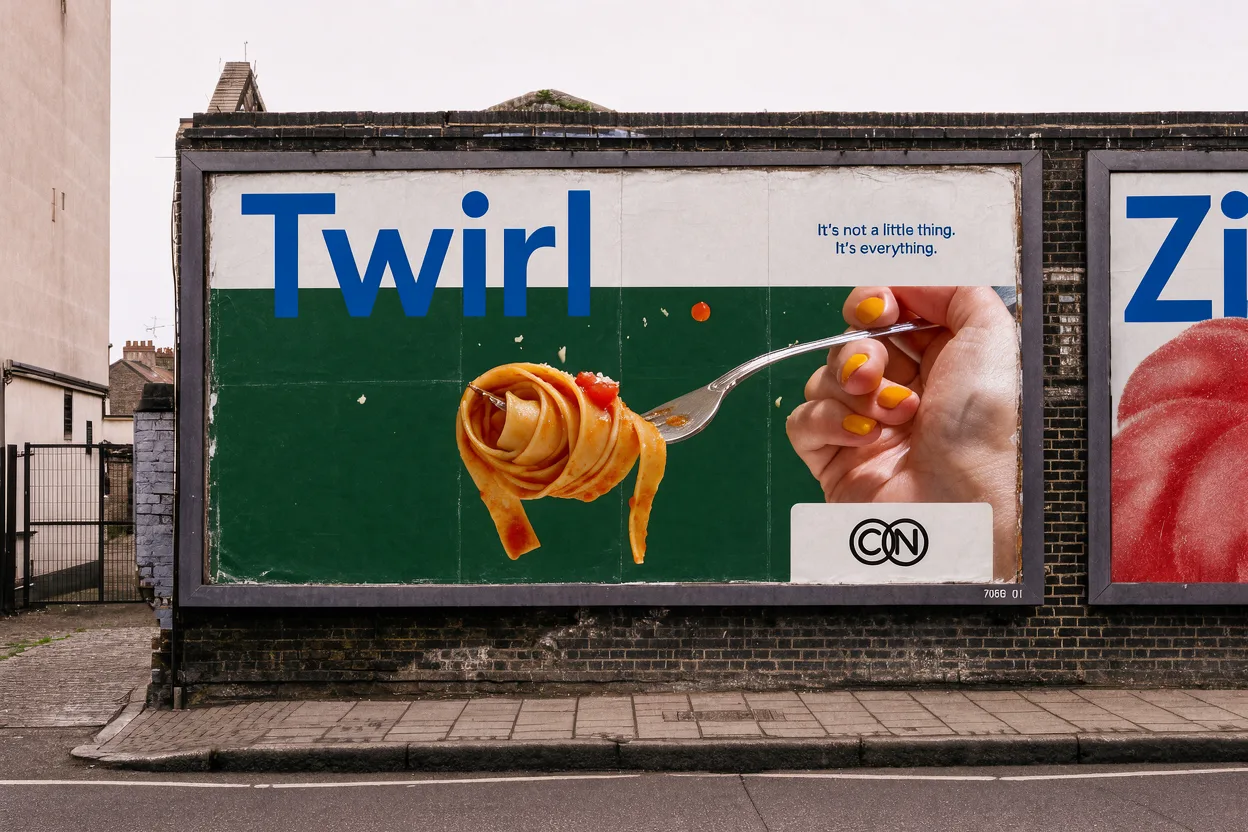
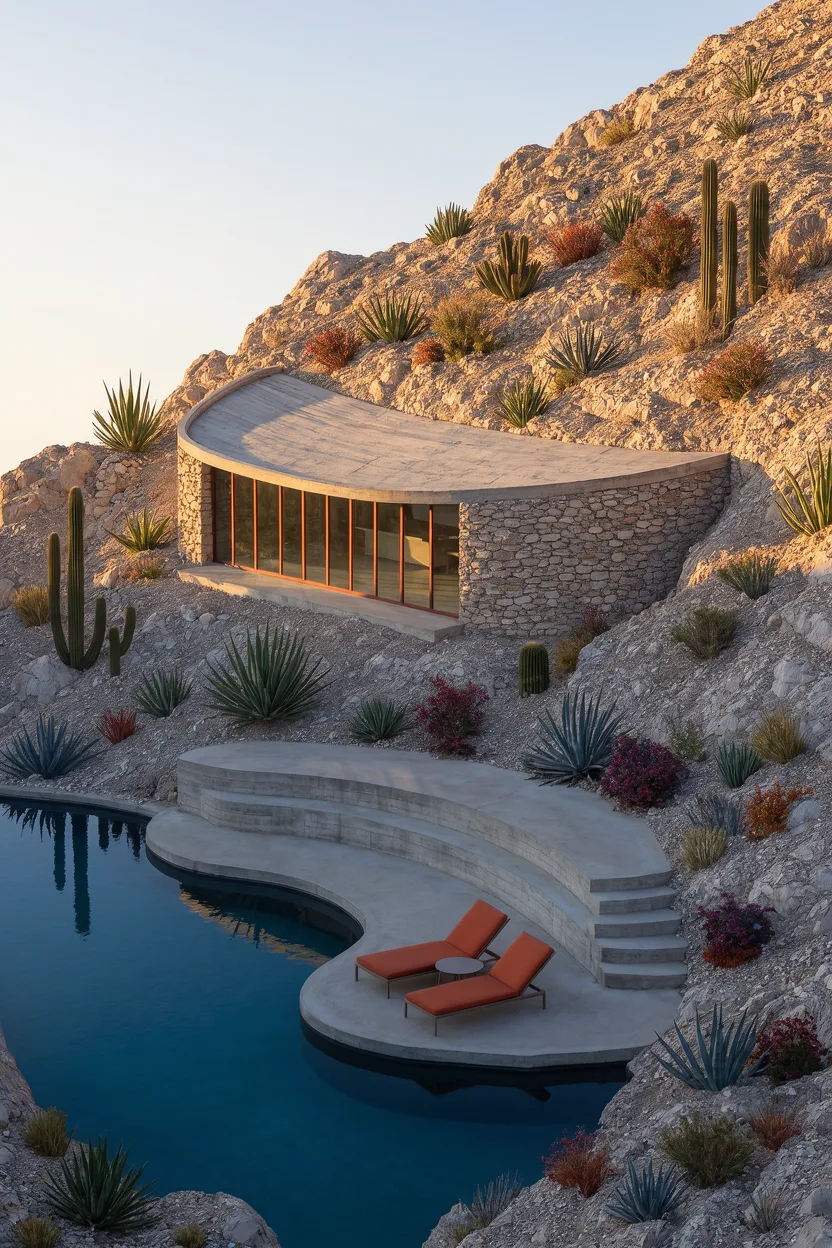
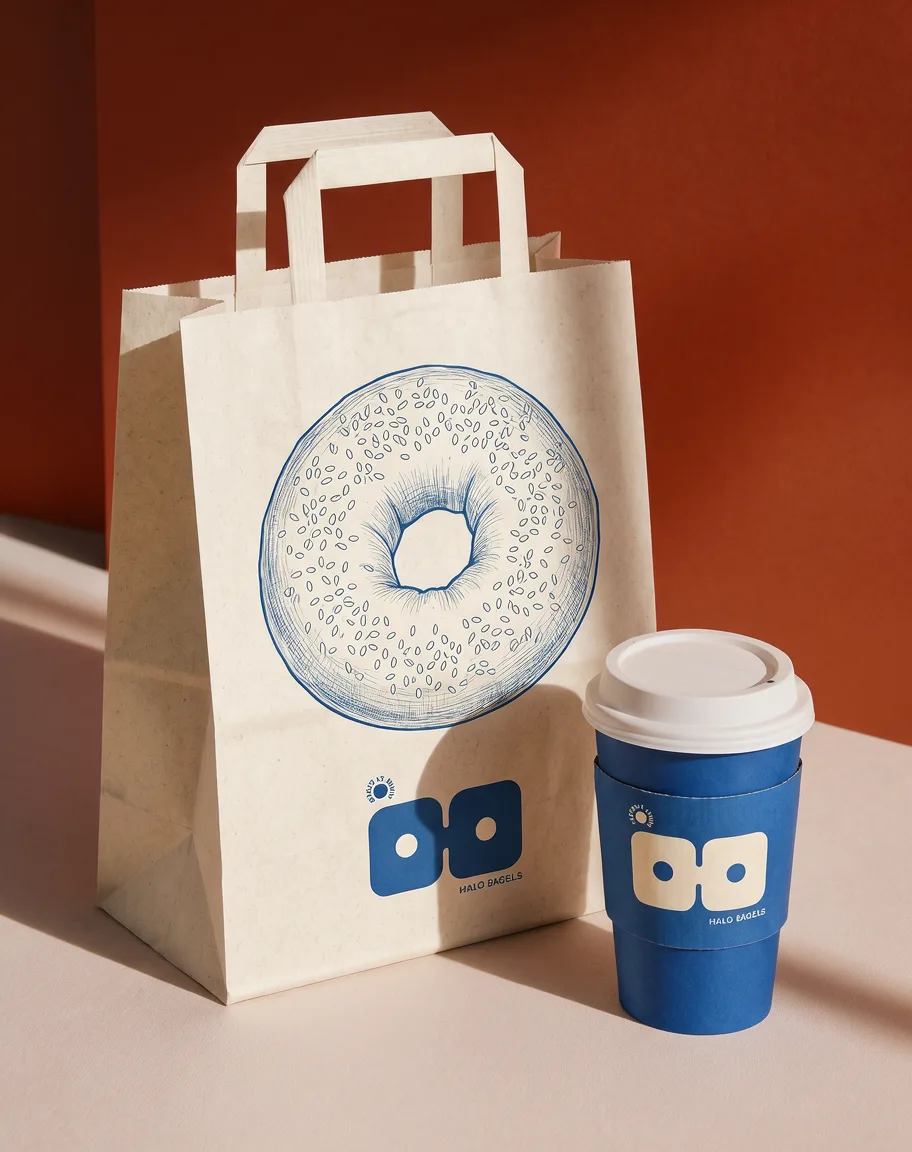
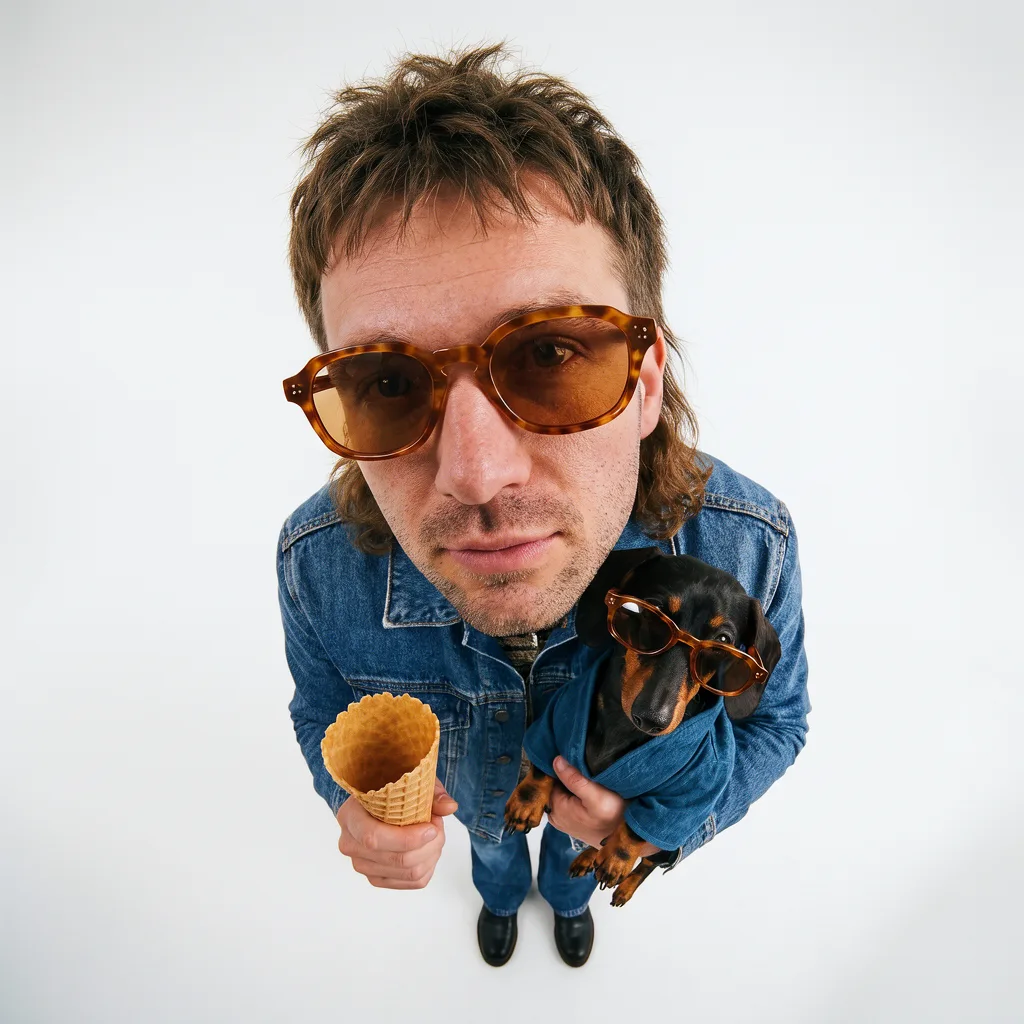
 1
 2
 3
251 launch presets
All made with Krea 3
Try Krea 3Krea 3, inside your tools
Photoshop to Blender
Intuitive, powerful, and free. See what others say about Krea.
Read our testimonials
The platform that just works
“So many AI tools out there but I always come back to Krea. It's really the one AI platform that 'just works'.”
 FYN
Best interfaces in the industry
“Krea's interfaces are still the best in the industry. Everything looks and feels so clean and easy to use! Imo the easiest to use gen AI website.”
 Lynn
Fast, simple, always up to date
“Ultra fast generations. Extremely simple to use. All the latest AI models.”
 Daniel
The only AI subscription I need
“KREA is the only AI subscription I have right now besides ChatGPT.”
 Sophia M.
New models the same day
“I'm a Krea Max user. It's crazy how fast they add models. I see a new AI model on twitter and the same day krea already offers it.”
 Wirot Ch.
The most powerful creative suite
“Still the most powerful AI creative suite out there.”
 Gravion
Trusted by over 30,000,000 users From 191 countries. We've got a plan for everybody...
Free
Get free daily credits to try basic features.
100 units / day
Basic
Access our most popular features
5,000 units / month
Pro
Advanced features and discounts on compute units
20,000 units / month
Max
Full access with higher discounts on compute units
60,000 units / month
For Teams and Enterprises
Workplace management, collaboration, and enterprise customizations
Business
Secure and collaborative workspace for growing teams
80,000 units / month

Enterprise
Enterprise-grade security with dedicated support and admin features
Explore other features
Frequently Asked Questions
AI image generators create original pictures from text descriptions called prompts. You simply type what you want to see and the AI uses your words to create a unique image by studying patterns, colors, shapes, and styles from millions of existing images.
Yes! With any of our paid plans, your image generations are licensed for commercial use, so you can use them as you wish. Images generated on the free plan are not licensed for commercial use.
Krea gives you free access to multiple leading AI image models in one workspace. You can test the same prompt across models, compare the results, and choose the output that best fits your style or project.
The best AI image generator depends on the result you want. Krea lets you compare models for realism, expressive style, prompt accuracy, text rendering, and image transformation without switching platforms.
Most AI images generate in seconds. Generation speed varies by the selected model, settings, resolution, and current demand.
Krea offers multiple free AI image generators, so you can try the magic of AI without spending a cent. You can generate several images per day at no charge, enough to experiment with different prompts, styles and models.
Image resolution varies by model and settings. You can generate high-quality images in Krea, then improve detail and resolution with Krea’s AI Enhancer.
Yes. Krea works as a free AI art generator with hundreds of curated styles, from anime and surrealism to abstract sketches. You can also train custom styles with your own images using 4-5 reference photos.
Yes. Krea can generate realistic AI photos from text prompts or reference images. You can compare multiple image models, create variations, and refine or upscale the result in the same workspace.
Yes! Nano Banana is one of many models available on Krea. You can access it by going to the Image Tool and selecting Nano Banana in the model selector.
Yes. You can create variations, edit specific areas with Krea’s AI Image Editor or Krea 3, and improve detail or resolution with the AI Enhancer without leaving Krea.
Yes. Krea offers a free tier with daily compute units so you can generate and test ideas before upgrading. Paid plans unlock more compute, commercial licensing, and higher usage limits.
Krea gives you access to multiple top models in one interface, instead of being tied to a single model workflow. You can switch models quickly, use image references, edit results, and upscale without leaving the platform.
Yes. Upload one or more reference images to guide the subject, style, composition, colors, or visual details. You can combine reference images with a text prompt and generate new variations inside Krea.
Choose a model based on the result you want, such as realism, expressive style, prompt accuracy, readable text, or image transformation. Krea 3, Krea’s newest model, handles both text to image and production edits with native 2K output. Krea lets you test the same prompt across multiple models and compare the outputs in one workspace.
Yes. Supported image models can follow prompts containing headlines, labels, packaging, posters, and layout instructions. Text accuracy varies by model, so compare outputs when readable text is important.
Yes. Open a generated or uploaded image in Krea’s AI Video Generator to add motion, camera movement, and animation using image-to-video models.
Yes. Krea supports multiple aspect ratios so you can create outputs for social media, ads, websites, and print formats without manual cropping.
Yes. Team and business plans support collaborative workflows, shared workspaces, and higher generation capacity so multiple creators can work in the same environment.


