
E-commerce product photos
Remove background noise, place products on white, or create a styled scene.
Remove the background from any image instantly, or replace it with an AI-generated scene. Free, no signup needed.
JPG, PNG, HEIC, or WEBP, up to 25MB. Free, no signup needed.
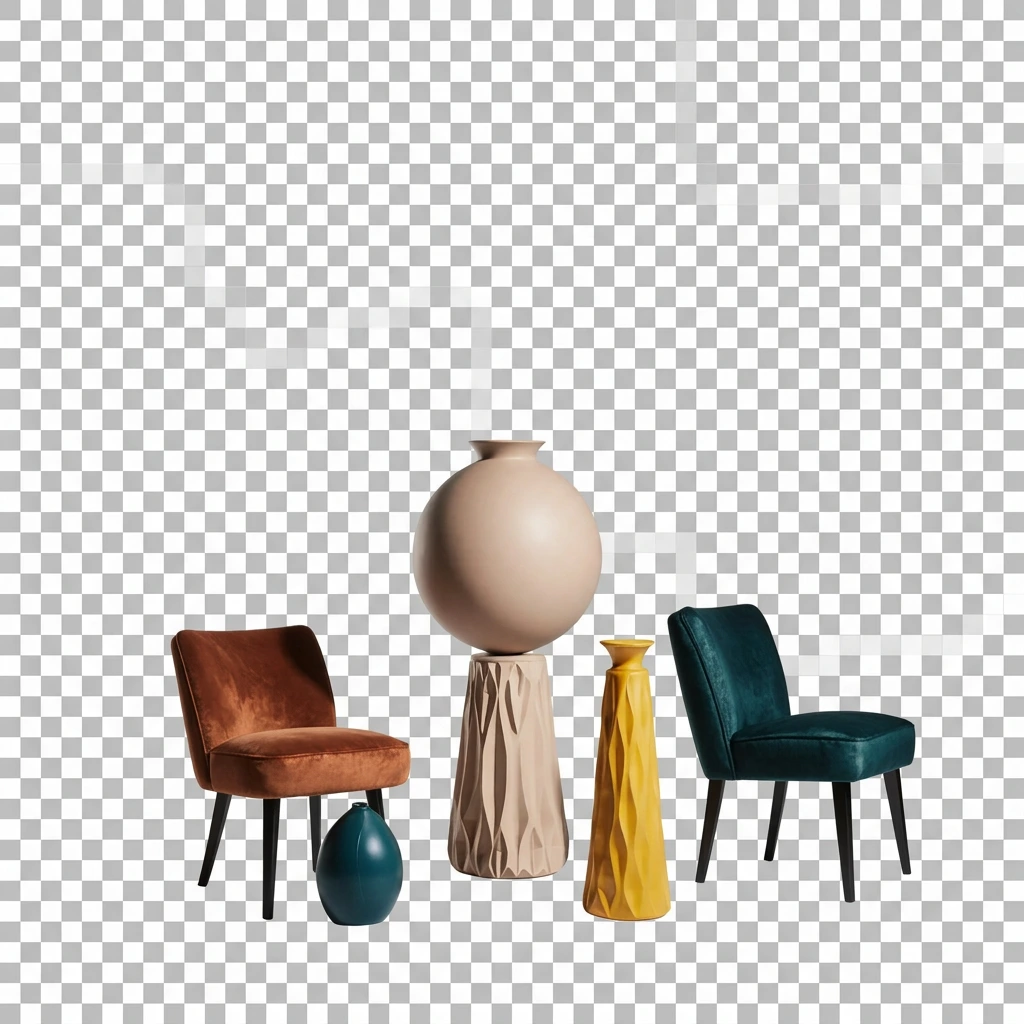
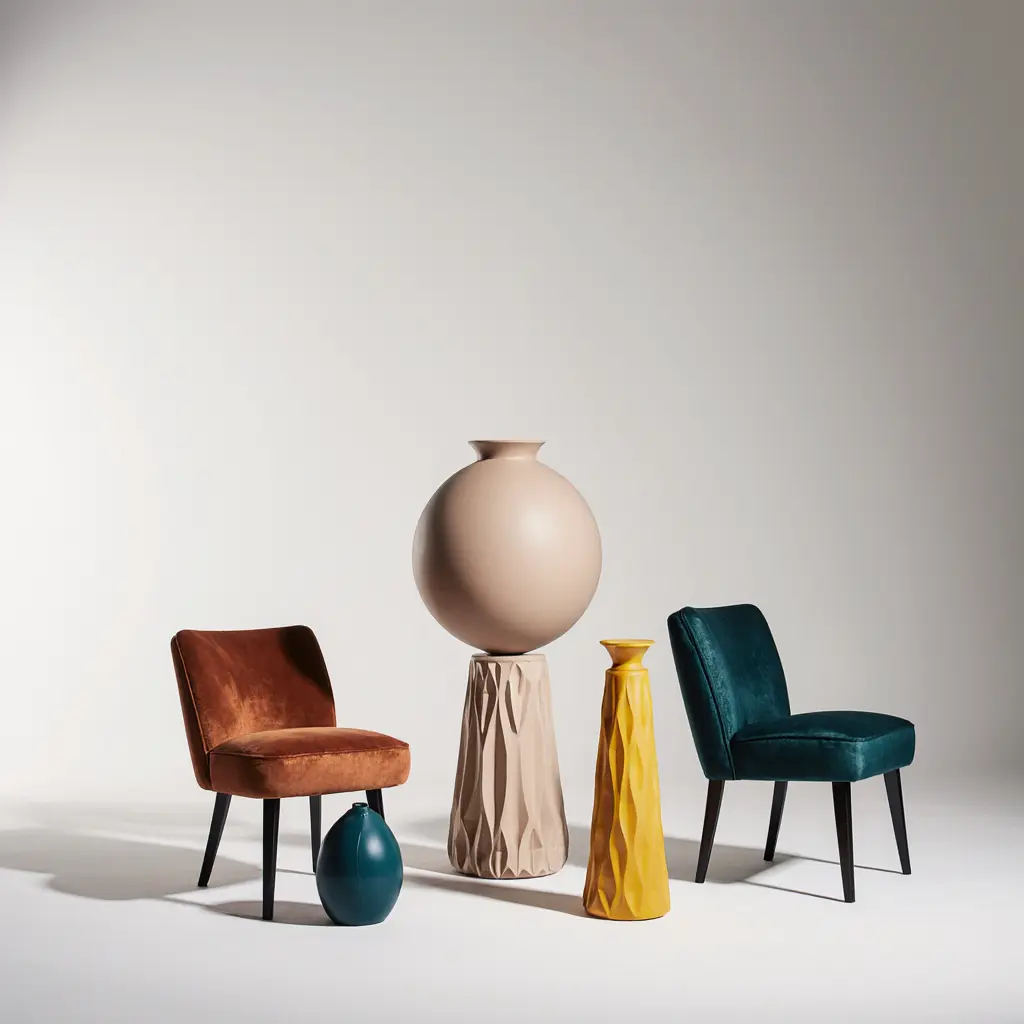
Remove backgrounds in one click
Upload any photo and Krea's AI background eraser will detect the subject, remove the image background, and return a clean cutout in seconds. It works on people, products, animals, objects, hair, transparent materials, and complex edges that traditional tools struggle with.
Use Krea to remove BG from photos, export as a transparent PNG, or drop a solid color, white background, or any other color behind the subject for instant passport photos, product shots, or profile pictures.
Or replace the background with AI
Unlike standard background removers that stop at a transparent PNG, Krea lets you generate a new background with AI in the same creative flow. Type a prompt like "modern office", "sunset beach", "studio photography backdrop", or "white marble" and create a matching scene behind your subject.
Remove background noise, place products on white, or create a styled scene.
Remove a messy backdrop from a selfie and keep the person crisp.
Turn a portrait into a clean white or solid-color background.
Create Instagram, TikTok, LinkedIn, and thumbnail-ready cutouts.
Isolate people or products for ads, banners, decks, and presentations.
Clean up mixed backgrounds around images, marks, and graphic assets.
Remove backgrounds around fur, whiskers, and complex edges.
Clean up cluttered staging images and prepare property visuals.
To make a transparent background, upload your image, click Remove background, and let Krea create a subject mask automatically. No green screen, manual selection, or design software is required.
The result is useful for PNG transparent background workflows, product listings, profile photos, ID photos, stickers, and design layouts where the subject needs to sit cleanly on any surface.
If you want more than a cutout, type a prompt and Krea can replace the background with a new AI-generated scene in the same flow.
Open Krea's AI background remover above.
Upload your image - JPG, PNG, HEIC, or WEBP, up to 25MB.
Wait a few seconds while the AI detects the subject and removes the background.
Download as a transparent PNG, or pick a solid color, white, or custom background.
Optional: type a prompt to have AI generate a new background scene behind your subject.
Yes. Remove the background from photos for free without an account. Sign up to explore more Krea editing, generation, and enhancement tools.
JPG, PNG, HEIC, and WEBP are supported, up to 25MB per file. Output is a transparent PNG by default, or any other format or background you select.
Yes. The AI is trained on a wide variety of subjects and performs well on hair, fur, transparent objects, motion blur, and intricate edges.
Yes. Type a prompt and Krea can generate a new background scene behind your subject, then match the image so the result looks natural.
Krea removes the background and connects the result to generative AI editing. You can export a transparent PNG or keep going and replace the background in Krea's editor.
Krea processes uploads to provide the tool and related product features. See Krea's privacy policy for current details on storage, deletion, and data use.
The tool above works on still images. For video workflows, use Krea video tools to generate, edit, and enhance video content.
Yes. If you are looking for an Adobe background remover alternative, Krea removes image backgrounds online for free and can also replace the background with an AI-generated scene.
In Photoshop, you can select the subject, add a mask, and refine the edges manually. Krea is simpler for quick edits: upload an image, remove the background with AI, and download a transparent PNG in seconds.
Canva has a background remover in its editor, often tied to paid design workflows. Krea gives you a free online background eraser for fast transparent PNG cutouts and AI background replacement.
Yes. Open Krea in your iPhone browser, upload a photo, remove the background, and download the transparent PNG result. No desktop app is required.
The tool above is designed for still images. For GIFs, remove the background from a representative frame or convert the GIF into frames before editing each image.
Explore more AI tools created by the Krea community.
Hydraulic Press
Watch your favourite item get crushed!
GTA Me!
Upload a photo of yourself and complete the mission.

CCTV Footage
Generate realistic multi-camera CCTV-style footage from a single image. Upload a photo and the app creates four different security-camera angles inside a convenience store.
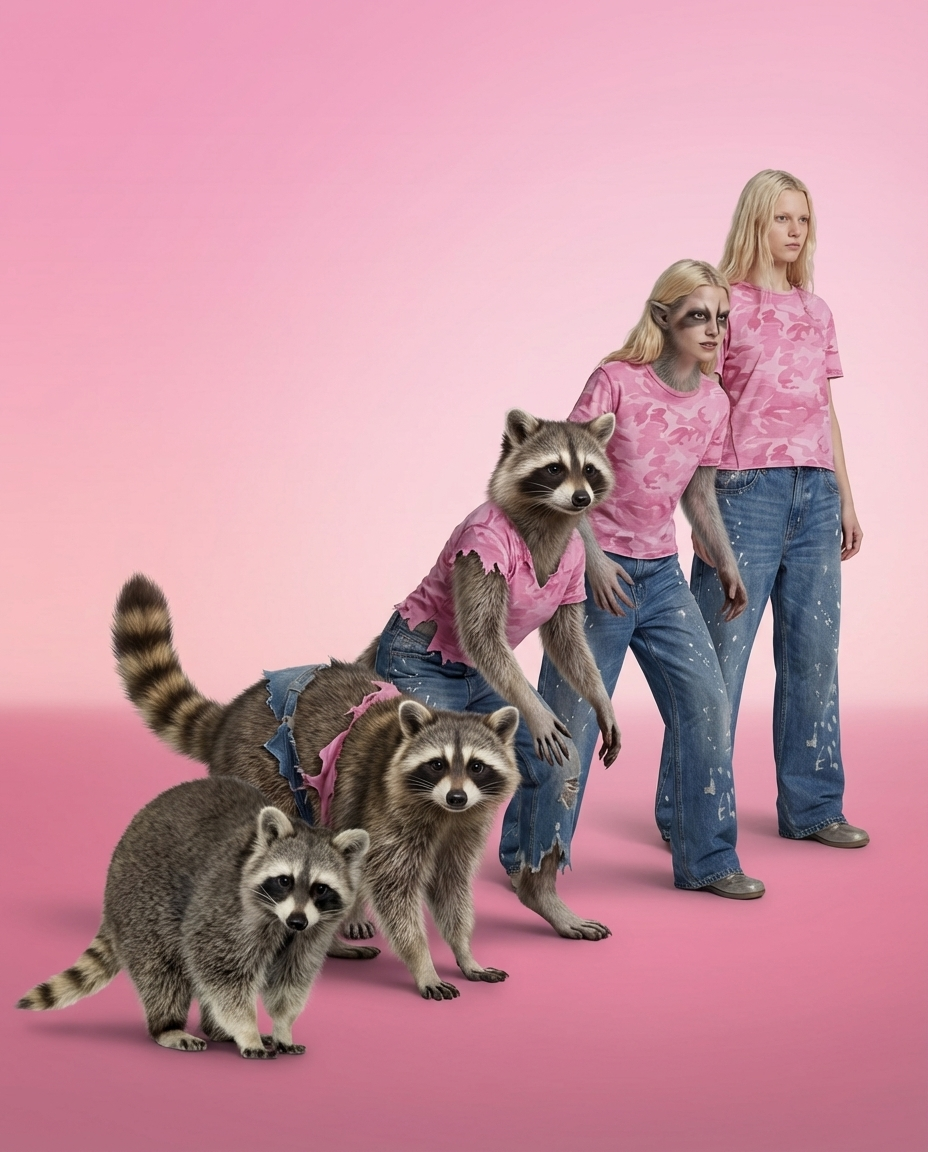
Animorph Yourself
Upload your photo and an animal image, and get your own Animorph-style transformation sequence.
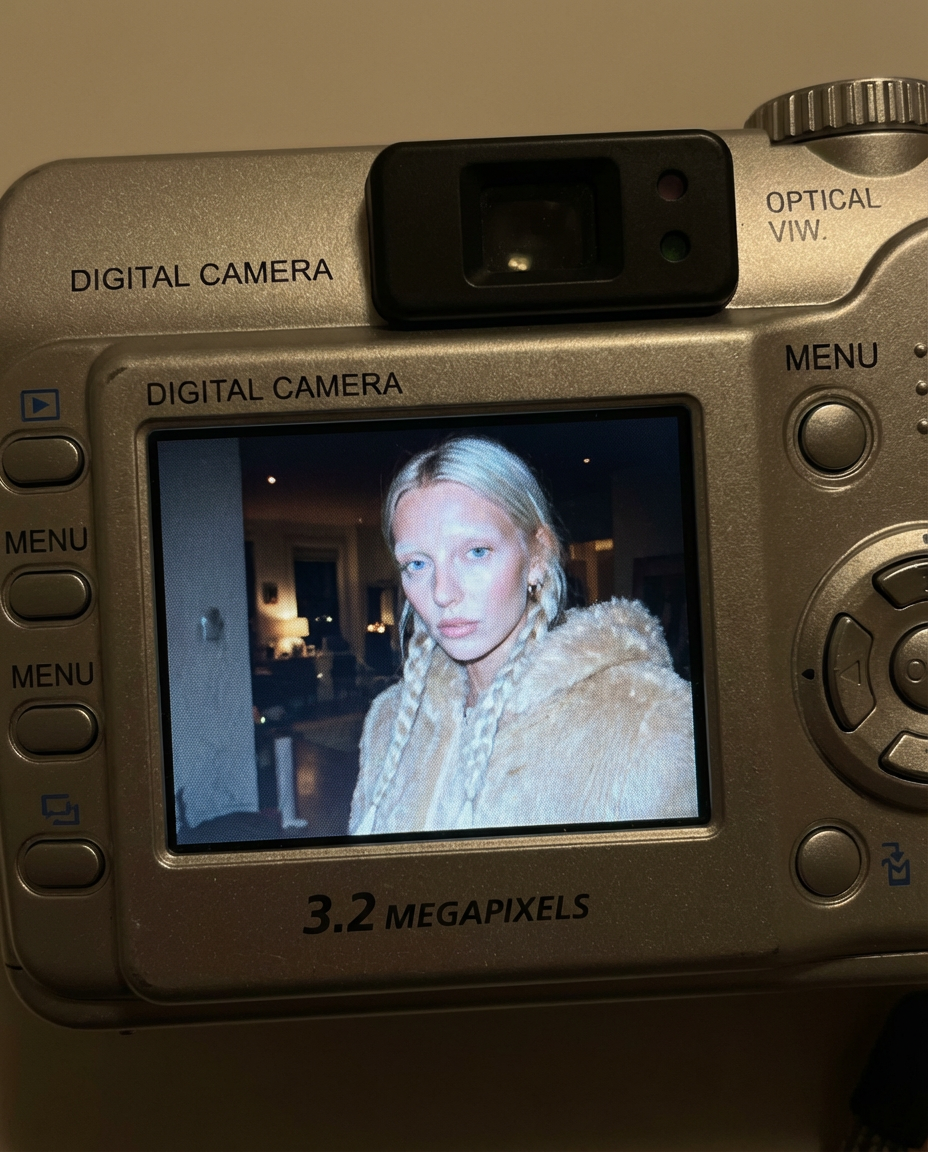
Digicam
Upload an image and the app places your face onto the screen of an early-2000s point-and-shoot camera.
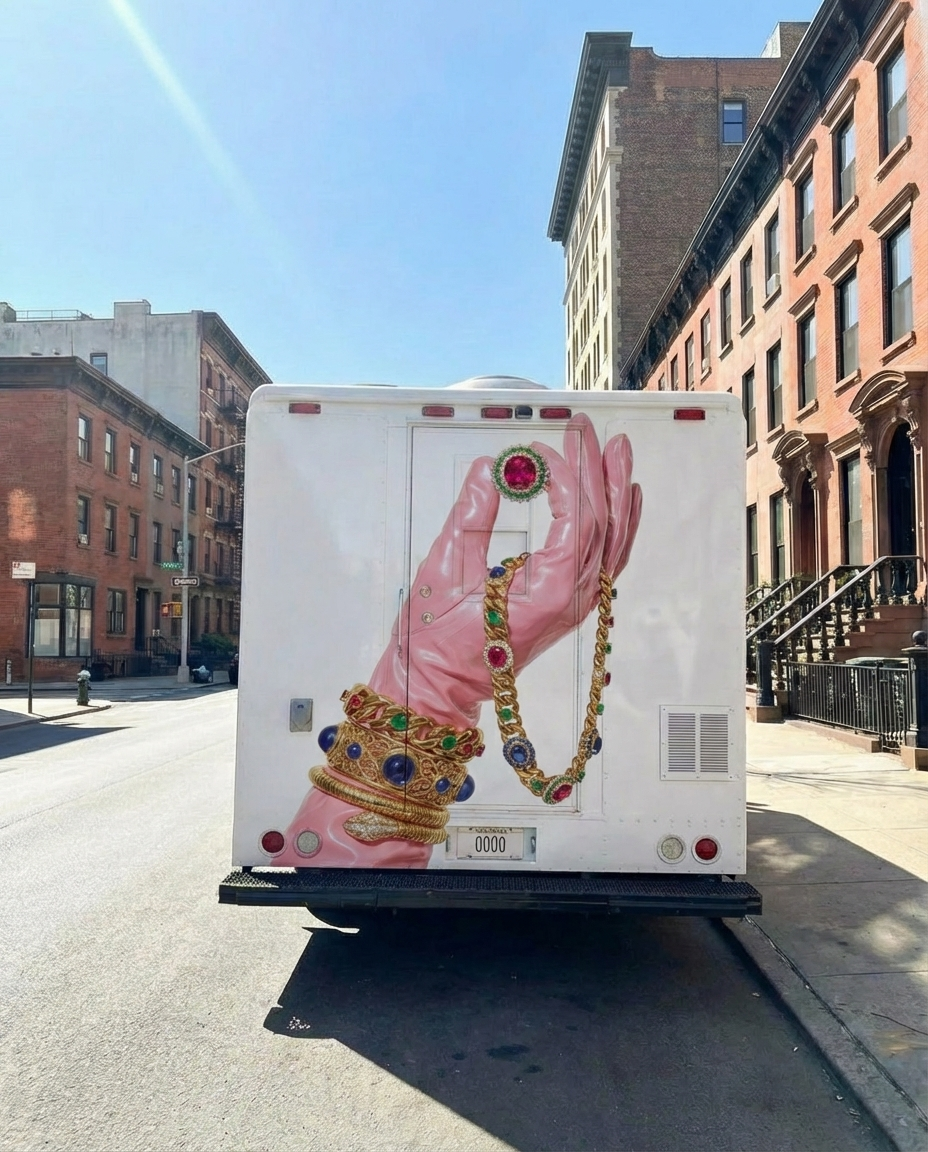
Moving Ad
Upload an image or a poster, and the app places your design on the back of the vehicle and generates a video of the van driving.
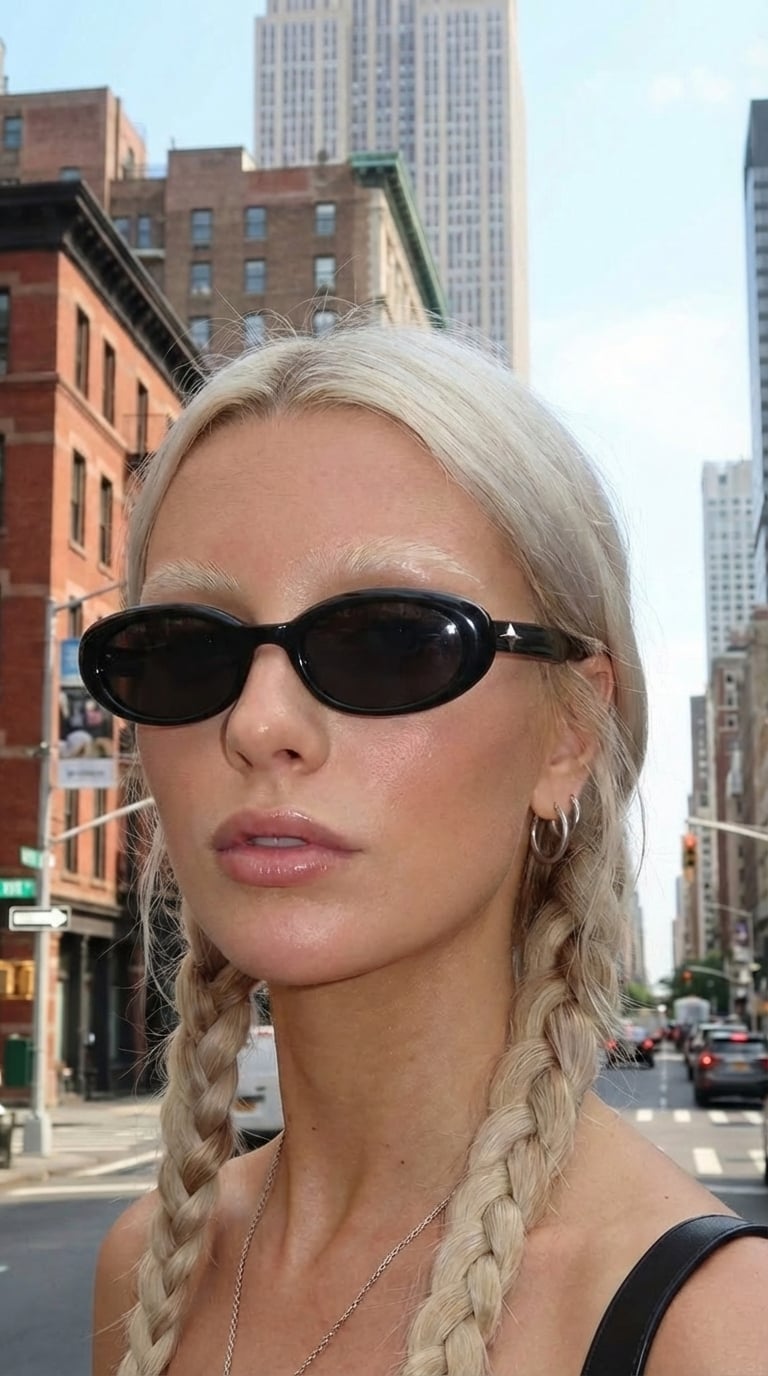
360 Sunglasses Product Video
Upload an image of your model and an image of the glasses, and get a 360° rotation video showing the model wearing the glasses.
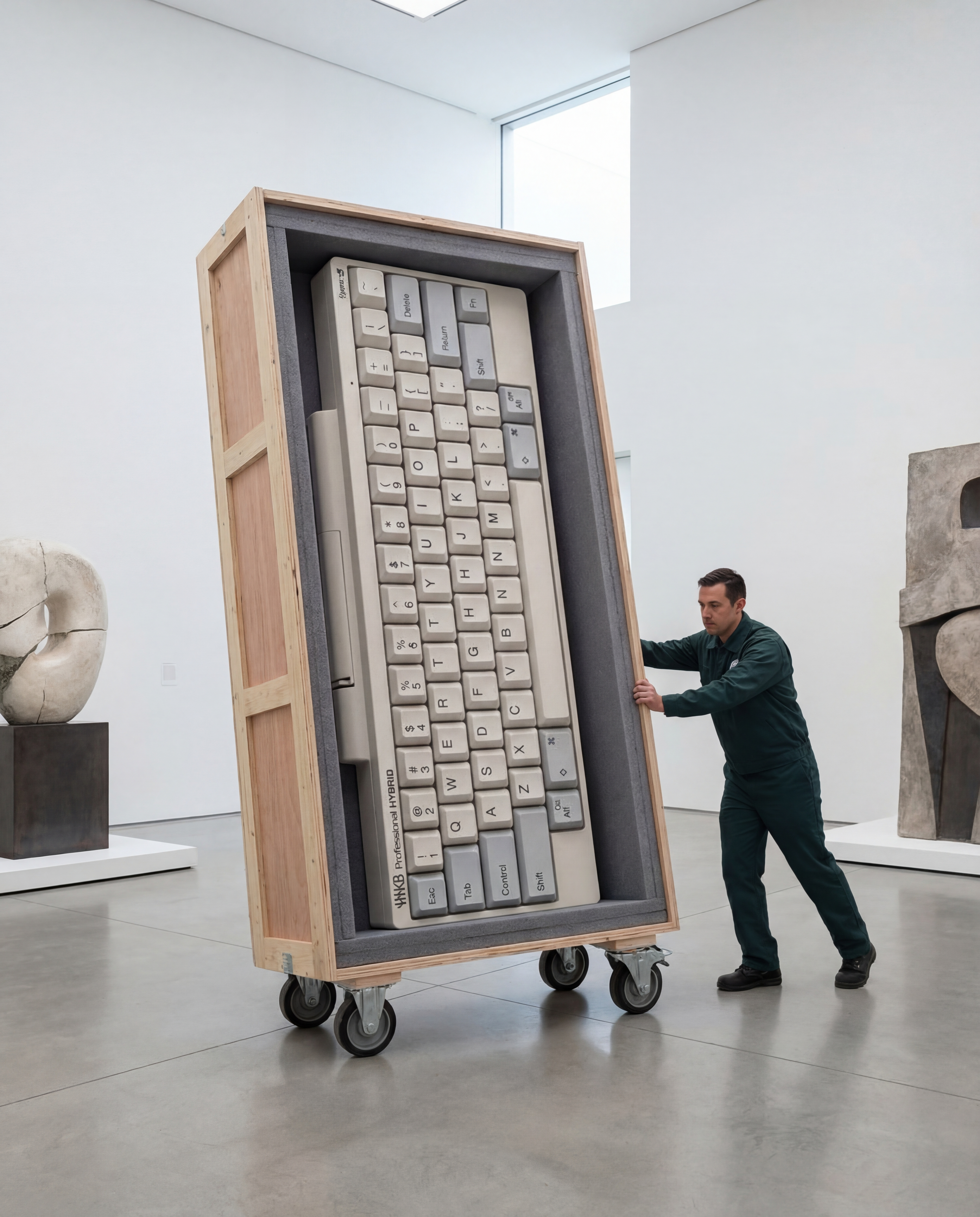
Rare Artifact
Upload a product image (a high quality image with a white background will work best)
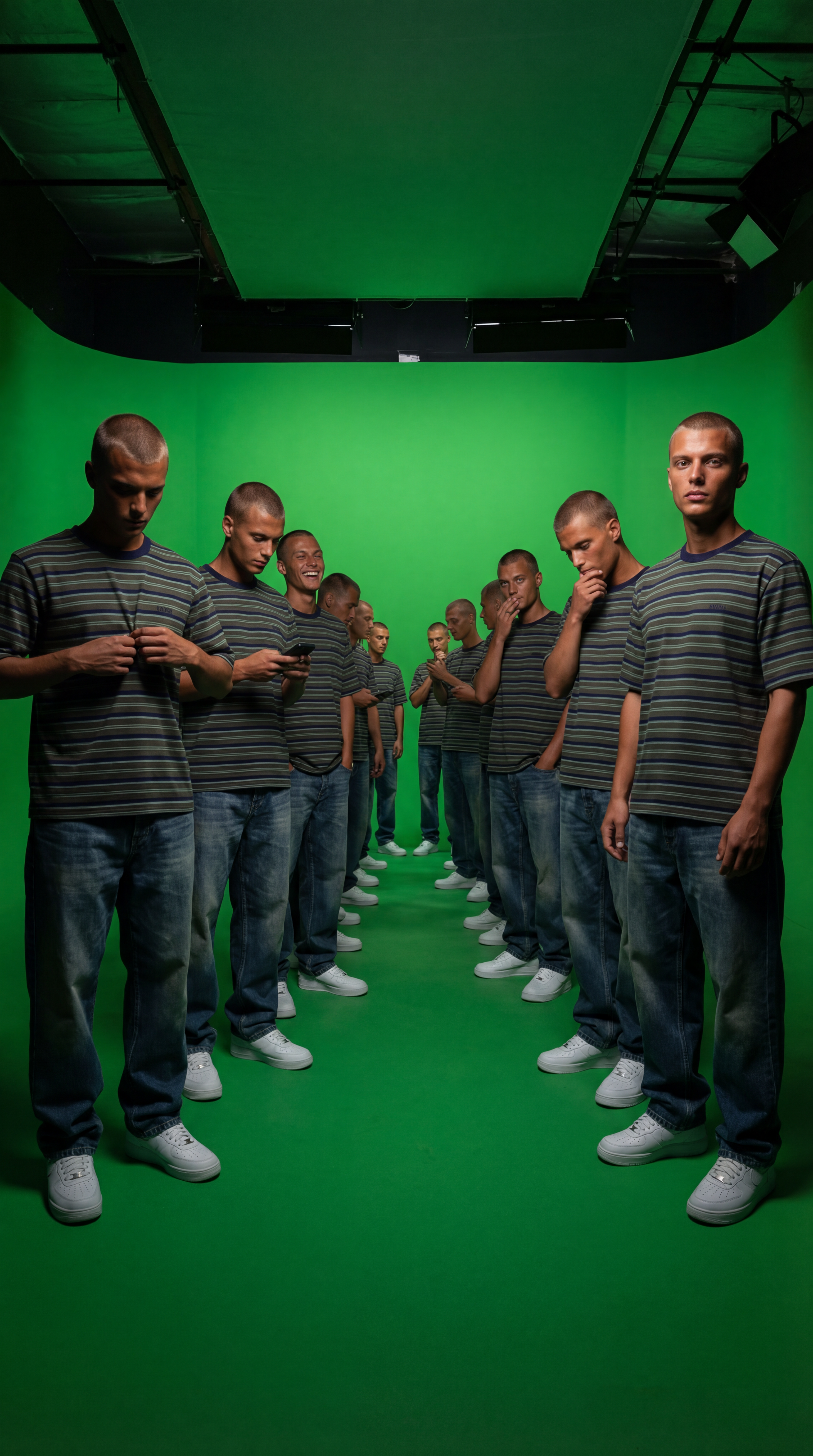
Duplicate Me
Insert a full length photo for best results!
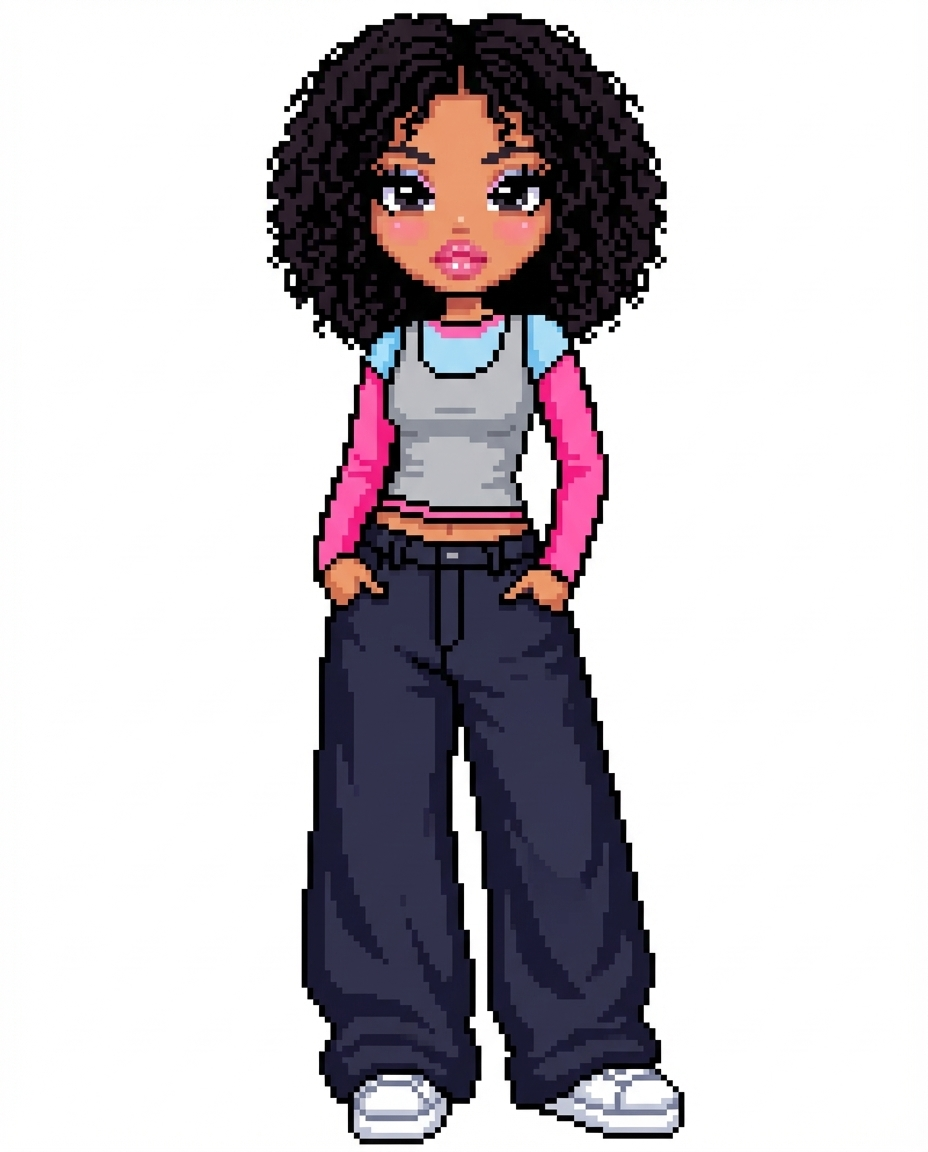
Dollz Maker
Upload your image and instantly get a cute pixel-art version of yourself inspired by early 2000s doll makers.
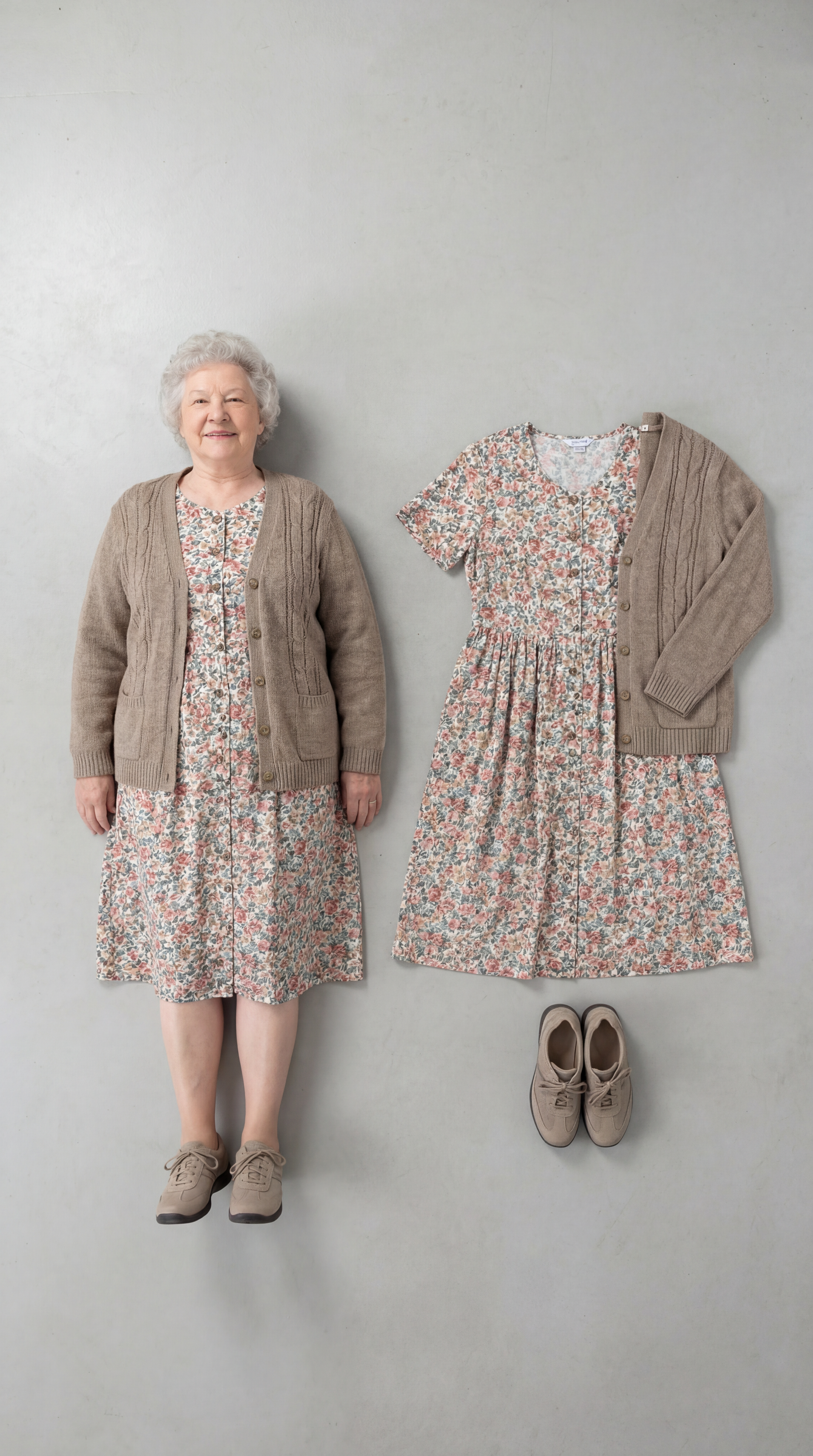
Outfit Check
Insert a full length photo for best results
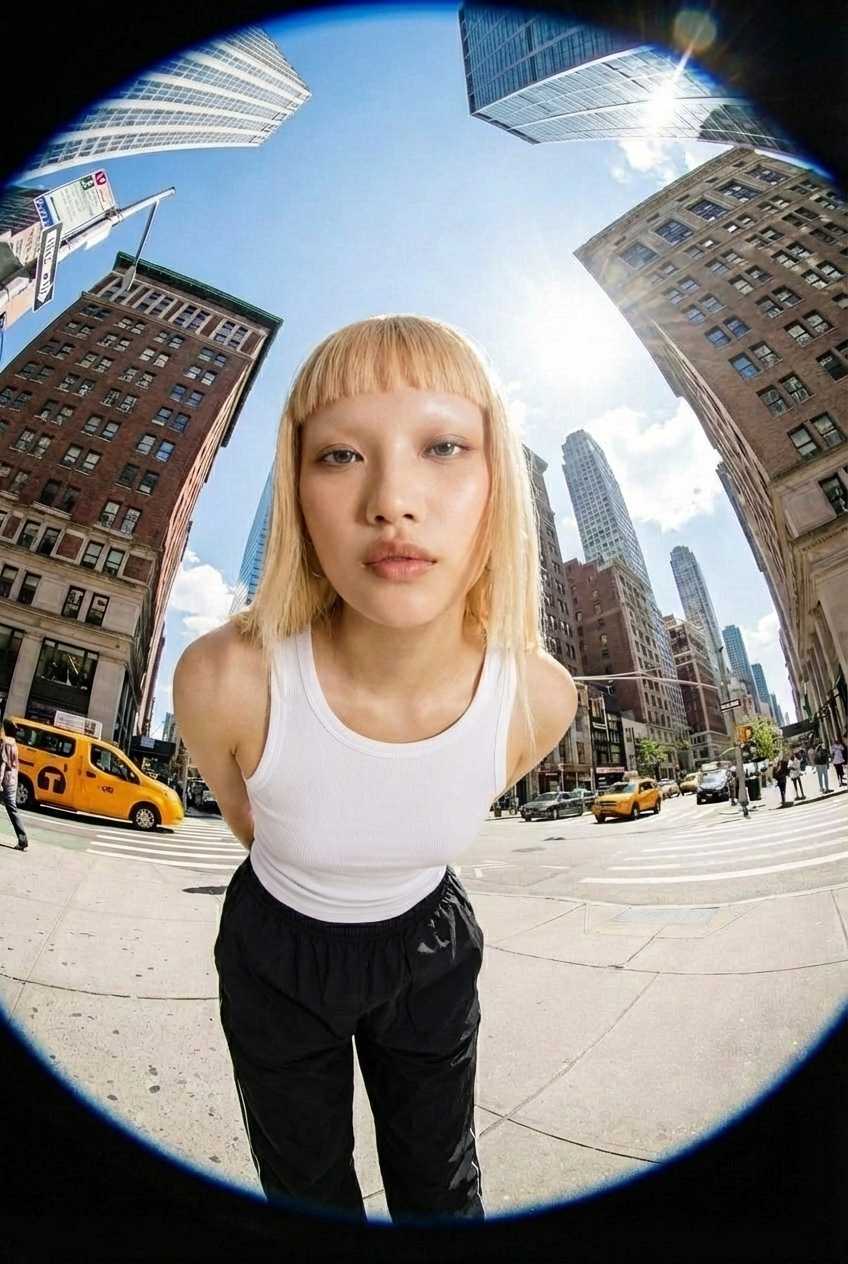
Fisheye
Upload your photo and we’ll turn you into a fisheye video shot on the streets of New York.