
Krea, right inside  Blender
Download 
 Enhancing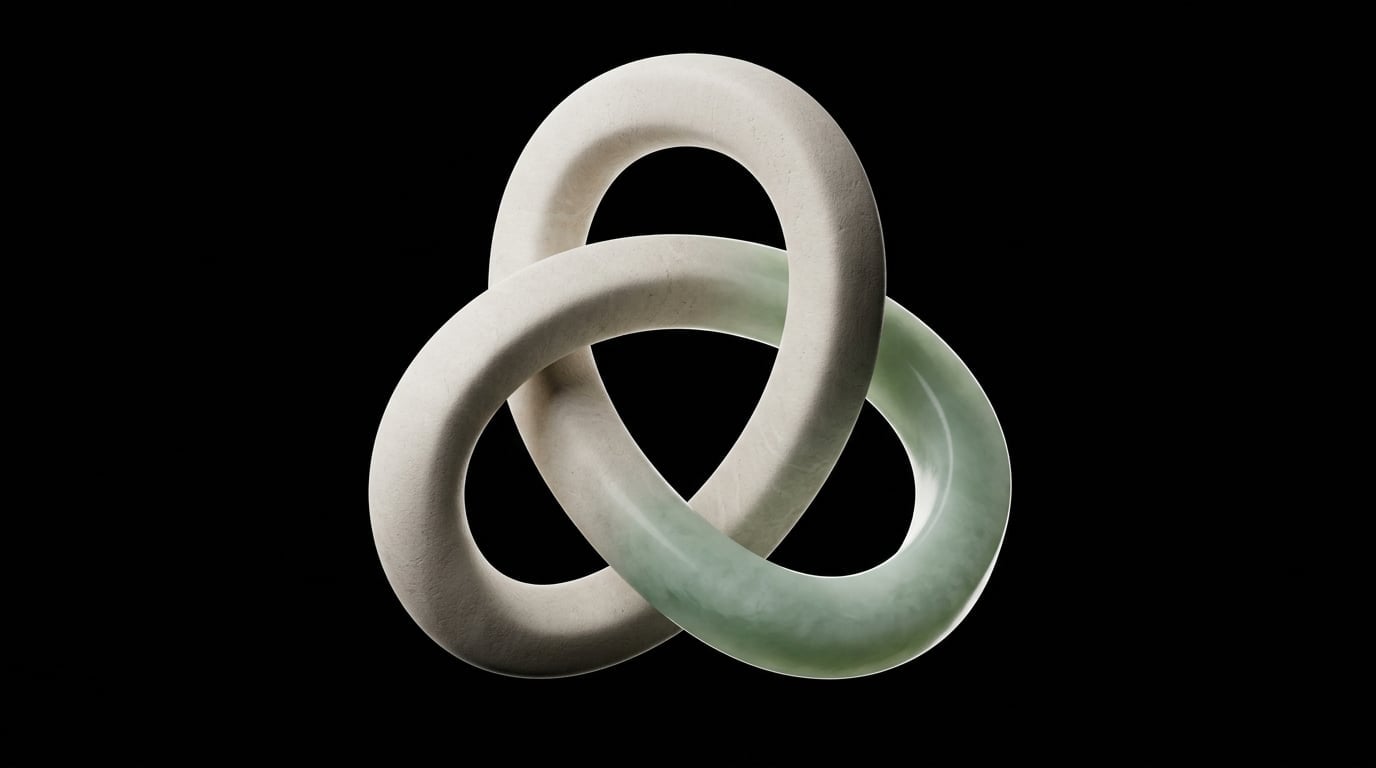
Install Krea for Blender
-
Download the add-on
Download the ZIP for your computer. Keep it zipped: Blender installs the file as it is.
Install it in Blender
Drag the ZIP onto the Blender window, or open Edit → Preferences → Get Extensions and choose Install from Disk in the menu at the top right.
Open Krea in Blender
In the 3D Viewport, press N to open the sidebar, then choose the Krea tab and sign in.
What Krea for Blender can do
Explore materials, environments, lighting, and render directions without leaving your 3D workflow.
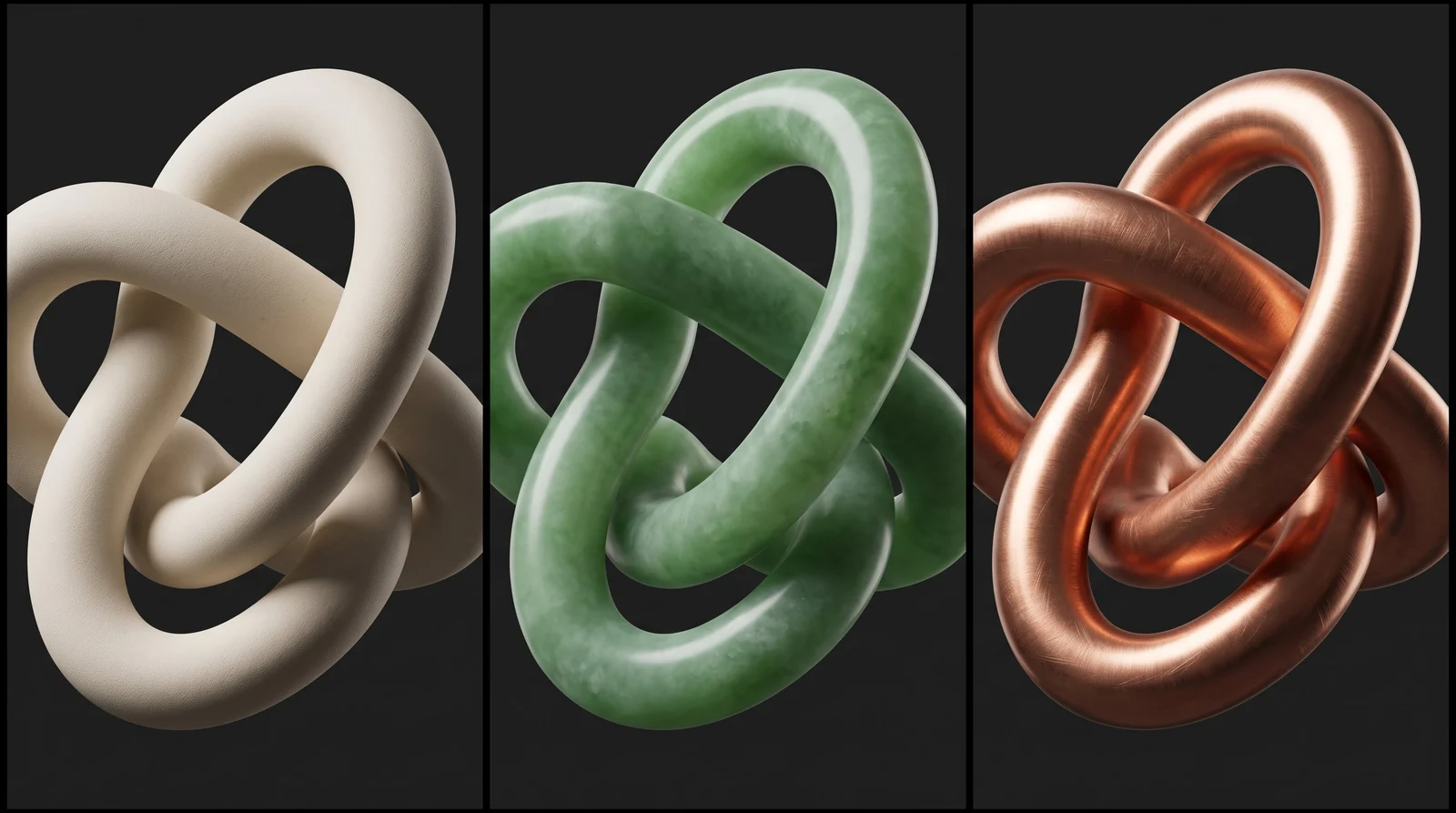
Explore materials and finishes
Generate visual references for surfaces, finishes, and material directions before committing to a shader setup.
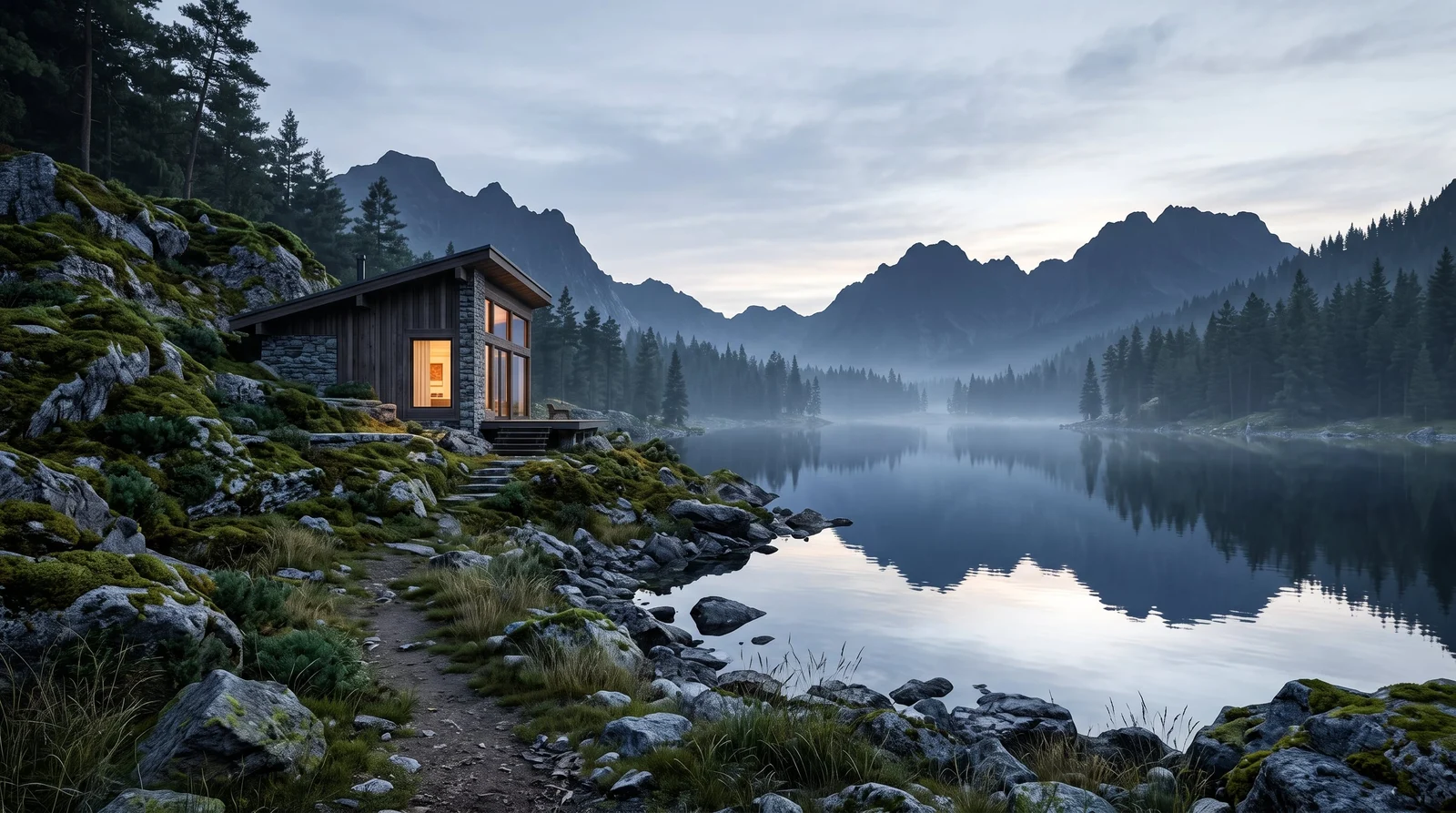
Build environment concepts
Create backgrounds and environment references that help you shape the world around your 3D scene.
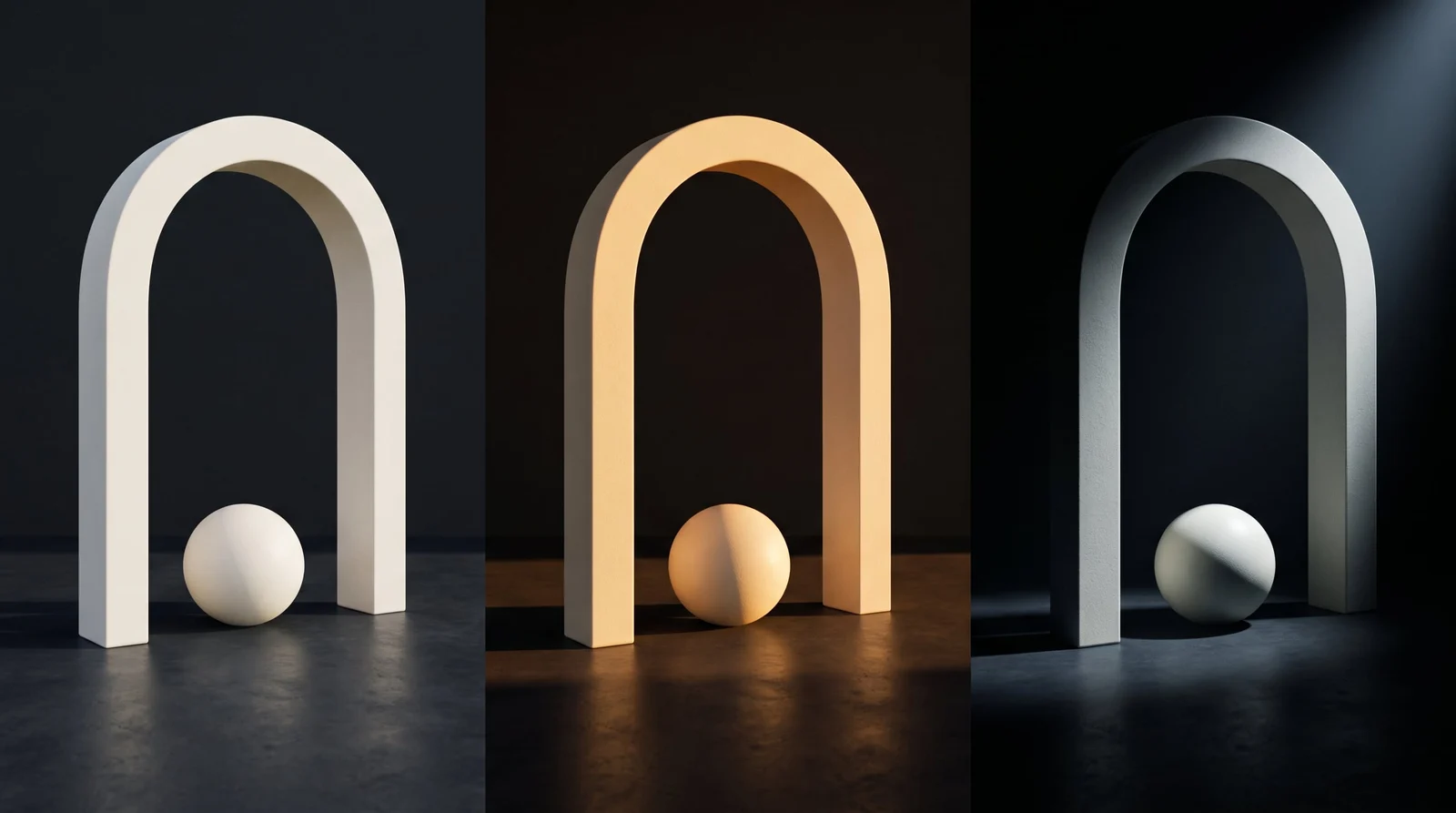
Test lighting directions
Quickly compare moods, color temperatures, and lighting setups before refining your render.
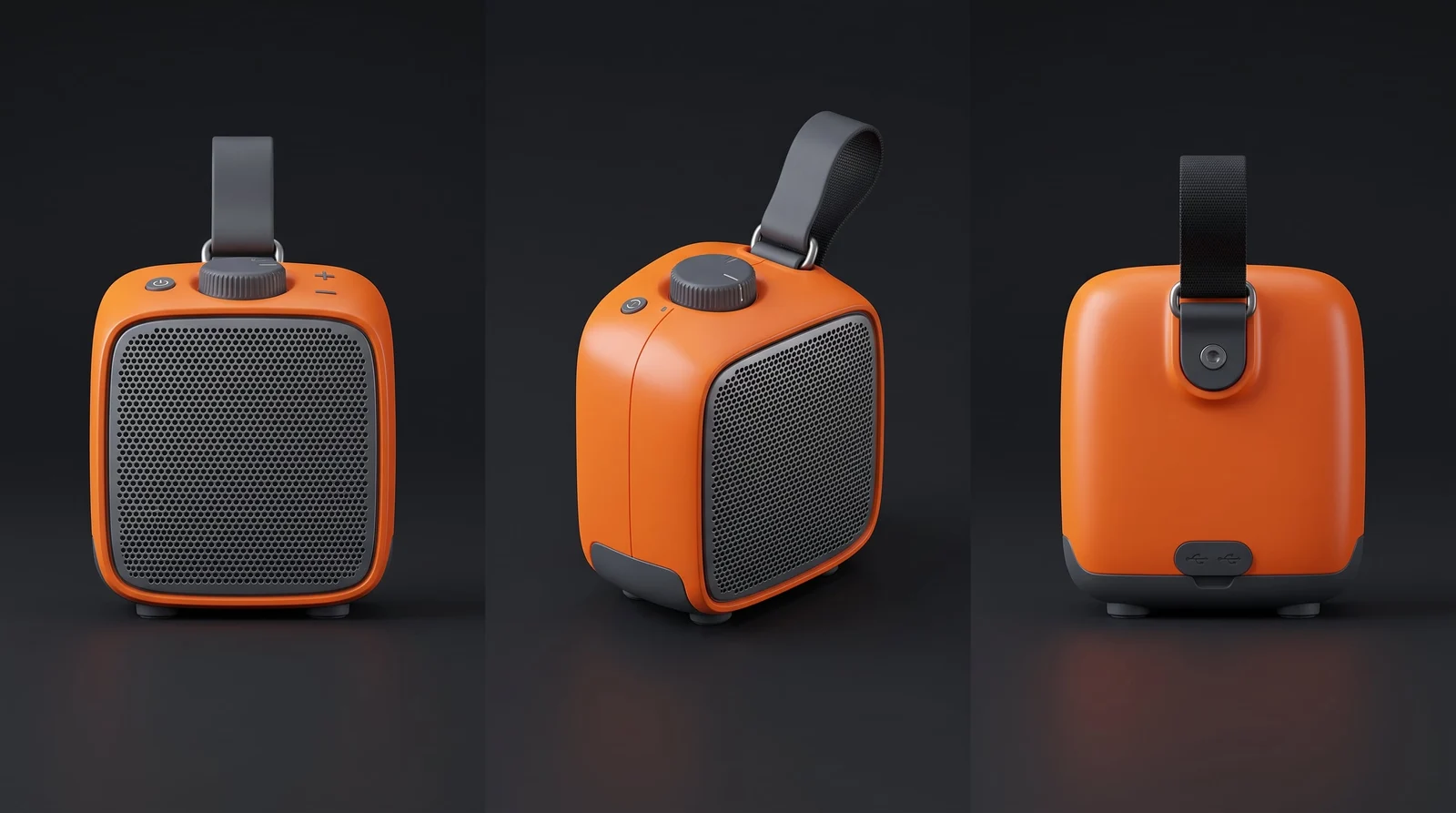
Develop multiple camera views
Explore alternate framing and presentation angles for products, environments, and characters.
Krea, right insideBlender
Trusted by over 30,000,000 users From 191 countries. We've got a plan for everybody...
Free
Get free daily credits to try basic features.
Basic
Access our most popular features
Pro
Advanced features and discounts on compute units
Max
Full access with higher discounts on compute units
For Teams and Enterprises
Workplace management, collaboration, and enterprise customizations
Business
Secure and collaborative workspace for growing teams
Enterprise
Enterprise-grade security with dedicated support and admin features
Frequently asked questions
Everything you need to know about Krea for Blender.
It connects Krea’s creative AI tools with a Blender workflow for visual development, materials, environments, and render exploration.
Krea is a Blender add-on, so there is no installer to run. Download the ZIP for macOS or Windows and drag it onto the Blender window, or open Edit → Preferences → Get Extensions and choose Install from Disk. Krea then appears in the 3D Viewport sidebar: press N and open the Krea tab.
Yes. You can generate material and surface references to guide texture and shader work.
Yes. Generate environment concepts, backgrounds, and lighting references around your scene.
Yes. Generations run on Krea’s servers, so the add-on needs an internet connection.
Yes. Sign in with your Krea account when you first open the add-on.
No. Krea complements Blender’s native modeling, shading, and rendering tools with AI-assisted visual exploration.
Krea for Blender needs Blender 5.2 or later on macOS (Apple Silicon or Intel) or Windows.