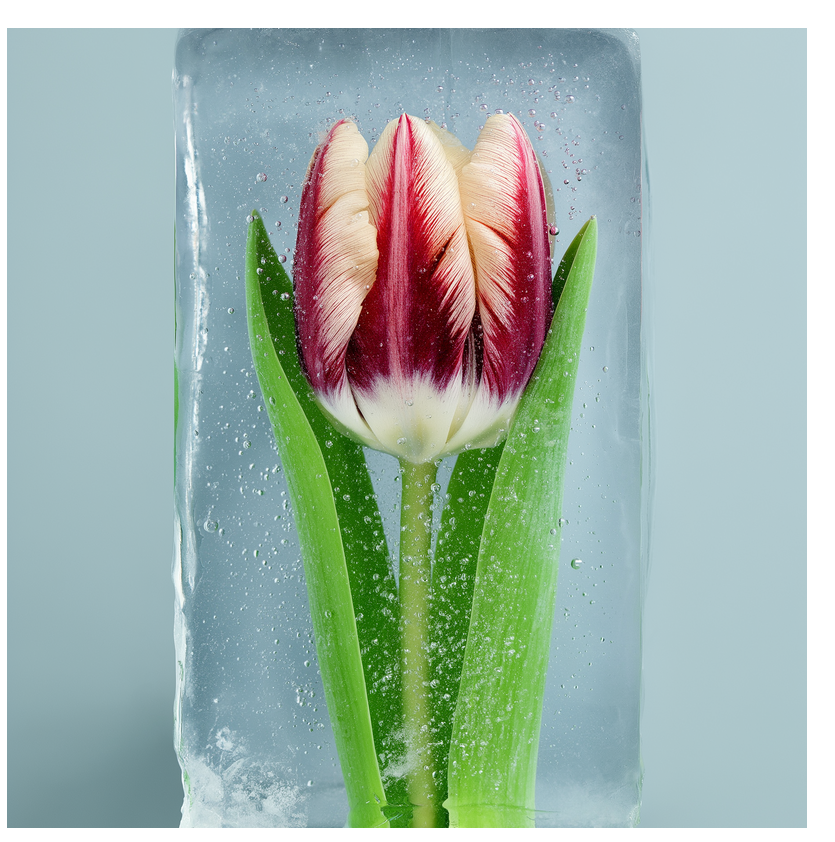
Step 1
Pick Kling in Krea Video
Open the Krea Video tool and choose Kling 2.5 from the model selector. Every Kling version is available, from Kling 1.6 up to Kling 2.5 Turbo.
Create cinematic AI videos with Kling 2.5 on Krea
How It Works
From first prompt to finished Kling video in four steps.
Step 1
Open the Krea Video tool and choose Kling 2.5 from the model selector. Every Kling version is available, from Kling 1.6 up to Kling 2.5 Turbo.
Step 2
Describe your video with a text prompt or upload an image that Kling will animate. Both text-to-video and image-to-video work.
Step 3
Kling processes your request and generates the video. Usually takes 3-5 minutes depending on length and settings.
Step 4
Download your finished video. Paid plans include full commercial rights.
Generate 5 or 10 second clips per pass, and chain generations for longer sequences
Maximum output resolution on Krea
Condition a clip on a start frame, an end frame, or both
Objects fall with proper weight, water flows naturally, and impacts look real
Athletes keep a consistent gait and balls follow proper arcs without floating
Typical generation time per clip, depending on length and settings

Generate sports highlights where players move with consistent stride patterns. Balls bounce and arc properly. Camera follows plays without warping.
Generate sports videosFight choreography, parkour sequences, and chase scenes stay sharp with less warping. Fast movements maintain clarity instead of blurring into artifacts.
Create an action sceneDance moves transition smoothly between positions. Group choreography maintains sync across multiple dancers. Bodies move with natural weight and momentum.
Animate choreography
Flips, aerial spins, and balance beam routines maintain realistic rotation speed. Weight distribution and momentum look convincing throughout complex movements.
Generate athletic motionQuality suitable for professional film and game production when realistic physics matter. Good for previz, concept work, and final footage.
Storyboard a film sceneProduct showcases and ads with dynamic motion that grabs attention. Objects move convincingly without the uncanny valley feeling.
Make a product videoPrompt Examples
Real prompts behind the Kling example videos on this page — each clip is paired with the exact prompt that generated it. Copy one and make it yours.
Kling 2.5 handles fast motion better than other models. Athletes run without warping, balls follow proper trajectories, and physics stay realistic. Great for sports highlights, action scenes, and dance videos where other models struggle with motion blur and floating objects.
Real reviews on TrustpilotSo many AI tools out there but I always come back to Krea. It's really the one AI platform that 'just works'.

FYN
Verified review
Krea's interfaces are still the best in the industry. Everything looks and feels so clean and easy to use! Imo the easiest to use gen AI website.

Lynn
Verified review
Ultra fast generations. Extremely simple to use. All the latest AI models.

Daniel
Verified review
KREA is the only AI subscription I have right now besides ChatGPT.

Sophia M.
Verified review
I'm a Krea Max user. It's crazy how fast they add models. I see a new AI model on twitter and the same day krea already offers it.

Wirot Ch.
Verified review
Still the most powerful AI creative suite out there.

Gravion
Verified review
Free
Get free daily credits to try basic features.
Basic
Access our most popular features
Pro
Advanced features and discounts on compute units
Max
Full access with higher discounts on compute units
For Teams and Enterprises
Workplace management, collaboration, and enterprise customizations
Business
Secure and collaborative workspace for growing teams
Enterprise
Enterprise-grade security with dedicated support and admin features
Kling 2.5 is an AI video generator that handles fast motion better than most models. It's built specifically for sports, action sequences, and dance where realistic physics matter.
Yes. Krea offers a free tier to try Kling. Paid plans unlock higher resolution, longer video durations, and commercial usage rights.
Yes. Upload a start frame and Kling 2.5 animates it into a 5 or 10 second clip. You can also set an end frame to control exactly where the motion lands.
Generation typically takes 3-5 minutes. Time varies based on video length and quality settings you choose.
Kling specializes in maintaining realistic physics during fast motion. Other models have different strengths, but Kling is the best choice for sports and action content where accurate movement matters.
Paid plans include full commercial usage rights. You can use videos for business, marketing, and client projects. Free tier is for personal use only.
Kling generates videos in 5 or 10 second clips. You can combine multiple generations to create longer sequences.
Kling offers Standard, Pro, and Turbo versions. Standard works for basic needs. Pro delivers sharper details and more precise camera control. Turbo prioritizes speed while maintaining quality. Krea gives you access to all Kling models, even older ones like Kling 1, Kling 1.6, Kling 2 and Kling 2.1 if that's what you prefer.
Latest news, tutorials, and updates from the Krea team
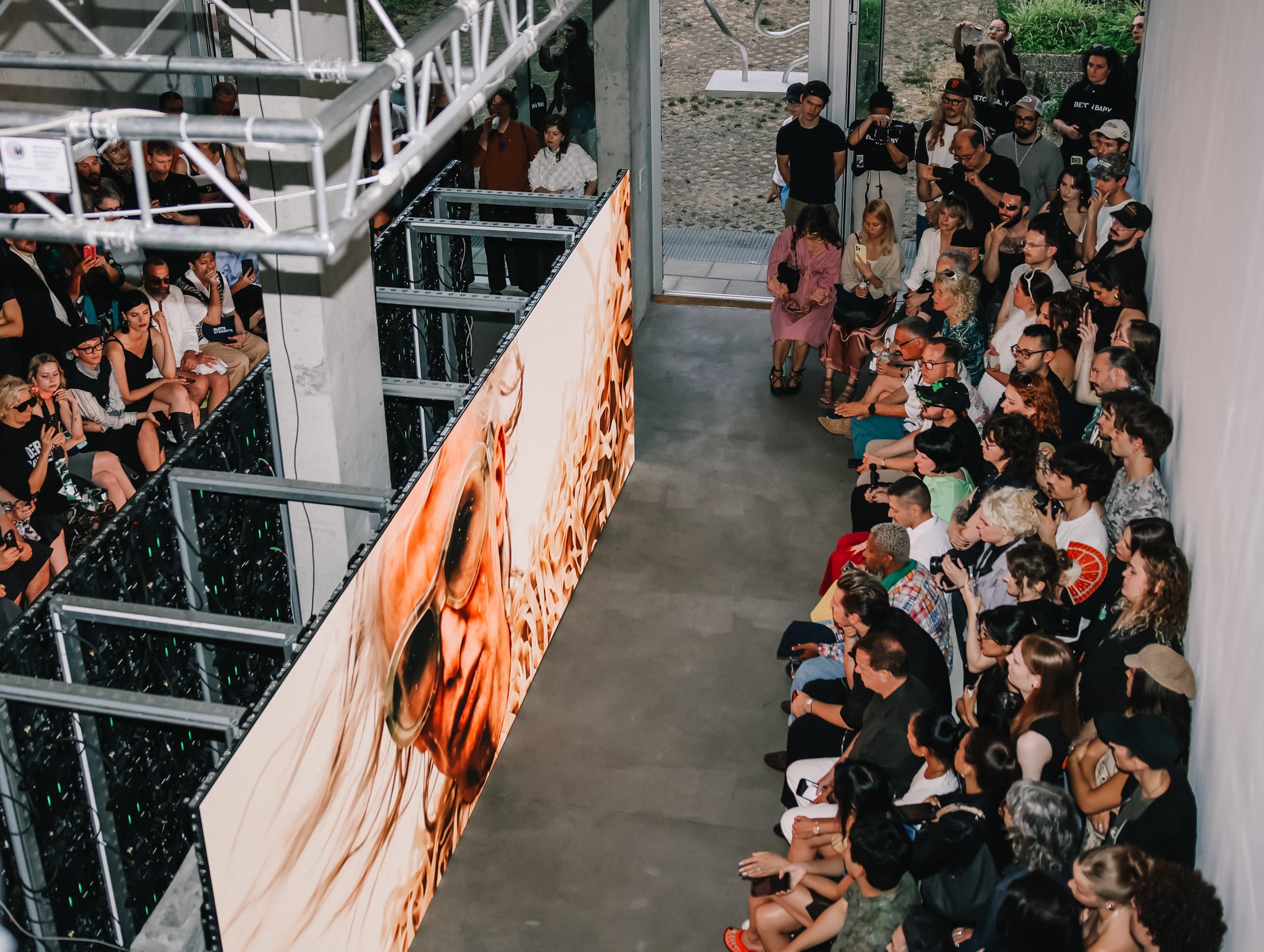
How Taskin Goec brought an all-AI collection to Berlin Fashion Week with Krea.
Seedream 5 Pro use cases for marketers: update approved ads, product images, and campaign creative with region edits that preserve layout and lighting.
Discover the 5 Best AI video models for UGC shorts in 2026, optimized for reference control, native audio, vertical output, and fast iteration.
Start creating videos with Kling when you need fast motion that looks believable and physics that stay grounded.
Start CreatingExplore other Kling models available on Krea
Kling O1
ImageFrontier model for complex image references.
Kling 3.0
VideoFrontier model with audio and up to 15s.
Kling 3.0 Turbo
VideoFast text and image-to-video model with up to 15s outputs.
Kling o1
VideoIntelligent model that thinks before generating.
Kling o3
VideoAdvanced reasoning model with references.
Kling o3 Pro
VideoAdvanced reasoning model, high-quality 1080p.
Kling Motion Control v3
Motion TransferTransfer motion from one video to another character
Kling Motion Control v2.6
Motion TransferTransfer motion from one video to another character
Kling 3 Turbo
VideoA faster Kling 3 video model for high-velocity creative iteration.
Kling 1.0 (Pro)
VideoHigh control with 10s duration.
Kling 1.6
VideoPrevious gen model for complex scenes.
Kling 2.0
VideoHigh-quality model with great aesthetics.
Kling 2.1
VideoFrontier model with 1080p resolution.
Kling 2.6
VideoFrontier model with native audio.
Kling o3 Edit
VideoEdit video content directly with text, image, and element references.
Kling o3 Reference
VideoGenerate new shots preserving the cinematic style of a reference video.
Discover more AI models for images and videos
Or try every model side by side in Krea's free AI video generator and AI image generator.
Page last updated