














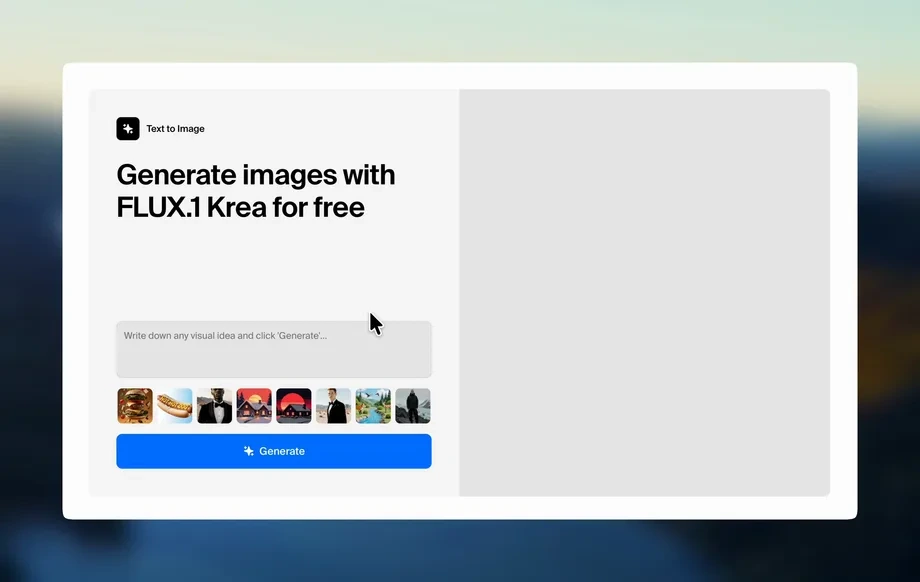
Step 1
Set your prompt
Pick a content type like ads, product pages, or captions. Add key details, target audience, and any required keywords to guide the AI output.
Use pad-new-10-27 to generate high-quality marketing copy, product descriptions, and social captions with AI. Edit, refine, and export fast—try it now.

How to use pad-new-10-27
Learn how to create high-quality AI-written content with pad-new-10-27. Follow three quick steps to choose a use case, set tone and length, then generate and refine copy for publishing.
Step 1
Pick a content type like ads, product pages, or captions. Add key details, target audience, and any required keywords to guide the AI output.
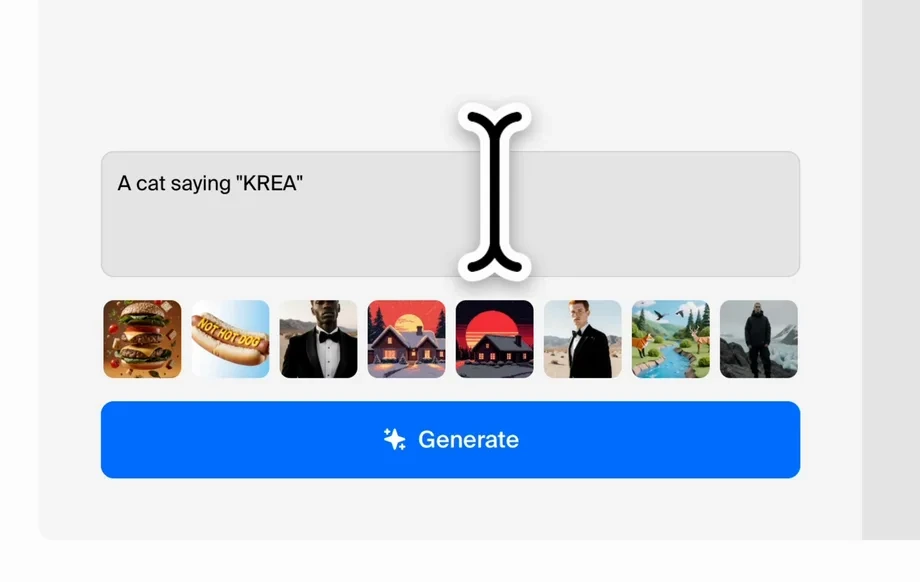
Step 2
Click generate to get multiple options. Adjust tone, length, and formatting to match your brand voice and channel requirements.
Step 3
Edit the best draft, tighten language, and add calls-to-action. Copy or export the final text for websites, email campaigns, and social posts.
Features
pad-new-10-27 helps you generate clear, conversion-focused copy using AI and practical editing controls. Create multiple drafts, keep messaging consistent, and adapt text for different channels without starting over. From ideation to final polish, it streamlines writing workflows while maintaining quality and intent.

Generate marketing-ready text from simple inputs using AI. Get structured output for ads, landing pages, emails, and product descriptions that stays focused on your key message.
Create multiple variations instantly, then expand, shorten, or rewrite for clarity. Iterate quickly to test different angles, hooks, and calls-to-action across channels.
Tune voice, length, and structure to match brand guidelines. Produce scannable formats like bullet points, subject lines, and headlines for consistent publishing-ready copy.
About
pad-new-10-27 is an AI content generator that turns simple prompts into polished marketing copy in seconds. Create product descriptions, ads, emails, and social captions with consistent tone and clear structure. Use built-in editing controls to refine messaging, expand or shorten text, and export ready-to-publish drafts for faster campaigns.
pad-new-10-27 combines fast AI generation with practical controls for tone, length, and structure. Create multiple variations, refine quickly, and keep messaging consistent across ads, product pages, and email—without restarting from scratch each time.
Enter your content goal, add key details and keywords, then generate drafts instantly. Choose the best version, refine with quick rewrites, and export copy ready for publishing.
Use cases
Discover how different creators use this app in their workflow.
Generate headlines, primary text, and CTAs for campaigns. Produce multiple ad angles quickly, then refine for clarity, compliance, and conversion-focused messaging.
Create product titles, descriptions, and feature bullets optimized for shoppers. Keep tone consistent across catalogs while highlighting benefits and differentiators clearly.
Draft captions, threads, and email sequences faster. Adapt one core message into platform-ready formats with the right length, tone, and call-to-action.
Krea is one of the world's leading generative AI platforms. See what others say.
Real reviews on TrustpilotSo many AI tools out there but I always come back to Krea. It's really the one AI platform that 'just works'.

FYN
Krea's interfaces are still the best in the industry. Everything looks and feels so clean and easy to use! Imo the easiest to use gen AI website.

Lynn
Ultra fast generations. Extremely simple to use. All the latest AI models.

Daniel
KREA is the only AI subscription I have right now besides ChatGPT.

Sophia M.
Answers to common questions about pad-new-10-27 and AI content generation.
pad-new-10-27 is an AI content generator for creating marketing copy, product descriptions, and social captions. It uses artificial intelligence to draft text quickly, then lets you refine tone, length, and structure.
Enter a prompt with key details like audience, offer, and keywords. The machine learning model generates multiple drafts, which you can edit, rewrite, expand, or shorten to match your goals.
Yes. Add target keywords and page intent to your prompt, then generate variations. Use editing to improve clarity, add headings or bullets, and align the final copy with on-page SEO needs.
Generate ads, landing page sections, product descriptions, email subject lines, email sequences, and social captions. You can also create short summaries, bullet lists, and alternative rewrites for different channels.
Yes. Specify tone, style, and audience in your prompt, then refine with rewrites until it matches your brand voice. Save phrasing patterns and reuse prompts to keep outputs consistent.
It generates multiple drafts so you can compare hooks, messaging angles, and CTAs. This makes it easy to A/B test copy and quickly adapt text for ads, email, and social formats.
Yes. Provide product features, benefits, materials, and target customer details. The AI drafts descriptions and bullet points you can tailor for marketplaces, ecommerce sites, or catalog listings.
Include clear context: audience, goal, offer, constraints, and keywords. Ask for specific formats like bullets or short paragraphs, then iterate by requesting shorter, clearer, or more persuasive versions.
Yes. Treat outputs as drafts you can edit, rewrite, and repurpose. Copy the final version into your workflow, and reuse prompts to maintain consistent messaging across campaigns.
Create marketing-ready copy in seconds, then refine tone, length, and formatting to match any channel.

