















Step 1
Upload
Import caliper readings from CSV or paste values directly. The tool detects columns, units, and sample groups to organize your measurement dataset automatically.
Generate accurate AI measurement reports online. Upload data, calculate dimensions, flag outliers, and export results fast. Try caliper-11-10-2026 now.
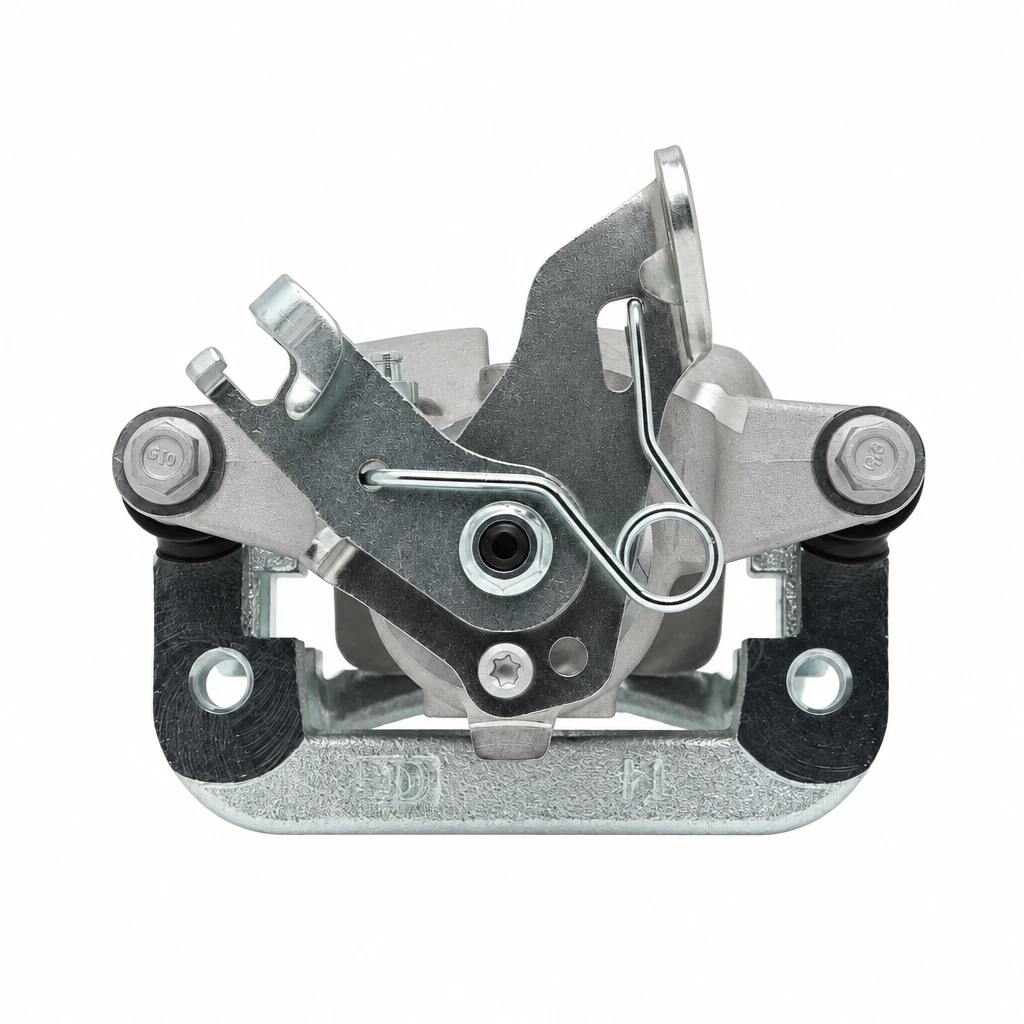
How to use caliper-11-10-2026
This quick tutorial shows how to upload readings, set tolerances, and generate a polished inspection report. Follow three steps to analyze measurements with AI and export results in a clean format.
Step 1
Import caliper readings from CSV or paste values directly. The tool detects columns, units, and sample groups to organize your measurement dataset automatically.
Step 2
Set nominal dimensions, tolerance limits, and pass/fail rules. Add notes or part identifiers so the AI can label results and calculate summaries consistently.

Step 3
Run the AI analysis to compute stats, flag outliers, and produce a formatted report. Download as PDF or CSV for sharing, audits, and quality documentation.
Features
caliper-11-10-2026 streamlines dimensional inspection by converting measurement inputs into standardized reports. It automates calculations, highlights tolerance violations, and summarizes trends so results are easier to review. Use it to reduce spreadsheet work, improve consistency, and export documentation ready for production, QA, or supplier communication.
Automatically compares readings to nominal values and tolerance bands. Clear pass/fail labels, flagged exceptions, and concise summaries help prioritize rework and speed up inspection decisions.
Analyze large sets of caliper measurements in seconds. Batch grouping, auto-detected fields, and repeatable settings keep reporting quick and consistent across parts, lots, and shifts.
Generate clean, shareable outputs for audits and collaboration. Export PDF and CSV reports with computed stats, tolerance status, and notes, formatted for easy review and traceability.
About
caliper-11-10-2026 is an AI measurement report generator that turns raw inspection data into clear, consistent outputs. Upload caliper readings, auto-calculate key dimensions, tolerance status, and summaries, then export share-ready reports. Built for fast dimensional analysis with fewer manual errors and a cleaner workflow from capture to documentation.
caliper-11-10-2026 keeps metrology reporting consistent by automating calculations and tolerance checks with AI. It reduces manual spreadsheet work, speeds batch processing, and produces export-ready documentation. Clear flags and standardized outputs make reviews faster and easier to share.
Open caliper-11-10-2026, upload or paste your measurements, then enter nominal values and tolerances. Run the analysis and export a PDF or CSV report for QA, production, or supplier records.
Use cases
Discover how different creators use this app in their workflow.
Turn shop-floor caliper readings into standardized inspection reports. Quickly identify tolerance failures, document results, and share findings across QA and production teams.
Validate received parts by analyzing measurement batches against specs. Export a clear pass/fail report for supplier feedback, acceptance records, and compliance documentation.
Track dimensional drift across runs using summarized statistics. Spot outliers early, compare lots, and keep measurements consistent without manual spreadsheet recalculation.
Krea is one of the world's leading generative AI platforms. See what others say.
Real reviews on TrustpilotSo many AI tools out there but I always come back to Krea. It's really the one AI platform that 'just works'.

FYN
Krea's interfaces are still the best in the industry. Everything looks and feels so clean and easy to use! Imo the easiest to use gen AI website.

Lynn
Ultra fast generations. Extremely simple to use. All the latest AI models.

Daniel
KREA is the only AI subscription I have right now besides ChatGPT.

Sophia M.
Answers to common questions about AI measurement reporting and exports.
caliper-11-10-2026 is an AI measurement report generator that analyzes caliper readings, calculates key statistics, checks tolerances, and outputs a formatted report for quality control and documentation.
You can upload common formats like CSV, or paste measurements directly. The tool helps map columns and units so dimensional analysis and tolerance checking run correctly.
It compares each reading against your nominal value and tolerance limits, then labels pass/fail and highlights exceptions. It also summarizes failure counts and basic distribution statistics for review.
Yes. You can process grouped datasets in one run by labeling part IDs, lot numbers, or sample groups. This enables fast batch reporting and consistent settings across measurements.
Yes. The report includes common descriptive statistics such as mean, min/max, range, and spread indicators depending on your dataset. These summaries help spot drift and outliers quickly.
Yes. Export a PDF for sharing and audits, and a CSV for downstream analysis. Exports include computed fields, tolerance status, and any notes or identifiers you add.
It’s designed for repeatable reporting and clear traceability. Standardized formatting, consistent calculations, and exportable outputs support QA reviews, supplier communication, and internal documentation needs.
By automating formulas, tolerance logic, and formatting. You set the rules once, then the AI applies them consistently across batches, reducing copy-paste mistakes and manual recalculation.
No. The interface focuses on practical inputs—measurements, nominal values, and tolerances. The AI handles the analysis and report generation, so you can get results without technical setup.
Upload caliper data, set tolerances, and export a clear AI report in minutes.

