How to Generate Images With Style References in Krea
by The Krea Team
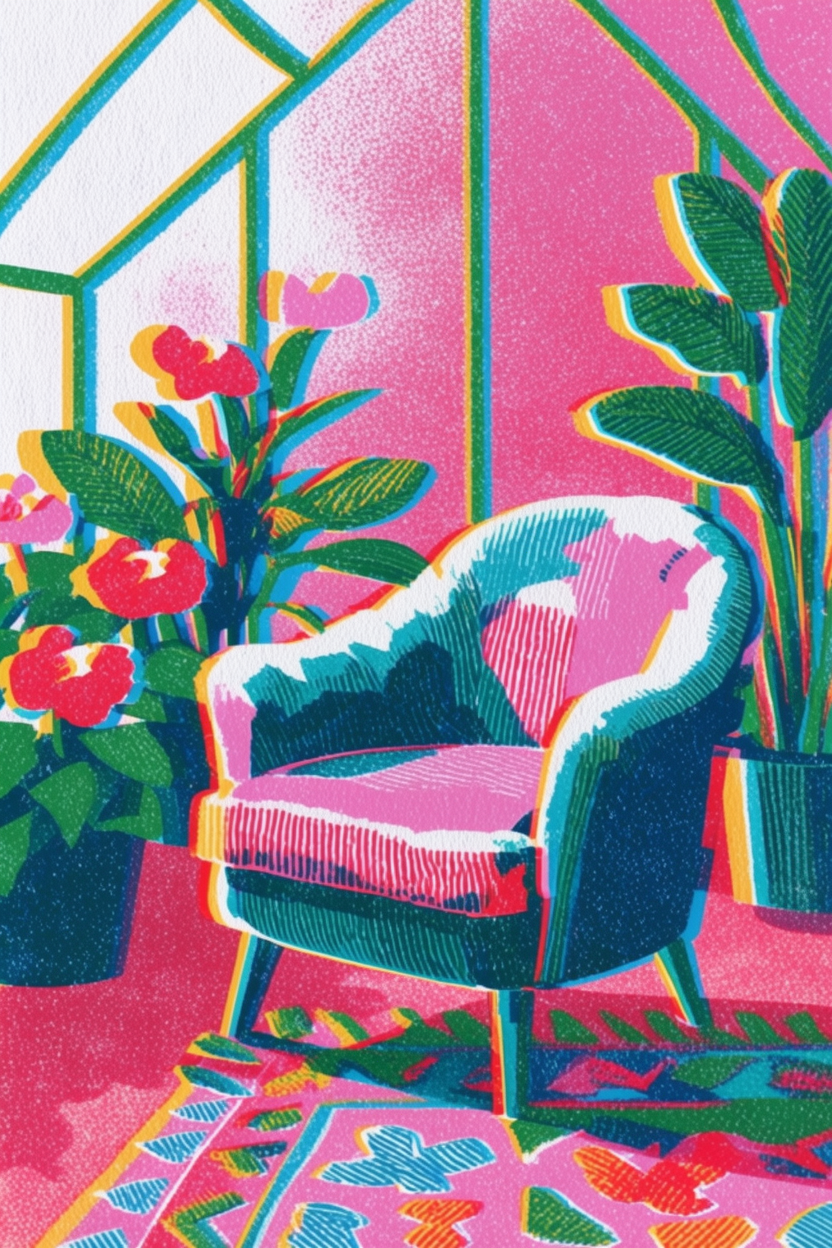
Style references let you guide the look of an image without rewriting your whole prompt. In Krea Image, you can pick a style transfer preset, write what you want to generate, and let Krea 2 Large carry the preset's visual language into the result.
Start in Image
Open Image and make sure the model is set to Krea 2 Large. Style references work best when the model has enough room to interpret both the prompt and the visual reference.
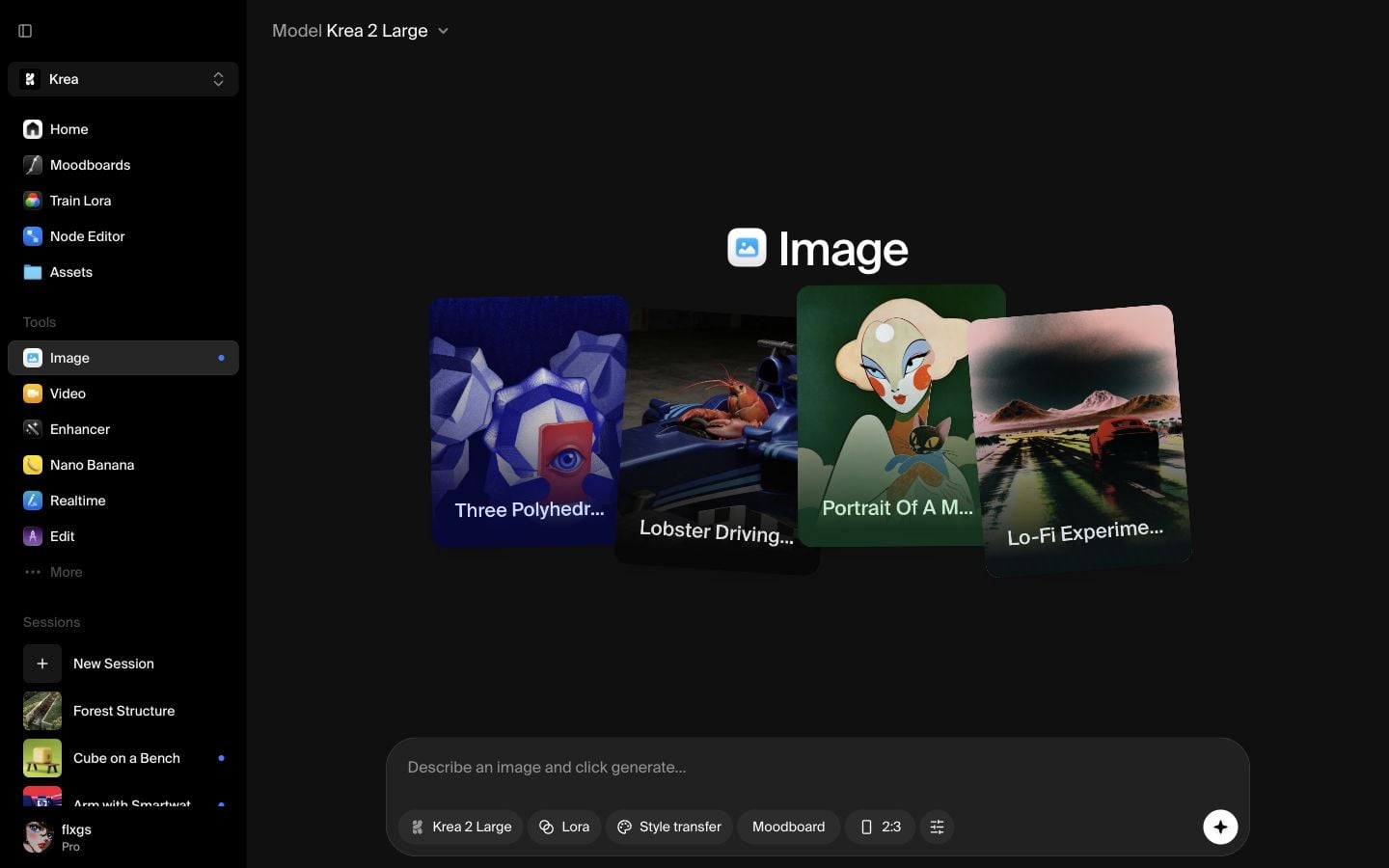
Open Style transfer and hover a preset
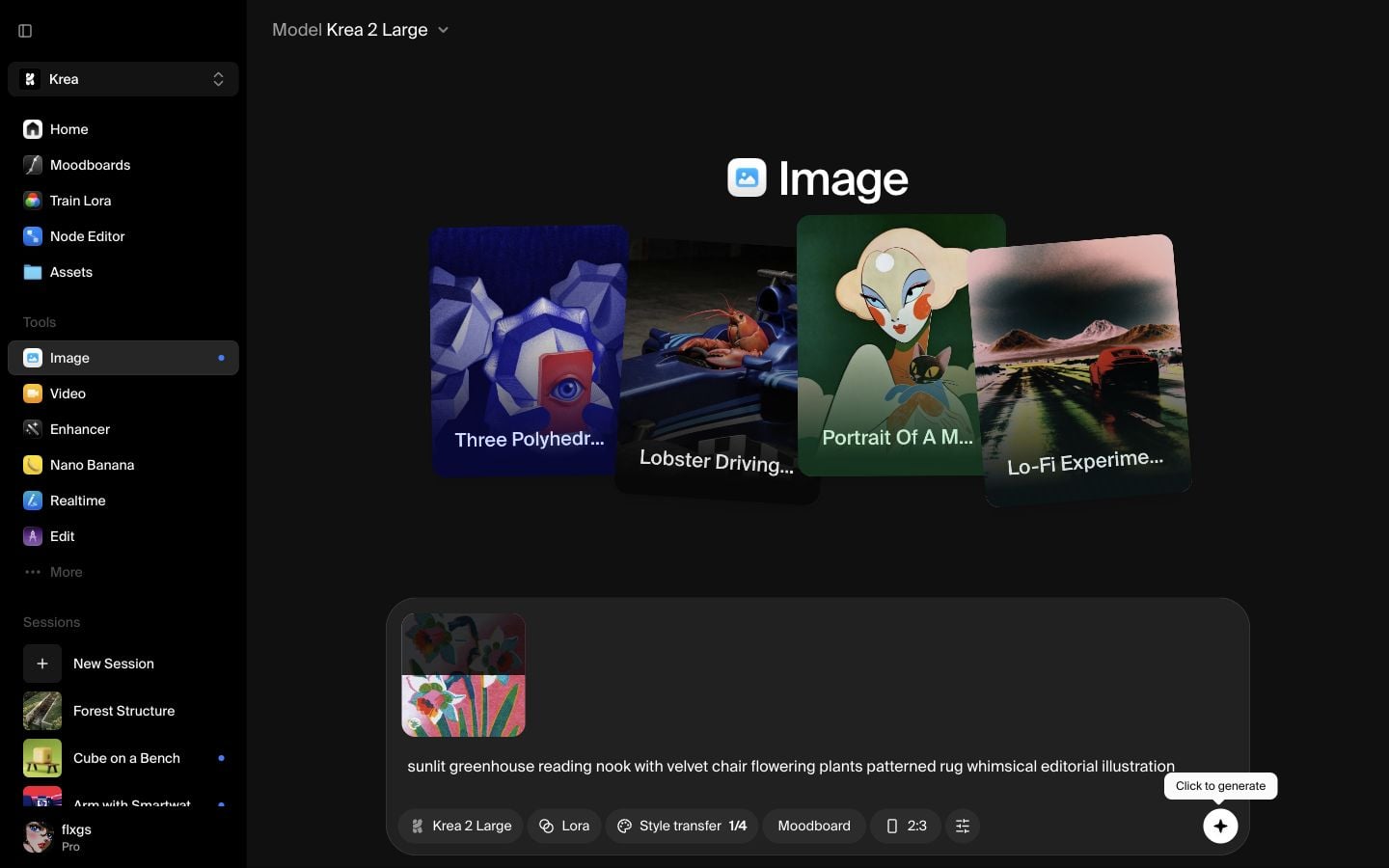
Click Style transfer in the prompt bar. Krea opens a grid of preset style references. Hover the presets to inspect the visual direction, then choose the one that matches the mood you want. For this example, we selected a colorful botanical illustration preset.
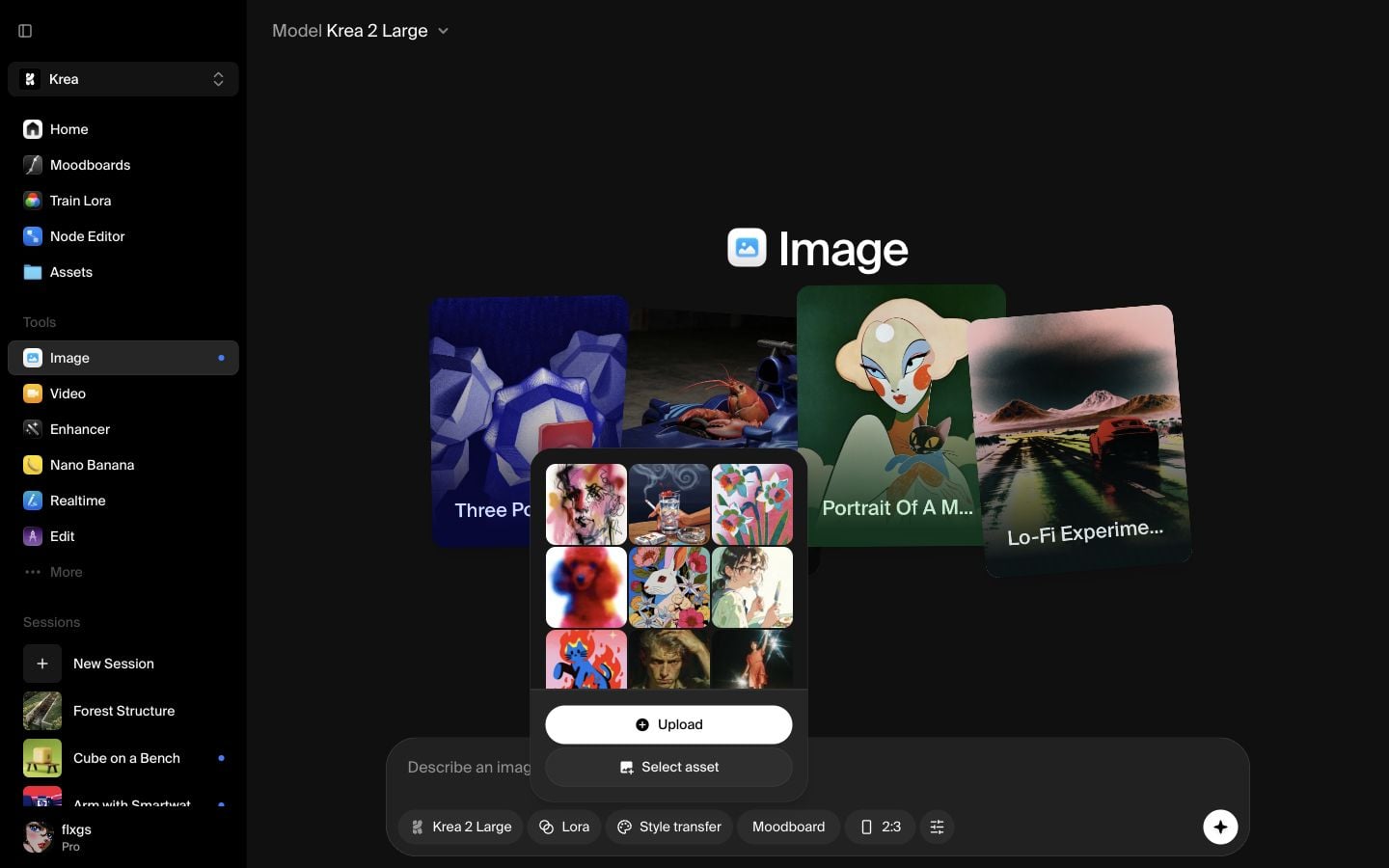
Add your prompt
After selecting a preset, the reference thumbnail appears inside the prompt bar and Style transfer shows 1/4, meaning that you can add up to 4 style references. Write the subject you want Krea to generate. Here, the prompt was:
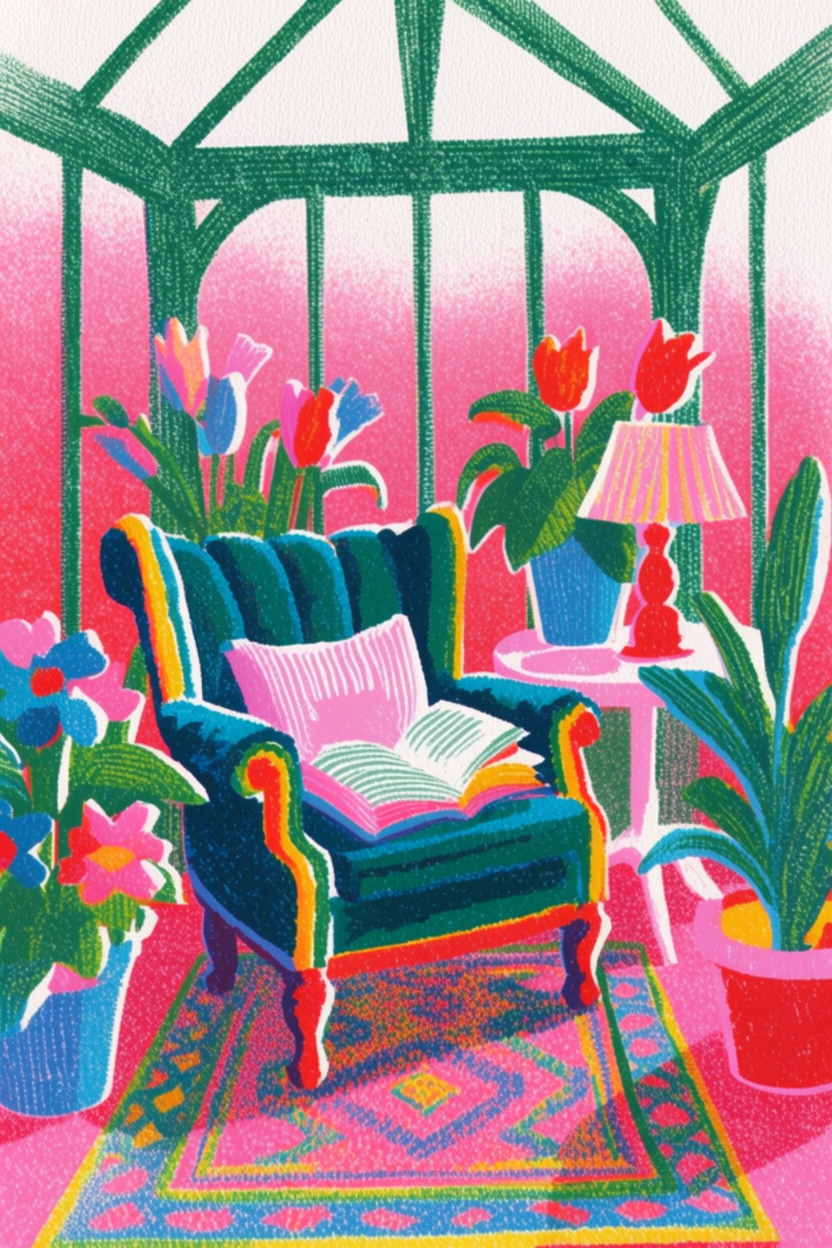
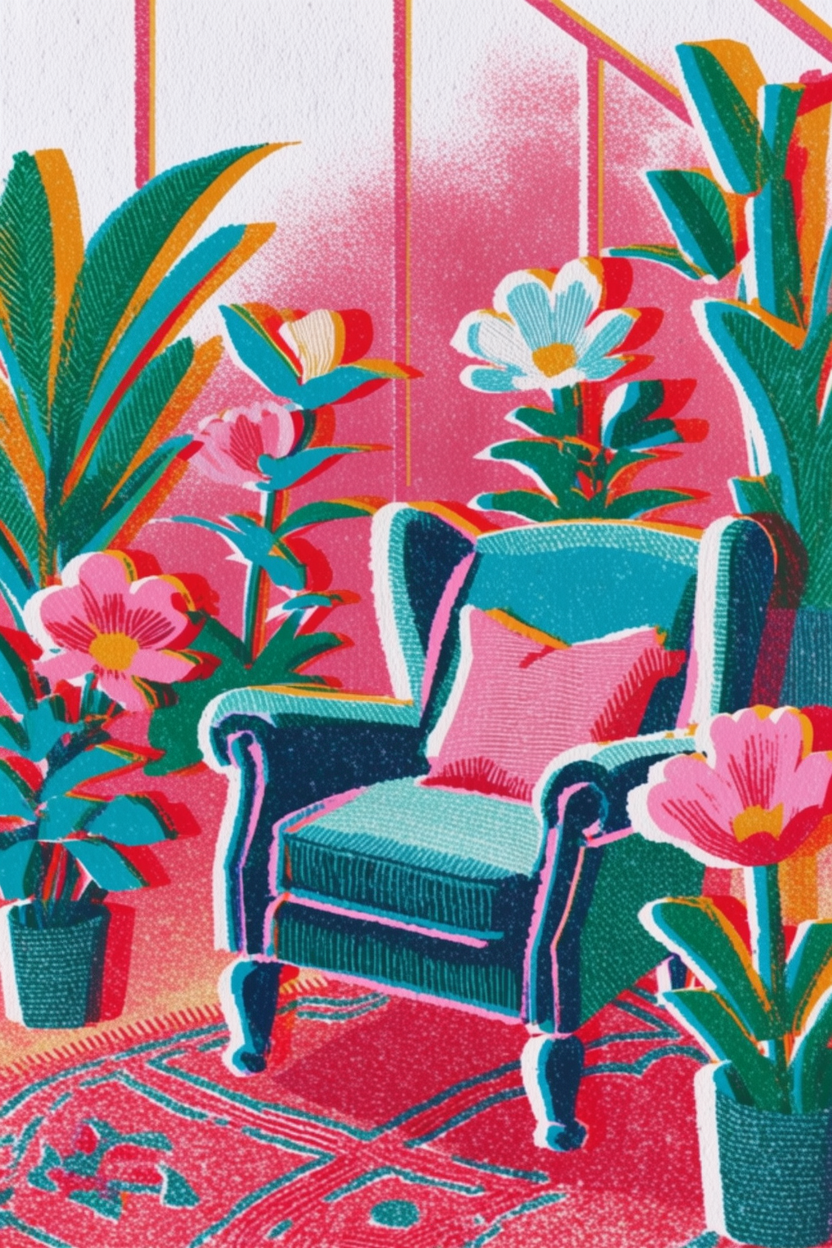
sunlit greenhouse reading nook with velvet chair flowering plants patterned rug whimsical editorial illustration
Generate with the style reference
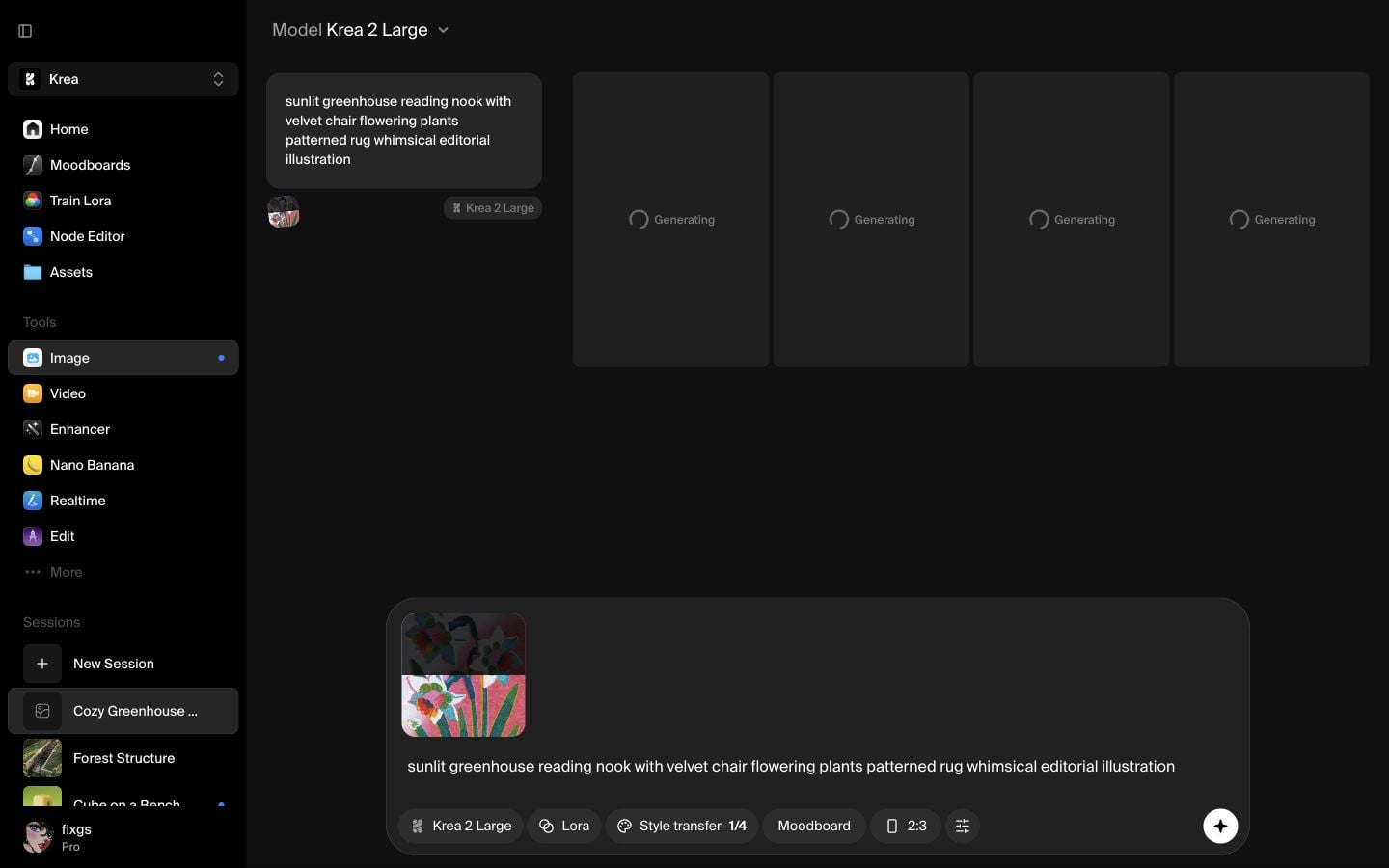
Click the generate button. The prompt card keeps the selected style reference visible, so you can confirm that the result is being generated with Krea 2 Large and the style reference attached. You can also select the percentage of the style reference directly from the image thumbnail by dragging the white line up or down.
Review the styled outputs
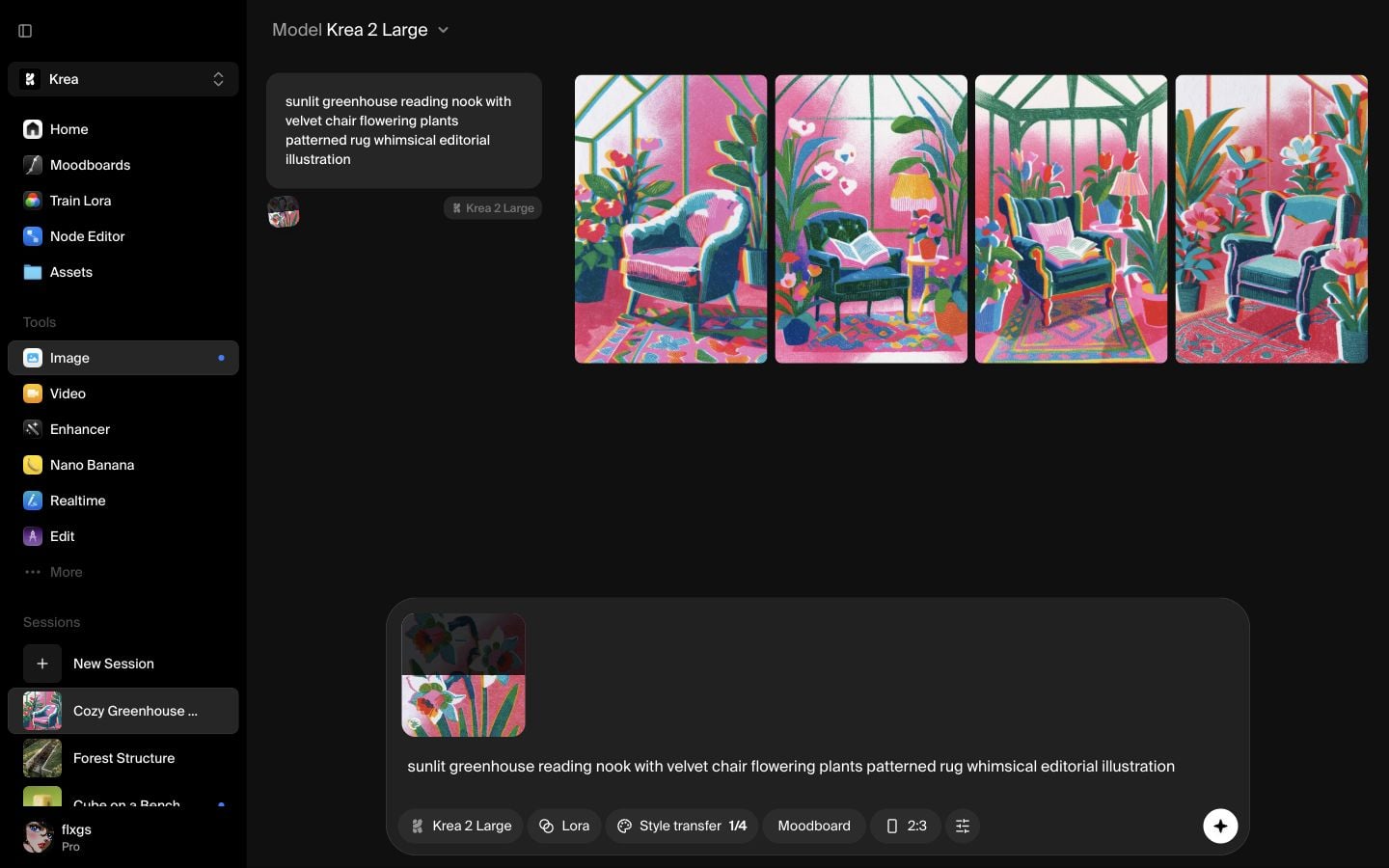
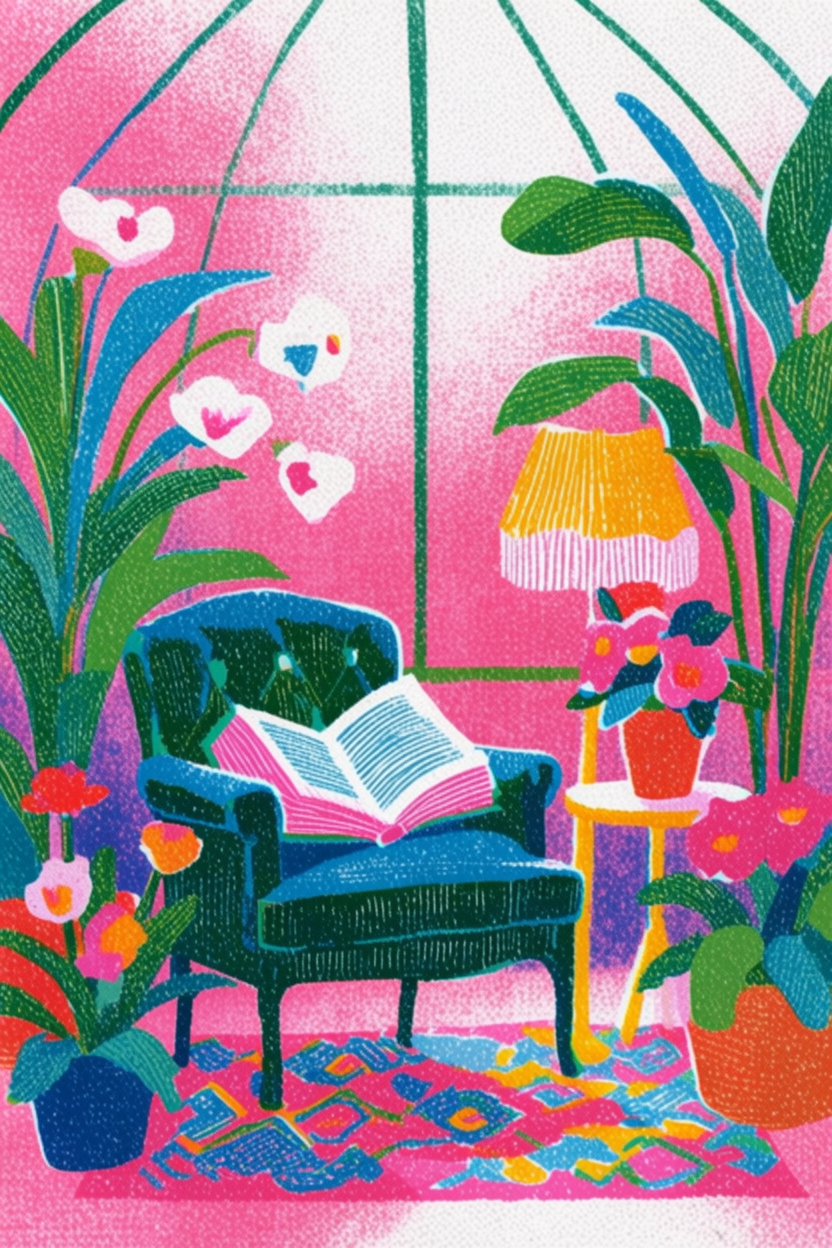
The finished images keep the subject from the prompt while borrowing color, texture, and illustrative treatment from the style reference. If the subject is right but the style is too strong or too weak, try another preset or adjust the reference strength before generating again.
Style reference results
Krea
Generated in Krea Image
Quick checklist
- Use Krea 2 Large for the generation.
- Open Style transfer from the prompt bar.
- Hover the presets and choose one with the look you want.
- Confirm the style reference thumbnail appears in the prompt bar.
- Write the subject normally, then generate.
Generate with a style reference
Pick a Style transfer preset in Image, write your prompt, and generate with Krea 2 Large.
Open ImageFrequently asked questions
A style reference is an image or preset that guides the visual look of your generation, such as color palette, texture, line quality, lighting, or composition.
Yes. The prompt describes what to generate, while the style reference guides how it should look.
After selection, the reference thumbnail appears in the prompt bar and Style transfer shows a count such as 1/4.
Yes. The Style transfer count shows how many references are attached, up to the available limit shown in the UI.