









Step 1
Open Krea AI Video
Go to the Video Tool, pick a model, and set your aspect ratio and duration.
Create
Edit & enhance
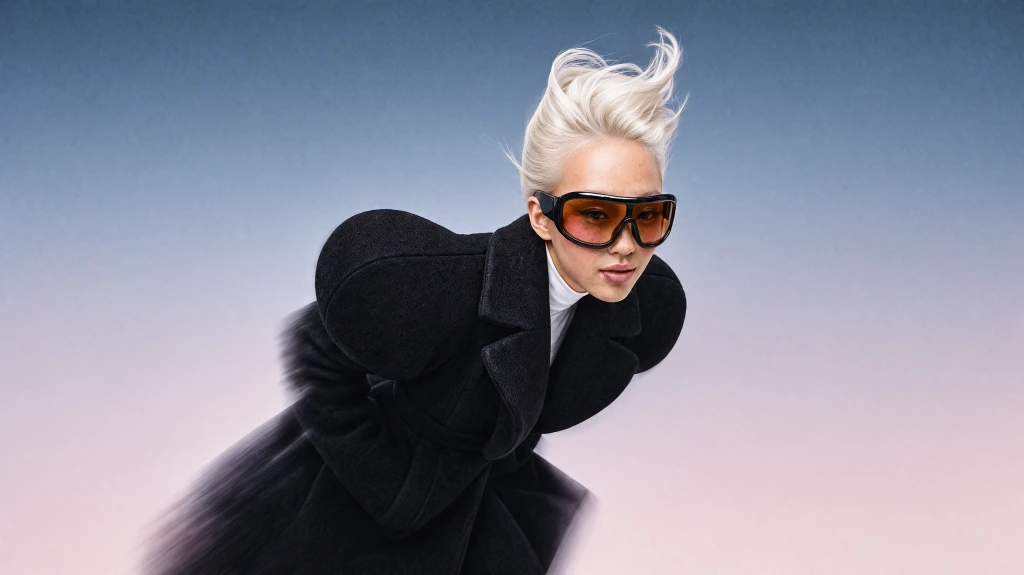
Krea 3
Our most advanced image model. Photoreal, editorial, on-brand.
Try Krea 320+ AI tools for images, video, 3D and audio in one app.
Open KreaCreate
Edit & enhance
Krea’s free AI video generator turns text and images into video, no credit card required. Start with free video models, then upgrade for Kling 4, Seedance 2.5, Veo 3.1, and more.
Just like the Image Tool, Krea Video allows you to generate videos with a simple text description.
By adding a start frame, you can also turn any image—generated or uploaded—into a video.
By clicking Extend, you can make existing clips longer and add new details to your scene.
With a Pro plan, you have access to over 20 video models, including Google’s Veo, Kling, and Runway.
Krea offers powerful AI models in a simple interface. Give it a try. It’s free.
Seedance 2.5 on Krea
Create cinematic AI video with Seedance 2.5 using text, images, and the controls available in Krea. Generate, compare, and refine shots in the same workspace.
Transform any text prompt into high-quality video content in seconds. Simply describe what you want to see and watch your ideas come to life with cinematic realism.
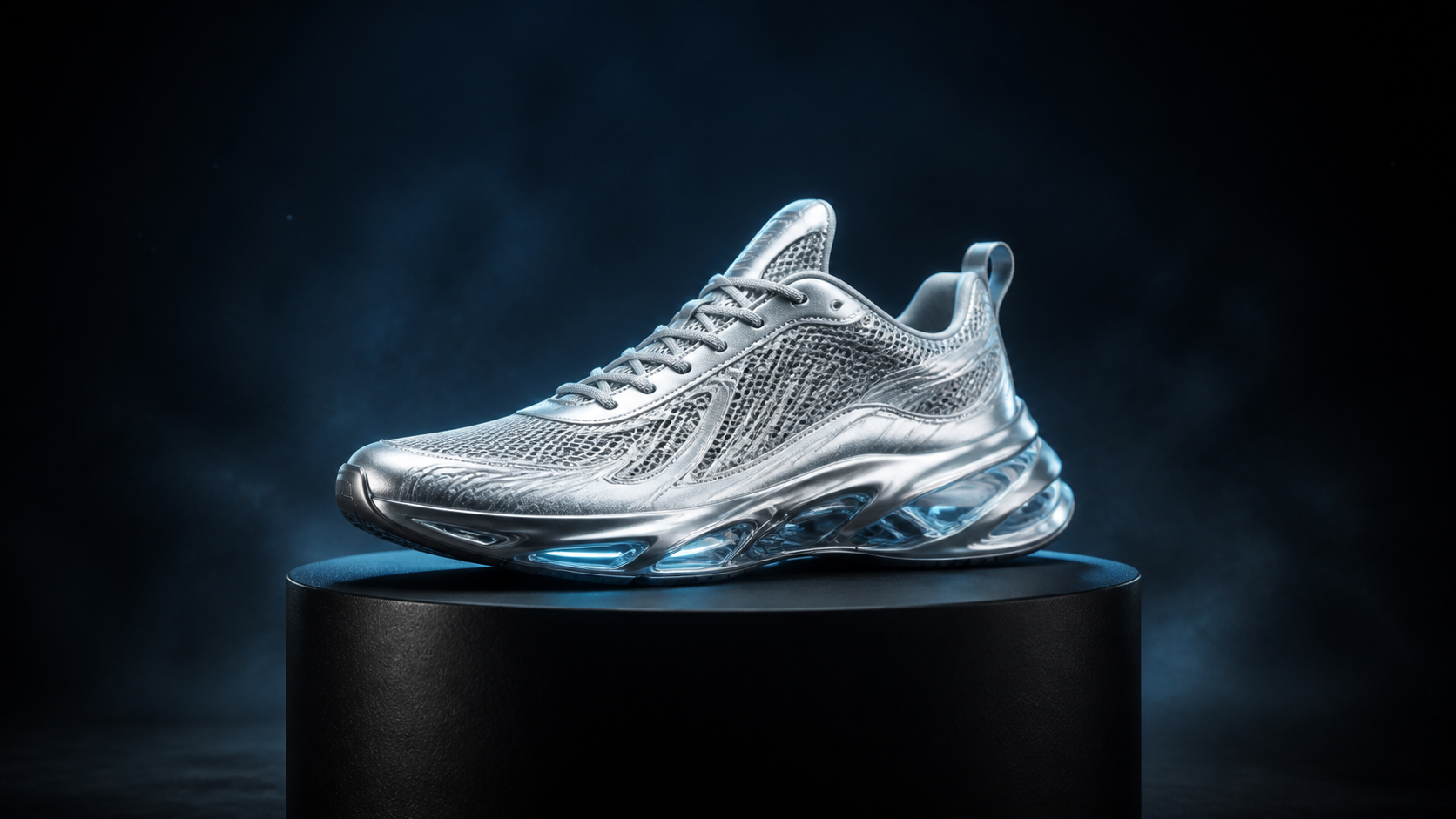

Animate a still image, or set the first and last frames to guide how the shot begins, moves, and resolves.
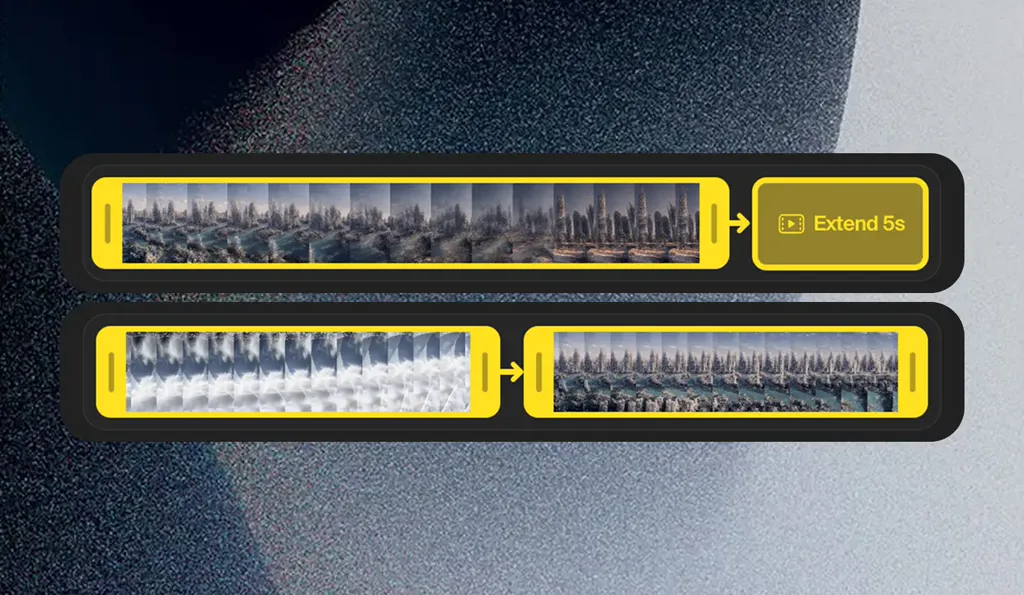
Build longer scenes by extending and merging clips. Trim your video, then let AI continue from the final frame. Merge clips by generating a video that transitions between them.
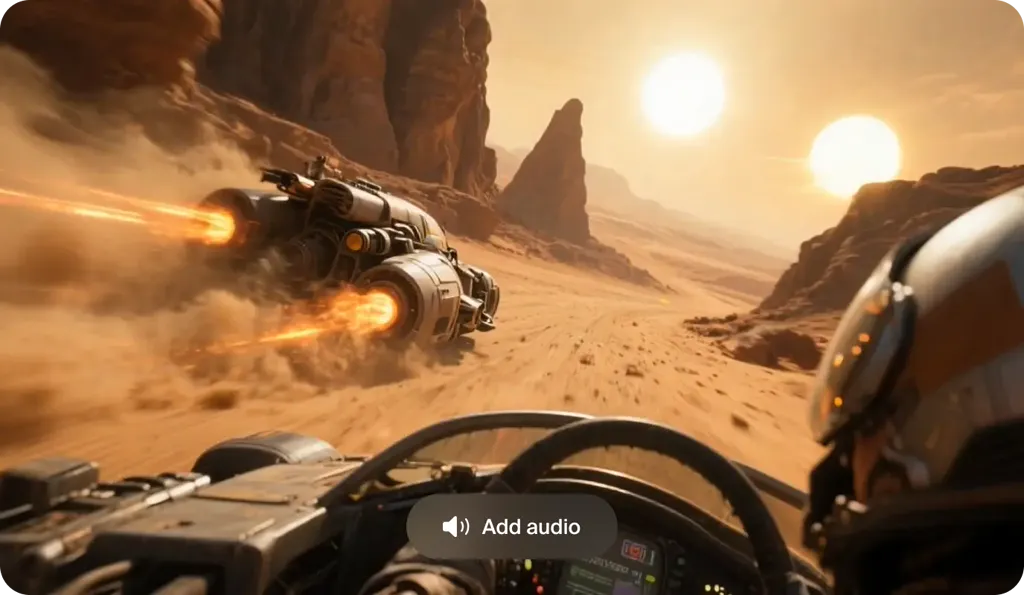
Bring your videos to life with synchronized audio. Veo 3.1 and other supported models generate contextual sound effects, ambient noise, and dialogue to match your scenes.
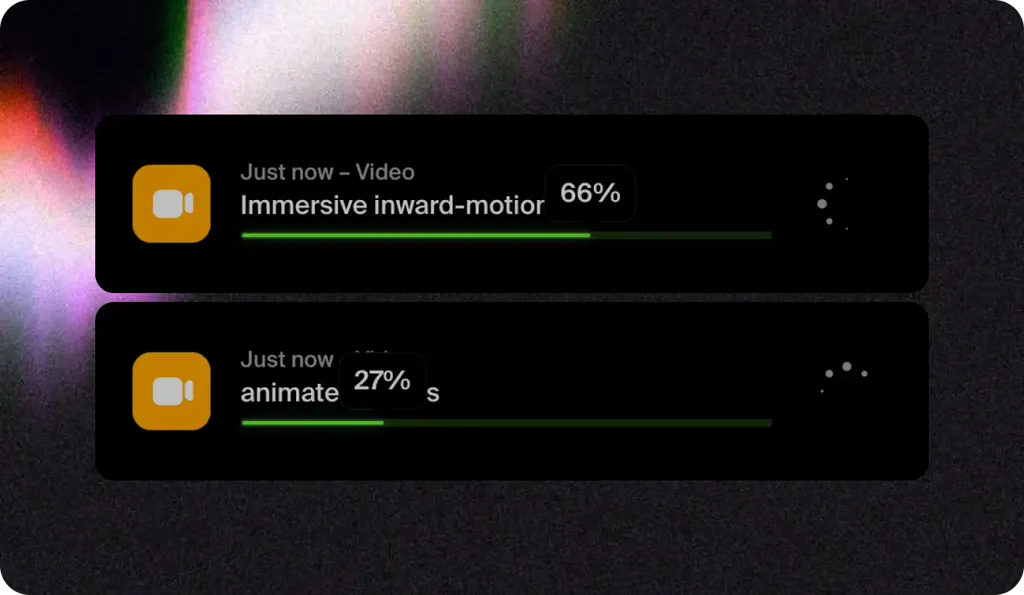
Start multiple video generations at once. Try different prompts, settings, and AI models all at once to explore more creative possibilities in less time.
Starting from a photo? Try image to video AI
Adding dialogue? Generate an AI voiceover · Lip sync it to your video
How It Works
Generate AI video in minutes, compare top models, and iterate fast with a professional workflow.

Step 1
Go to the Video Tool, pick a model, and set your aspect ratio and duration.
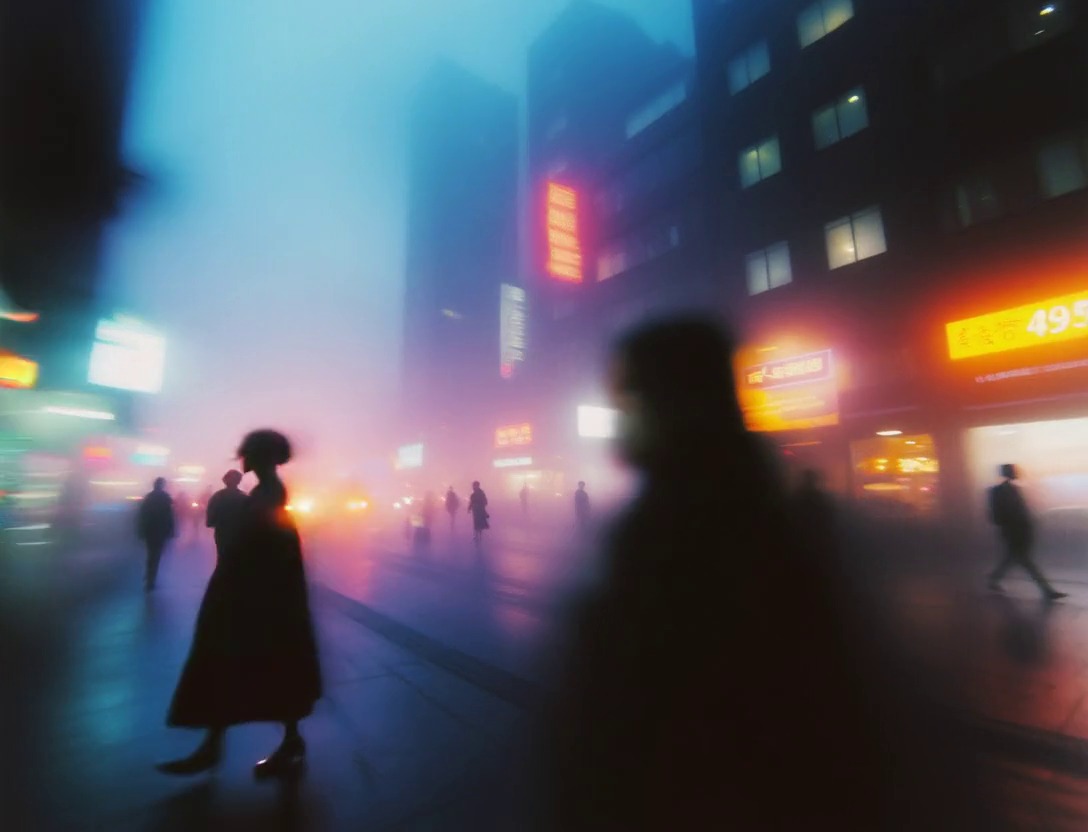
Abstract visuals of bright flares, woman walking in crowded street, hazy, cyberpunk
Step 2
Describe the subject, action, setting, camera movement, and lighting. You can also upload an image reference to guide the style and composition.
2Step 3
Test the same prompt on Seedance 2.5, Veo 3.1, Kling 4, and Wan 3.0 to pick the best version.
Step 4
Use clip extension and merging workflows to build longer edits, keep visual continuity, and ship a polished final video faster.
Every model below is available inside Krea. Run the same prompt across them, compare the results side by side, and pick the best output for your project.
Native synchronized audio, long clips, and multimodal image, video, and audio references.
Native audio, cinematic realism, reference images, and first-and-last-frame control.
Native audio, multi-prompt sequences, and strong first-and-last-frame animation.
Strong prompt adherence and 1080p output, with image, video, and audio references.
Clips up to 30 seconds with native audio, plus image, video, and audio references.
Clips up to 20 seconds with synchronized sound, at up to 4K.
Same prompt, six models: A vintage white rally car with blue racing stripes drifts sideways across red desert dunes at sunrise, its rear wheels throwing long plumes of sand that glow in the low golden light. The camera chases low beside the front wheel, then rises into a wide aerial as the car crests a dune and lands in a burst of dust. Clear sky, long shadows across rippled sand. Single continuous shot, cinematic realism, natural motion, no text, no logos.
Browse all AI models →Go from an idea, image, or existing clip to finished AI video content using leading models and creative controls in one workspace.
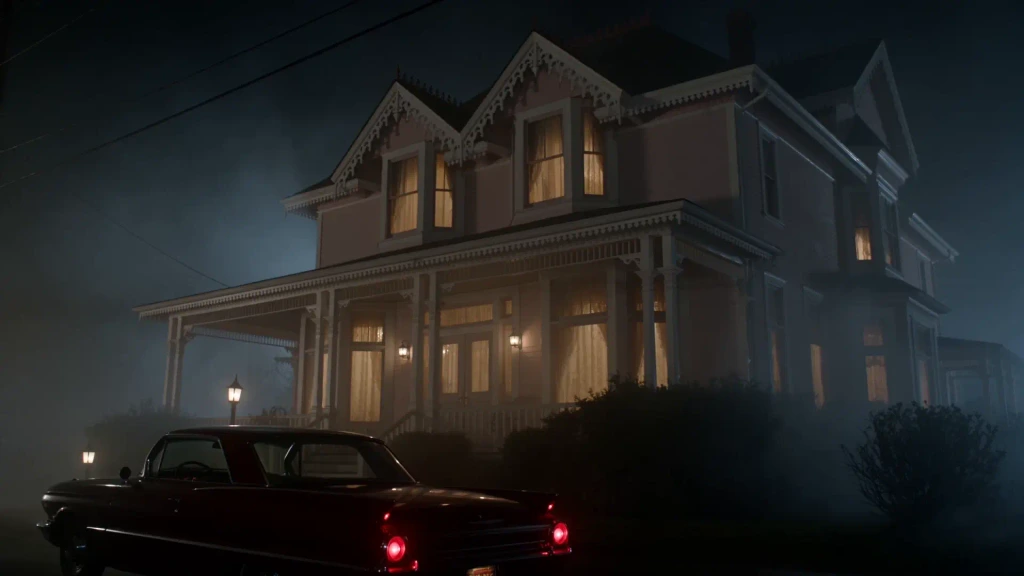
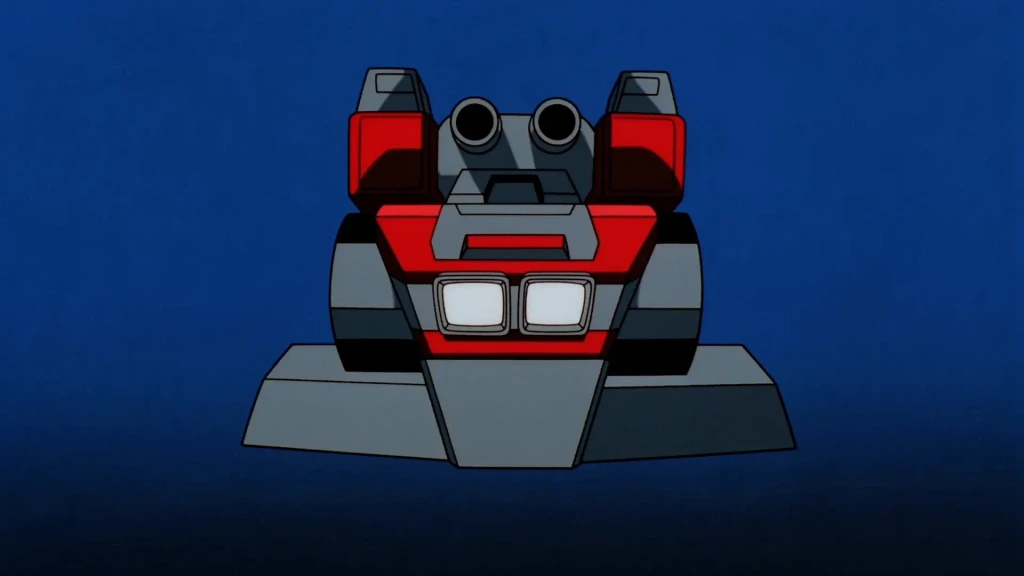
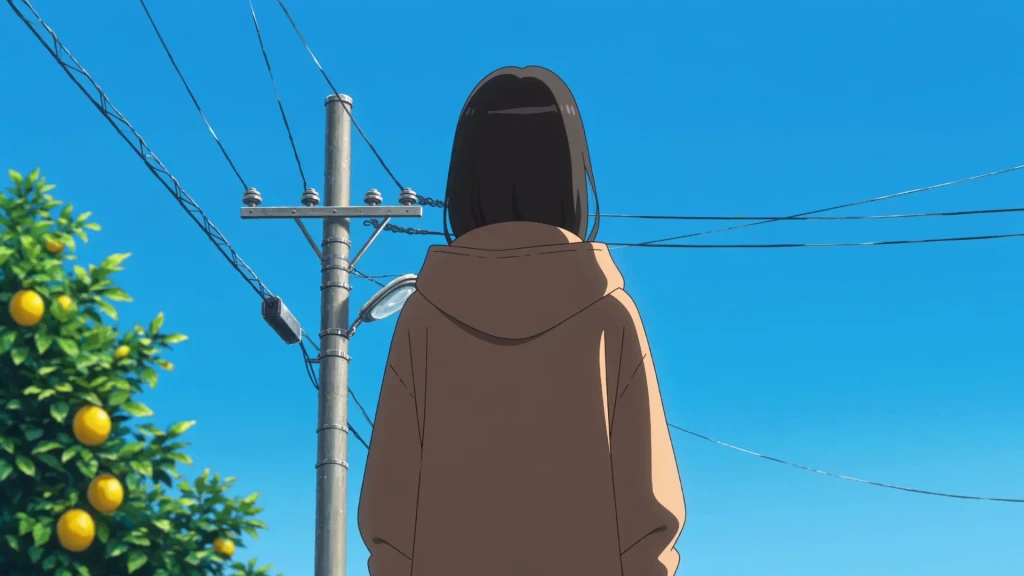
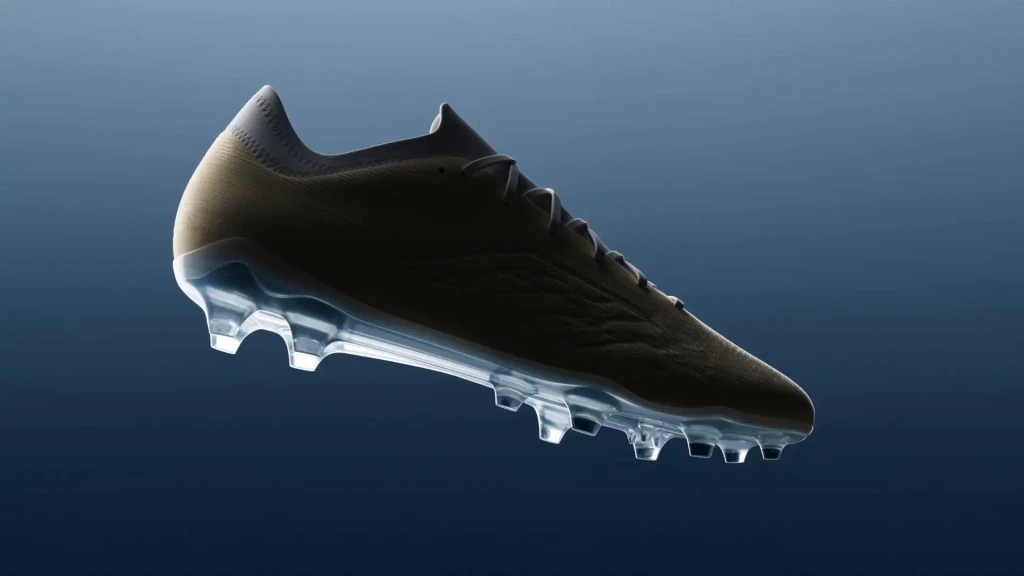
Create cinematic shots, story sequences, concept scenes, and visual experiments from prompts or reference images.
Turn campaign concepts, product ideas, and creative directions into short-form video assets for testing and production.
Create social videos, visual stories, loops, and recurring content from text prompts, images, or existing clips.
Animate product imagery and create video concepts without starting from a traditional shoot.
I don't understand why anyone would pay for a dozen different video generation services when you can just use every model in one place with a super clean UI in Krea
Creative Director
I don't understand why anyone would pay for a dozen different video generation services when you can just use every model in one place with a super clean UI in Krea
As someone who has been deeply immersed in creative technology for years, I can confidently say that Krea stands out as the most versatile and forward-thinking tool available today. Whether you’re just starting to explore creative AI or an experienced professional pushing boundaries, Krea feels intuitive and responsive to your level.
Creative Director
Trusted by over 30 million creators worldwide.
Real reviews on TrustpilotSo many AI tools out there but I always come back to Krea. It's really the one AI platform that 'just works'.

FYN
Verified review
Krea's interfaces are still the best in the industry. Everything looks and feels so clean and easy to use! Imo the easiest to use gen AI website.

Lynn
Verified review
Ultra fast generations. Extremely simple to use. All the latest AI models.

Daniel
Verified review
KREA is the only AI subscription I have right now besides ChatGPT.

Sophia M.
Verified review
I'm a Krea Max user. It's crazy how fast they add models. I see a new AI model on twitter and the same day krea already offers it.

Wirot Ch.
Verified review
Still the most powerful AI creative suite out there.

Gravion
Verified review
Get free daily credits to try basic features.
100 units / day
Access our most popular features
5,000 units / month
Advanced features and discounts on compute units
20,000 units / month
Full access with higher discounts on compute units
60,000 units / month
Workplace management, collaboration, and enterprise customizations
Secure and collaborative workspace for growing teams
80,000 units / month

Enterprise-grade security with dedicated support and admin features
AI video generation uses machine learning models to create video clips from text prompts, images, or existing footage. Instead of filming every shot, you describe the scene and the model generates motion, style, and camera behavior.
Open the Video Tool, choose a model, write a prompt, and click generate. You can refine results by changing the prompt, model, duration, or by adding start and end frame references.
No. Krea’s AI video generator runs in your browser, so there is nothing to install. Describe the shot in plain language or upload an image, pick a model, and generate. Extending, merging, and comparing clips happen in the same workspace.
The best AI video generator depends on the result you want. Krea lets you run the same prompt or reference across multiple leading video models, compare the outputs, and choose the model that fits the motion, visual style, audio, or control your project needs.
Yes. Upload a still image in the Video Tool and describe the motion you want, or set first and last frames for more control over how the shot begins, moves, and resolves.
All of Krea’s featured video models do. Seedance 2.5, Veo 3.1, Kling 4, MiniMax H3 Max, Wan 3.0, and Flux 3 Video can each animate a start image, and each also accepts a last frame so you control how the shot ends.
Krea’s current video workspace includes Seedance 2.5, Veo 3.1, Kling 4, MiniMax H3 Max, Wan 3.0, and Flux 3 Video, plus additional models inside the Video Tool.
Most generations start as short clips. You can extend clips in sequence to create longer scenes and merge shots into a continuous edit.
It depends on the model. Seedance 2.5, Kling 4, and Wan 3.0 generate clips of up to 30 seconds, Flux 3 Video up to 20 seconds, and Veo 3.1 up to 8 seconds. Most models output up to 1080p, and Veo 3.1 and Flux 3 Video go up to 4K. For longer videos, extend a clip or merge several shots into one sequence.
Yes. Krea’s AI video generator has a free plan, and no credit card is required. Create a free account and you get free compute units to make short AI videos from text prompts or images on Krea’s free video models. Paid plans add premium models such as Kling 4, more compute, faster queues, and commercial use, and Pro or higher unlocks Seedance 2.5 and Veo 3.1.
No. Krea doesn’t add a watermark to the videos you generate, on the free plan or on paid plans.
Yes, on any paid plan. Paid plans include a commercial license, so you can use your AI videos in marketing, ads, products, and client work. Videos made on the free plan are for personal use.
Use a clear subject, action, and setting, then add camera language such as angle, movement, lens style, lighting, and mood. Start simple, generate, and iterate with small prompt changes for more control.
Yes. Create a free Krea account, open the Video Tool, type your prompt, pick one of the free video models, and generate. The free plan includes compute units, so you can make short prompt to video clips at no cost. Paid plans unlock premium models, more generations, and faster queues.
Text to video creates a clip from a written description alone. Image to video starts from a still image, such as a photo, render, or AI-generated frame, and animates it with the motion you describe. Krea supports both, including first and last frame control for image to video.
Yes. Krea lets you create AI videos from text prompts or images, compare models, extend or merge clips, and generate sound on supported models in one workspace.
Yes. Seedance 2.5 is available in Krea for AI video generation. Explore the model page to see current capabilities, or open the Video Tool with Seedance 2.5 selected.
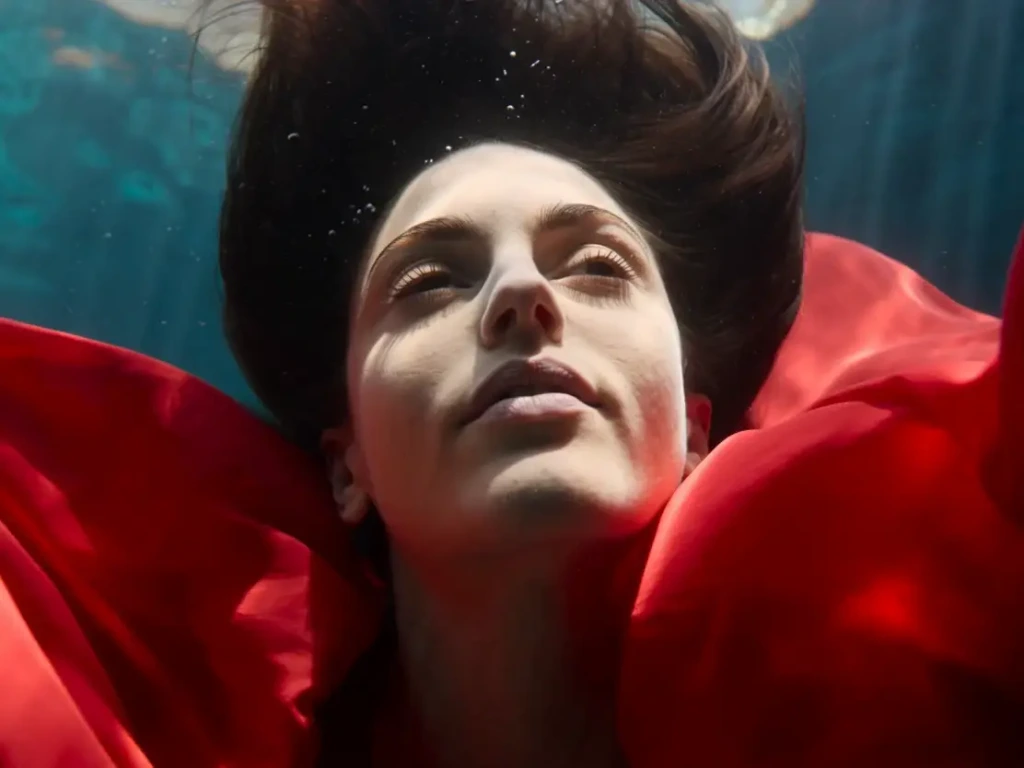
Every leading AI video model in one workspace. Start creating for free, no credit card required.
Try Krea for free