














Step 1
Set constraints
Enter a prompt with site type, program, density, and key goals. Choose diagram style, scale, and output format to guide the AI planning result.
Generate illustrative masterplans fast with AI. Build site layouts, zoning diagrams, and concept plans from prompts. Try TEST_Illustrative Masterplan now.
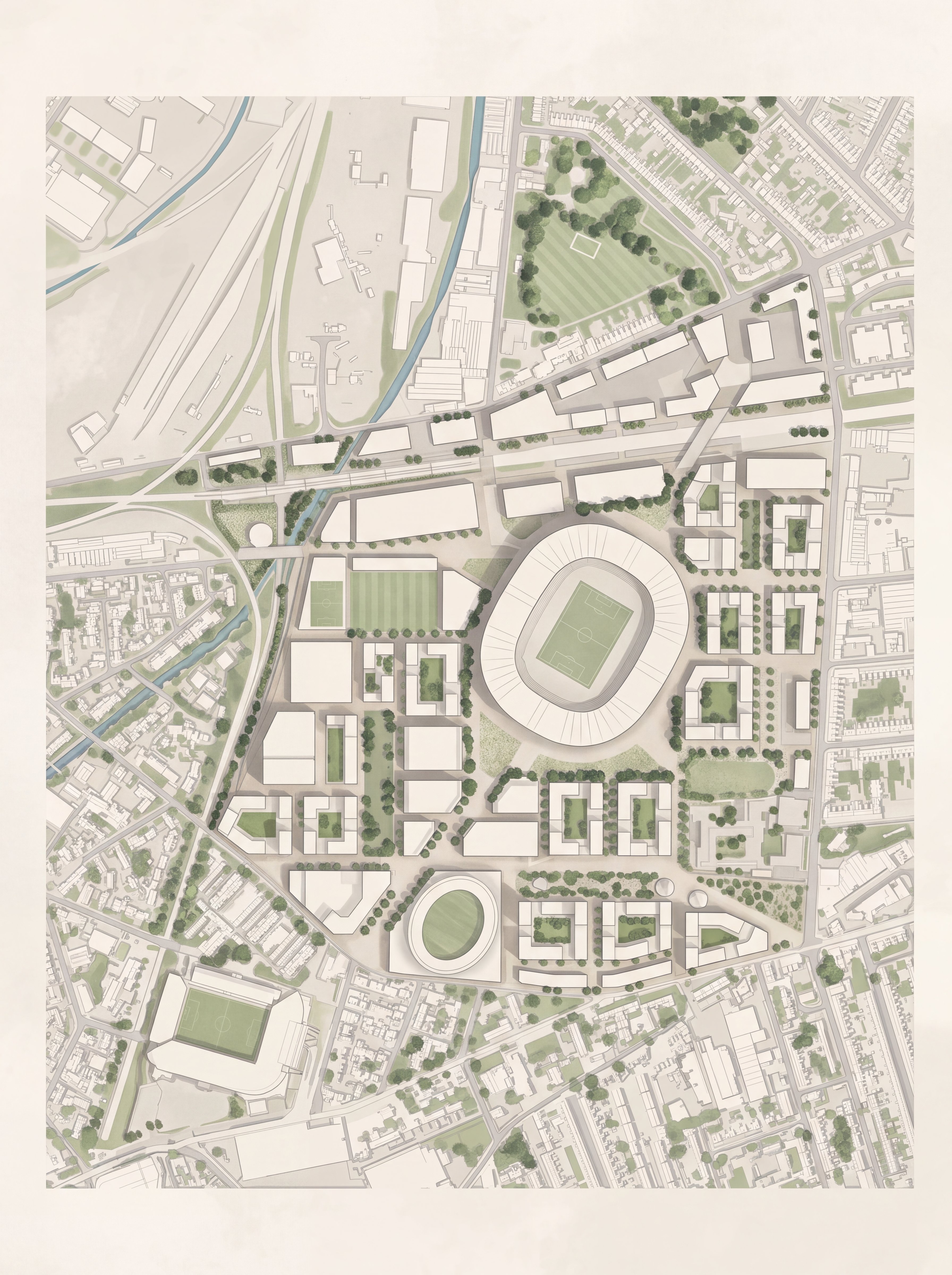
How to use TEST_Illustrative Masterplan
Use TEST_Illustrative Masterplan to generate an illustrative masterplan from a prompt and simple parameters. Start with project constraints, then refine layout, style, and annotations until the plan matches your concept.
Step 1
Enter a prompt with site type, program, density, and key goals. Choose diagram style, scale, and output format to guide the AI planning result.

Step 2
Create multiple masterplan options with different zoning, circulation, and open-space strategies. Compare alternatives quickly and keep the strongest composition for refinement.

Step 3
Adjust labels, color coding, and layout clarity for presentations. Export high-resolution images for slides, reports, and design reviews without extra formatting work.
Features
Generate illustrative masterplans with AI to explore layouts faster and communicate ideas clearly. Create zoning diagrams, circulation networks, and program blocks from a prompt, then iterate with consistent visual style. Export clean, presentation-ready outputs for concept reviews, stakeholder meetings, and early design studies.
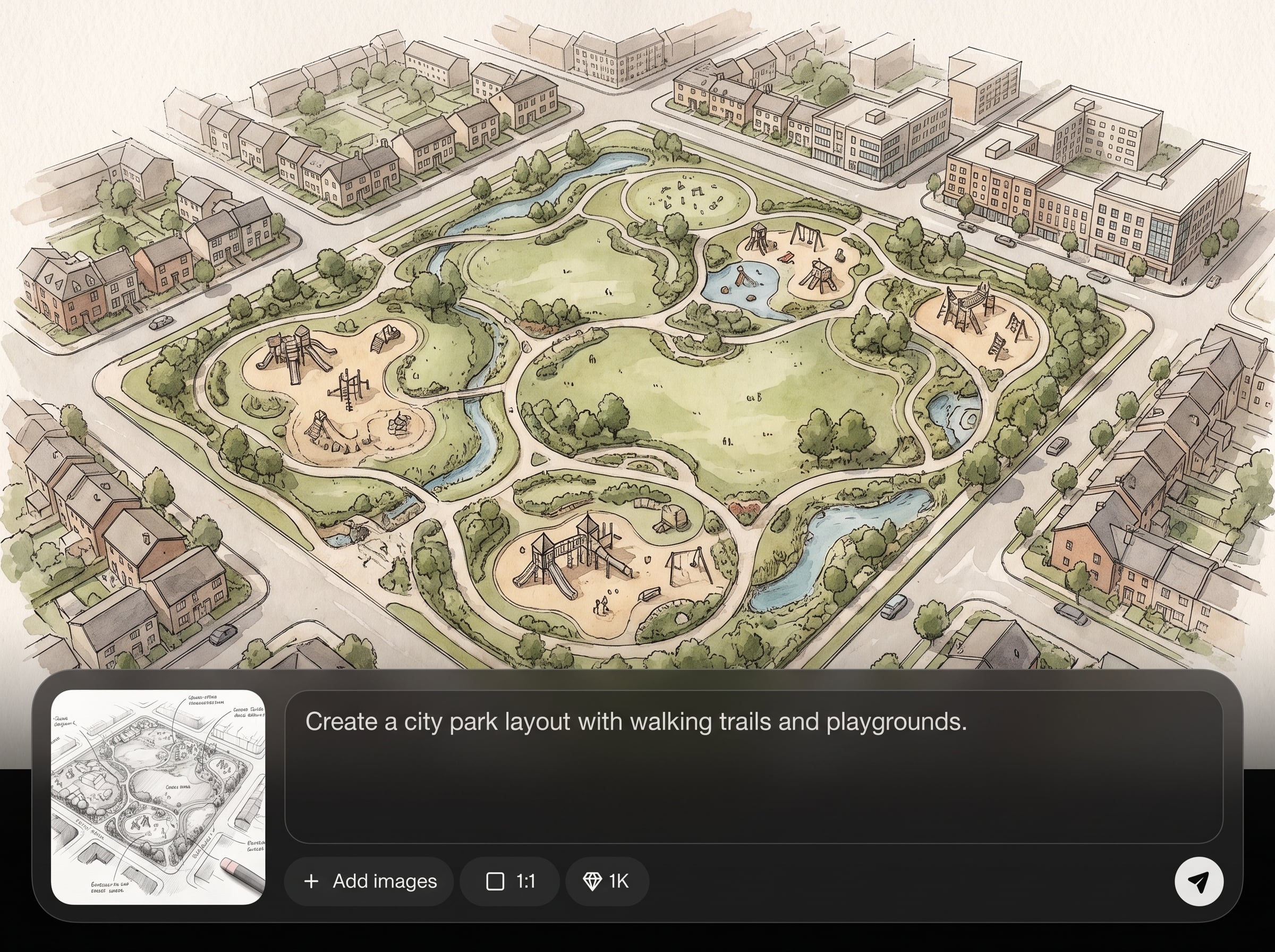
Turn text prompts into structured masterplan visuals, including zoning, program distribution, and circulation. Get readable plan graphics that help validate constraints and communicate intent early.
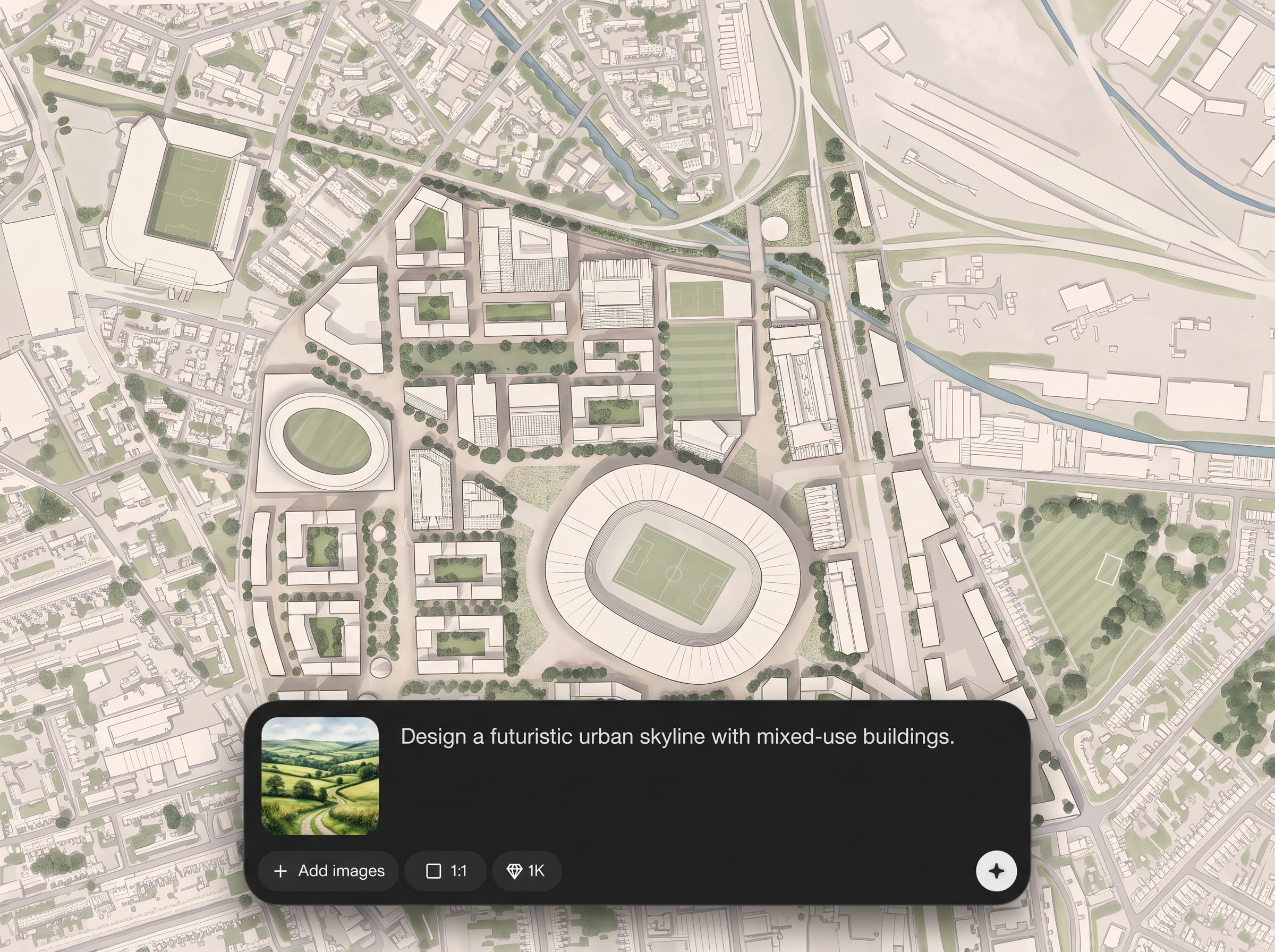
Produce multiple planning options in seconds to compare massing, road hierarchy, and open-space placement. Iterate quickly without rebuilding diagrams from scratch each time.
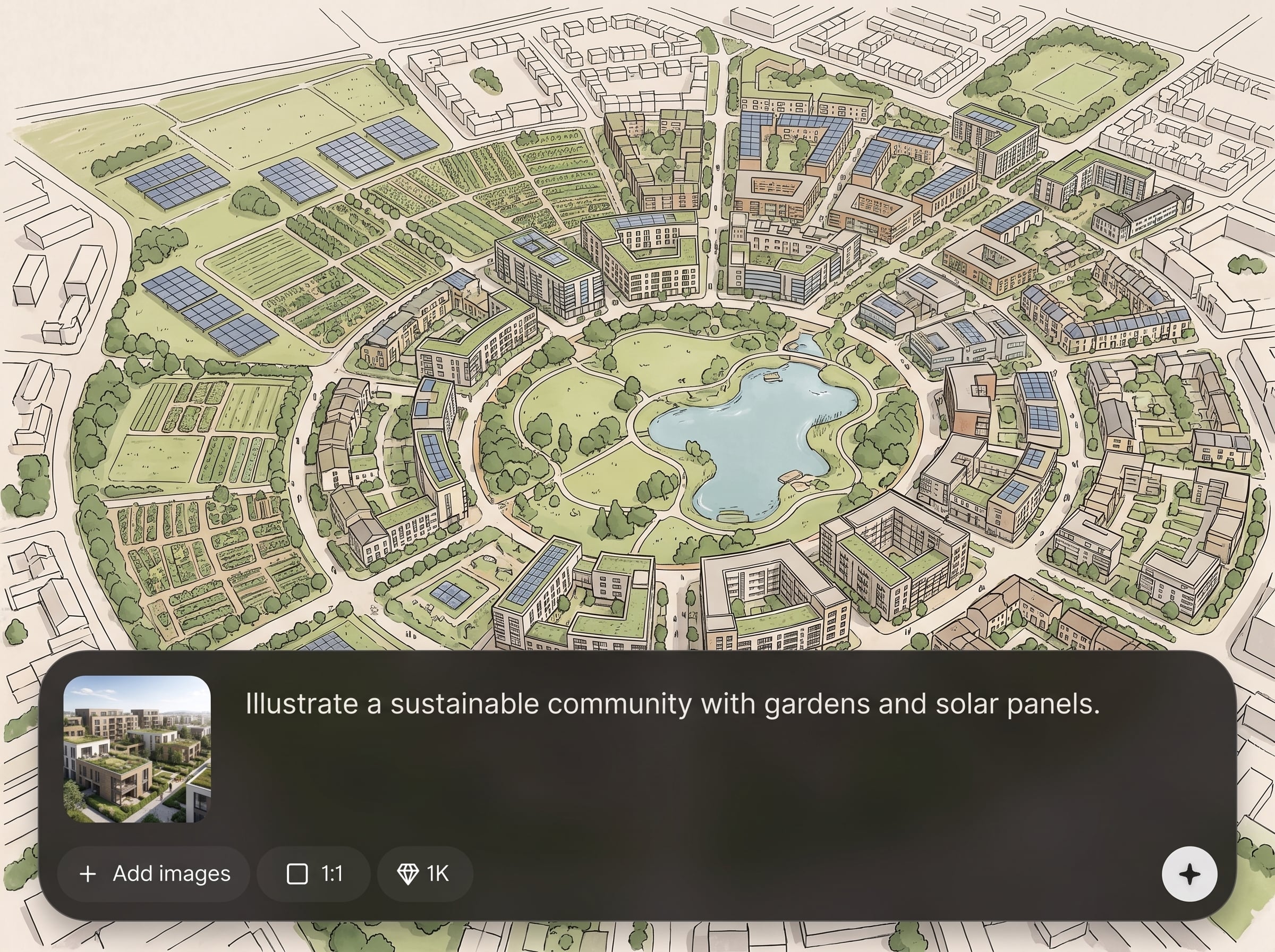
Apply clean diagram aesthetics with consistent colors, line weights, and labeling. Create outputs suited for architectural presentations, urban design boards, and planning documentation.
About
TEST_Illustrative Masterplan is an AI masterplan generator for creating clear, illustrative site plans in minutes. Turn prompts into zoning layouts, circulation routes, open-space diagrams, and concept massing for quick iteration. Customize style, labels, and composition to produce presentation-ready masterplans for architecture, landscape, and urban design workflows.
TEST_Illustrative Masterplan focuses on clear, diagram-first outputs for masterplanning. Generate zoning, circulation, and program layouts quickly, then refine consistency with controllable style and labeling. It’s built to speed up early planning decisions while keeping results readable and presentation-ready.
Type a prompt describing the site, program, and priorities, then generate a few variations. Choose the best option, refine style and labels, and export a high-resolution masterplan diagram.
Use cases
Discover how different creators use this app in their workflow.
Generate early-stage site layouts from program needs and constraints. Explore zoning and circulation options quickly to support concept selection and discussion.
Create district-scale masterplans with blocks, streets, and open space diagrams. Produce variations to evaluate connectivity, land use mix, and density distribution.
Draft illustrative landscape or campus masterplans with paths, green space, and program zones. Output clear diagrams for reviews, proposals, and presentations.
Krea is one of the world's leading generative AI platforms. See what others say.
Real reviews on TrustpilotSo many AI tools out there but I always come back to Krea. It's really the one AI platform that 'just works'.

FYN
Krea's interfaces are still the best in the industry. Everything looks and feels so clean and easy to use! Imo the easiest to use gen AI website.

Lynn
Ultra fast generations. Extremely simple to use. All the latest AI models.

Daniel
KREA is the only AI subscription I have right now besides ChatGPT.

Sophia M.
Answers to common questions about AI masterplan generation, outputs, and workflow.
TEST_Illustrative Masterplan is an AI masterplan generator that creates illustrative site plans from prompts. It helps produce zoning, circulation, and program diagrams quickly for concept planning and presentations.
You describe the site type, program, and goals in a prompt, then the AI generates masterplan diagram variations. You can refine style, labeling, and composition to improve clarity and alignment.
Yes. The tool can produce zoning-style masterplans with color-coded land uses, program blocks, and simple annotations. Use prompts to specify land-use categories, density targets, and adjacency preferences.
Yes. Generate circulation networks showing primary roads, secondary streets, pedestrian paths, and connections to key nodes. Prompts can emphasize walkability, access points, and transit-oriented structure.
Include site context, size or scale, program list, density or FAR targets, and priorities like green space or parking. Mention desired diagram style, label level, and any constraints to respect.
Yes. Choose an illustrative diagram look, adjust color palettes and clarity, and refine labeling density. This helps keep outputs consistent across iterations and suitable for presentation decks.
Export high-resolution image outputs suitable for slides and reports. Use exports for quick concept communication, design reviews, and documentation without needing additional diagram redraws.
Yes. It’s designed for early-stage masterplanning where speed and clarity matter—supporting architecture, landscape architecture, and urban design teams with fast diagram generation and iteration.
Turn planning inputs into clear diagrams fast, then iterate variations for stronger site layout decisions.

