














Step 1
Upload
Upload your photo or artwork in JPG, PNG, or WebP. Magnific UP analyzes the image with machine learning to identify edges, textures, and noise patterns.
Magnific UP uses AI to upscale images, boost resolution, reduce noise, and sharpen details. Enhance photos online in seconds—no installs needed, for web & print.

How to use Magnific UP
This quick guide shows how to upscale and enhance images with Magnific UP. In a few clicks, you’ll upload your file, adjust enhancement settings, preview the result, and download a higher-resolution image.
Step 1
Upload your photo or artwork in JPG, PNG, or WebP. Magnific UP analyzes the image with machine learning to identify edges, textures, and noise patterns.

Step 2
Set the upscale factor and enhancement strength, then tweak sharpness, denoise, and detail recovery. Use the live preview to compare before and after instantly.

Step 3
Generate the final result and download a high-resolution file ready for web, print, or presentations. Keep the original aspect ratio and color fidelity intact.
Features
Magnific UP combines AI upscaling and image enhancement to produce sharper, larger visuals without jagged edges. Artificial intelligence reconstructs missing detail, reduces compression artifacts, and preserves natural gradients. Choose subtle cleanup or bold detail boosting with controllable settings, then export a clean, high-resolution image for everyday workflows in your browser, with fast processing and consistent output.
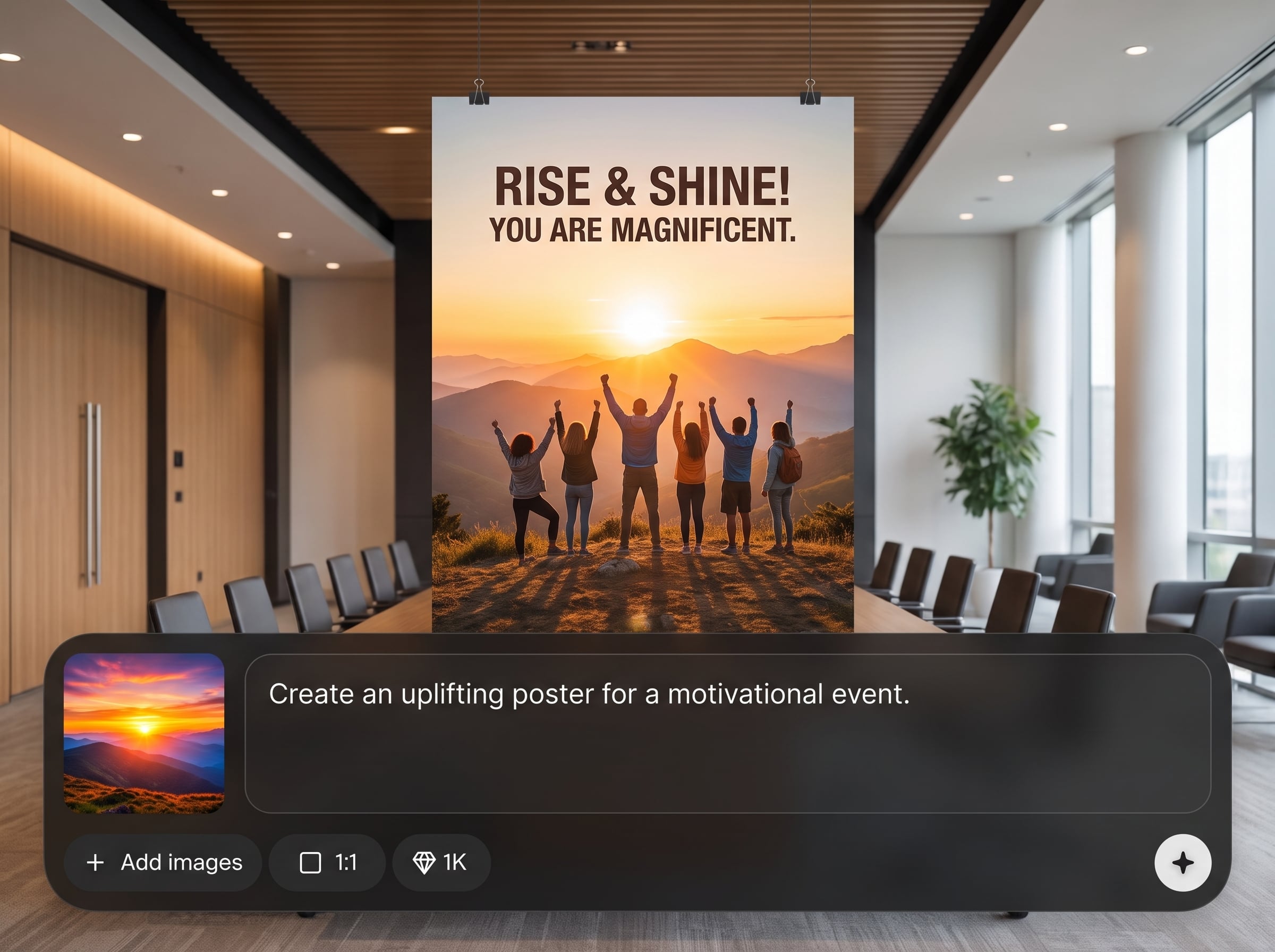
Increase image size while keeping lines and textures clean. Magnific UP predicts missing pixels with AI, improving readability of small details and reducing stair-step edges on text and shapes.
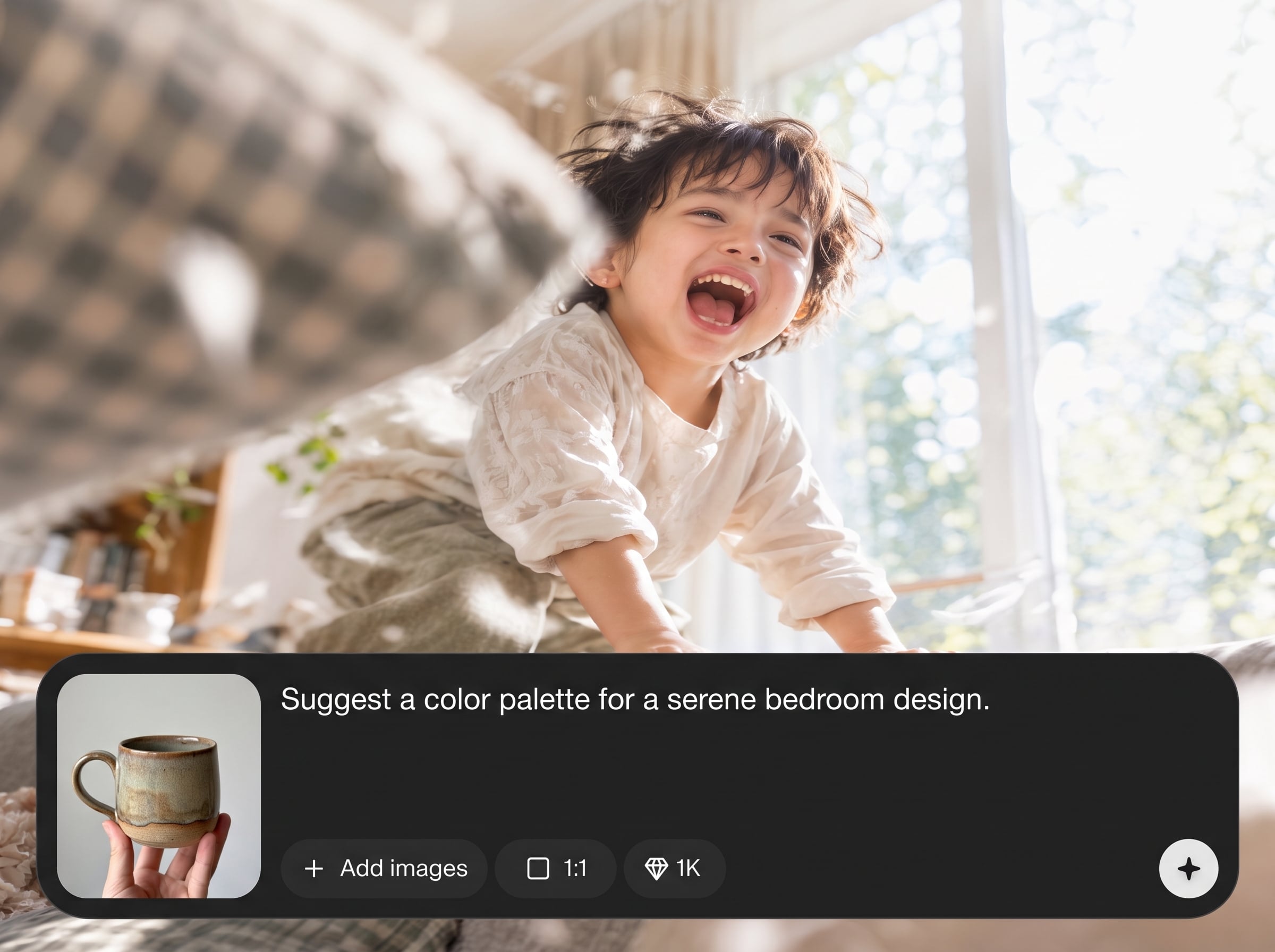
Automatically denoise photos and smooth compression blocks from low-quality files. Adjustable strength helps you retain natural grain while eliminating color speckling, banding, and halos around edges.
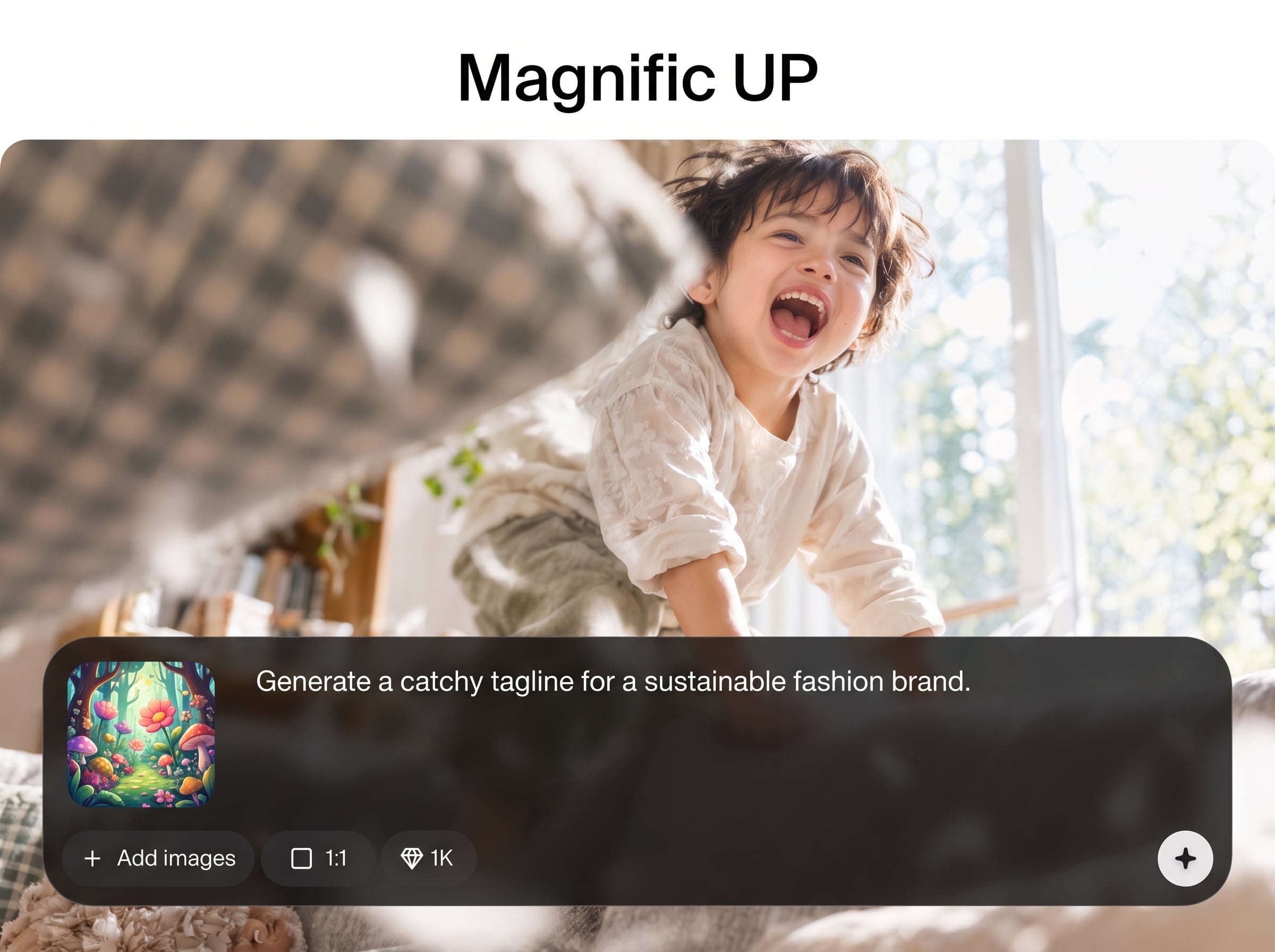
Preview enhancements in real time before you export. Quickly test different upscale factors and detail settings, so you can match the look to web, print, or product images without reruns.
About
Magnific UP is an AI image upscaler that enlarges photos while restoring crisp edges and natural texture. Upload a file, choose your upscale strength, and let artificial intelligence reduce noise, fix blur, and boost resolution for web, print, or product visuals. Fine-tune detail, clarity, and grain so enlarged images stay realistic, not plastic.
Magnific UP delivers reliable AI upscaling with controls that keep images natural. Fast previews, adjustable detail, and smart denoising help you reach the exact look you need without complex software. Work in-browser, export high resolution, and keep quality consistent across different image types.
Open Magnific UP, upload an image, and pick an upscale factor. Adjust detail and denoise to taste, preview the change, then export a high-resolution JPG or PNG. No installation required.
Use cases
Discover how different creators use this app in their workflow.
Upscale product photos for listings, zoom views, and ads. Enhance sharpness and remove noise so fabrics, labels, and textures look clear at larger sizes.
Improve property and interior images for brochures and portals. Magnific UP boosts resolution and clarity, helping rooms and architectural lines appear crisp without over-sharpening.
Restore old scans and compressed screenshots. Use AI enhancement to reduce artifacts, sharpen text, and produce readable, high-resolution files for documents and presentations.
Krea is one of the world's leading generative AI platforms. See what others say.
Real reviews on TrustpilotSo many AI tools out there but I always come back to Krea. It's really the one AI platform that 'just works'.

FYN
Krea's interfaces are still the best in the industry. Everything looks and feels so clean and easy to use! Imo the easiest to use gen AI website.

Lynn
Ultra fast generations. Extremely simple to use. All the latest AI models.

Daniel
KREA is the only AI subscription I have right now besides ChatGPT.

Sophia M.
Common questions about Magnific UP AI upscaling, quality, formats, and results.
Magnific UP is an AI image upscaler and enhancer. It increases resolution, reconstructs detail, reduces noise, and sharpens edges so low-res or compressed images look clean and high definition.
Upload JPG, PNG, and WebP files in most cases. For best results, start with the highest-quality original available; the AI can improve clarity, but it cannot recover information that never existed.
Yes. Choose an upscale factor that matches your target output, such as 2× or 4×, then export. Actual pixel limits depend on the source image and your selected settings.
It can if enhancement is pushed too far. Use moderate detail and sharpening, then check the preview for halos or plastic textures. Magnific UP includes controls to keep results realistic.
Yes. The AI model detects common noise patterns and JPEG artifacts, then smooths them while preserving edges. Adjust denoise strength to balance cleanliness with natural grain and texture.
Magnific UP runs online in your browser, so there’s nothing to install. Upload, enhance, and download from any modern device, making it convenient for quick image upgrades.
Processing time varies by image size and selected settings, but most upscales finish in seconds. Live previews help you iterate quickly without waiting for repeated full exports.
Yes, it works well for screenshots and UI images. Upscaling improves legibility and reduces jagged edges on fonts and icons, though extremely blurry sources may still limit clarity.
Magnific UP is designed to maintain color fidelity and smooth gradients during enhancement. If you see shifts, lower detail strength or try a gentler setting, then re-export.
Uploaded files are processed to generate your result and are not intended for public sharing. Avoid uploading sensitive material, and review your organization’s policies if you need strict data handling requirements.
Upscale and enhance your images with AI in seconds—try Magnific UP online and download high-resolution results instantly.

