














Step 1
Upload
Upload a clear photo with your face visible. The AI analyzes pose, lighting, and background to prepare a strong base for headshot generation.
Generate professional headshots in minutes with Superside Headshot 2026. Upload a photo, pick a style, and get AI headshots for LinkedIn and teams.
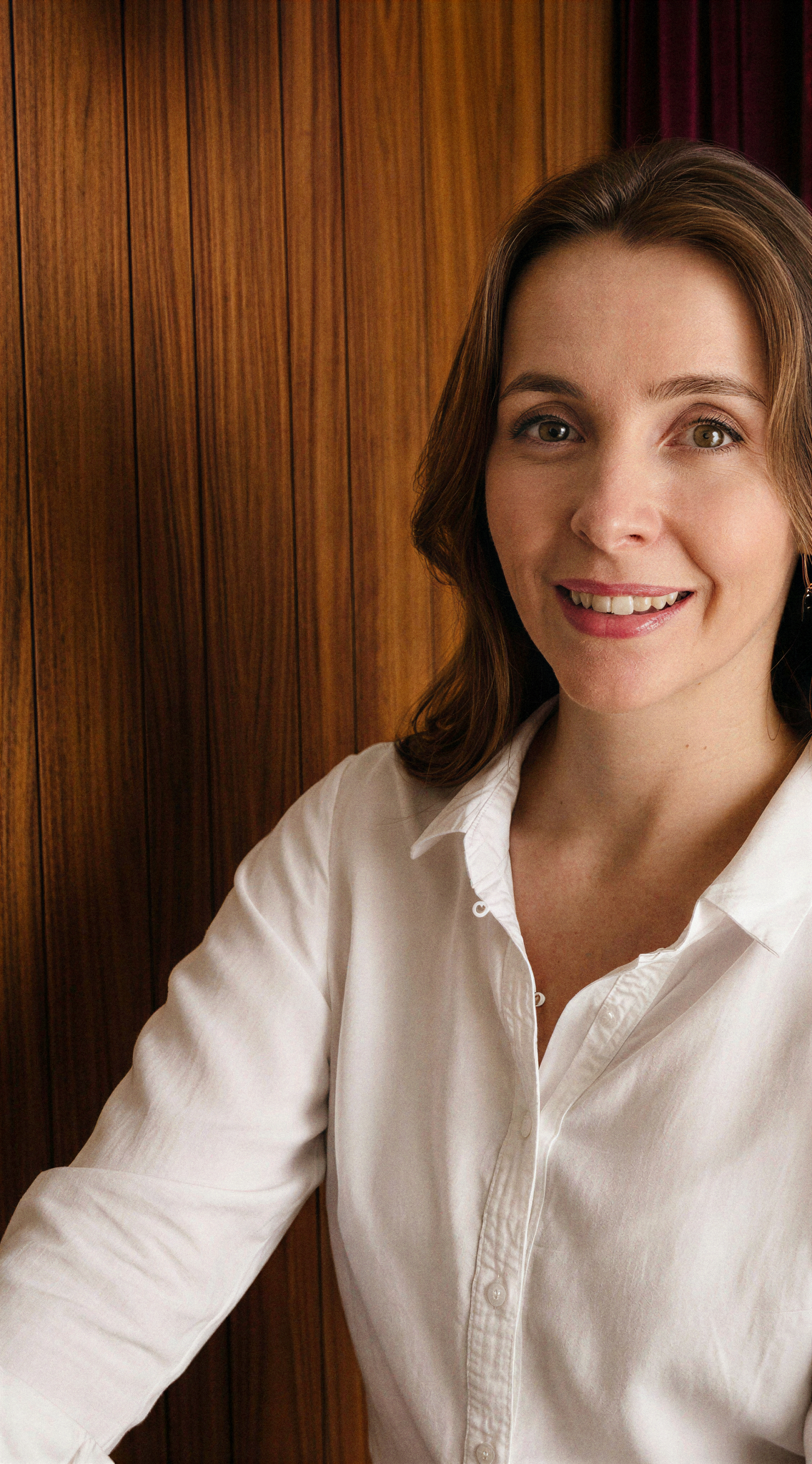
How to use Superside Headshot 2026
Create a clean, modern headshot with a quick upload and a few selections. Follow these steps to choose a style, generate multiple options, and export the best version for any profile.
Step 1
Upload a clear photo with your face visible. The AI analyzes pose, lighting, and background to prepare a strong base for headshot generation.

Step 2
Select a headshot style, outfit vibe, and background. Adjust details like lighting and crop to fit LinkedIn, resume, or internal directory standards.

Step 3
Generate multiple AI headshots, compare results, and pick your favorite. Download in high resolution for web profiles, business platforms, and print-ready uses.
Features
Superside Headshot 2026 creates realistic, professional headshots with controllable style and consistent results. Generate multiple variations, refine background and lighting, and export high-resolution images ready for LinkedIn, resumes, and company directories. Skip studio scheduling and get polished photos on demand.
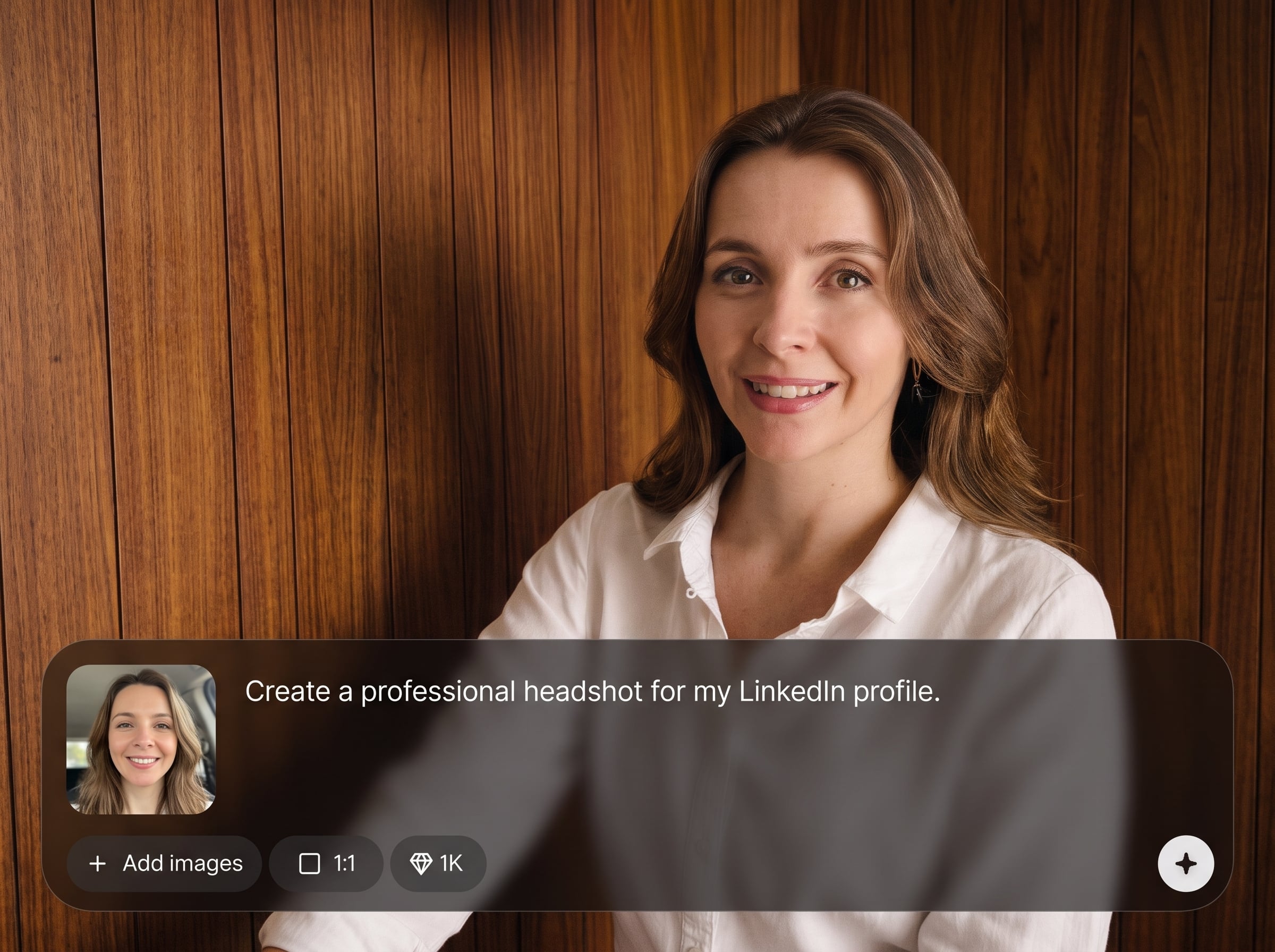
Create natural-looking headshots that keep facial identity intact while improving clarity and presentation. Machine learning enhances lighting, sharpness, and overall polish without over-editing or plastic-looking textures.
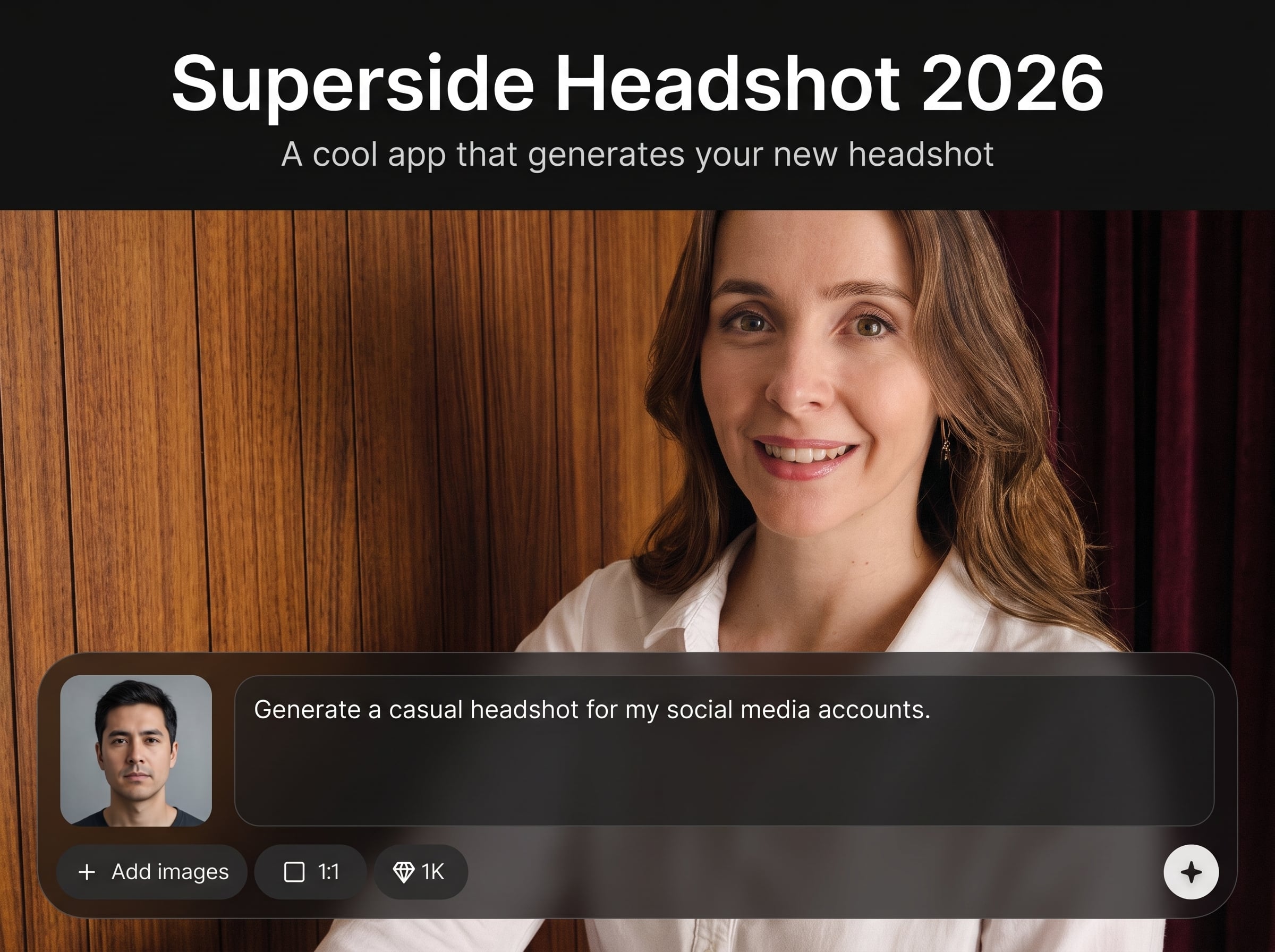
Generate multiple looks quickly and keep a consistent visual standard across profiles. Easily test crops, backgrounds, and tones to match corporate, creative, or neutral professional aesthetics.
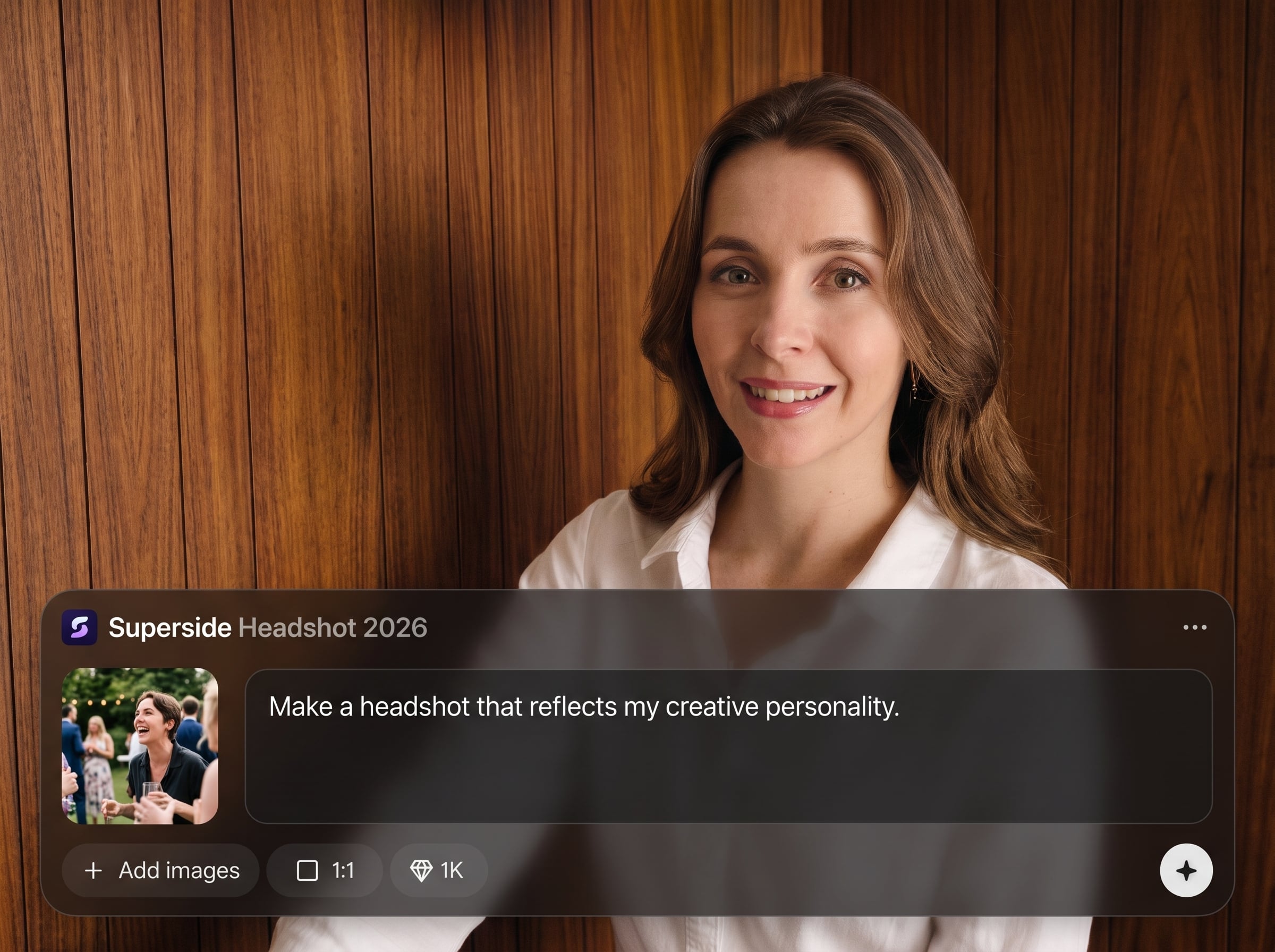
Pick styles and backgrounds with straightforward options—no advanced photo editing required. Export high-resolution headshots optimized for LinkedIn, CVs, team pages, badges, and print materials.
About
Superside Headshot 2026 is an AI headshot generator that turns a simple selfie into a polished, professional photo. Choose styles, backgrounds, and lighting to match LinkedIn, resumes, or company profiles. Get consistent, high-quality results fast—without a studio, camera gear, or complex photo editing.
Superside Headshot 2026 delivers fast, realistic AI headshots with style controls and consistent outputs. Generate multiple options, refine backgrounds and lighting, and export high-resolution images ready for professional platforms. It’s a streamlined alternative to studio shoots and manual photo editing.
Start by uploading one clear photo, then pick a professional style and background. Generate variations, compare options, and download the best headshot in high resolution—ready for LinkedIn, resumes, or team directories.
Use cases
Discover how different creators use this app in their workflow.
Upgrade your profile photo with a clean, professional headshot that fits recruiting standards. Generate multiple options and choose the best look for your industry.
Create consistent headshots for distributed teams without scheduling studio sessions. Align background and style across departments for a unified brand presence.
Produce polished headshots for conference pages, investor decks, and media kits. Get high-resolution images that look studio-shot and ready to publish.
Krea is one of the world's leading generative AI platforms. See what others say.
Real reviews on TrustpilotSo many AI tools out there but I always come back to Krea. It's really the one AI platform that 'just works'.

FYN
Krea's interfaces are still the best in the industry. Everything looks and feels so clean and easy to use! Imo the easiest to use gen AI website.

Lynn
Ultra fast generations. Extremely simple to use. All the latest AI models.

Daniel
KREA is the only AI subscription I have right now besides ChatGPT.

Sophia M.
Common questions about using Superside Headshot 2026 for AI-generated headshots and exports.
Superside Headshot 2026 is an AI headshot generator that transforms an uploaded photo into professional headshots. It uses artificial intelligence to adjust style, lighting, and background while keeping a realistic, identity-consistent look.
Use a clear, front-facing photo with good lighting and minimal blur. Avoid heavy filters and extreme angles. Clean backgrounds help, but the tool can also replace or simplify backgrounds automatically.
Yes. The generated headshots are designed for professional use on LinkedIn, CVs, portfolios, and company pages. Choose a neutral style and crop for a classic, hiring-friendly profile look.
The goal is to preserve your identity while improving presentation. Artificial intelligence enhances lighting, clarity, and styling, but results can vary by input photo. Generate several options to select the most accurate version.
Yes. You can create multiple variations with different backgrounds, tones, and professional styles. This makes it easy to match corporate branding, creative roles, or personal preference without re-shooting photos.
It’s primarily an AI headshot generator with editing-like controls. Instead of manual retouching, machine learning generates polished headshot outputs while letting you guide style, crop, and background choices.
Download high-resolution images suitable for web and print use. Export options are optimized for common profile needs like LinkedIn, team pages, and resumes, ensuring sharp details and clean presentation.
Generation typically takes only minutes, depending on the selected options and the number of variations. You can review results immediately, regenerate if needed, and export your final selection quickly.
Yes. It’s ideal for creating consistent headshots across teams by using the same style and background settings. This helps maintain a uniform look for directories, email avatars, and company websites.
No. A good smartphone photo is usually enough. The AI improves lighting and overall polish, helping you achieve a studio-like result without scheduling, equipment, or complicated editing workflows.
Upload a photo, choose a style, and generate polished headshots in minutes for LinkedIn, teams, and press kits.

