














Step 1
Upload
Add your sketch and optional collage images as references. Crop and align them to define framing, key shapes, materials, and color mood for the generation.
Turn sketches and collage references into clear AI visualizations in minutes. Upload, refine prompts, and export high-res concepts online—try it now.

How to use Эскиз+коллаж=визуализация
This quick walkthrough shows how to combine a sketch and collage references to generate a clean AI visualization. Follow three steps to control style, composition, and detail, then export results for sharing or further editing.
Step 1
Add your sketch and optional collage images as references. Crop and align them to define framing, key shapes, materials, and color mood for the generation.

Step 2
Enter a short prompt describing subject, style, and lighting. Adjust strength and variation settings to balance fidelity to the sketch with creative exploration and alternative compositions.

Step 3
Run the AI to produce multiple visualizations. Compare outputs, refine the prompt or references, then download high-resolution images for decks, mockups, or iterative design work.
Features
Эскиз+коллаж=визуализация blends sketch structure with collage cues to produce accurate, presentable renders. Use AI to explore styles, materials, and lighting while keeping your original composition. Generate multiple options quickly, then iterate with targeted prompts and reference updates for consistent results across a concept set.
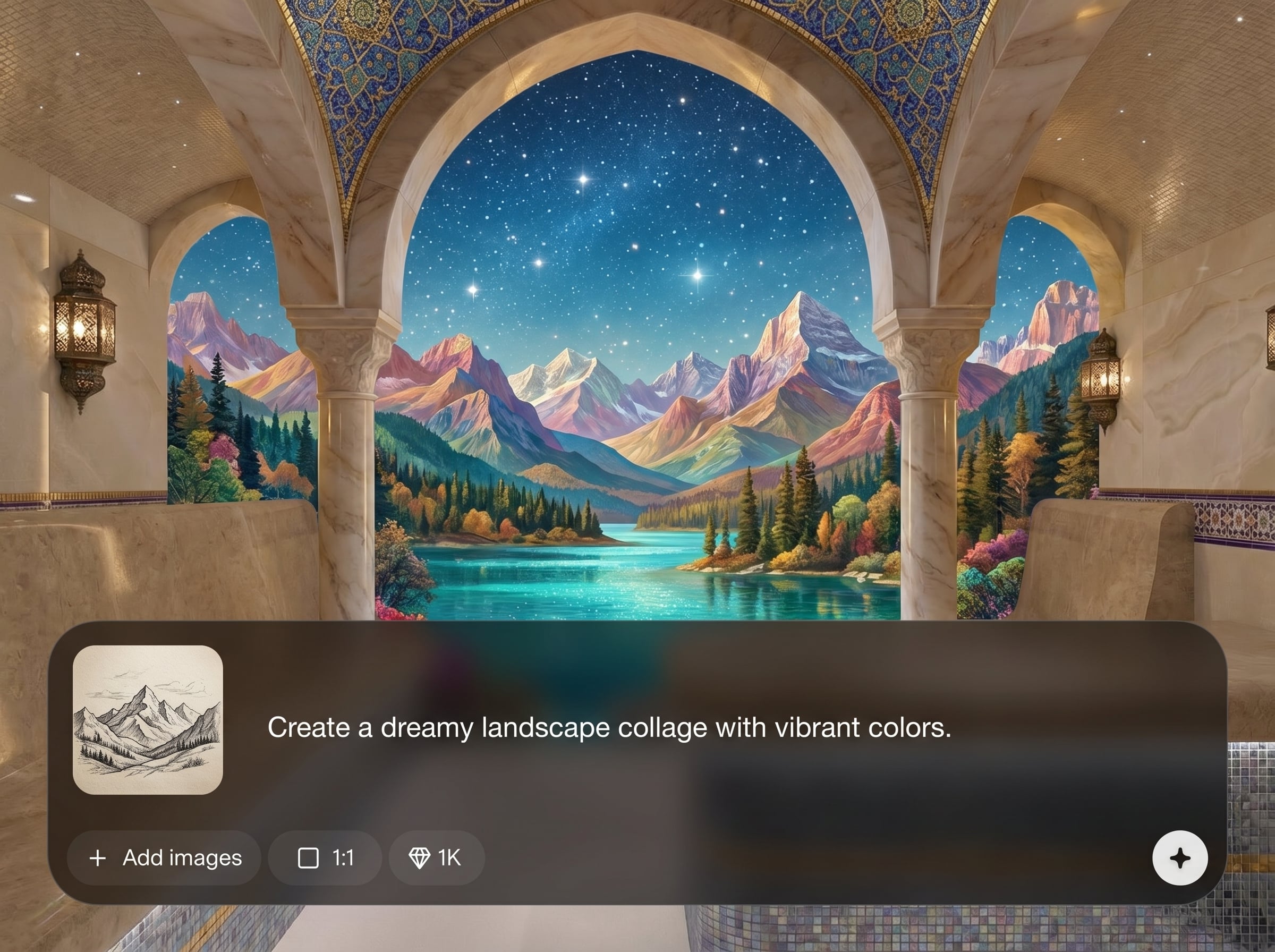
Keep proportions and layout anchored to your sketch while the AI fills in detail. Ideal for turning rough linework into clear renders without losing composition or intent.
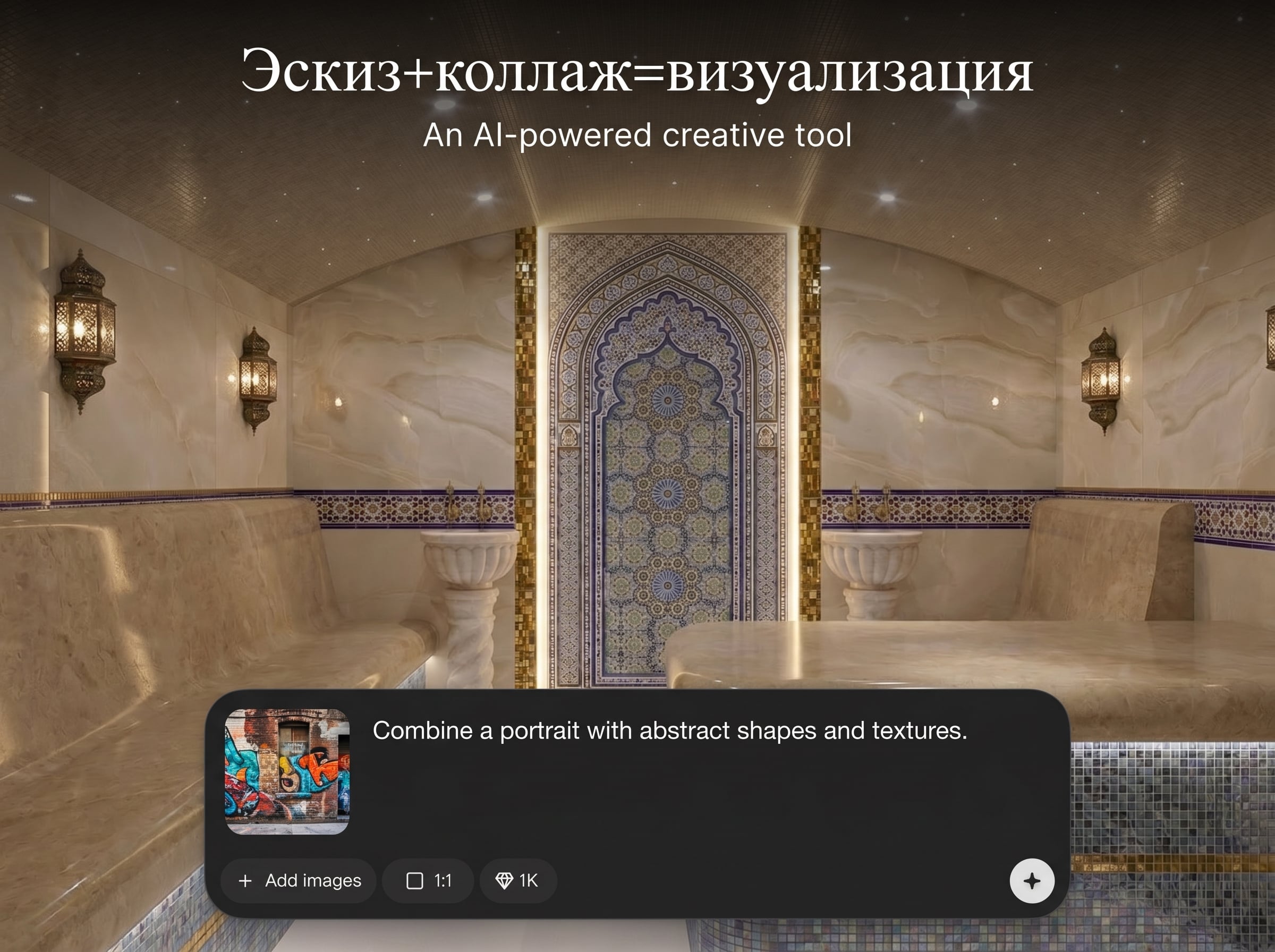
Use collage references to steer materials, palette, and texture. The model learns from your inputs to create cohesive outputs that match a moodboard or brand direction.
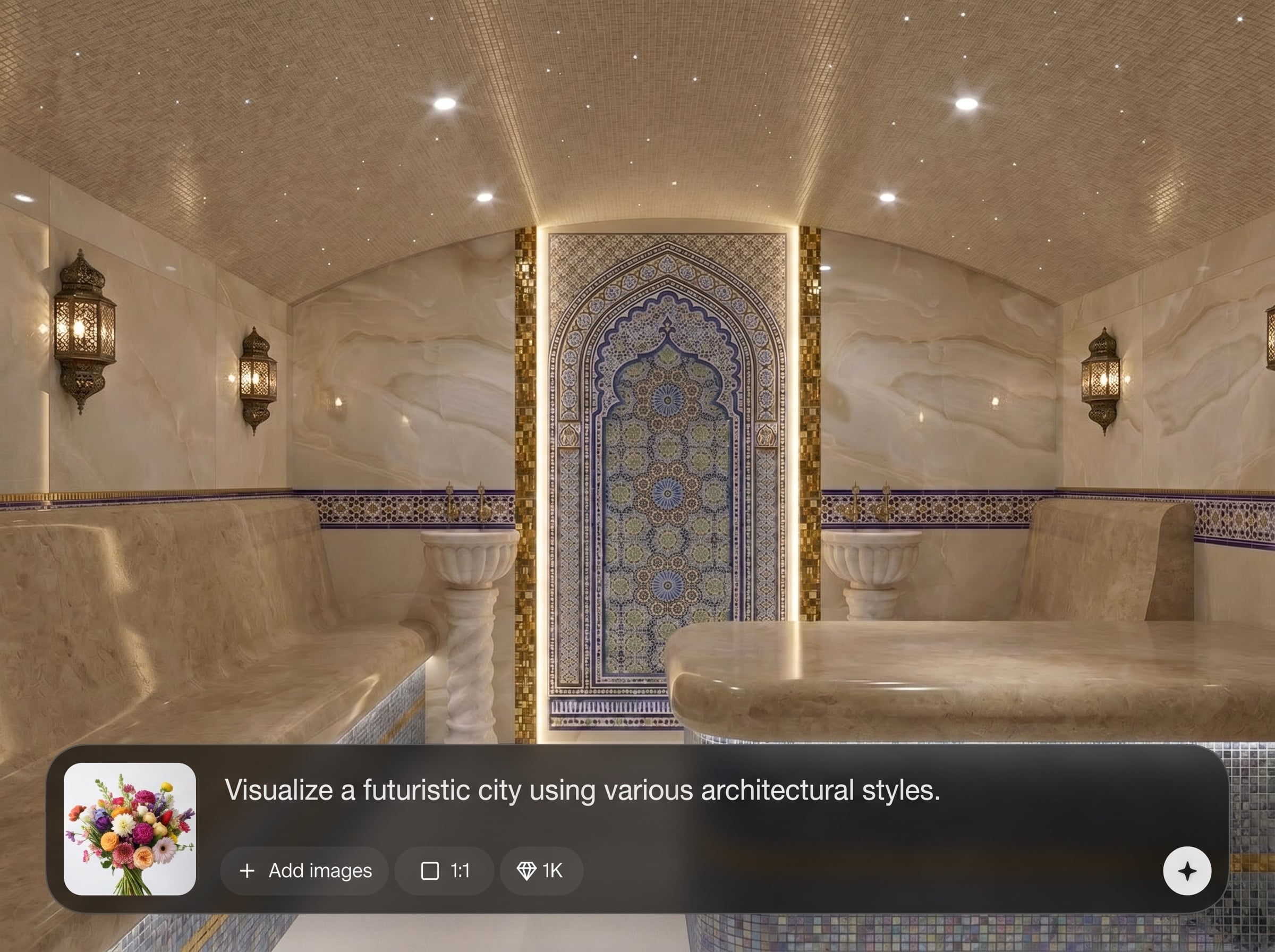
Generate multiple options in one pass and iterate with small prompt tweaks. Export high-resolution images suitable for presentations, design reviews, and production handoff.
About
Эскиз+коллаж=визуализация turns rough sketches and collage references into polished AI visuals for fast concept validation. Upload your sketch, add collage elements, and guide the model with simple prompts. Generate multiple style directions, iterate quickly, and export high-resolution images for presentations, product ideas, or scene studies.
Эскиз+коллаж=визуализация prioritizes control: sketch-based structure plus collage-based styling for predictable AI results. Generate fast variations, iterate with simple prompts, and keep a consistent look across a concept series. It’s ideal for turning early ideas into presentation-ready visuals without complex setup.
Open the app, upload your sketch, and optionally add collage references. Write a short prompt, adjust strength and variation, then generate several options and refine until the visualization matches your intent.
Use cases
Discover how different creators use this app in their workflow.
Turn napkin sketches and material swatches into presentable product renders. Explore finishes, colors, and form variations quickly before moving into CAD or 3D.
Combine floorplan sketches with collage references to visualize spaces, lighting, and decor. Produce multiple style directions for client reviews and rapid iteration.
Convert rough frames plus reference cutouts into clean visuals. Generate consistent scenes for pitches, ads, and storyboards, then refine details with targeted prompts.
Krea is one of the world's leading generative AI platforms. See what others say.
Real reviews on TrustpilotSo many AI tools out there but I always come back to Krea. It's really the one AI platform that 'just works'.

FYN
Krea's interfaces are still the best in the industry. Everything looks and feels so clean and easy to use! Imo the easiest to use gen AI website.

Lynn
Ultra fast generations. Extremely simple to use. All the latest AI models.

Daniel
KREA is the only AI subscription I have right now besides ChatGPT.

Sophia M.
Answers to common questions about sketch-and-collage AI visualization and exporting results.
It generates AI visualizations from your sketch combined with collage references. The sketch guides composition and shapes, while collage images steer style, materials, and color for more controlled, realistic outputs.
No. You can generate from a sketch alone, or add collage references for stronger style control. Using both typically produces the most predictable results for mood, texture, and materials.
Use a clear sketch with strong outlines, then increase reference strength and reduce variation. Keep prompts specific to materials and lighting rather than changing layout to preserve composition.
Yes. Keep the same sketch reference and swap collage images or adjust the prompt style keywords. Generate batches to compare directions like minimal, industrial, or cinematic lighting.
Common image formats like PNG and JPG work well. For best results, use high-contrast sketches and collage references with visible textures, colors, and materials you want reflected in the output.
It’s an AI image generator guided by references. You control composition with a sketch and control look with collage inputs, then iterate via prompts and settings rather than manual pixel editing.
Prompts refine subject details, style, camera, and lighting. Short, concrete phrases work best—mention materials, mood, and rendering style. Use negative terms to avoid unwanted artifacts or elements.
Yes. It’s built for fast concept visualization from rough inputs, producing clean images for decks, design reviews, and iteration. Export high-resolution results and continue refining with new references.
Start with a clean sketch, add 1–3 strong collage references, and keep prompts consistent. Generate variations, pick the best, then refine with small changes to avoid drifting off-brief.
Yes. Download high-resolution outputs suitable for sharing, printing in presentations, or importing into other design tools. For best clarity, choose results with crisp edges and minimal noise.
Upload a sketch and collage references, generate AI variations, and export high-res visuals for review.

