














Step 1
Prompt
Describe your scene with clear details like location, time of day, weather, and camera angle. Optionally upload a reference image to guide composition and color.
Generate stunning landscapes fast with Landscape Imahe. Use AI prompts and styles to create scenic art, wallpapers, and concept scenes. Try it online now.
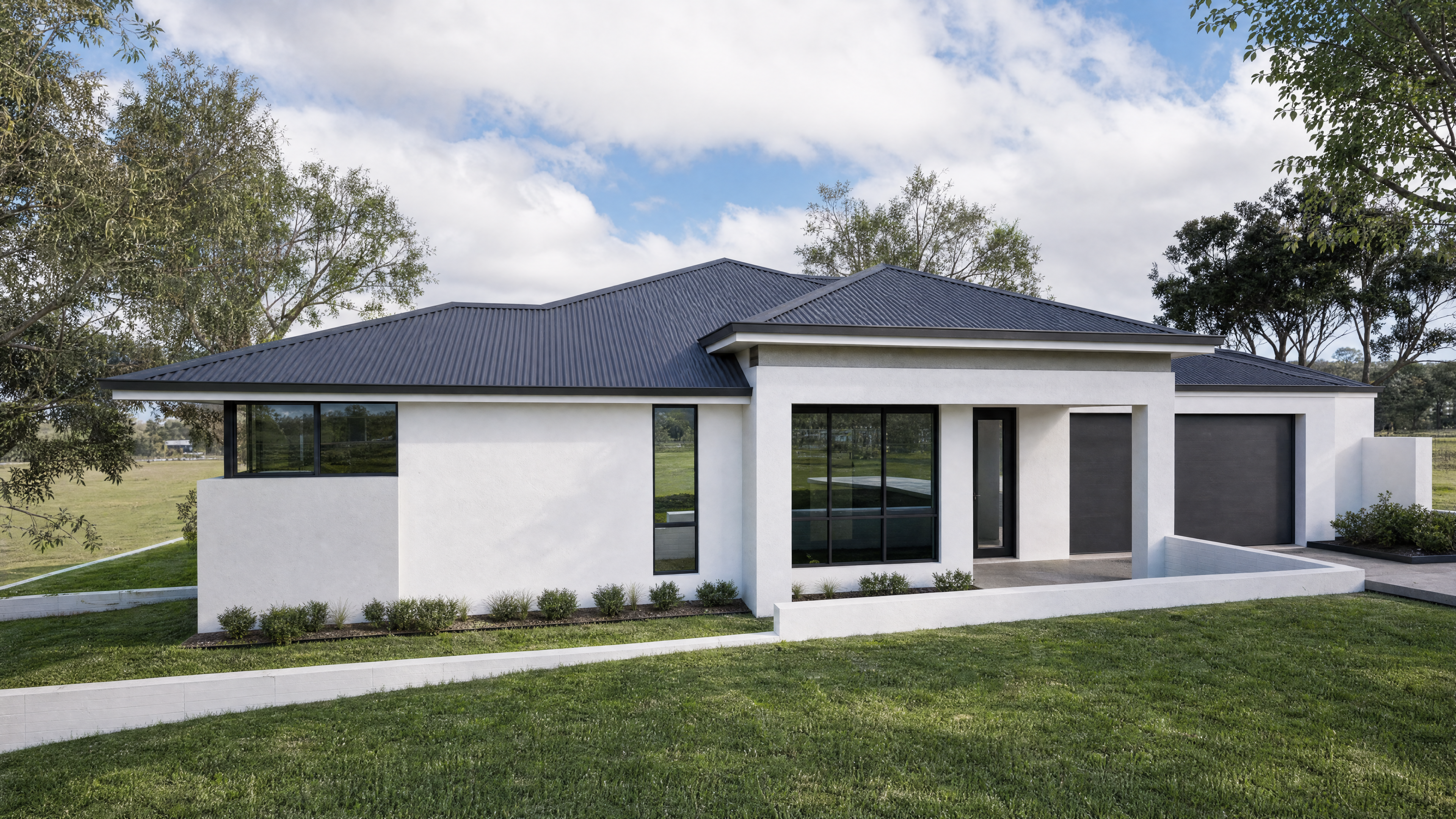
How to use Landscape Imahe
Follow these quick steps to create professional-looking landscapes with AI. Add a prompt, choose a style and aspect ratio, then generate and refine results until the scene matches your vision.
Step 1
Describe your scene with clear details like location, time of day, weather, and camera angle. Optionally upload a reference image to guide composition and color.

Step 2
Select a style (realistic, cinematic, painterly), aspect ratio, and quality settings. Adjust lighting, color mood, and detail level to steer the AI output.

Step 3
Generate multiple variations, pick the best result, and refine with new prompts. Download high-resolution images for wallpapers, mockups, storyboards, or environment concept art.
Features
Landscape Imahe turns prompts into high-quality landscape images with consistent style and mood control. Generate multiple variations quickly, refine with iterative prompting, and export at crisp resolutions. Ideal for scenic backgrounds, environment concept art, and visual assets that need speed without sacrificing detail.
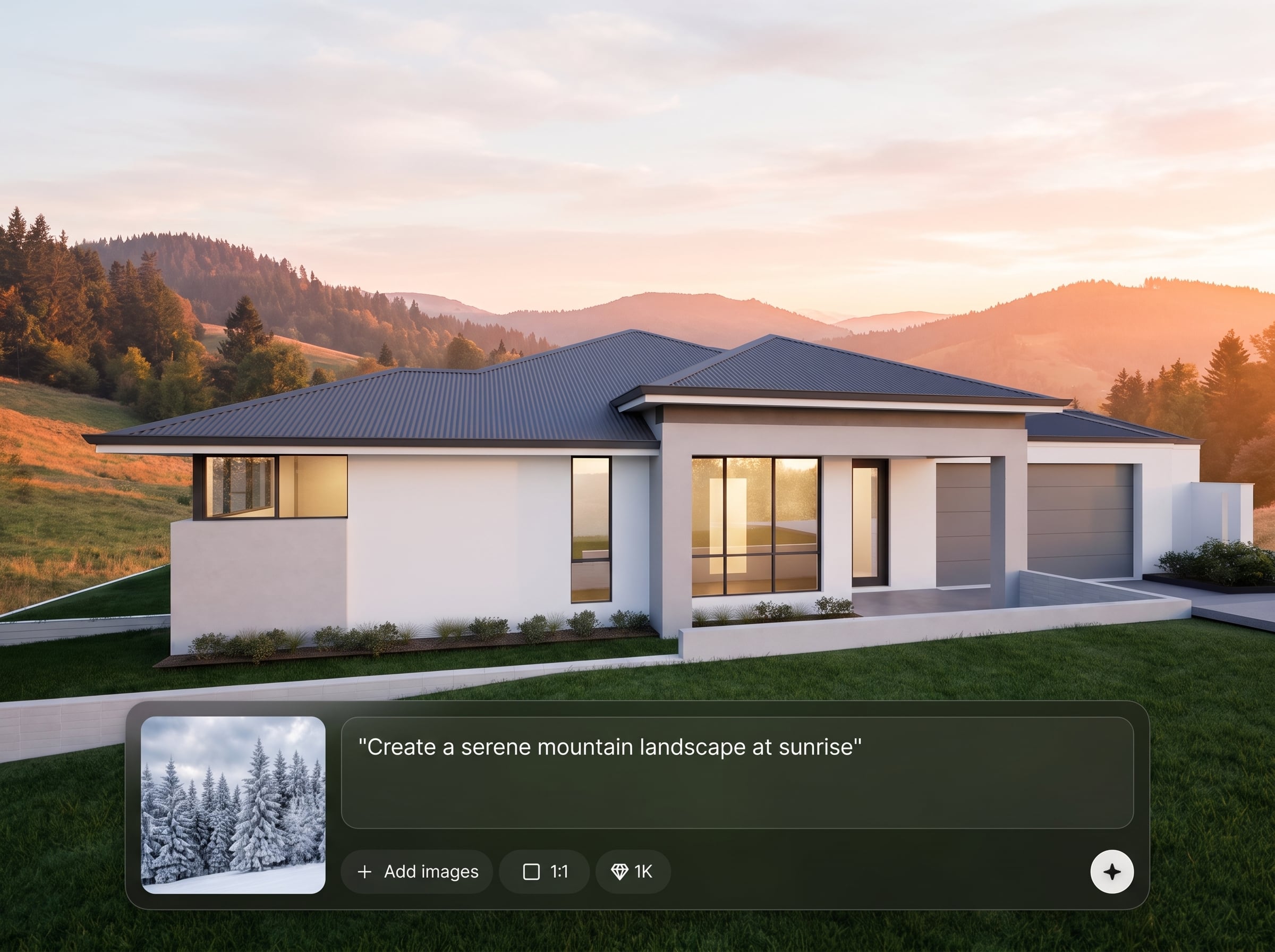
Create mountains, coastlines, forests, deserts, city skylines, and fantasy worlds from a simple prompt. The AI image generator balances composition, lighting, and depth for believable scenes.
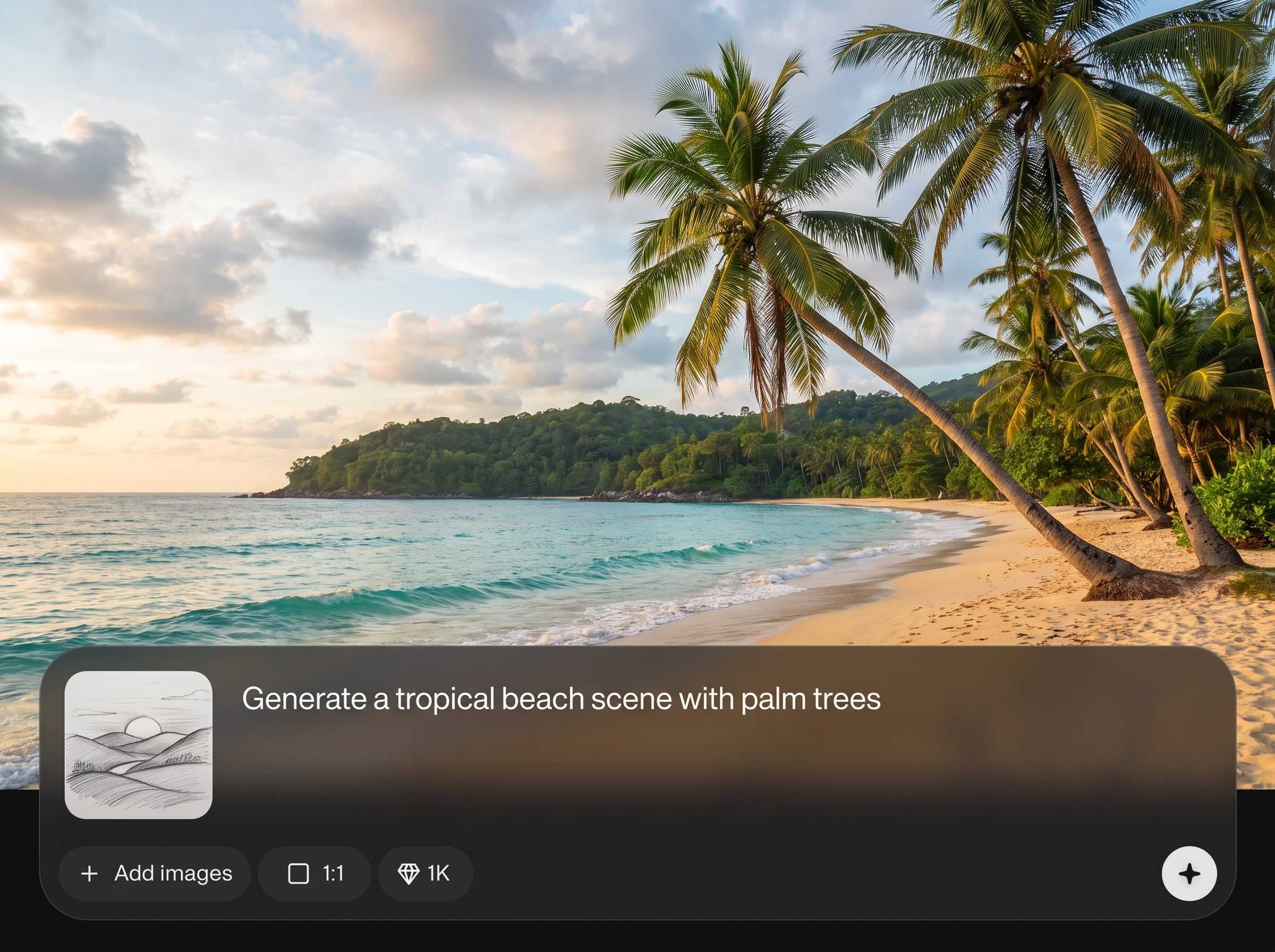
Choose cinematic, realistic, watercolor, or illustrative looks and steer color grading, atmosphere, and time of day. Get consistent landscape art for a cohesive set of backgrounds.
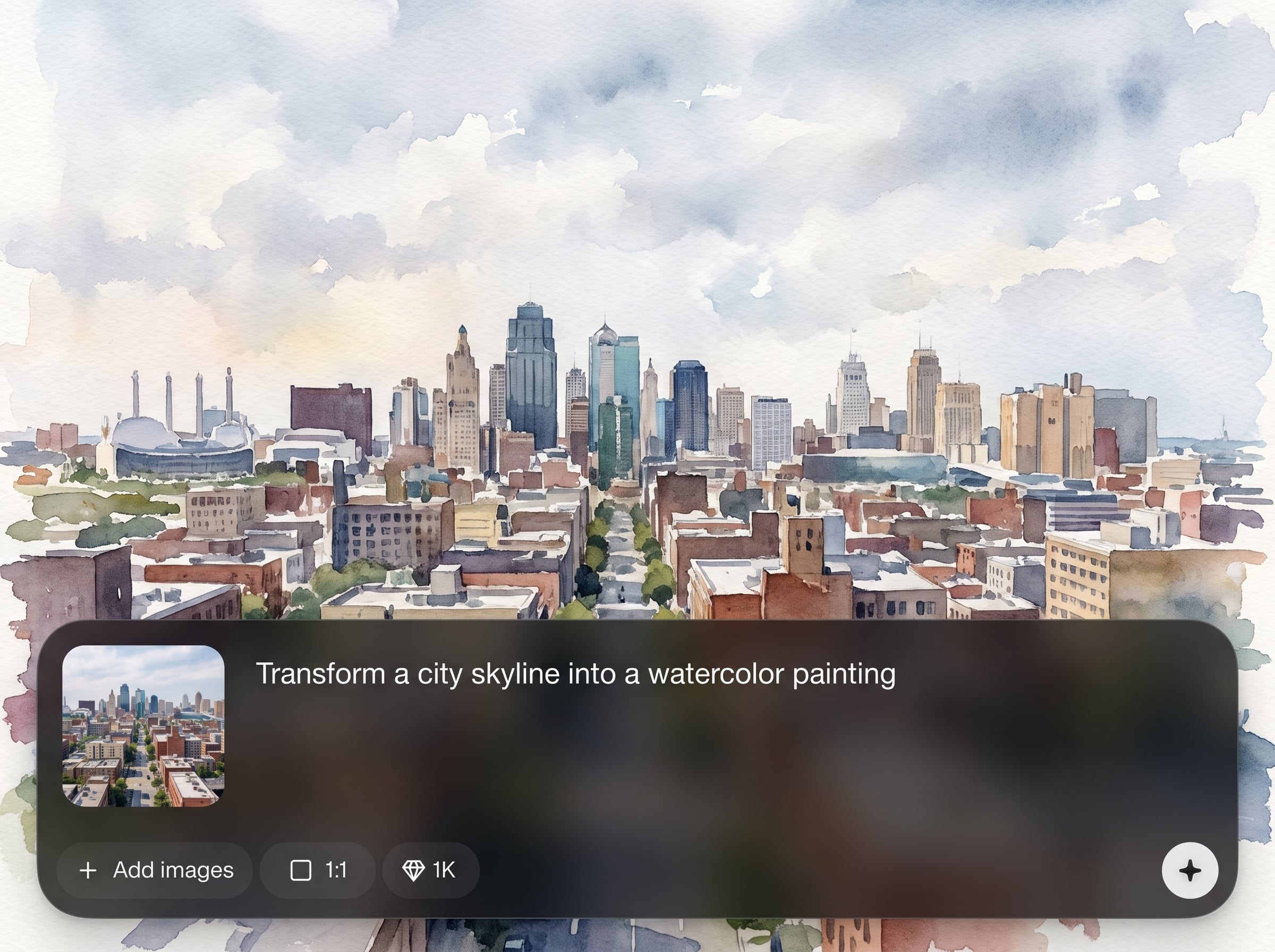
Generate variations in seconds, then refine with prompt tweaks to reach the exact scene you need. Export high-resolution files ready for wallpapers, decks, thumbnails, or concepts.
About
Landscape Imahe is an AI landscape generator for creating realistic or stylized scenes from text prompts and reference images. Choose styles, lighting, and mood to generate mountains, forests, cities, or fantasy worlds in seconds. Produce high-resolution landscape art for wallpapers, game environments, presentations, and visual storytelling—right in your browser.
Landscape Imahe focuses on fast, controllable landscape generation with style consistency and high-quality outputs. Explore multiple variations, lock in a mood, and iterate efficiently. Get custom scenic visuals without endless stock searches or time-consuming manual edits.
Enter a landscape prompt, choose a style and aspect ratio, then generate variations. Refine with small prompt tweaks and export your favorite result in high resolution for immediate use.
Use cases
Discover how different creators use this app in their workflow.
Generate scenic wallpapers for desktop, mobile, or web headers. Create cohesive sets with consistent style, color mood, and aspect ratios for any screen.
Rapidly visualize environment ideas for levels, matte paintings, or storyboards. Explore lighting, weather, and terrain variations before committing to final production.
Create polished landscape backdrops for slides, ads, or landing pages. Produce custom scenes that match brand tone without spending hours searching stock libraries.
Krea is one of the world's leading generative AI platforms. See what others say.
Real reviews on TrustpilotSo many AI tools out there but I always come back to Krea. It's really the one AI platform that 'just works'.

FYN
Krea's interfaces are still the best in the industry. Everything looks and feels so clean and easy to use! Imo the easiest to use gen AI website.

Lynn
Ultra fast generations. Extremely simple to use. All the latest AI models.

Daniel
KREA is the only AI subscription I have right now besides ChatGPT.

Sophia M.
Find quick answers about generating landscapes, refining results, and exporting images with Landscape Imahe.
Landscape Imahe is an AI landscape generator that creates scenic images from text prompts and optional references. Use it to produce realistic or stylized environments for wallpapers, concepts, and visual assets.
Include subject and setting, then add time of day, weather, and camera details (wide angle, aerial, foggy sunrise). Mention a style like cinematic or watercolor to guide the final look.
Yes. Switch between realistic, cinematic, painterly, or illustrative styles to control rendering. You can also adjust mood and lighting to keep outputs consistent across multiple generations.
Landscape Imahe supports common aspect ratios for desktop, mobile, and social banners. Generate at high quality and export crisp images suitable for wallpapers, presentations, and environment concept work.
Iterate by adjusting prompt details like terrain, sky conditions, or color palette, then regenerate variations. Use consistent keywords and style settings to converge on the composition you want.
Yes. Upload a reference to influence composition, color, and overall layout while the AI generates a new landscape. This helps match an existing art direction or storyboard frame.
Download standard image formats suitable for design and sharing workflows. Exports are optimized for quality so you can use results as wallpapers, backgrounds, or concept thumbnails without extra steps.
It’s designed for quick results with simple prompts and guided settings. Start with a short description, pick a style, generate variations, and refine gradually until the landscape matches your goal.
Popular uses include wallpapers, website backgrounds, game environment concepts, presentation visuals, and mood boards. It’s a fast way to explore multiple scenic directions without manual painting.
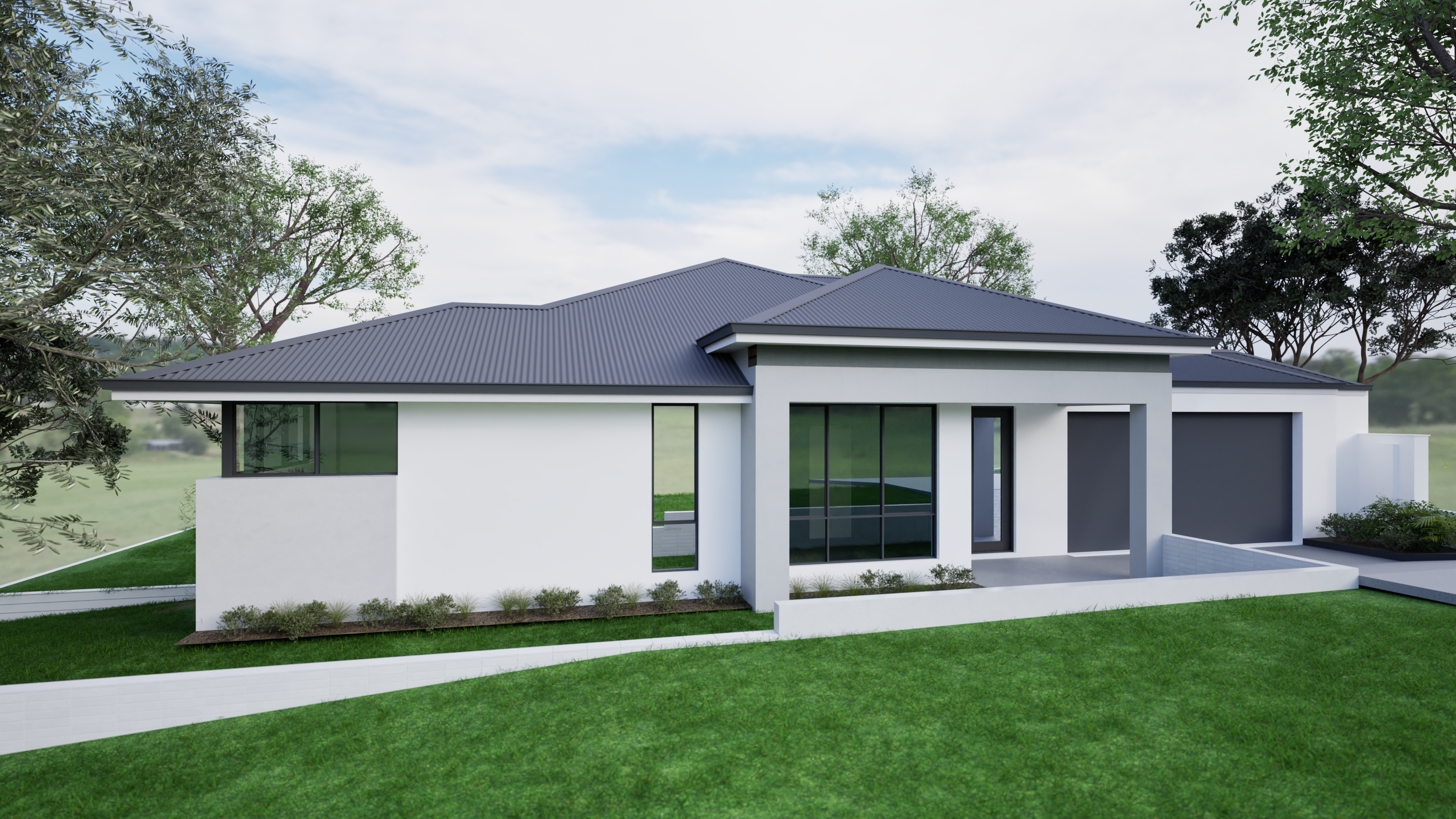
Turn prompts into high-resolution scenic art for wallpapers, concepts, and backgrounds—directly online with AI.

