














Step 1
Set your prompt
Enter a text prompt, pick a style, and choose size or aspect ratio. Add keywords for lighting, materials, and mood to guide the AI output.
Generate high-quality AI images fast with Krea App 2. Create, edit, upscale, and export in minutes with smart AI tools. Try it online now.
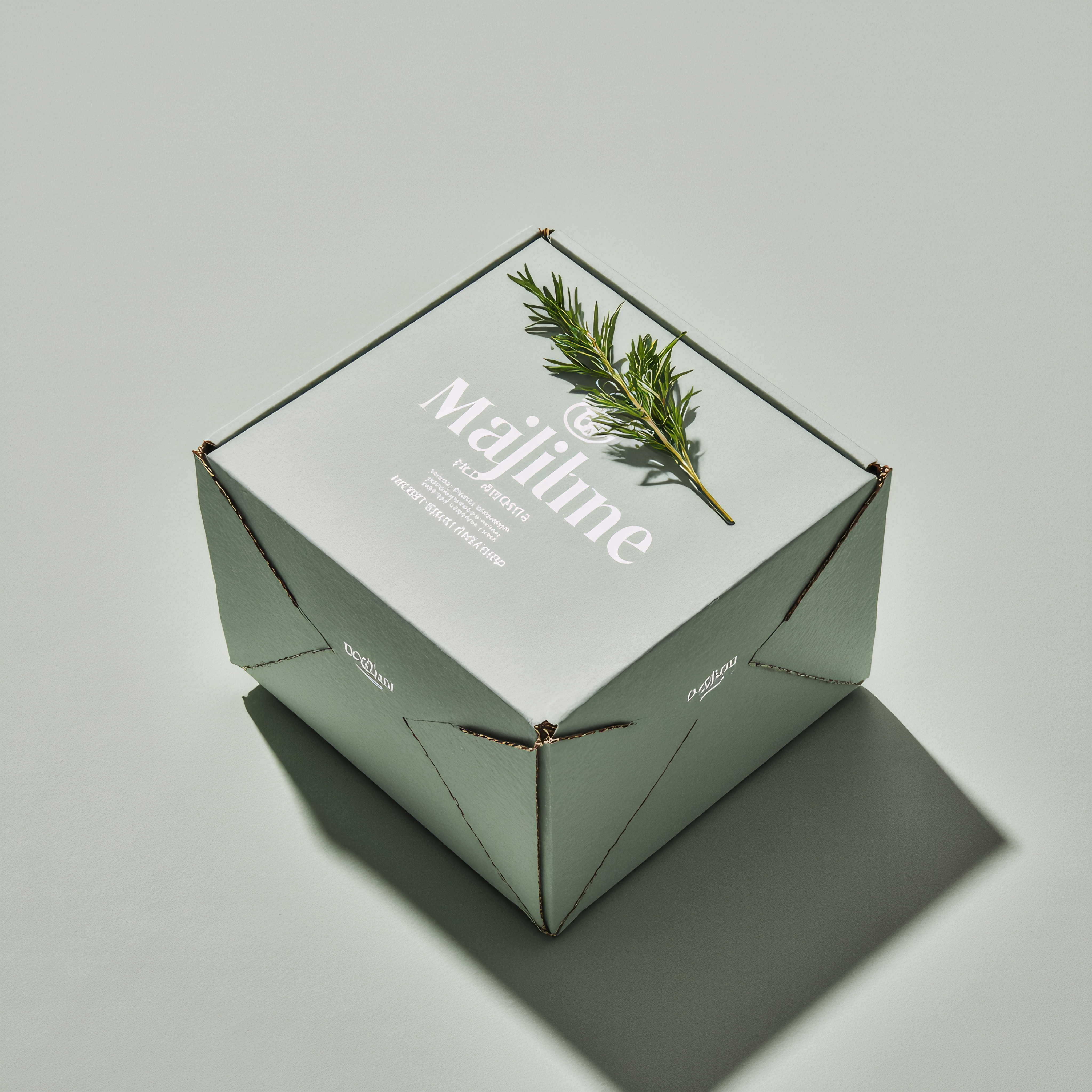
How to use Krea App 2
Use Krea App 2 to generate images from text, refine with built-in AI edits, and export clean assets. Follow these quick steps to go from idea to final image without switching tools.
Step 1
Enter a text prompt, pick a style, and choose size or aspect ratio. Add keywords for lighting, materials, and mood to guide the AI output.

Step 2
Generate multiple variations, then tweak details with AI editing tools. Adjust composition, clean edges, remove backgrounds, and iterate until the image matches your goal.

Step 3
Upscale for sharper detail and improved clarity, then export in a web-ready format. Download assets for presentations, social posts, product pages, or creative drafts.
Features
Krea App 2 combines AI image generation with practical editing tools to speed up production. Create images from text, enhance quality with upscaling, and deliver clean cutouts with background removal. Keep iterations fast, outputs consistent, and exports ready for real-world design workflows.
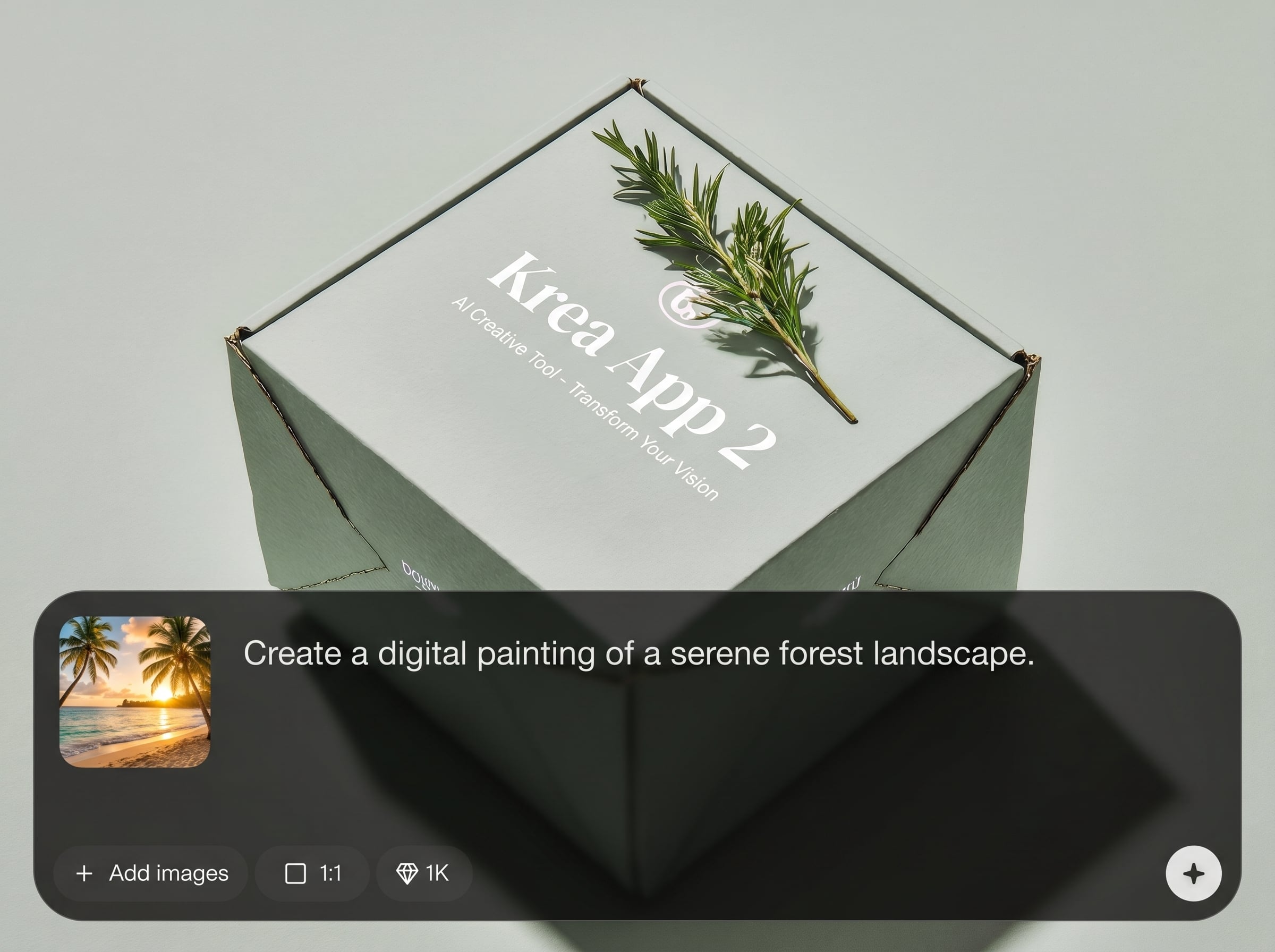
Turn prompts into high-quality visuals with controllable styles and formats. Generate multiple options quickly so you can compare directions and choose the strongest concept for your project.
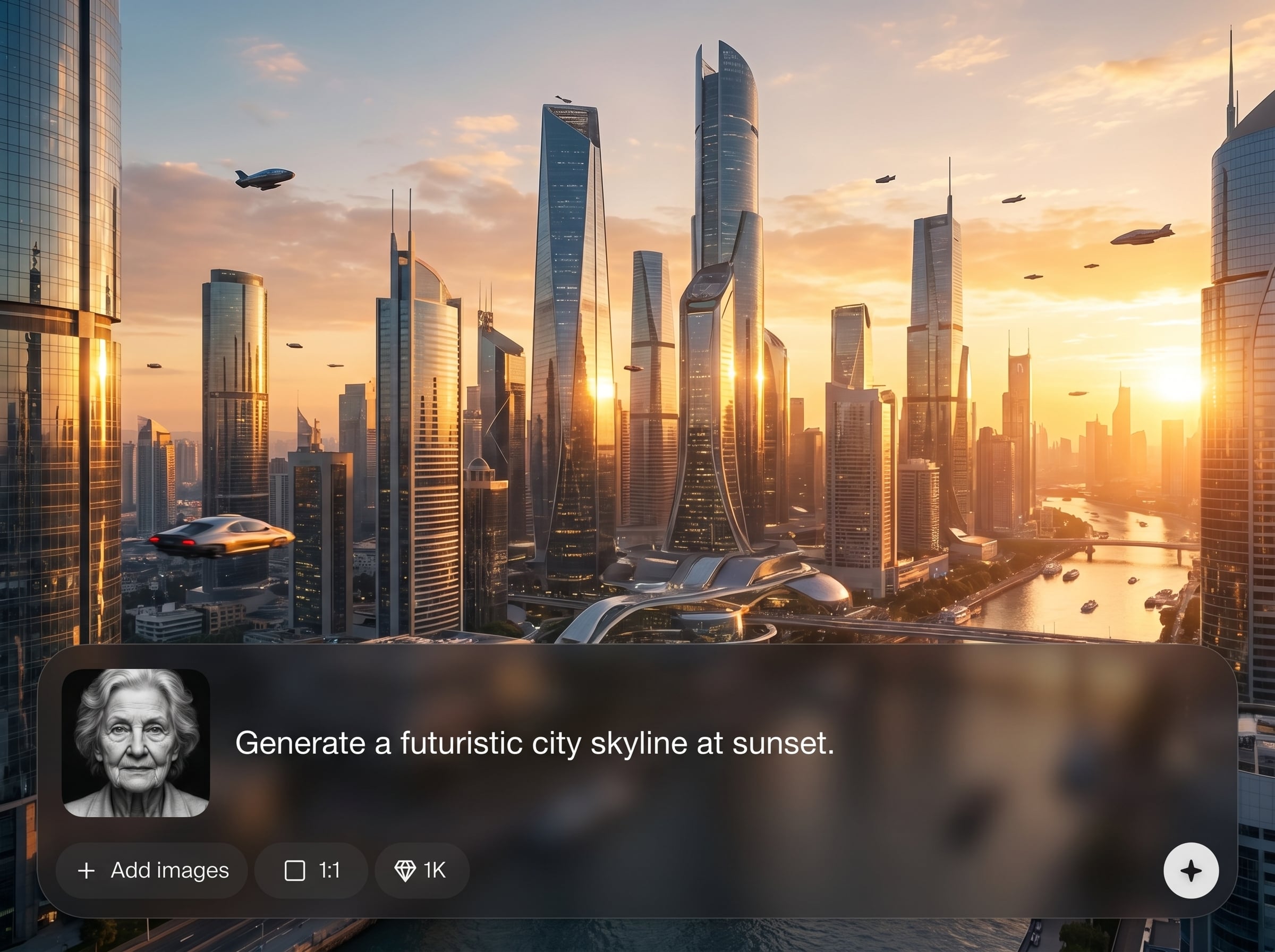
Refine images without leaving the workspace. Remove backgrounds, clean up details, and make quick adjustments to composition so each iteration gets closer to a finished, usable asset.
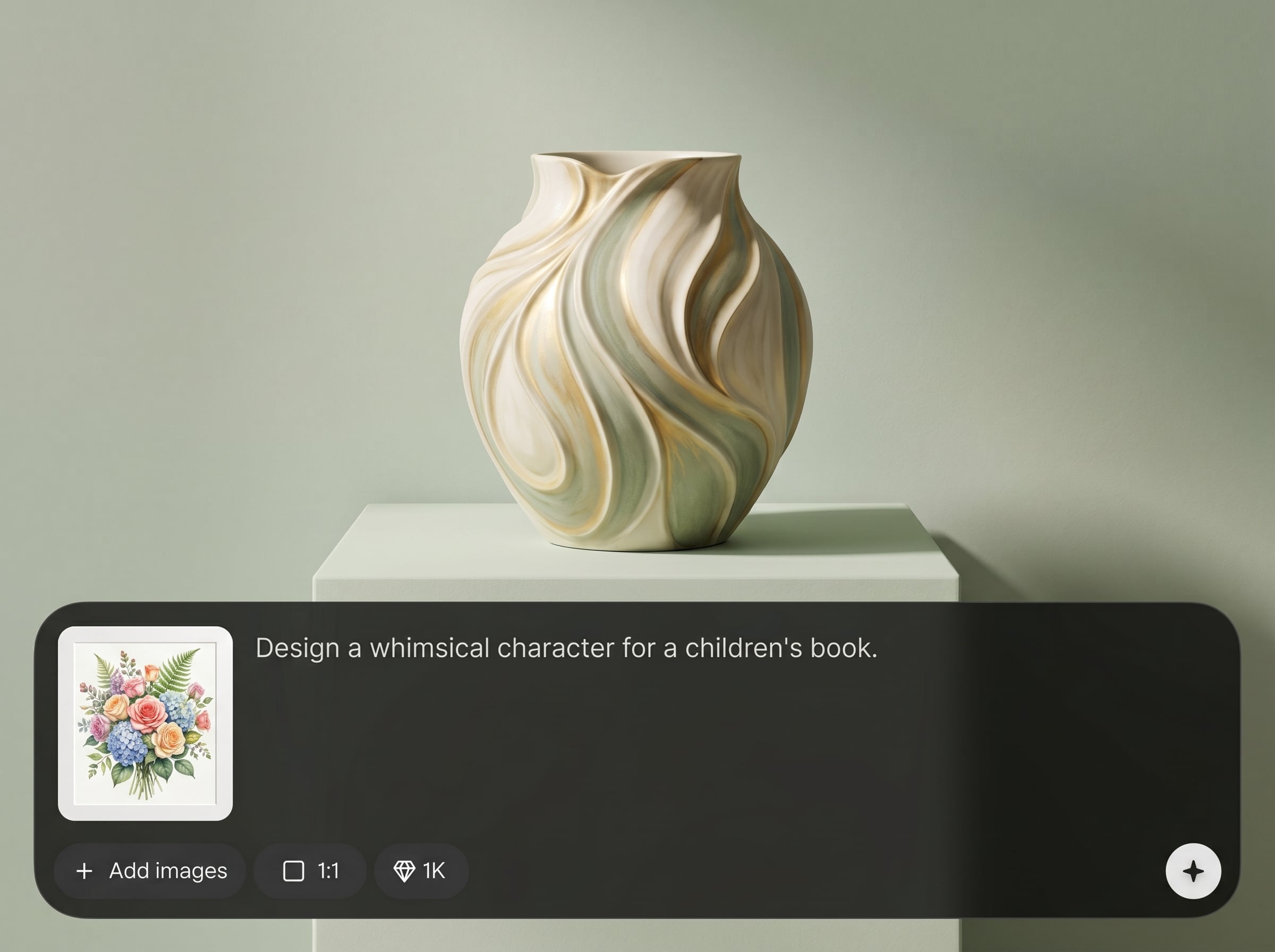
Increase resolution and clarity for sharper lines and improved texture. Get higher-quality results suitable for web, mockups, and presentations—without re-generating from scratch.
About
Krea App 2 is an AI image generator and editing tool for turning prompts into polished visuals in seconds. Generate concepts, refine details, remove backgrounds, and upscale outputs for crisp results. Perfect for fast iteration, consistent style, and ready-to-share assets—right in your browser.
Krea App 2 streamlines AI image generation and editing into a single workflow. Create consistent visuals faster with built-in refinement tools, background removal, and upscaling. Spend less time switching apps and more time producing usable, export-ready assets.
Open Krea App 2, enter a prompt, and generate variations in seconds. Refine with AI edits, upscale for clarity, then export your final image for web, mockups, or presentations.
Use cases
Discover how different creators use this app in their workflow.
Generate campaign imagery, thumbnails, and post creatives quickly. Edit and export clean assets sized for platforms, keeping visuals consistent across variations and formats.
Create product-style scenes, then remove backgrounds and upscale for sharper detail. Produce ready-to-use images for e-commerce pages, ads, and pitch decks.
Explore styles and compositions fast with text-to-image generation. Iterate, refine, and compare options to move from rough concept to polished direction.
Krea is one of the world's leading generative AI platforms. See what others say.
Real reviews on TrustpilotSo many AI tools out there but I always come back to Krea. It's really the one AI platform that 'just works'.

FYN
Krea's interfaces are still the best in the industry. Everything looks and feels so clean and easy to use! Imo the easiest to use gen AI website.

Lynn
Ultra fast generations. Extremely simple to use. All the latest AI models.

Daniel
KREA is the only AI subscription I have right now besides ChatGPT.

Sophia M.
Answers to common questions about Krea App 2 and AI image generation.
Krea App 2 is an AI image generator and editing tool that helps you create visuals from text prompts, refine outputs with AI edits, and export high-quality assets for design and content workflows.
You enter a text prompt and optional style cues, and the artificial intelligence model generates image variations. You can then refine results using editing tools like background removal and upscaling.
Yes. Krea App 2 supports practical AI editing steps such as cleaning details, adjusting composition, removing backgrounds, and enhancing resolution so you can finish images without extra tools.
Yes. The AI upscaler increases resolution and improves clarity, helping you create sharper exports for web and presentation use. Upscaling is ideal when you need more detail without re-generating.
Yes. Use AI background removal to create clean cutouts for product images, thumbnails, and composites. This helps you place subjects onto new backgrounds quickly and consistently.
Include the subject, style, setting, lighting, and key details like materials or colors. Clear constraints produce better results and reduce rework, especially when generating multiple consistent variations.
Export options depend on your workflow, but Krea App 2 is designed for common, web-friendly downloads. Upscale before exporting when you need a cleaner, sharper final image.
Yes. Krea App 2 runs online so you can generate, edit, and export from your browser. This keeps your workflow simple and makes it easy to iterate quickly from any device.
Generate, refine, and upscale visuals in one fast online workflow with Krea App 2.

