














Step 1
Set your input
Enter a text prompt or upload a reference image. Pick a landscape style, aspect ratio, and quality level to set the overall look.
Generate realistic or stylized landscape images with AMP-PAYSAGE. Use AI prompts, rapid variations, and upscaling in seconds for web or print—online today.
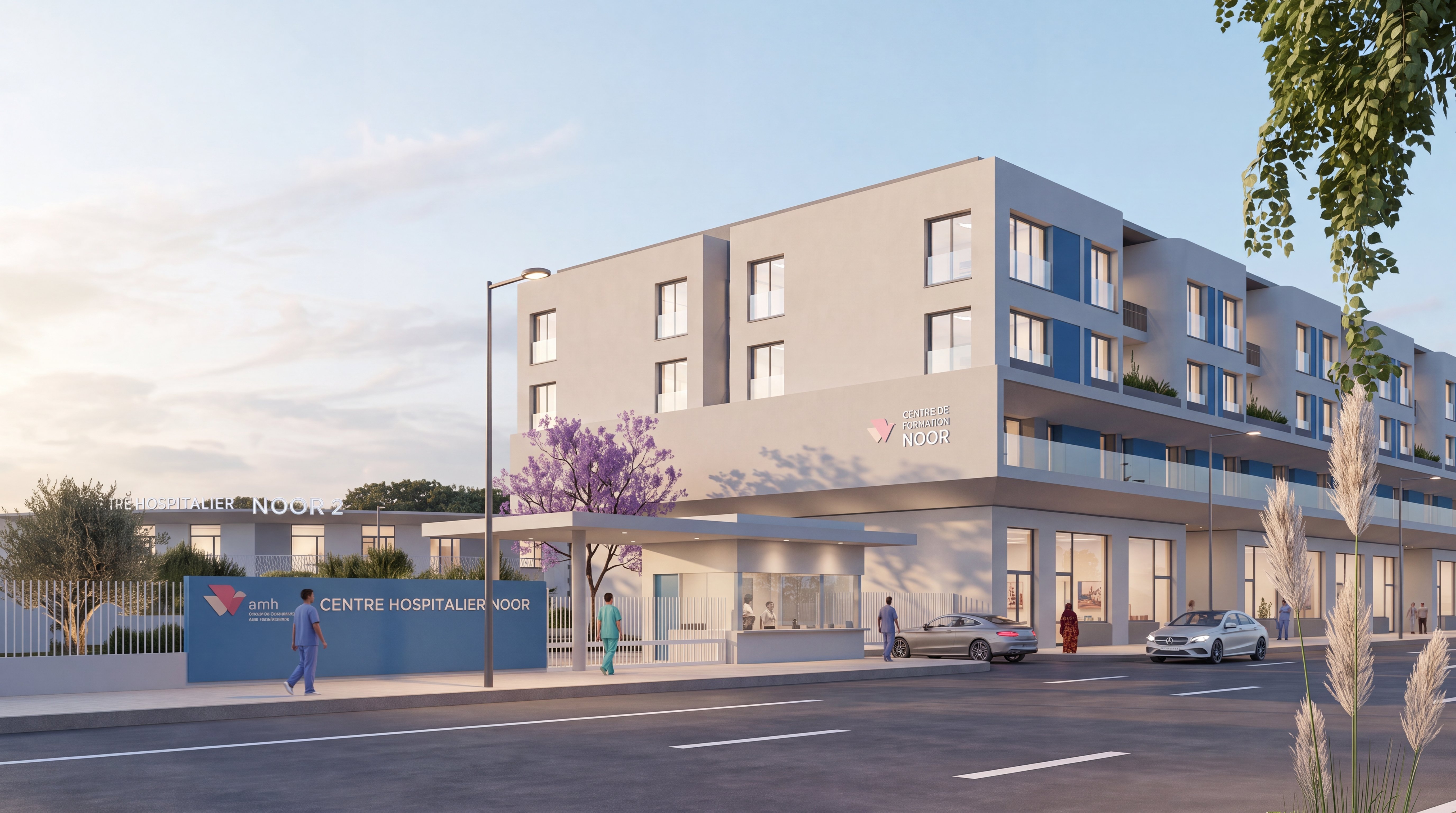
How to use AMP-PAYSAGE
Follow these steps to generate landscapes with AMP-PAYSAGE. Start by choosing a prompt and style, then refine with variations and settings. When the scene looks right, upscale and export in the format you need.
Step 1
Enter a text prompt or upload a reference image. Pick a landscape style, aspect ratio, and quality level to set the overall look.

Step 2
Generate several AI variations, then adjust lighting, season, color palette, and perspective. Re-run instantly to explore options until the composition feels balanced.

Step 3
Upscale for higher resolution, apply subtle sharpening, and download as PNG or JPG. Use the export settings to match web, slide, or print requirements.
Features
AMP-PAYSAGE combines artificial intelligence image generation with practical controls for landscapes. Turn prompts into coherent scenes, keep details consistent across iterations, and fine-tune atmosphere with rapid variations. Built-in upscaling improves clarity for large outputs, while streamlined exports support common formats. The result is faster landscape production with less manual retouching.
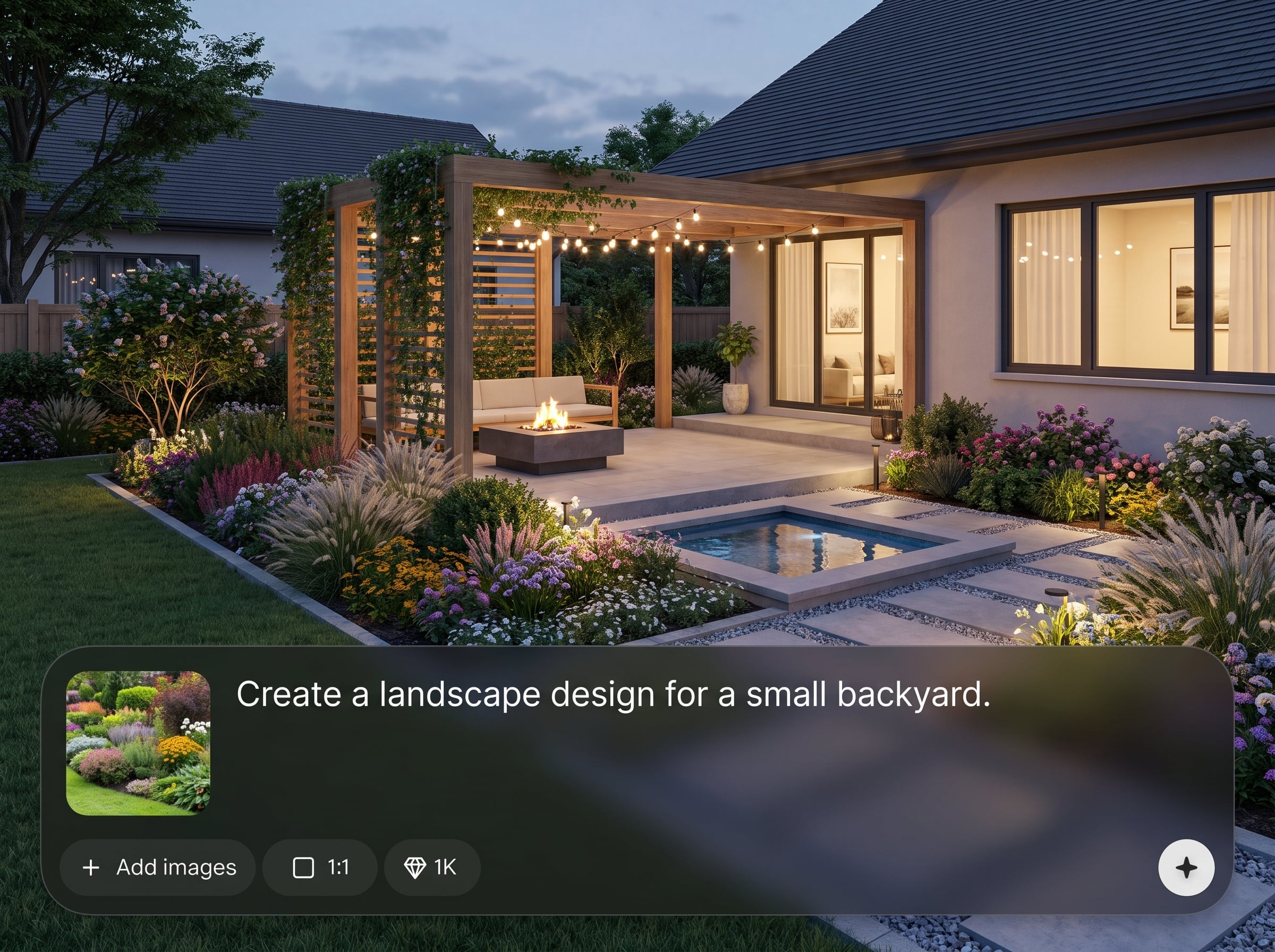
Describe mountains, forests, coastlines, or cities, and AMP-PAYSAGE generates a complete scene with depth, lighting, and natural textures. Add negative prompts to avoid unwanted elements and keep results clean.
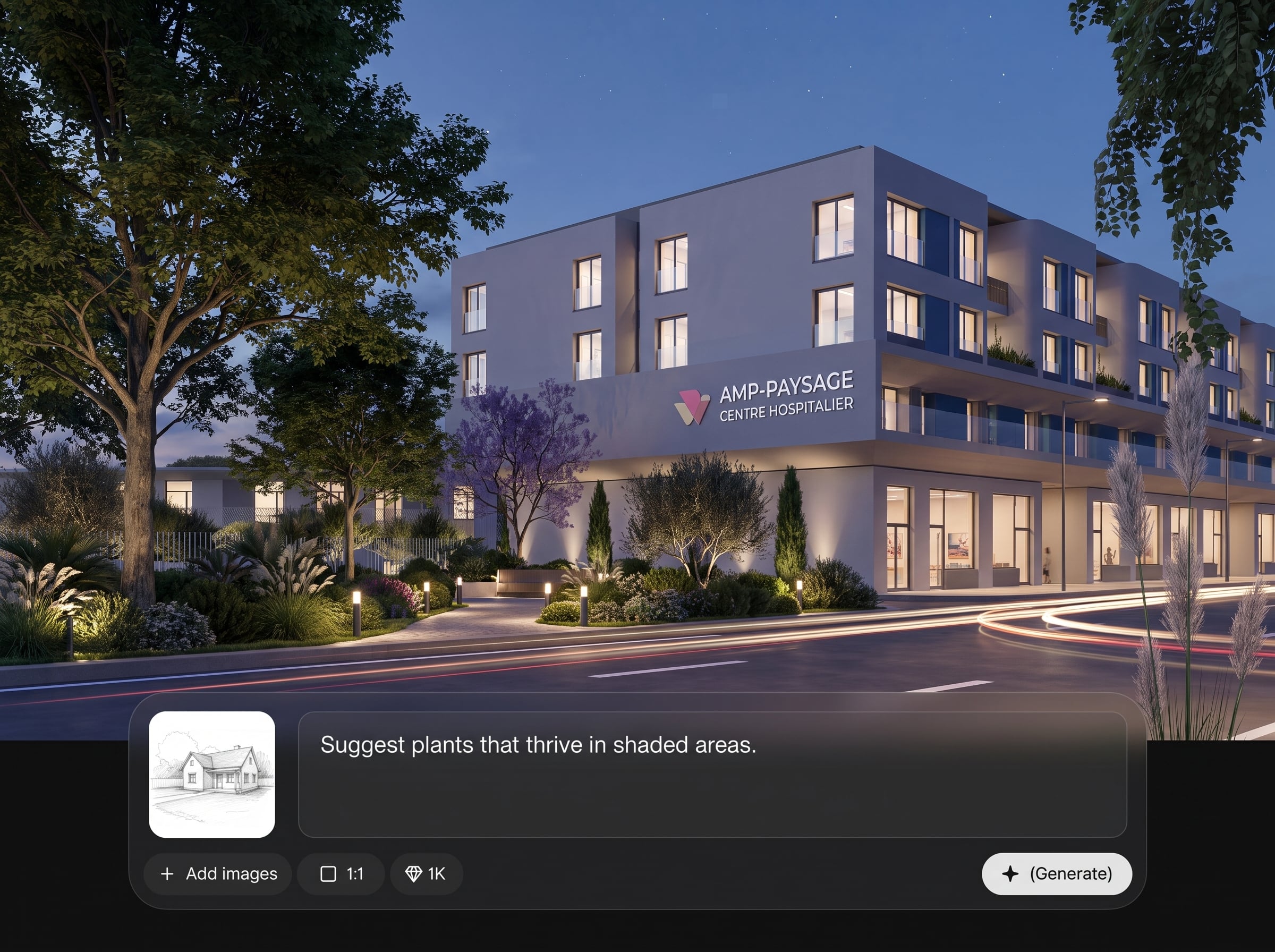
Create multiple compositions in seconds and refine with sliders for mood, color, and detail. Switch seasons or time of day without starting over, keeping your preferred layout intact.
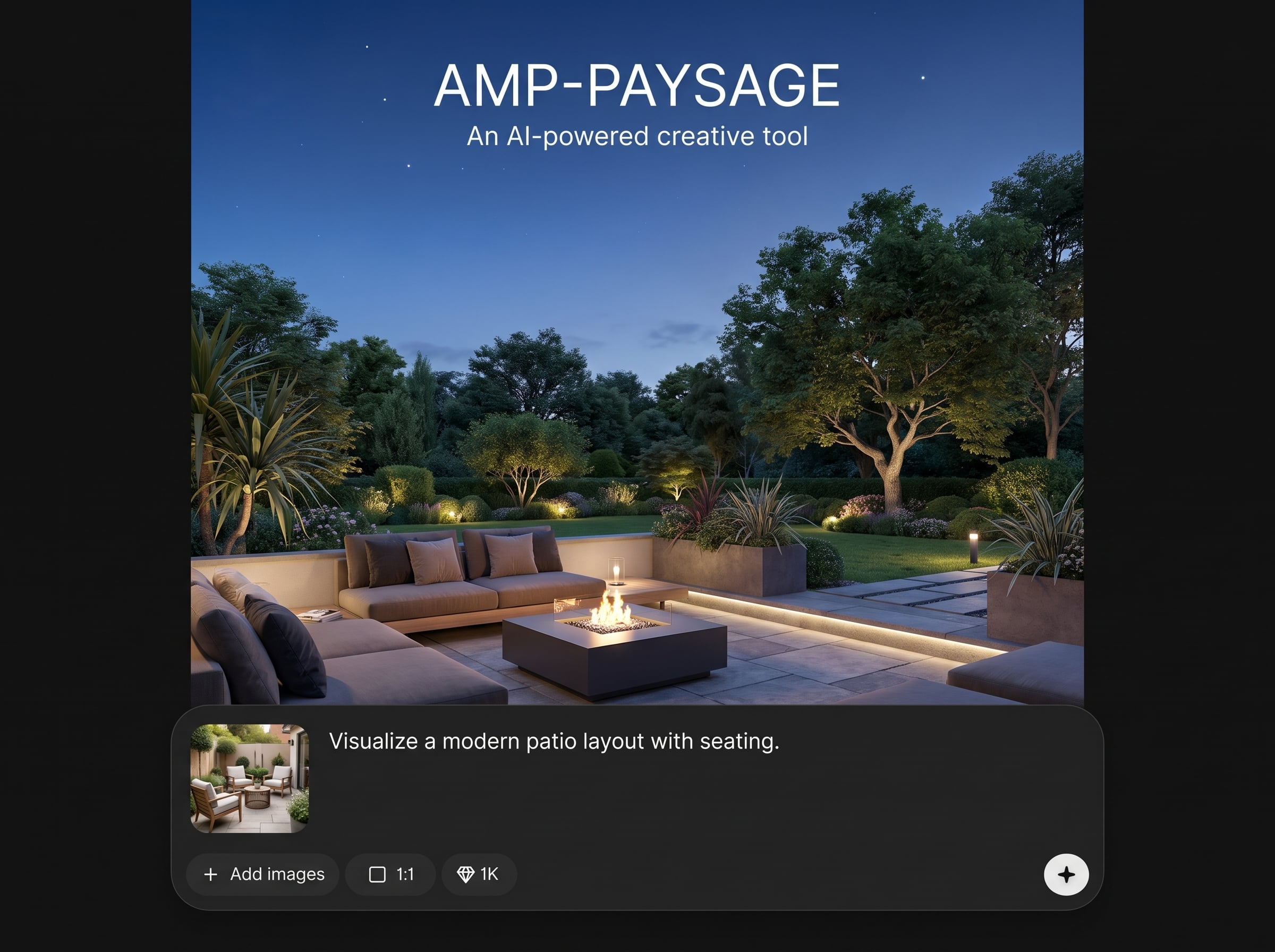
Upscale outputs for crisp edges and improved micro-detail, then export high-resolution PNG or JPG. Optimize for web speed or print quality with simple, consistent settings.
About
AMP-PAYSAGE is an AI landscape generator for producing outdoor scenes from simple text prompts or reference images. Generate photorealistic vistas or stylized environments, then iterate with fast variations for weather, time of day, and camera angle. No complex editing required, just prompt, preview, and export.
AMP-PAYSAGE focuses on landscape-specific coherence: believable depth, lighting, and terrain detail. Rapid variations let you compare options without redoing work, and upscaling delivers sharper results for large formats. Clean exports and straightforward controls make the workflow efficient from prompt to final file.
Open AMP-PAYSAGE, choose an aspect ratio, and type a clear prompt. Generate a few variations, refine the best one with settings, then upscale and download. You can save prompts to reuse consistent styles later.
Use cases
Discover how different creators use this app in their workflow.
Generate landscape backdrops for ads, landing pages, and in-app screens. Keep branding consistent by reusing prompts and exporting matched sizes quickly.
Produce clean scenery images for slides, reports, and dashboards. Create variations for different regions, seasons, or moods without searching stock libraries.
Explore environment concepts for simulations, visualization, or interactive experiences. Iterate on terrain, lighting, and perspective to test ideas before committing to detailed production.
Krea is one of the world's leading generative AI platforms. See what others say.
Real reviews on TrustpilotSo many AI tools out there but I always come back to Krea. It's really the one AI platform that 'just works'.

FYN
Krea's interfaces are still the best in the industry. Everything looks and feels so clean and easy to use! Imo the easiest to use gen AI website.

Lynn
Ultra fast generations. Extremely simple to use. All the latest AI models.

Daniel
KREA is the only AI subscription I have right now besides ChatGPT.

Sophia M.
Find quick answers about AMP-PAYSAGE, AI landscape generation, formats, quality, online access, and settings privacy.
AMP-PAYSAGE is an artificial intelligence tool that generates landscape images from text prompts or reference inputs. It helps produce coherent outdoor scenes, offers fast variations, and supports upscaling for higher-resolution exports.
Include subject, location, lighting, weather, and camera details. Specify style keywords like photorealistic or watercolor, plus aspect ratio. Add negative prompts such as 'no people' or 'no text' to reduce artifacts.
Yes. Upload a reference image to guide composition and color, then add a prompt to describe the desired changes. Use variation strength to stay close to the reference or explore new looks.
AMP-PAYSAGE exports common formats such as PNG and JPG. Start with standard sizes for previews, then use the upscale option for higher resolution. Choose settings optimized for web delivery or print output.
Speed depends on resolution, queue load, and variation count, but most landscapes generate in seconds. You can batch multiple variations to compare options quickly, then refine only the best results.
Yes. Use style terms like 'photorealistic,' 'cinematic,' 'ink,' or 'low‑poly' to steer the output. Consistent prompts and settings help maintain the same look across a series of generated scenes.
Add negative prompts such as 'no people,' 'no logos,' and 'no captions.' If artifacts persist, regenerate with a higher guidance value, adjust detail settings, or crop and rerun using the edited reference.
Reuse the same base prompt, style keywords, and aspect ratio, then change only one variable at a time, like season or time of day. Saving prompt presets makes it easier to maintain consistency across outputs.
Yes, AMP-PAYSAGE runs online in your browser, so there’s nothing to install. Open the app, enter a prompt, and generate immediately. Downloads are saved to your device once exported.
Your inputs are used to generate images and improve the session experience. Avoid uploading sensitive information, and review any available privacy controls in the app settings. Exported files remain on your device.

Generate your next landscape in minutes with AMP-PAYSAGE—prompt, iterate, upscale, and export high-resolution files online.

