














Step 1
Upload
Add your photo or graphic, then set the target area you want to recolor. Zoom in for precision and keep important edges like hair, logos, and seams intact.
Use Color Change to recolor photos instantly with AI. Swap object, hair, or background colors, fine-tune shades, and export clean results online.
How to use Color Change
This quick tutorial shows how to use Color Change to swap colors in a photo with AI. Upload an image, select the area to edit, then choose a new color and export a clean result.
Step 1
Add your photo or graphic, then set the target area you want to recolor. Zoom in for precision and keep important edges like hair, logos, and seams intact.

Step 2
Pick a new hue or enter an exact hex value. Adjust intensity and blending so highlights and shadows stay realistic while the new color looks consistent.

Step 3
Preview the edit and refine selections if needed. Download the recolored image in high quality for ecommerce, marketing, UI mockups, or social posts.
Features
Color Change uses AI to replace colors while preserving texture, lighting, and fine details. Target specific objects or broad regions, apply exact brand colors, and iterate quickly without manual masking. Create consistent variations for products, designs, and photos with export-ready results for web and print.
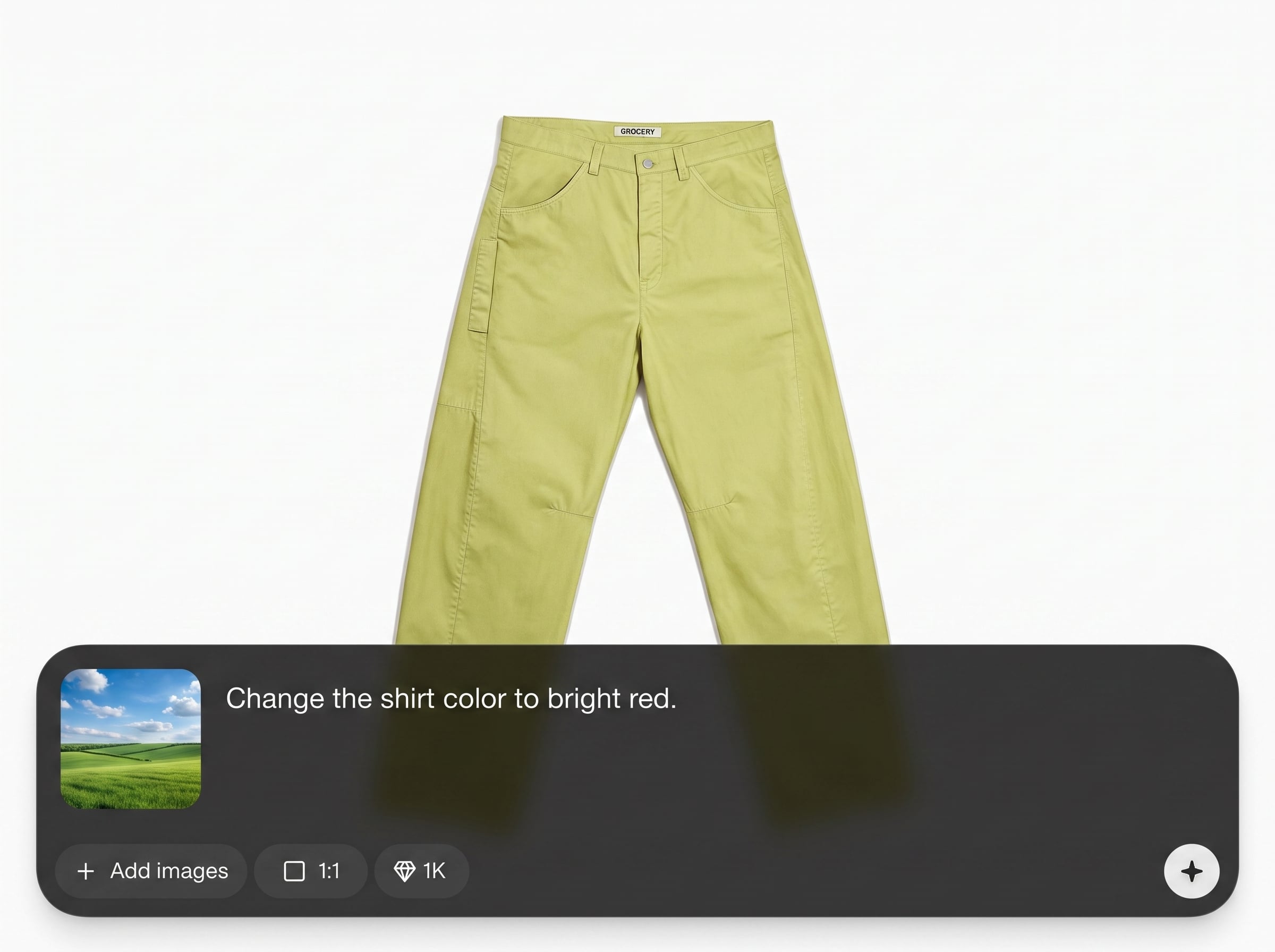
Recolor only what you choose—clothing, hair, backgrounds, or single objects. AI helps keep edges clean and avoids color spill for a more natural-looking edit.
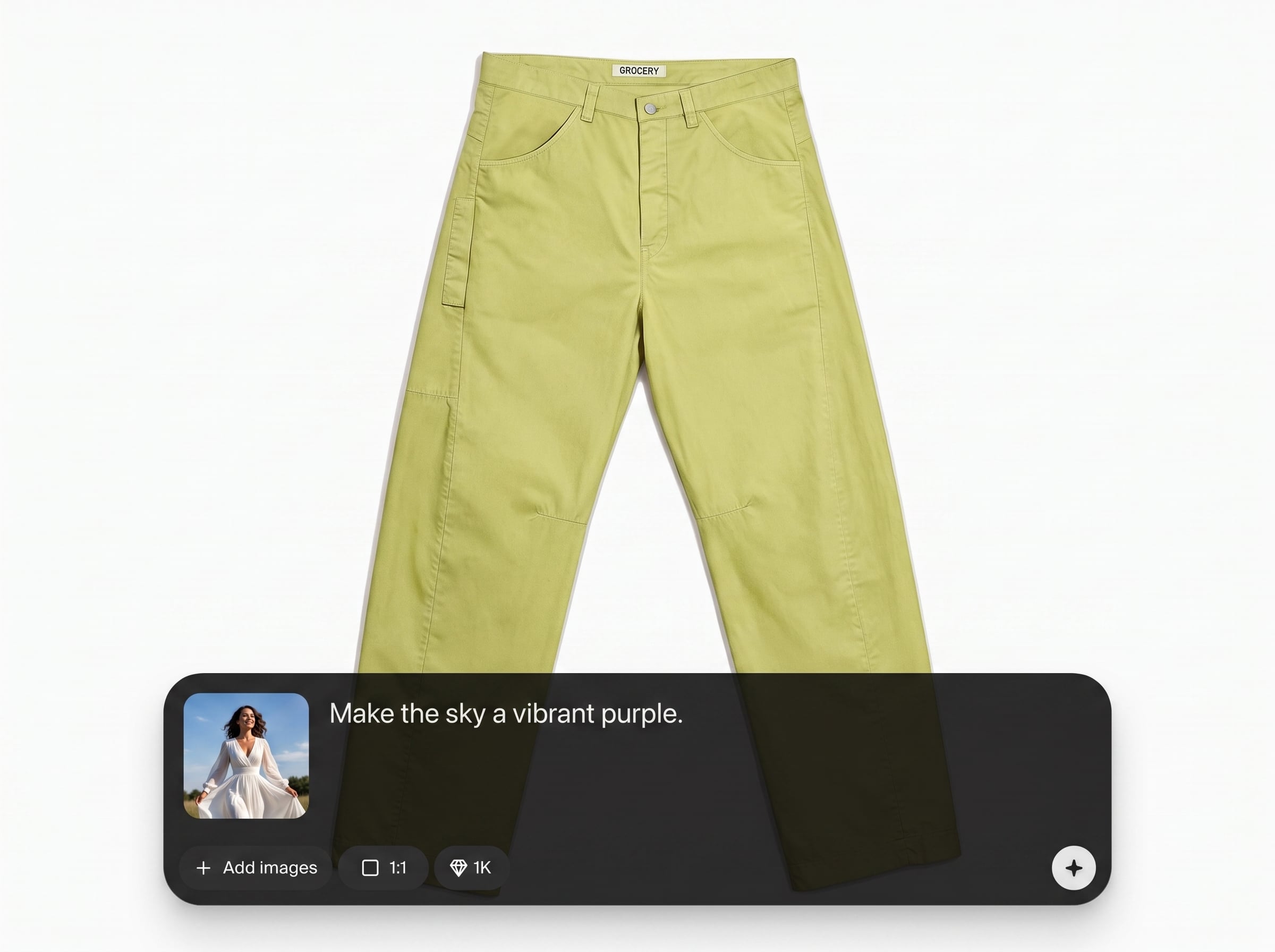
Generate multiple color options in seconds for A/B tests, product catalogs, or concept exploration. Iterate quickly without rebuilding files or repeating complex edits.
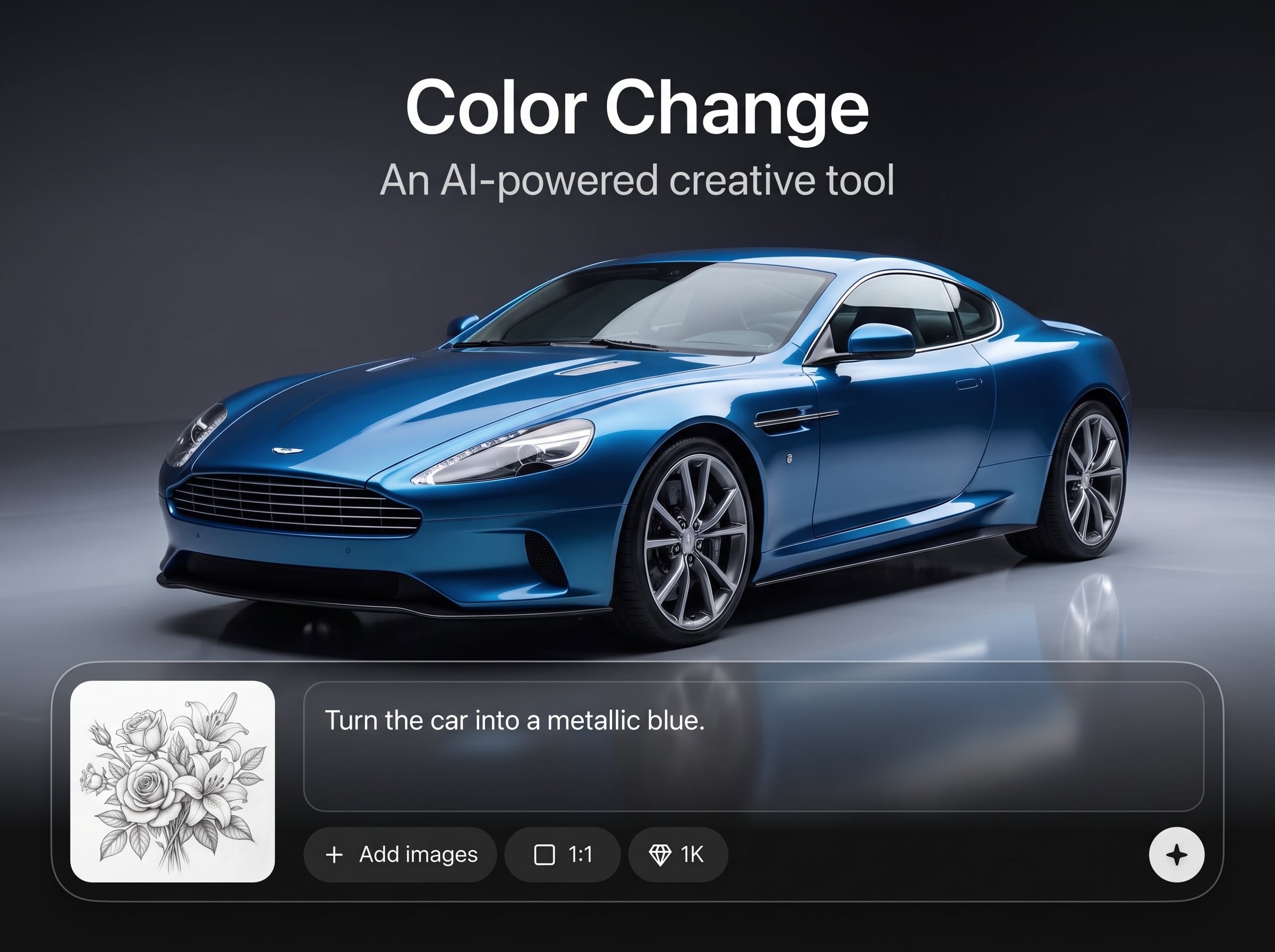
Apply specific shades using hex values to match brand guidelines. Maintain realistic shading and texture so materials like fabric, skin, and metal still look authentic.
About
Color Change is an AI color change generator that lets you recolor specific areas of any image in seconds. Select an object, hair, clothing, or background, then apply precise new hues with natural blending and clean edges. Use it for fast product variations, design exploration, and consistent brand palettes—right in your browser with export-ready results.
Color Change combines AI precision with simple controls for fast, realistic recoloring. Preserve texture and lighting, match exact brand shades, and produce consistent variations without time-consuming manual masking. It’s built for quick iteration and export-ready results across product, marketing, and design workflows.
Open Color Change, upload a photo, and select what you want to recolor. Choose a new hue or hex value, adjust blending, then export your updated image in high quality.
Use cases
Discover how different creators use this app in their workflow.
Create product colorways from one photo to expand listings faster. Keep textures and shadows consistent for cleaner catalogs and more confident buyers.
Adapt campaign visuals to seasonal palettes, promotions, or regions. Recolor backgrounds, props, and wardrobe quickly while maintaining a cohesive look.
Test palette options across screenshots, hero images, and mockups. Apply exact hex colors to explore brand refreshes without redoing every asset.
Krea is one of the world's leading generative AI platforms. See what others say.
Real reviews on TrustpilotSo many AI tools out there but I always come back to Krea. It's really the one AI platform that 'just works'.

FYN
Krea's interfaces are still the best in the industry. Everything looks and feels so clean and easy to use! Imo the easiest to use gen AI website.

Lynn
Ultra fast generations. Extremely simple to use. All the latest AI models.

Daniel
KREA is the only AI subscription I have right now besides ChatGPT.

Sophia M.
Find quick answers about AI recoloring, supported images, and how to get clean, realistic results.
Color Change is an AI color changer that replaces selected colors in an image while preserving texture and lighting. It helps you recolor objects, hair, clothing, or backgrounds with minimal manual editing.
Upload your image, select the object area, then choose a new color or enter a hex code. Adjust blending and intensity to keep edges clean and highlights natural.
Yes. Enter precise hex values to apply consistent brand colors across assets. The AI maintains shading and texture so the recolored result looks realistic rather than flat.
Color Change is designed to keep underlying details like folds, reflections, and shadows intact. For best results, use clear selections and moderate intensity when recoloring complex materials.
High-resolution images with good contrast and clear edges work best. Photos with strong lighting separation help the AI keep realistic depth when swapping colors on objects and backgrounds.
Yes. Select hair or clothing regions and apply a new color while keeping strands and fabric texture. Fine-tune blending to avoid color spill on skin or nearby edges.
Zoom in and refine your selection around boundaries like hairlines and logos. Use softer blending for natural transitions, and reduce intensity if you notice spill onto adjacent areas.
It’s an online AI image recolor tool that runs in the browser. You can upload, recolor, and export without installing software, making it easy to iterate from any device.
Upload an image, pick a target area, and generate clean, realistic color variations in seconds.

