














Step 1
Describe
Enter a clear prompt describing your visual, subject, and mood. Add details like color palette, typography style, aspect ratio, and intended use to guide the AI.
Generate polished visuals fast with pads-new-2409. Use AI prompts to create designs, iterate styles, and export ready-to-use assets. Try it online now.
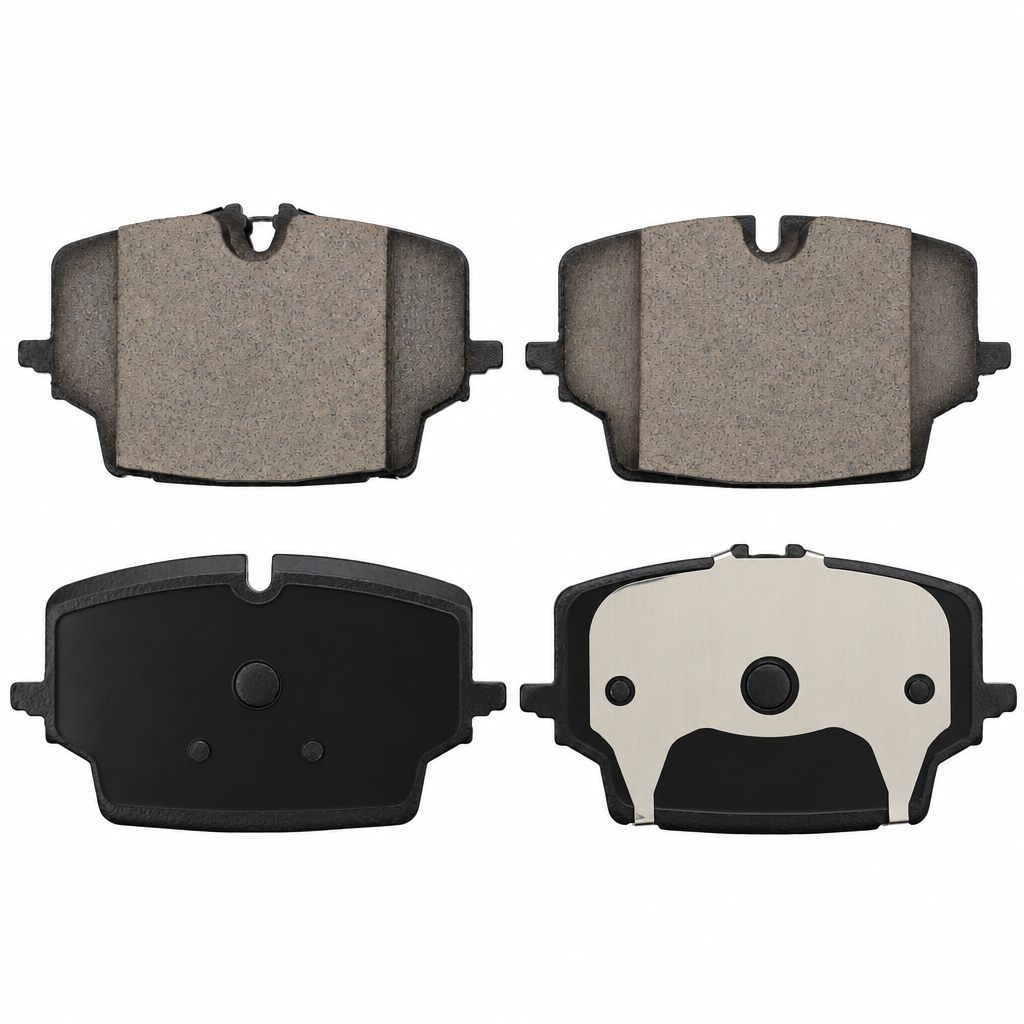
How to use pads-new-2409
Use pads-new-2409 to turn a short prompt into design-ready images. Follow these quick steps to set a style, generate options, and export assets for your next project.
Step 1
Enter a clear prompt describing your visual, subject, and mood. Add details like color palette, typography style, aspect ratio, and intended use to guide the AI.

Step 2
Click generate to create multiple variations. Review outputs, adjust the prompt for composition or style, and iterate until the design matches your brand direction.

Step 3
Download your selected result in a share-ready format. Use the asset across web, social, ads, or presentations, and regenerate sizes when you need new placements.
Features
pads-new-2409 helps you generate on-brand visuals with AI and machine learning in a streamlined workflow. Create multiple concepts quickly, refine with prompt edits, and keep output consistent across campaigns. It’s designed to reduce manual design time while maintaining clean, usable results for real-world marketing and product needs.
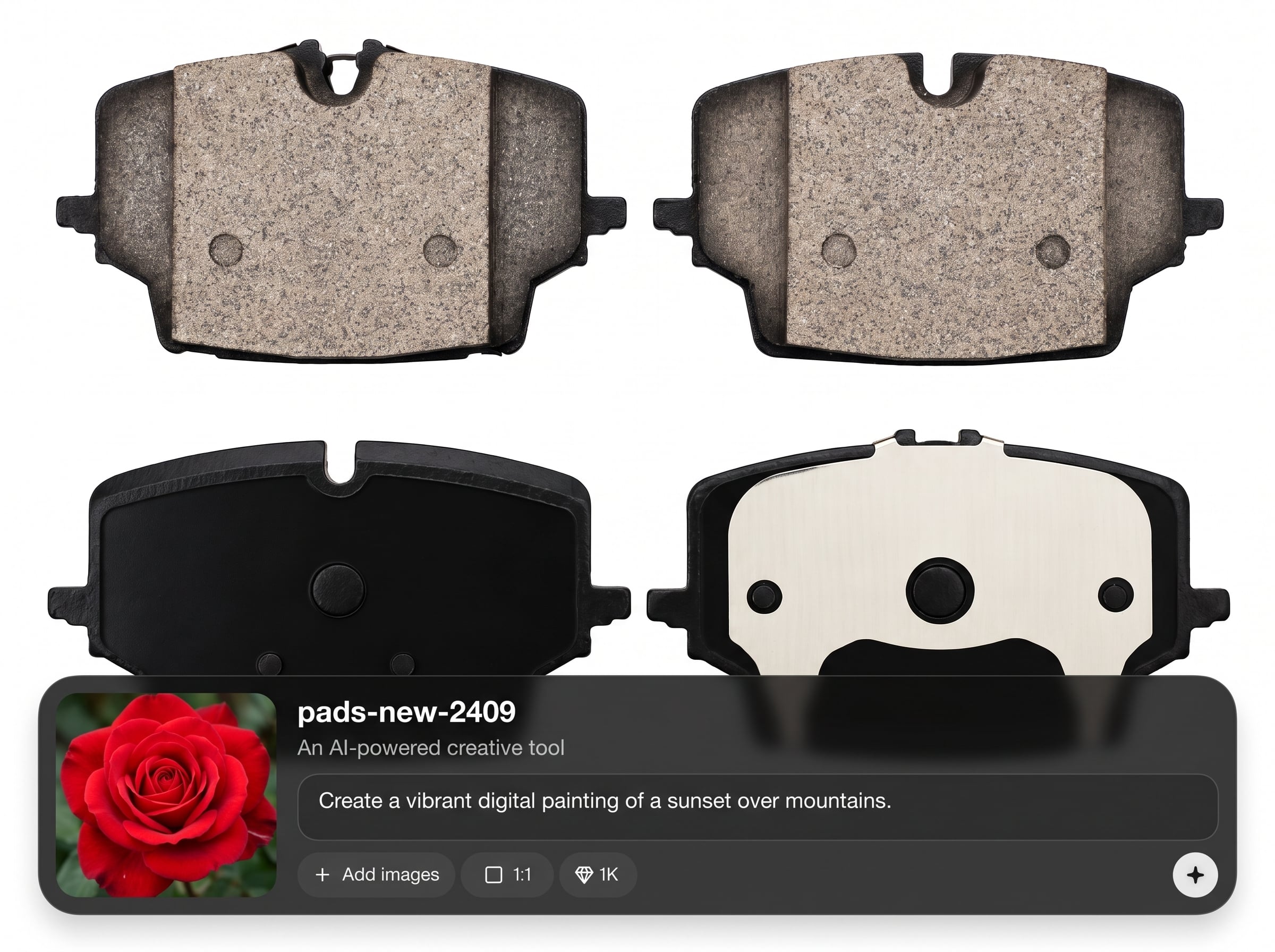
Turn text prompts into high-quality images for ads, posts, banners, and more. Control look and feel with style cues, color direction, and composition details for predictable results.
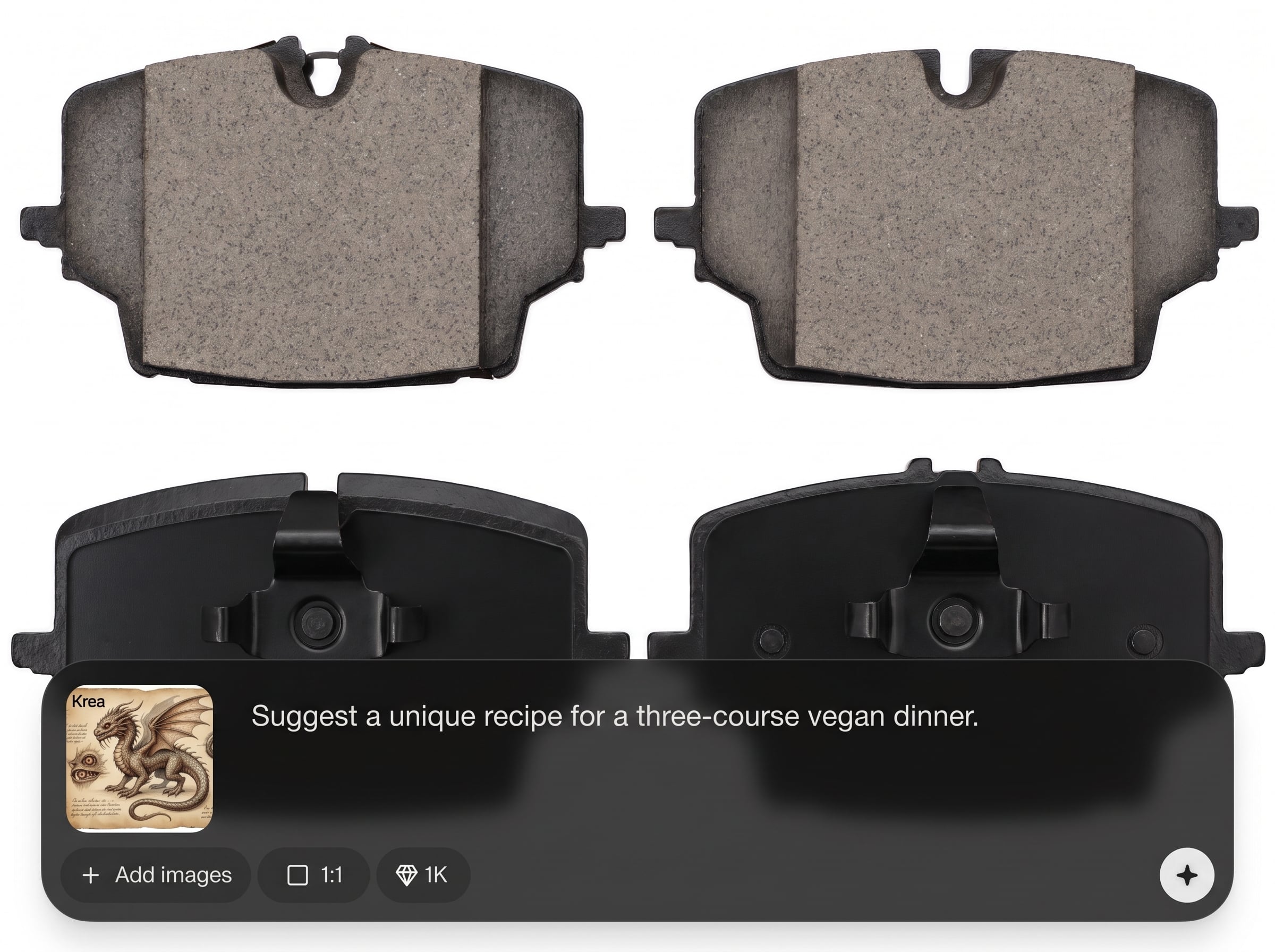
Generate multiple options in minutes and refine by tweaking your prompt. Quickly explore layouts and styles without restarting, saving time while staying aligned to your brief.
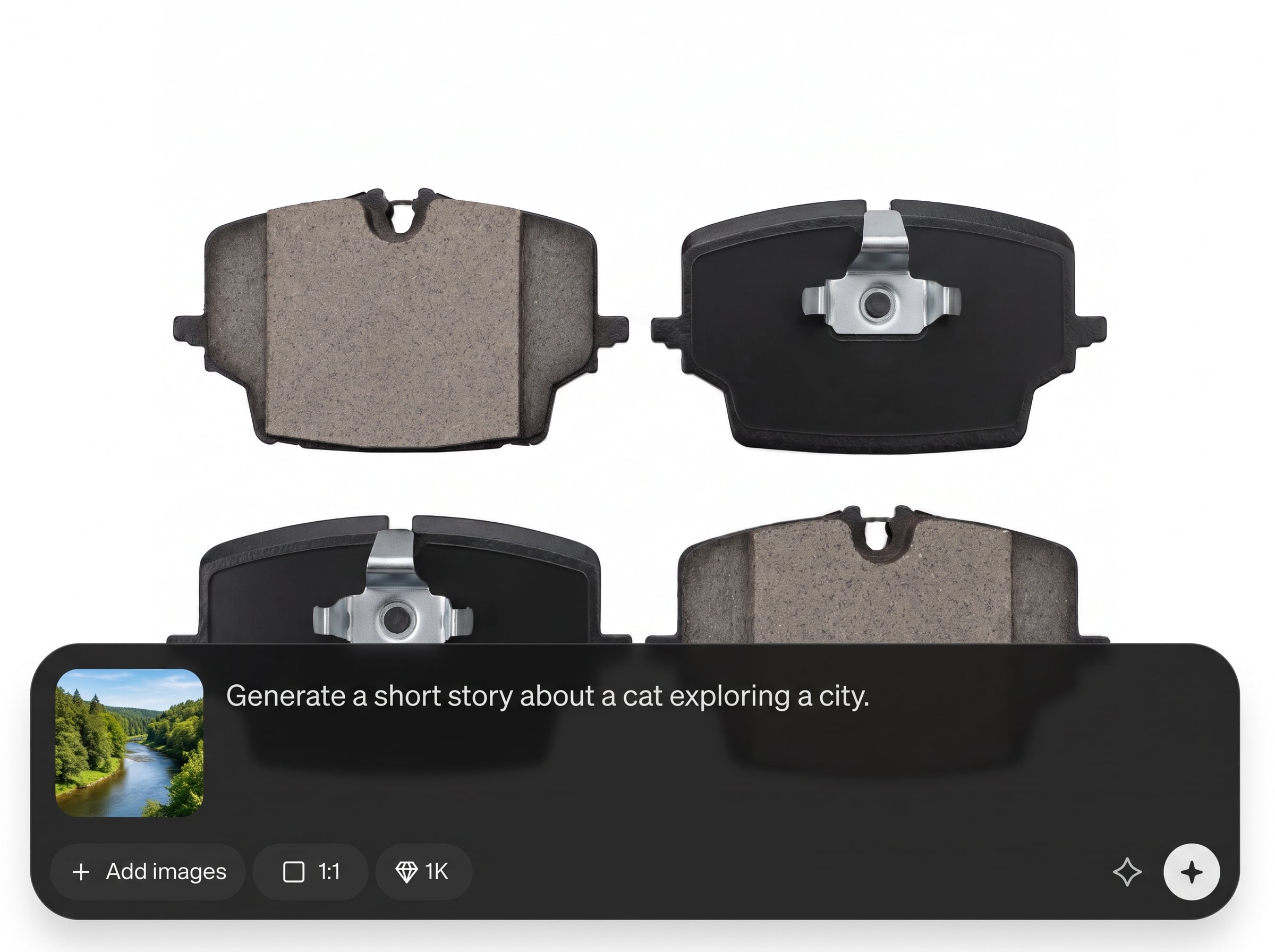
Get assets that are easy to use across channels. Export and reuse visuals for social media, landing pages, and presentations, keeping quality consistent as you scale content.
About
pads-new-2409 is an AI design generator for creating high-quality visual assets from simple prompts. Generate concepts, explore multiple styles, and refine results in minutes for marketing, social media, and product visuals. With fast iteration and clean outputs, it helps you move from idea to downloadable design without complex workflows.
pads-new-2409 focuses on speed, control, and usable outputs. Generate multiple concepts fast, guide results with clear prompts, and refine without complex steps. It’s a practical AI design generator for producing consistent visuals across campaigns, channels, and formats.
Type a short prompt, choose a style direction, and generate your first set of options. Iterate with small prompt edits, then export the version that fits your project and publish immediately.
Use cases
Discover how different creators use this app in their workflow.
Generate campaign graphics, ad creatives, and promo images quickly. Iterate on styles and messaging to match different audiences without slowing down production.
Create scroll-stopping posts, thumbnails, and story visuals from prompts. Produce multiple variations and keep a consistent look across a weekly content calendar.
Produce concept imagery for product pages, banners, and brand mood boards. Explore directions fast, then refine prompts to align with your visual identity.
Krea is one of the world's leading generative AI platforms. See what others say.
Real reviews on TrustpilotSo many AI tools out there but I always come back to Krea. It's really the one AI platform that 'just works'.

FYN
Krea's interfaces are still the best in the industry. Everything looks and feels so clean and easy to use! Imo the easiest to use gen AI website.

Lynn
Ultra fast generations. Extremely simple to use. All the latest AI models.

Daniel
KREA is the only AI subscription I have right now besides ChatGPT.

Sophia M.
Find quick answers about using pads-new-2409 for AI-generated design and visual assets.
pads-new-2409 is an AI design generator that creates visual assets from text prompts. Use it to produce marketing graphics, social images, and concept visuals quickly, then iterate until the result fits your style.
It uses artificial intelligence and machine learning to interpret your prompt and generate image variations. Add details like mood, colors, and layout to steer outputs and improve consistency across iterations.
Include subject, style, mood, and intended use (e.g., ad banner, social post). Add color palette, composition notes, and aspect ratio. Specific prompts reduce retries and improve the first set of results.
Yes. Generate several options per prompt and adjust wording to explore different aesthetics. This workflow helps you compare compositions and quickly converge on a look that matches your brand direction.
Yes. It’s built for fast visual production and iteration, making it useful for ads, posts, and banners. You can generate campaign variations quickly and keep output consistent across channels.
You can export generated visuals in common, share-ready formats for web and social use. Export options are designed for quick publishing, and you can regenerate sizes when you need additional placements.
Reuse successful prompt structures and keep key descriptors consistent, like palette and style terms. Iterate with small changes rather than rewriting prompts completely, and specify aspect ratio and composition goals.
No. pads-new-2409 is designed to be prompt-first, so you can start with a simple description and refine from there. The iteration workflow helps you reach usable designs without advanced tools.
In most workflows, generated visuals are used for marketing and business assets. Review your usage requirements and any applicable platform terms for your project before publishing or distributing outputs commercially.
Generate polished design assets with AI prompts, iterate quickly, and export visuals ready for web, ads, and social.

