














Step 1
Upload
Drop in your video file and select 9:16 as the target aspect ratio. The tool prepares your clip for AI-based cropping and reframing.
Convert any video to 9:16 with AI smart cropping and resizing. Keep subjects centered, optimize for Reels, Shorts, and TikTok. Try it online now.
How to use 9 16 converter
Resize any clip into a vertical 9:16 aspect ratio with AI-assisted framing. Upload your video, choose output settings, and generate a social-ready export optimized for Shorts, Reels, and TikTok.
Step 1
Drop in your video file and select 9:16 as the target aspect ratio. The tool prepares your clip for AI-based cropping and reframing.

Step 2
Enable AI smart crop to keep faces and subjects centered as the scene changes. Fine-tune position or zoom for tricky shots.

Step 3
Generate and download the resized vertical video. Use the optimized output for TikTok, Instagram Reels, and YouTube Shorts without extra editing.
Features
Convert videos to 9:16 with AI that tracks subjects and keeps important content in frame. Get vertical outputs that look intentional, not chopped, with fast processing and consistent composition. Ideal for repurposing long-form content into Shorts, Reels, and TikTok while reducing manual keyframing and repeated edits.
Machine learning detects key subjects and reframes each moment for a clean 9:16 crop. Keep faces, action, and text readable while minimizing awkward cutoffs.
Resize and convert clips quickly for vertical platforms. Produce consistent 9:16 results across batches, so your content pipeline stays efficient and on schedule.
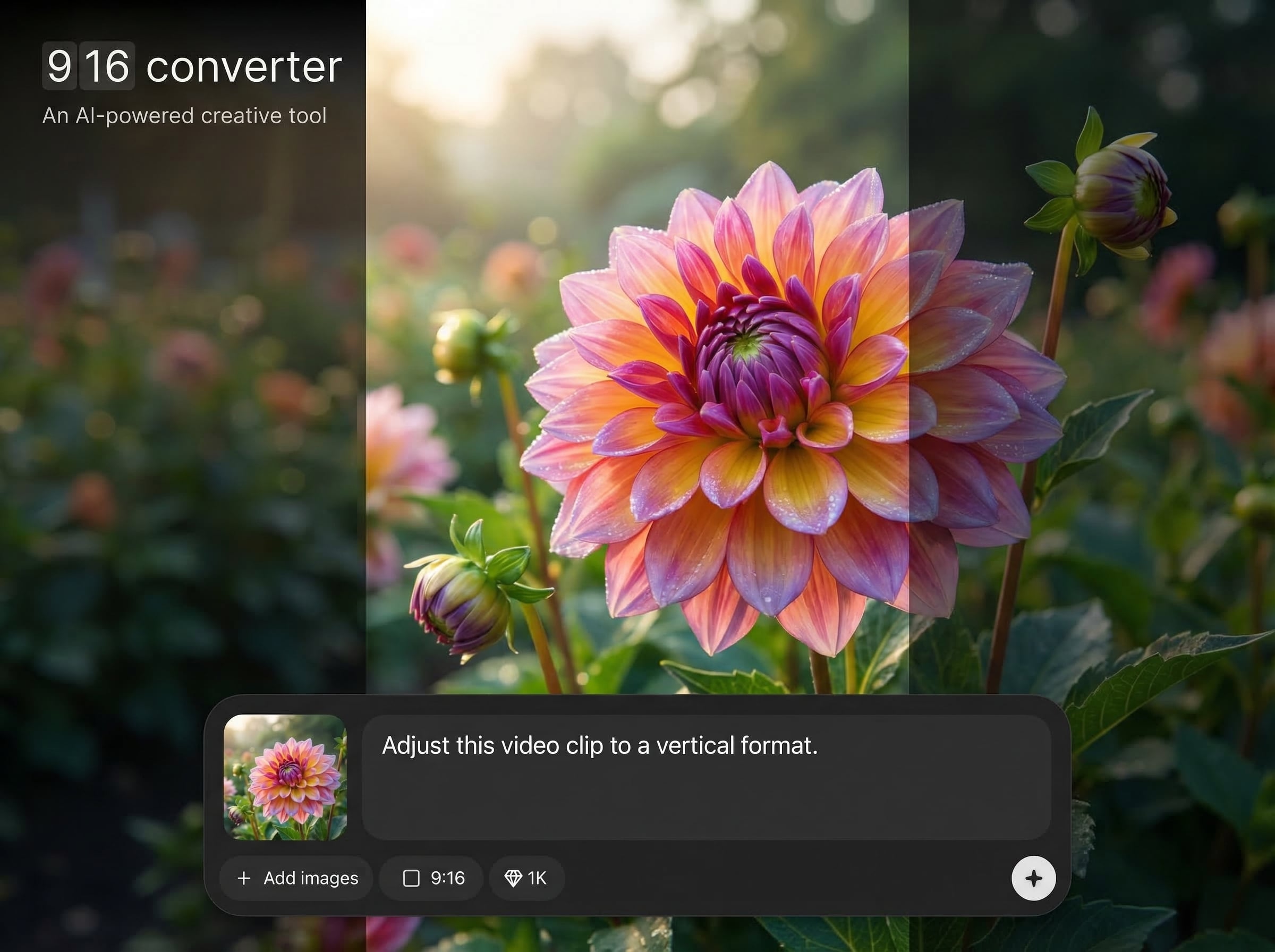
Adjust crop position, zoom, and safe areas when you need precision. Combine AI auto-framing with manual tweaks to match your brand layout and captions.
About
9 16 converter turns horizontal or square footage into clean 9:16 vertical video using AI smart framing. Automatically detects the main subject, applies intelligent cropping, and preserves key action in every shot. Export vertical-ready clips for TikTok, Instagram Reels, and YouTube Shorts in minutes, with consistent composition and fewer manual edits.
Get cleaner vertical video with AI-assisted reframing that keeps subjects centered and compositions balanced. Save editing time with fast conversions and dependable 9:16 outputs made for Shorts, Reels, and TikTok. Flexible controls let you refine results when a scene needs extra precision.
Open 9 16 converter, upload your video, select 9:16, and enable smart crop. Preview the framing, make quick adjustments if needed, then export a vertical file ready to post.
Use cases
Discover how different creators use this app in their workflow.
Turn widescreen interviews, podcasts, and tutorials into vertical 9:16 clips while keeping the speaker centered and the framing consistent.
Convert campaign videos to 9:16 for mobile-first placements. Maintain product focus with AI cropping that avoids cutting off key visuals.
Standardize multiple clips into 9:16 for Reels, Shorts, and TikTok. Reduce time spent on manual reframing and repetitive edits.
Krea is one of the world's leading generative AI platforms. See what others say.
Real reviews on TrustpilotSo many AI tools out there but I always come back to Krea. It's really the one AI platform that 'just works'.

FYN
Krea's interfaces are still the best in the industry. Everything looks and feels so clean and easy to use! Imo the easiest to use gen AI website.

Lynn
Ultra fast generations. Extremely simple to use. All the latest AI models.

Daniel
KREA is the only AI subscription I have right now besides ChatGPT.

Sophia M.
Common questions about converting videos to 9:16 using AI smart cropping and resizing.
A 9:16 converter resizes video into a vertical aspect ratio for TikTok, Instagram Reels, and YouTube Shorts. AI framing helps keep important subjects centered and reduces manual cropping work.
AI smart crop uses machine learning to detect faces and primary subjects, then adjusts framing across shots. This helps preserve key action and avoids cutting off heads, captions, or products.
Some cropping is required when switching from widescreen to vertical, but AI reframing minimizes loss by tracking the subject. You can also fine-tune crop position and zoom for better composition.
TikTok, Instagram Reels, and YouTube Shorts commonly use 9:16 vertical video. Converting to 9:16 helps your content fill the screen, look native, and perform better on mobile feeds.
Yes, the 9 16 converter runs online so you can upload, resize, and export from your browser. It’s built for fast iteration and repeatable results across multiple clips.
Upload a clip and generate a vertical-ready 9:16 export with AI smart framing in minutes.

