














Step 1
Upload
Add your album, book, or podcast cover. The tool analyzes composition, text areas, and artifacts to prepare a targeted AI post-processing pass.
Upgrade cover images fast with AI post-processing. Enhance sharpness, color, and clarity for album, book, and podcast covers. Try it online now.

How to use Постобработка обложек
Upload your cover image, choose the enhancement goals, and let AI refine details automatically. In a few clicks you’ll get a cleaner, sharper cover ready for publishing across platforms and formats.
Step 1
Add your album, book, or podcast cover. The tool analyzes composition, text areas, and artifacts to prepare a targeted AI post-processing pass.

Step 2
Pick improvements like sharpening, denoise, color correction, and upscaling. Preview changes and adjust intensity to keep the original style intact.

Step 3
Download a high-quality image optimized for web or print. Use the refined cover as a final asset for stores, platforms, thumbnails, and ads.
Features
Turn rough or generated covers into polished, publish-ready assets. AI post-processing improves sharpness, removes noise and compression artifacts, balances color and contrast, and helps keep titles readable at small sizes. Export high-resolution results for streaming platforms, marketplaces, social previews, and print workflows—without time-consuming manual retouching.
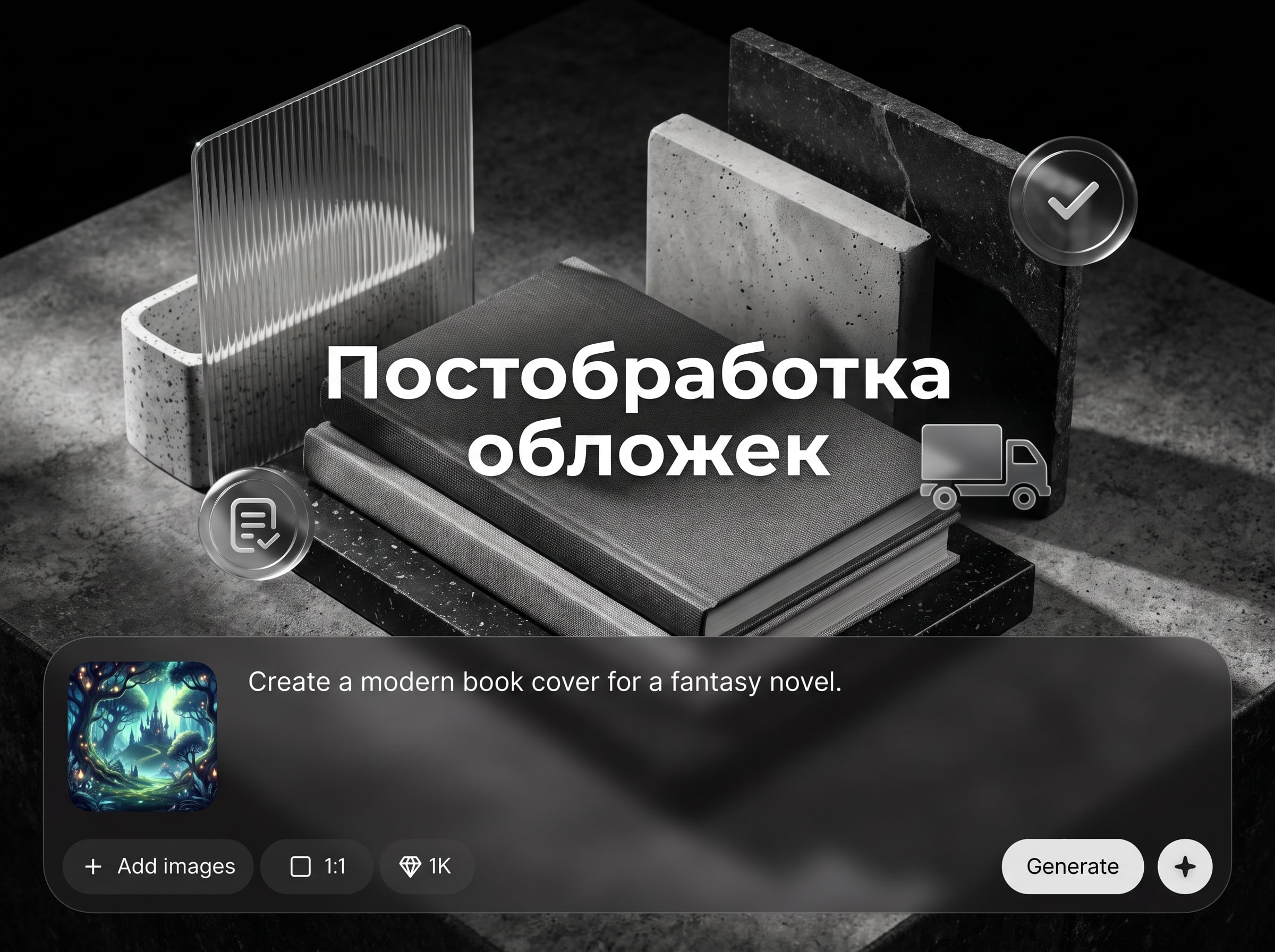
Improve micro-detail and edge definition while avoiding harsh halos. AI enhances textures and typography so covers look crisp on thumbnails and high-resolution displays.
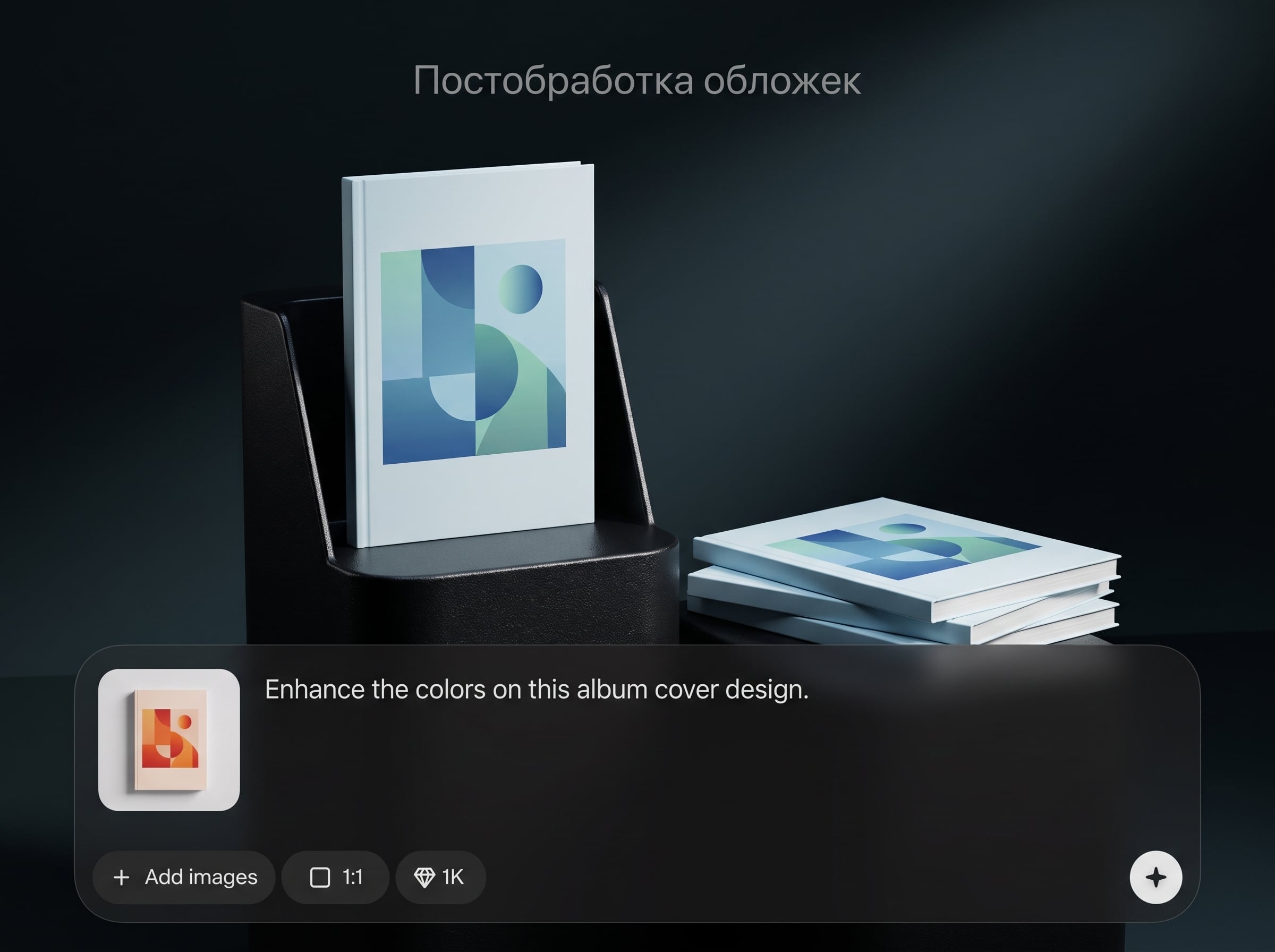
Remove grain, banding, and JPEG artifacts from exports or AI images. Get smoother gradients and cleaner backgrounds while preserving key details and linework.
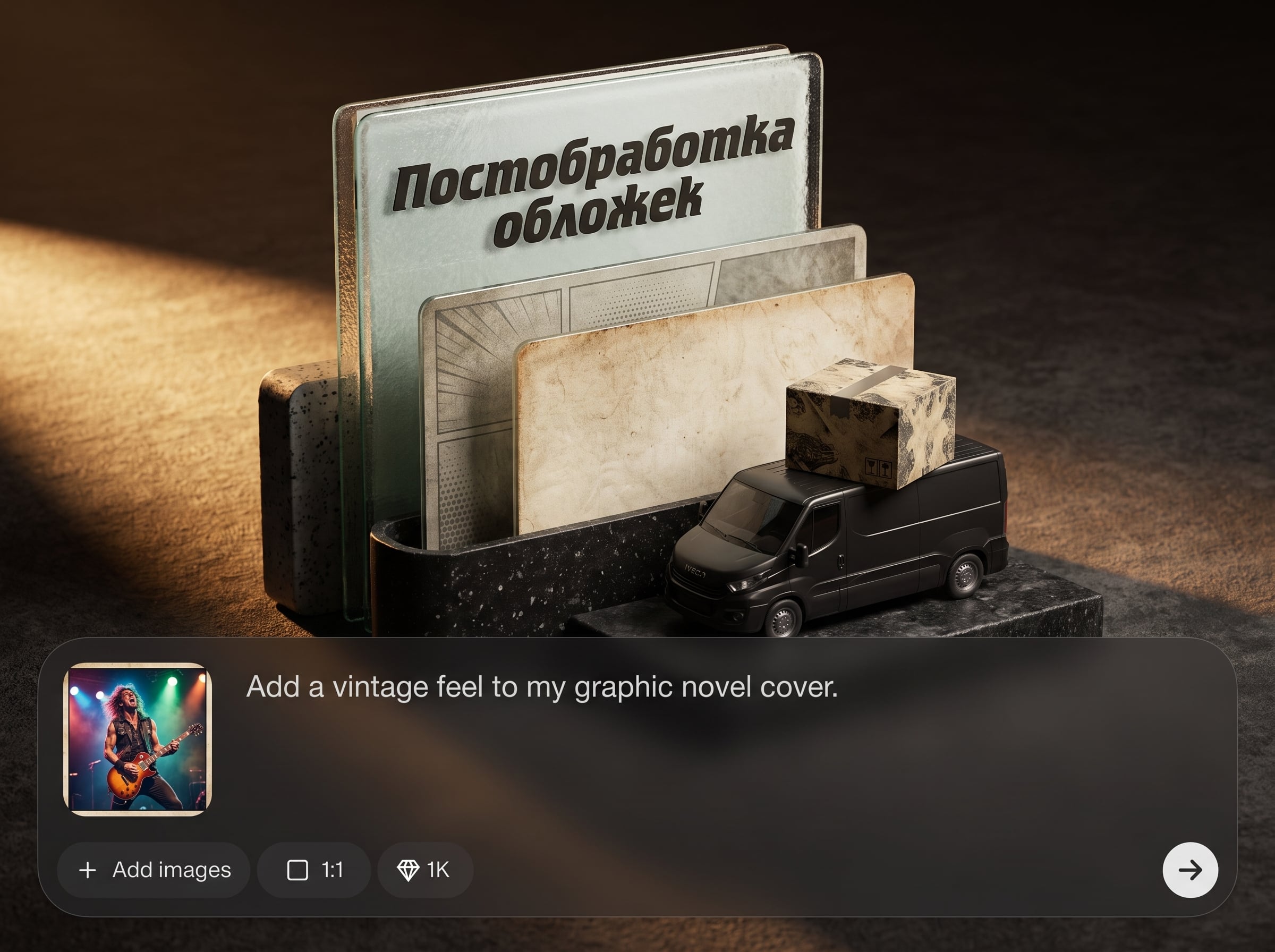
Auto-correct color casts, boost contrast, and recover dynamic range for a more professional look. Keep skin tones, artwork palettes, and brand colors consistent across formats.
About
Постобработка обложек — AI-инструмент для улучшения обложек после генерации или дизайна. Быстро повышайте резкость, чистоту, цвет и читаемость текста, исправляйте шум и артефакты, подготавливайте файлы под публикацию. Получайте аккуратный, «печатный» результат для альбомов, книг, подкастов и превью — без сложных настроек и долгого ручного ретуширования.
Get consistent, professional-looking covers with fast AI post-processing focused on real publishing needs. Improve clarity, remove artifacts, and balance color without complex editing steps. The workflow is designed for repeatable results across albums, books, podcasts, and thumbnails.
Open the app, upload your cover, choose the enhancements you want, and export. You’ll have a sharper, cleaner file in minutes—ready for web, stores, or print.
Use cases
Discover how different creators use this app in their workflow.
Refine AI-generated or designed artwork for streaming platforms. Improve sharpness, reduce noise, and keep text readable in small square thumbnails.
Polish covers for marketplaces with cleaner typography and balanced color. Export high-resolution images suitable for digital listings and print-ready files.
Make covers pop on mobile feeds with clarity and contrast improvements. Remove artifacts and boost legibility for titles, logos, and icons.
Krea is one of the world's leading generative AI platforms. See what others say.
Real reviews on TrustpilotSo many AI tools out there but I always come back to Krea. It's really the one AI platform that 'just works'.

FYN
Krea's interfaces are still the best in the industry. Everything looks and feels so clean and easy to use! Imo the easiest to use gen AI website.

Lynn
Ultra fast generations. Extremely simple to use. All the latest AI models.

Daniel
KREA is the only AI subscription I have right now besides ChatGPT.

Sophia M.
Quick answers about AI cover post-processing, quality, exports, and best practices.
It applies AI post-processing to cover images to improve sharpness, reduce noise, fix artifacts, and balance color and contrast. The goal is a cleaner, publish-ready cover with better readability.
Yes. It works well for square album art, book/eBook covers, podcast artwork, and thumbnails. Upload your image and export a refined version optimized for your platform’s requirements.
The tool focuses on enhancement rather than redesign. It cleans and sharpens details, reduces artifacts, and improves tonal balance while aiming to preserve your original composition, colors, and overall aesthetic.
AI upscaling increases resolution while reconstructing detail, which helps covers look sharper on high-DPI screens and in print. It’s especially useful for small exports or compressed images.
Yes. By boosting clarity, contrast, and edge definition, titles and small typography become easier to read—especially in thumbnails. Results depend on the original font weight and spacing.
Common formats like JPG and PNG are typically supported. For best results, upload the highest-quality file you have, avoiding heavily compressed images whenever possible.
It’s an AI image enhancement tool for post-processing, not a full layout editor. Use it after designing or generating artwork to finalize quality, clarity, and consistency for publishing.
Start with moderate enhancement settings and preview at 100% zoom. Increase intensity only when needed, and keep an eye on edges around text and faces to prevent halos or oversmoothing.
It can reduce common artifacts like blockiness, ringing, and gradient banding by denoising and smoothing transitions. For best cleanup, use a less-compressed source image when available.
The app processes your image to generate the enhanced output. If training or data retention options exist, they’re provided in the product’s settings or policy for clear control.
Upload a cover, enhance with AI, and export a clean, high-resolution result for any platform.

