














Step 1
Choose input
Enter a detailed text prompt or upload a photo. Set aspect ratio and subject focus to guide composition, then pick a baseline style to begin generation.
Generate gallery-style AI paintings from prompts or photos. Choose styles, refine details, and export high-res art fast with Agoria AI Paintings.
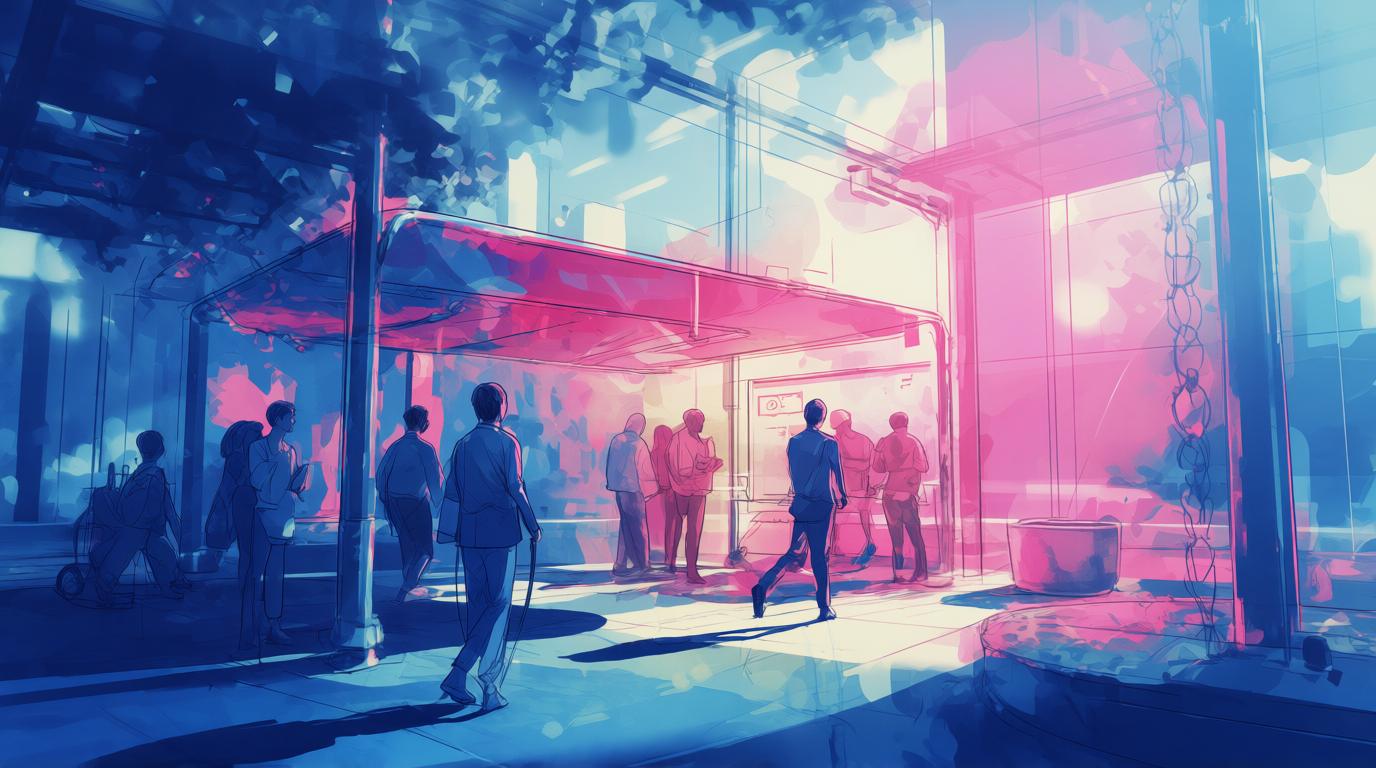
How to use Agoria AI Paintings
Follow these steps to generate professional AI paintings quickly. Start with a prompt or image, select a style, then refine composition and export a high-resolution result ready to share or print.
Step 1
Enter a detailed text prompt or upload a photo. Set aspect ratio and subject focus to guide composition, then pick a baseline style to begin generation.

Step 2
Generate multiple variations, then adjust style strength, color palette, and lighting. Use iterative prompts to sharpen details, improve faces, and keep results consistent.

Step 3
Upscale for crisp edges and fine texture, then download in high resolution. Export formats suited for printing, web sharing, or adding to design workflows.
Features
Agoria AI Paintings generates fine-art images with control over style, mood, and detail. Create cohesive series with consistent aesthetics, iterate quickly with variations, and upscale for print-ready clarity. From classic oils to modern abstracts, produce polished artwork without complex editing software.
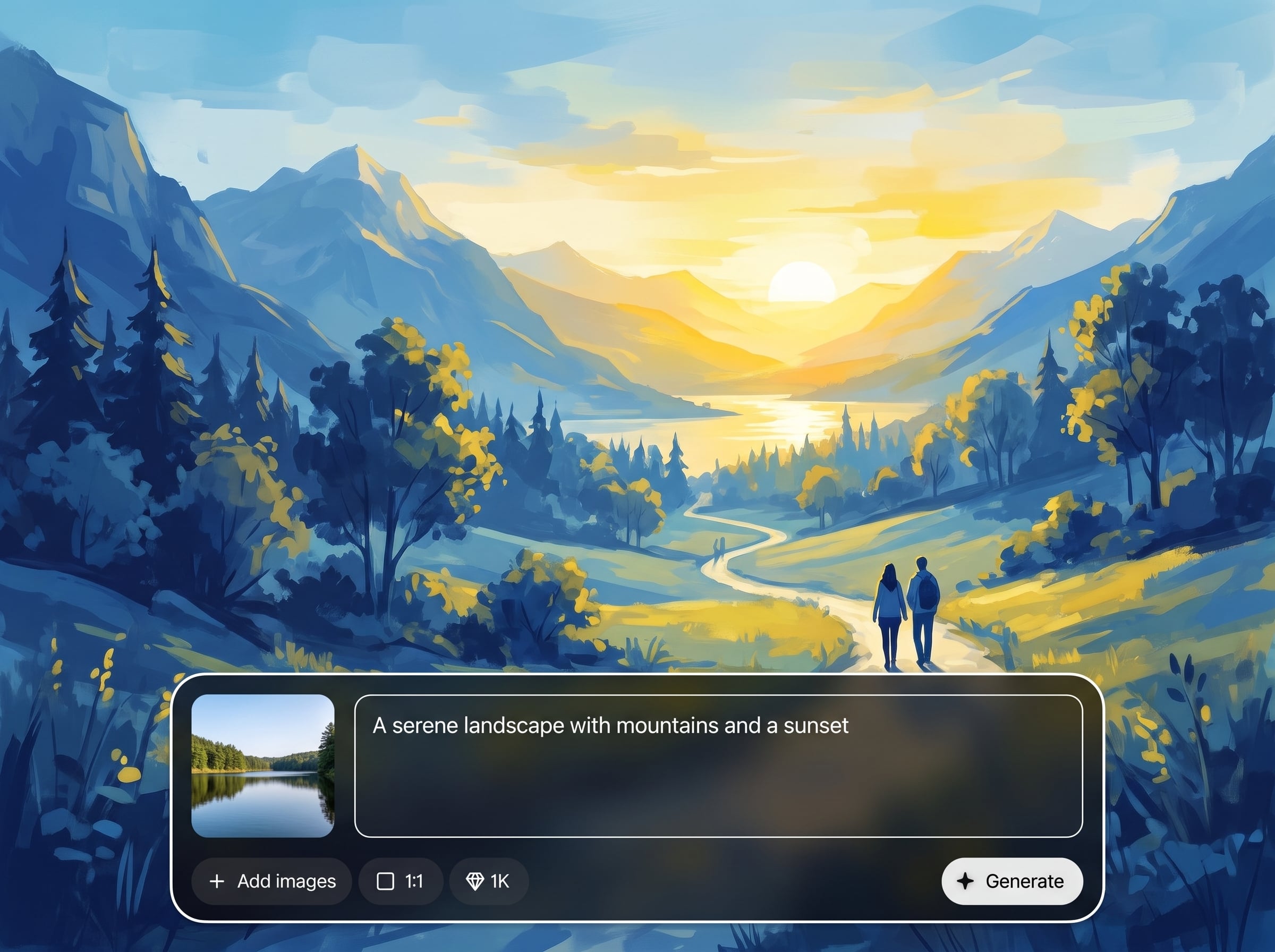
Convert prompts into detailed paintings with rich brush texture and balanced composition. Choose art movements and mediums to match the look you need, then generate multiple options instantly.
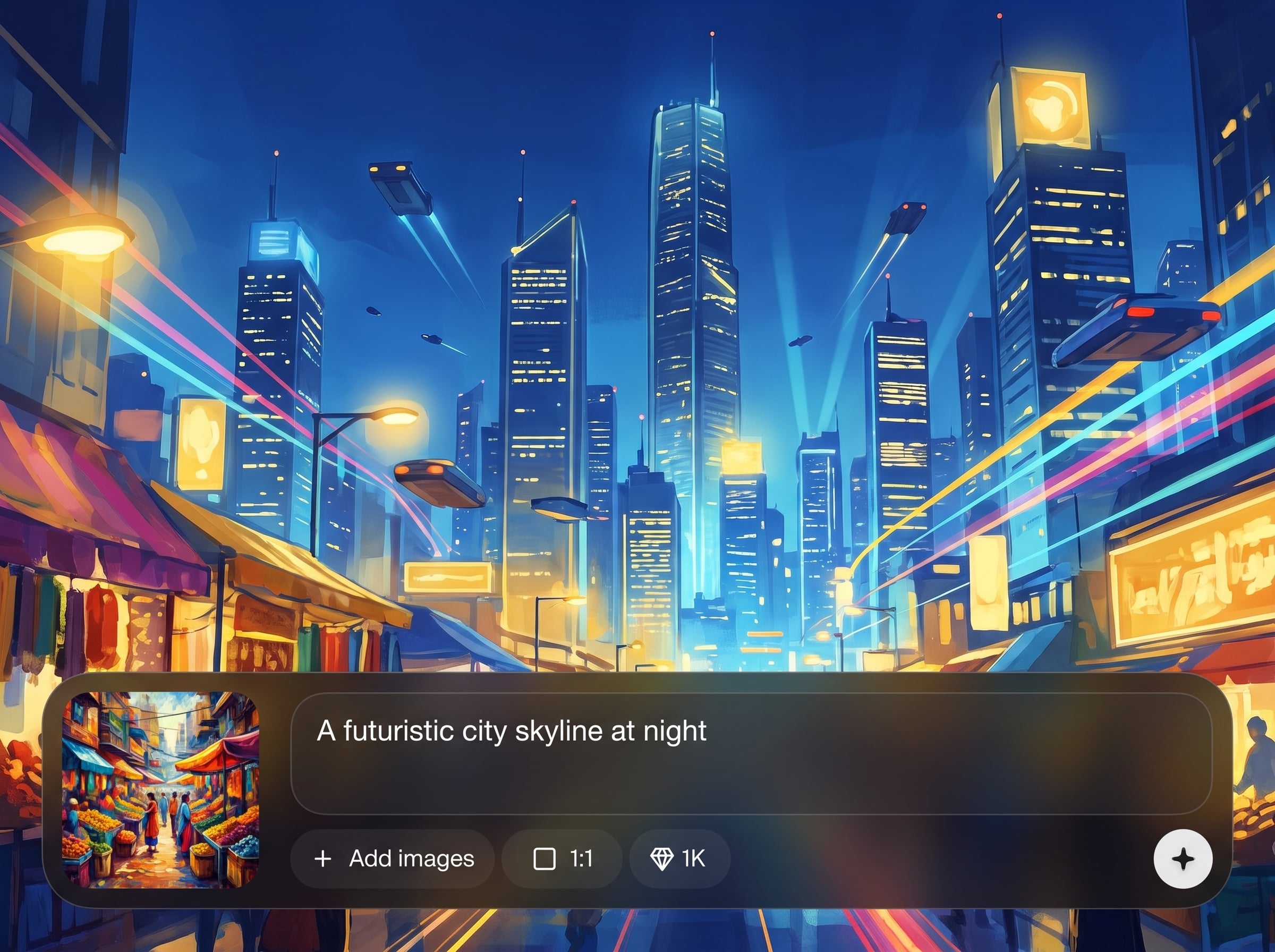
Upload a photo and transform it into an artistic painting while preserving key shapes and subjects. Control how strongly the style applies for subtle enhancements or dramatic reworks.
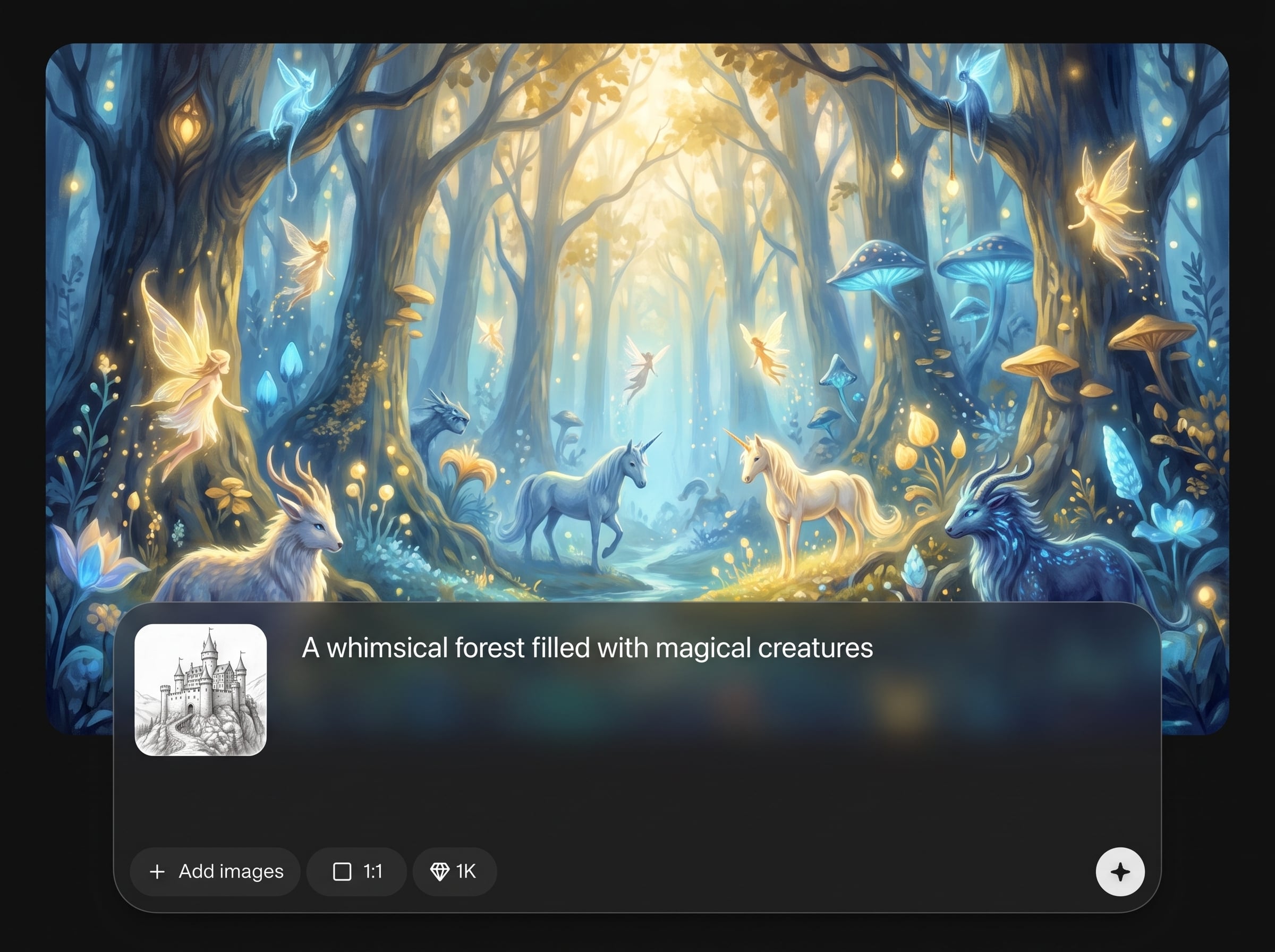
Explore variations quickly to lock in the best concept, then upscale for clean details. Download high-resolution files suitable for prints, posters, product mockups, and online galleries.
About
Agoria AI Paintings turns prompts or photos into museum-quality artwork in seconds. Generate oil, watercolor, acrylic, and abstract looks with precise style controls, lighting tweaks, and detail refinement. Export high-resolution files for prints, posters, mockups, and digital portfolios—fast, consistent, and easy to iterate.
Agoria AI Paintings prioritizes controllable fine-art results—style, mood, and detail are easy to steer. Generate multiple variations fast, refine with simple adjustments, and export high-resolution files ready for print or digital use.
Type a prompt or upload a photo, pick a painting style, and generate variations. Refine the best result with small prompt edits, then upscale and download a high-resolution image.
Use cases
Discover how different creators use this app in their workflow.
Generate high-resolution AI paintings for posters, canvas prints, and framed artwork. Keep a consistent style across a collection with repeatable prompts and variation control.
Create distinctive painted visuals for landing pages, ads, and social posts. Match brand mood with style presets, color palettes, and lighting adjustments for cohesive design.
Produce rapid painting concepts for environments, characters, and themes. Iterate variations, test compositions, and export polished images for presentations and creative planning.
Krea is one of the world's leading generative AI platforms. See what others say.
Real reviews on TrustpilotSo many AI tools out there but I always come back to Krea. It's really the one AI platform that 'just works'.

FYN
Krea's interfaces are still the best in the industry. Everything looks and feels so clean and easy to use! Imo the easiest to use gen AI website.

Lynn
Ultra fast generations. Extremely simple to use. All the latest AI models.

Daniel
KREA is the only AI subscription I have right now besides ChatGPT.

Sophia M.
Common questions about generating AI paintings, styles, exports, and usage.
Agoria AI Paintings is an AI painting generator that creates fine-art images from text prompts or photos. It uses artificial intelligence to produce styled results and supports iterative refinement and high-resolution exports.
Enter a descriptive prompt including subject, style, lighting, and mood. Generate variations, then adjust style strength and details to refine the result. Export your favorite version in high resolution.
Yes. Upload a photo and choose a painting style such as oil, watercolor, or acrylic. Control how closely the output follows the original image while adding artistic texture and color.
You can generate a range of styles including classical oils, watercolor washes, acrylic strokes, impressionist looks, and modern abstracts. Style controls help tune brush texture, palette, and overall intensity.
Reuse a structured prompt, keep key descriptors consistent, and generate multiple variations to select a cohesive set. Make small controlled changes to composition or palette rather than rewriting the entire prompt.
Yes. Use the upscale and export options to download high-resolution images with sharper details and cleaner edges. This makes results better suited for posters, canvas prints, and product mockups.
Add specific guidance in your prompt and iterate with targeted refinements. Adjust style strength to reduce distortions, generate more variations, and choose outputs with the most accurate anatomy and clean features.
Yes, it’s an online AI art generator designed for quick painting creation. You can generate, refine, and download artwork from a browser without installing heavy image editing software.
It focuses on painting-specific aesthetics like brush texture, medium-like blending, and fine-art styling. Control tools help steer mood and consistency, while high-res exports support real-world printing workflows.
Create fine-art images from prompts or photos, refine styles, and export high-resolution results in minutes.

