AI Engagement Ring Generator: Preview Styles Online
I said YES turns your hand photo into an engagement-ready announcement in seconds. Upload a photo of your hand and get 3 realistic classic ring options placed on your finger, matched to your lighting, angle, and skin tone. Preview styles fast, compare details, and pick the look that feels most true to your moment.

Example output
Use I said YES to generate a realistic engagement ring preview from your own hand photo. Upload an image, let AI match lighting and skin tone, then choose from three classic ring options for sharing.
How to use I said YES
Create a realistic engagement preview
1 Upload
Upload a clear photo of your hand in any environment. Keep your finger visible so the AI can read angle, lighting, and skin tone accurately.
2 Generate
Run the AI ring try-on to create three classic engagement ring options. Each result is placed on your finger with realistic reflections and shadows.
3 Choose & Share
Compare the three ring styles and select your favorite. Download your engagement announcement image and share it wherever you want, instantly.
Features
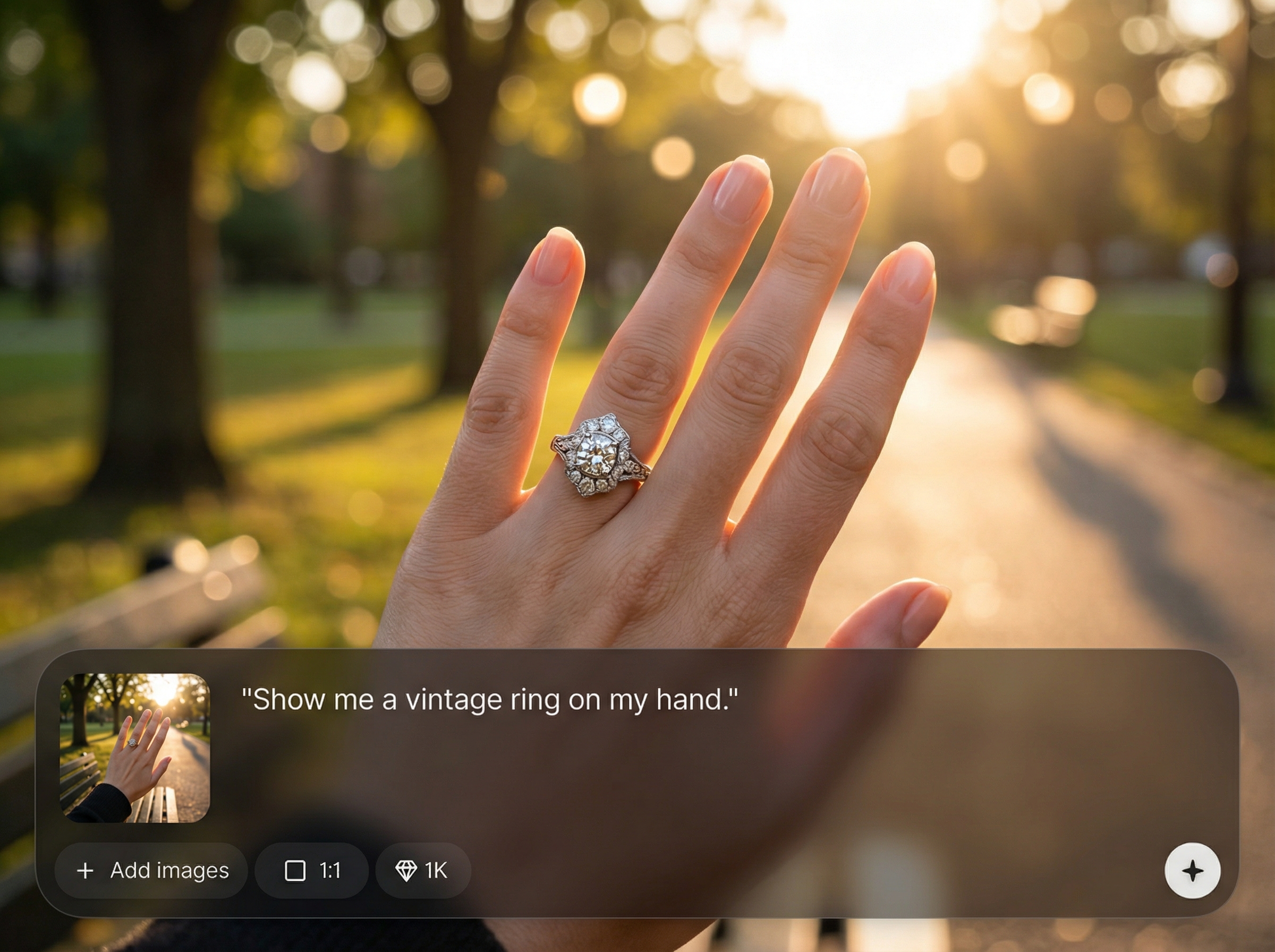
Create a realistic engagement ring announcement from a single hand photo. I said YES uses AI to place classic ring options on your finger with accurate scale, angle, and skin tone. Lighting-aware rendering adds natural shadows and reflections so results look like a real photo, not a sticker overlay.
Realistic ring placement
AI maps your finger position and perspective to place rings with natural fit. Get believable proportions, alignment, and detail so the ring looks worn, not pasted on.
Lighting and skin tone match
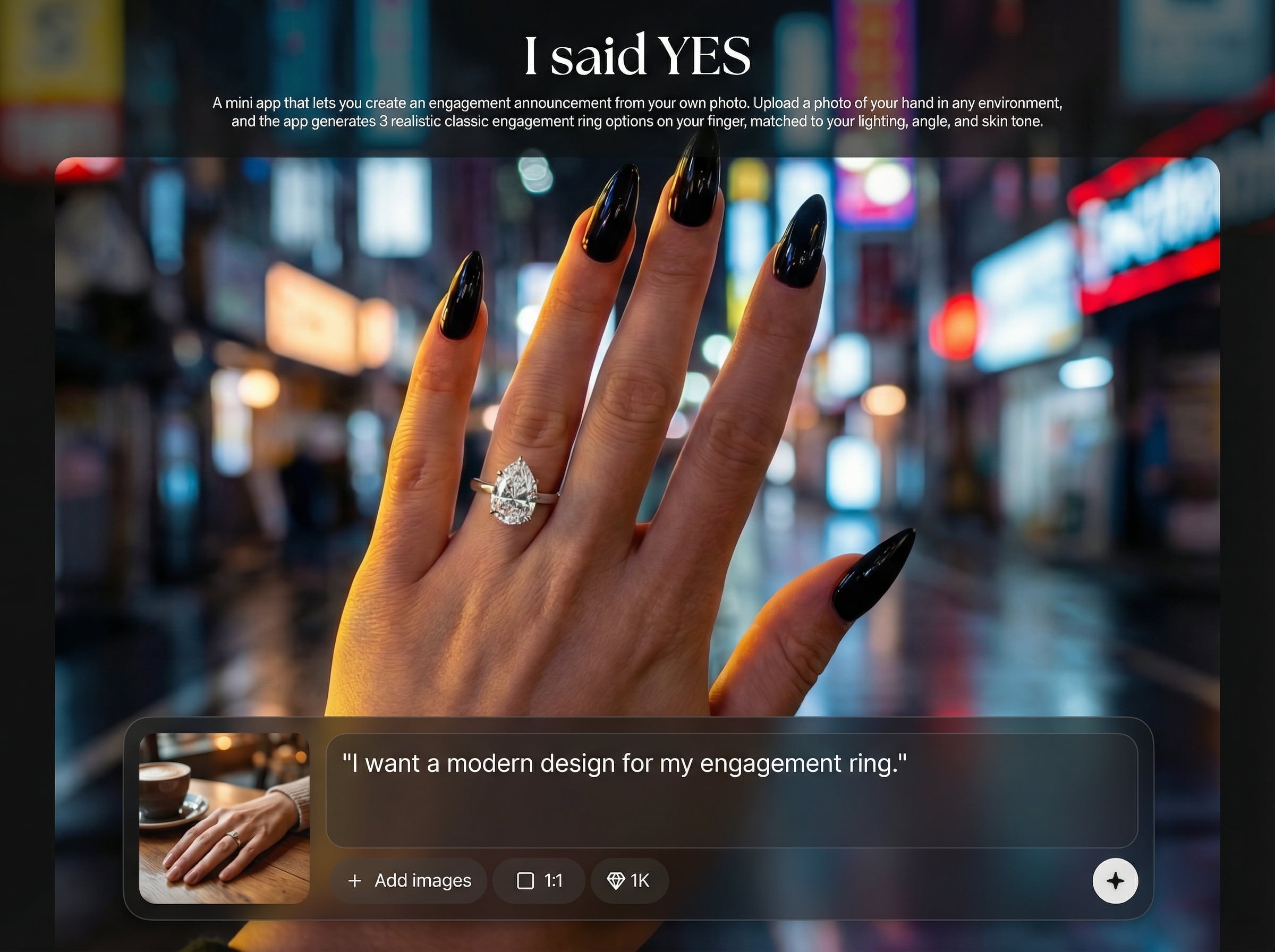
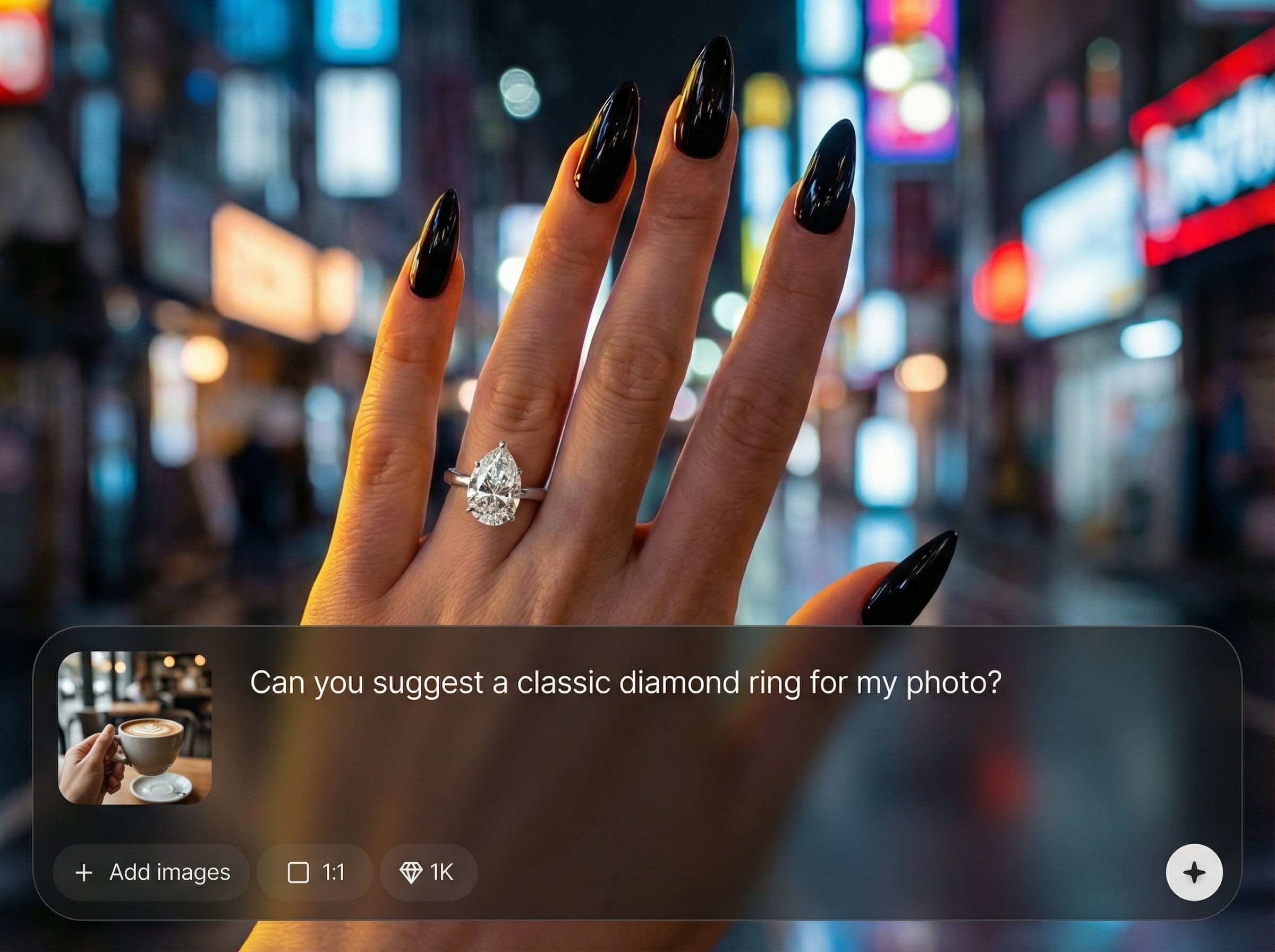
Automatic lighting and color matching blends the ring into your scene. Highlights, shadows, and tone are adjusted to your photo for a cohesive, realistic engagement preview.
Three classic options instantly
Generate three timeless ring styles in one run to compare looks quickly. Save time iterating and focus on choosing the option that best matches your photo and vibe.
Who is I said YES for?
Discover how different users leverage this AI tool to enhance their creative workflow.
Engagement announcement mockups
Create a polished engagement announcement image from a casual hand photo. Generate realistic ring options and pick the best look for social posts or messages.
Ring style comparison
Preview three classic engagement ring looks on your own finger. Compare how different settings read with your hand angle, lighting, and skin tone.
Fast photo enhancements
Upgrade a favorite moment photo without complex editing. Use AI ring try-on to add realistic jewelry details and keep the scene natural.
Why Choose I said YES?
I said YES is built for fast, realistic engagement previews from real photos. AI placement respects your finger angle and scale, while lighting and skin-tone matching creates natural blending. Get three classic ring options at once, so you can compare styles without extra edits or guesswork.
Getting Started
Open I said YES, upload a clear hand photo, and generate your results. In seconds you’ll see three realistic ring options matched to your scene, ready to download and share.
Trusted by over 30 million users and companies worldwide. Krea is one of the world's leading generative AI platforms.
Intuitive, powerful, and free. See what others say about Krea.
Read our testimonials
So many AI tools out there but I always come back to Krea. It's really the one AI platform that 'just works'.

FYN
Krea's interfaces are still the best in the industry. Everything looks and feels so clean and easy to use! Imo the easiest to use gen AI website.

Lynn
Ultra fast generations. Extremely simple to use. All the latest AI models.

Daniel
KREA is the only AI subscription I have right now besides ChatGPT.

Sophia M.


Frequently asked questions
Quick answers about AI ring try-on, realism, and photo requirements.
Upload your hand photo and get three realistic engagement ring options, matched to your lighting and skin tone.
Make your engagement preview in seconds
Explore More AI Tools
Discover other powerful AI tools on Krea to enhance your creative workflow.
Generate high-quality images with state of the art models
- AI Image Generator – FLUX.1 Krea
Generate images with FLUX.1 Krea for free
- AI Image Generator – Wan 2.2
Generate images with Wan 2.2 for free
- AI Image Generator – Qwen
Generate images with Qwen for free
- AI T-Shirt Design Generator
AI T-Shirt Design Generator - Create Custom Shirt Designs Free
- Upscale Image
Upload as photo and let Krea boost its quality up to 8K resolution.
- AI Polaroid Photo Generator
Create Polaroid photos with AI
Generate videos with AI
- AI Video Generator – Sora 2
Generate videos with Sora 2
- AI Video Generator – Veo 3.1
Generate videos with Veo 3.1
Edit images with AI: turn photos into cartoons, remove text, change styles and more
- Nano Banana Pro Editor
Edit Images with Nano Banana Pro
- Text Remover
Remove Text From Images for Free - AI Text Removal Tool
- AI Hairstyle
AI Hairstyle Changer - Try Haircuts & Hair Styles Online Free
- Object Remover
Remove objects from images for free.
- Change Lighting
Change lighting in your photos instantly for free.
- Cartoonify
AI Cartoon Generator - Turn a Photo Into a Cartoon for Free
- Colorize
Add vibrant colors to your photos for free.
- Movie Poster
AI Movie Poster Generator
- Clothes Changer
AI Clothes Changer - Free Virtual Try On
- Nano Banana Image Editor
Edit Images with Nano Banana
- Product Photo
AI product photography with people holding products
- Image to Image
Transform any image with AI for free
Community AI Apps
Discover AI apps created by the Krea community
- Hydraulic Press
Watch your favourite item get crushed!
- Behind The Scenes
Transform any image into a cinematic behind-the-scenes video. Upload a photo and watch the app reveal how the moment could have been filmed using dynamic camera setups, props, lighting, and crew movement.
- Hairstyle Changer
Transform your hair into any hairstyle in any color.
- GTA Me!
Upload a photo of yourself and complete the mission.
- Caricature Me
Caricature Me turns everyday photos into bold, expressive caricatures that highlight what makes each face unique. By amplifying defining features while keeping the subject instantly recognizable, the app creates playful portraits that feel personal, funny and a little offensive.
- Cinematic 9-Angle Grid
This app turns a single 16:9 reference frame into a 3x3 collage of nine cinematic angles of the same action, keeping the characters, poses, and lighting while changing only the camera. Powered by Nano Banana Pro for maximum realism and quality.
- Style Transfer with Nano Banana
Transfer the style of the input image into any prompt.
- Gameboy Me
Create a Gameboy style character of yourself or any character you choose, let the app decide your map setting and action as you move through the level
- Hair Tattos
Upload your logo or any shape the app will realistically shave it onto the horse. No horses were harmed <3
- On Set Selfie Generator
Generates POV selfies with actors from your chosen TV show or movie. Input your portrait + specify the show/film → outputs a realistic on-set selfie moment as if you're there with the cast. Perfect for fan content or immersive behind-the-scenes vibes.