Build workflows together, live.
Multiplayer Nodes puts your whole team on one Krea canvas. See every cursor, edit at the same time, and watch each run land for everyone.
Live co-editing on Enterprise · View sharing on every plan
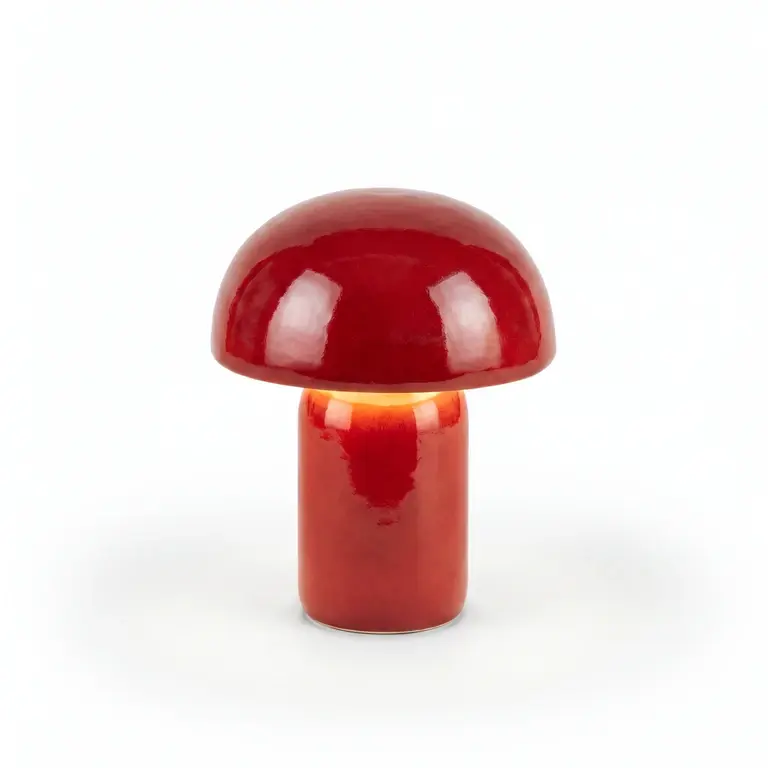
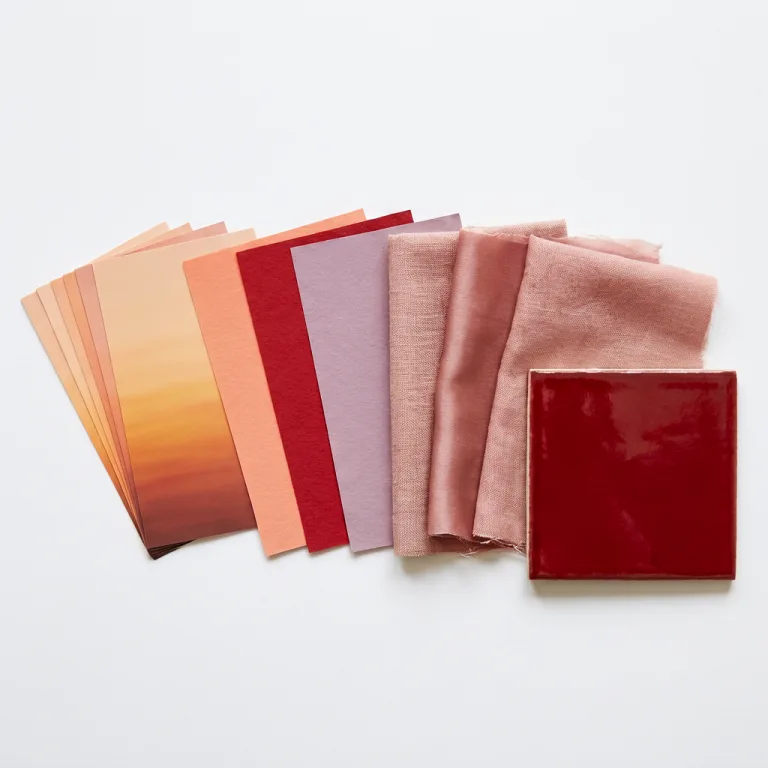
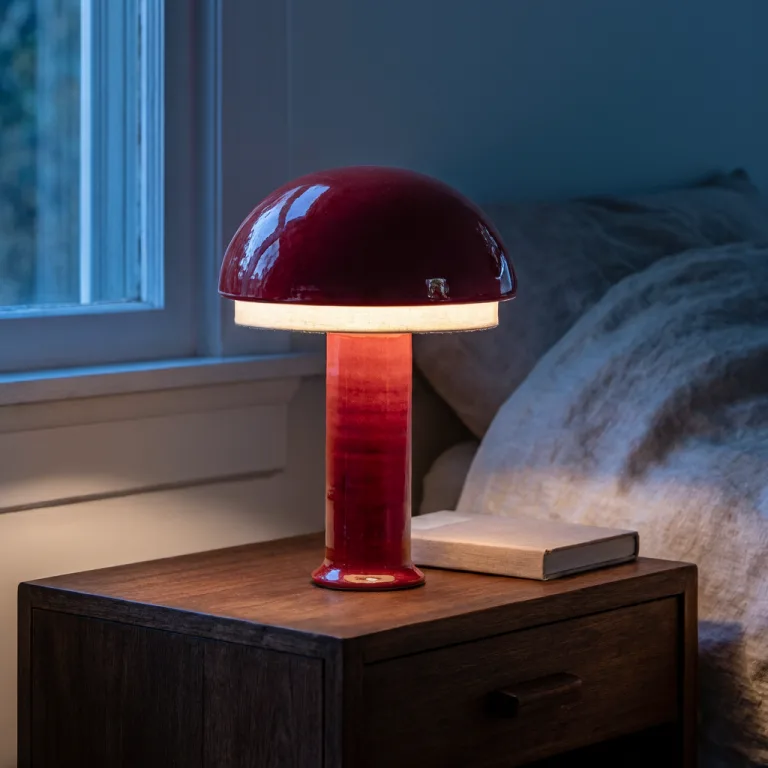
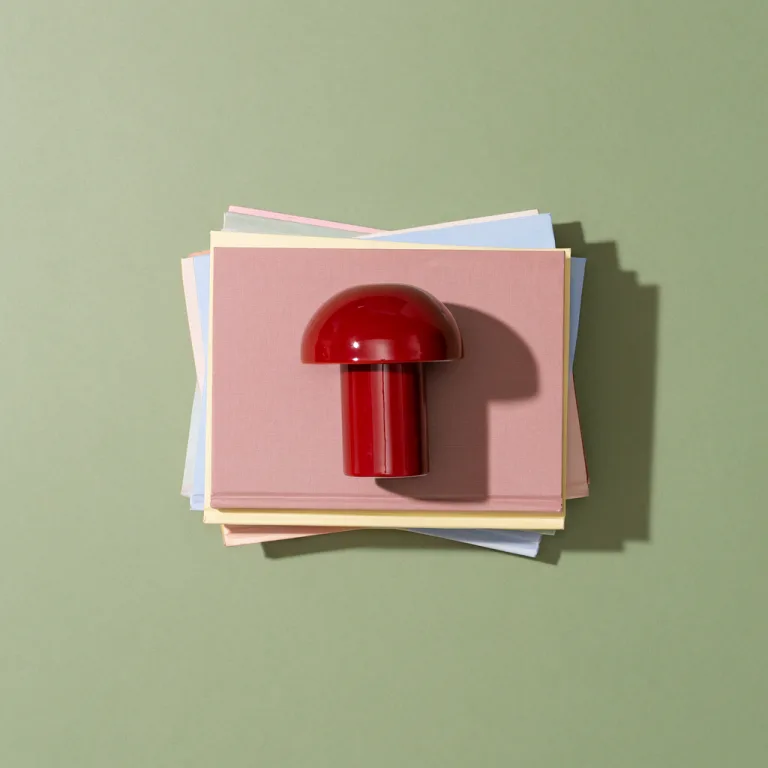
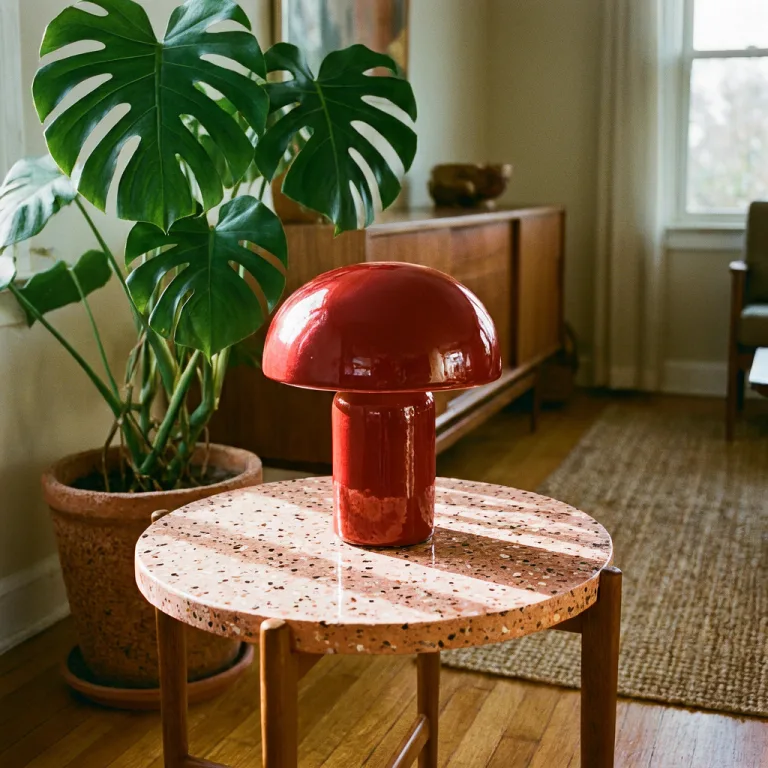
Our red mushroom lamp in four campaign scenes. Sunset palette.
 Waiting
 Waiting
 Waiting
 Waiting
Client loves the red. Keep it glossy 🍒
Go on, grab a node. Maya won’t mind.
- Cursors
- Selections
- Drag boxes
- Node moves
- Prompts
- Connections
- Run status
- Outputs
- Sticky notes
- Renames
- Sections
- Agent edits
- Cursors
- Selections
- Drag boxes
- Node moves
- Prompts
- Connections
- Run status
- Outputs
- Sticky notes
- Renames
- Sections
- Agent edits
Same canvas.
Same second.
Every move, prompt, connection and rename syncs as you make it. Drag a node on one laptop and watch it land on the other.
Lamp on desert dunes, golden hour
Lamp on desert dunes, golden hour
Everyone, every edit
Cursors, selections and drag boxes show up in each person’s color, so you always know who is about to touch what.
Last change wins, per field
Maya moves a node while Jun rewrites its prompt? Both land. Only the same field on the same node keeps the latest change.
No more “modified in another tab”
Open the project in as many tabs and on as many laptops as you like. There is nothing to merge and nothing to reload.
Your ⌘Z
is yours.
Undo and redo only step through what you changed. Hammer ⌘Z as much as you like: Maya’s note and Jun’s new scene stay right where they are.
Try it. Press ⌘Z, or ⇧⌘Z to redo.
- Y Changed the prompt to “sunset palette” You
- M Moved Moodboard next to Product Maya
- Y Connected Product → Krea 3 You
- J Added a Pool scene output Jun
- Y Renamed the project “Lamp campaign” You
- M Left a note: “Client loves the red” Maya
One run.
Front-row seats for everyone.
Anyone with edit access can press Run. The whole team watches each node go from queued to done, and the outputs land on every screen at once.
- Product —
- Krea 3 —
- Upscale —
- Product —
- Krea 3 —
- Upscale —
- Product —
- Krea 3 —
- Upscale —
Live status for everyone
Queued, running, done or failed. Every editor sees the same state on every node, and new outputs join each node’s history.
Whoever presses Run, pays
Jobs bill the person who started them, in their active workspace. No surprise charges on a teammate’s account.
Keeps going in the background
Start a long chain and switch tabs. The next node still starts as soon as the last one finishes.
Your Agent is
on the team, too.
The Krea Agent and MCP clients like Claude edit Nodes the same way people do. Their changes sync to everyone, right on the canvas.
Share a project with people, your whole workspace, or anyone with the link. View or edit, for each.
Pull up a chair.
Or just watch.
Share “Lamp campaign”
NodesAdd people from your workspace, share with everyone in it, or make it public.
- Y You Owner
- M Maya
- J Jun
General access
| In a shared project, they can… | |||
|---|---|---|---|
| Open the graph and its inputs | ✓ | ✓ | ✓ |
| Duplicate it into their workspace | ✓ | ✓ | ✓ |
| See outputs and run history | – | ✓ | ✓ |
| Run nodes (billed to them) | – | ✓ | ✓ |
| Edit the canvas live | – | ✓ | ✓ |
| Show up with a live cursor | – | ✓ | ✓ |
| Change who has access | – | – | ✓ |
- Public links are always view only.
- Edit access works for people in the project’s own workspace.
- Workspace admins don’t get a project unless it’s shared with them.
Rewind the
whole room.
Nodes saves a version at most every five minutes and keeps each one for five days. Restore one and everybody watches the canvas roll back.
Four campaign scenes, sunset palette
Who gets the good seats.
Every Krea plan can share a Nodes project to view. Editing together live comes with Enterprise.
Every plan
View sharing
- ✓Share with people, your workspace, or a public link
- ✓Viewers open the graph and its inputs
- ✓Viewers duplicate it to remix their own copy
- ✓Version history, five days back
Enterprise
Multiplayer editing
- Everything on every plan, plus:
- ✓Give people and workspaces edit access
- ✓Live cursors, selections and presence
- ✓Edit and run together on one canvas
- ✓Shared outputs and run history for editors
Multiplayer Nodes FAQ
Multiplayer Nodes lets several people edit the same Krea Nodes canvas at the same time. Everyone sees each other’s cursors, selections and drag-select boxes live, every edit syncs as it happens, and runs started by anyone show their progress and results for the whole team.
Sharing a project to view works on every plan: share it with your workspace, with specific people, or with a public link. Editing together, with live cursors and presence, needs the Enterprise plan on the workspace you are working in. Talk to sales to turn it on.
Edits resolve field by field and the last change wins. If Maya moves a node while Jun rewrites its prompt, both changes land. If both rewrite the same prompt, the later one stays. There are no merge dialogs and no “modified in another tab” warnings.
No. Undo and redo only step through the nodes and edges you changed yourself, so pressing ⌘Z never removes something a collaborator just made.
Whoever starts the run. Jobs are billed to the person who pressed Run, in their active workspace. Everyone else with edit access watches the status and outputs update live.
View access shows the graph itself: the nodes, their connections and their inputs. It does not show outputs or run history, and viewers cannot run or edit anything. They can duplicate the project into their own workspace to make their own copy.
Yes. Nodes saves a version at most every five minutes while the graph changes, and keeps versions for five days. Restoring one applies the difference as ordinary edits, so collaborators watch the canvas change in place.
Yes. The Krea Agent and MCP clients such as Claude edit Nodes through the same operations as people do, so their changes sync to everyone on the canvas like any other collaborator’s.